- Voice-first technology in 2026 has moved beyond simple timers to become a central hub for medication management, fall detection, and environmental climate control.
- Privacy and reliability are the primary considerations; always select systems that allow for local processing of voice commands to keep your data within the home.
- Implementation is incremental: Start with voice-controlled lighting and medication reminders before integrating complex health-monitoring sensors.
By 2026, the integration of voice-assisted technology into the home has evolved from a novelty into a robust tool for maintaining independence. For adults aged 60 to 80, these systems offer a way to manage health, safety, and daily tasks without the need for complex screen-based interfaces. This guide explores how to effectively utilize these advancements to support your lifestyle while maintaining privacy and security.
The Evolution of Voice-Assisted Care by 2026
In the past, voice assistants were limited to playing music or checking the weather. Today, the 2026 ecosystem is characterized by “context-aware” intelligence. These systems can now distinguish between a casual request for a song and an urgent call for assistance. They function by connecting to a network of sensors—motion detectors, smart plugs, and health monitors—that provide a comprehensive view of your daily wellbeing.
Why does this matter? For many, the transition to needing assistance is often slowed by the desire to remain in one’s own home. By automating routine adjustments—such as temperature, lighting, and medication prompts—you remove the cognitive load of remembering every detail, allowing you to focus your energy on hobbies, social connections, and physical activity.
Strategic Implementation: Where to Start
The most common mistake when adopting smart-home technology is over-complicating the setup. You do not need to turn your home into a futuristic laboratory. Instead, focus on “high-impact, low-friction” areas. Here is a recommended hierarchy for implementation:
| Priority | Category | Actionable Step |
|---|---|---|
| 1 | Safety | Install voice-activated lighting in hallways and bathrooms. |
| 2 | Health | Set up recurring voice reminders for hydration and medication. |
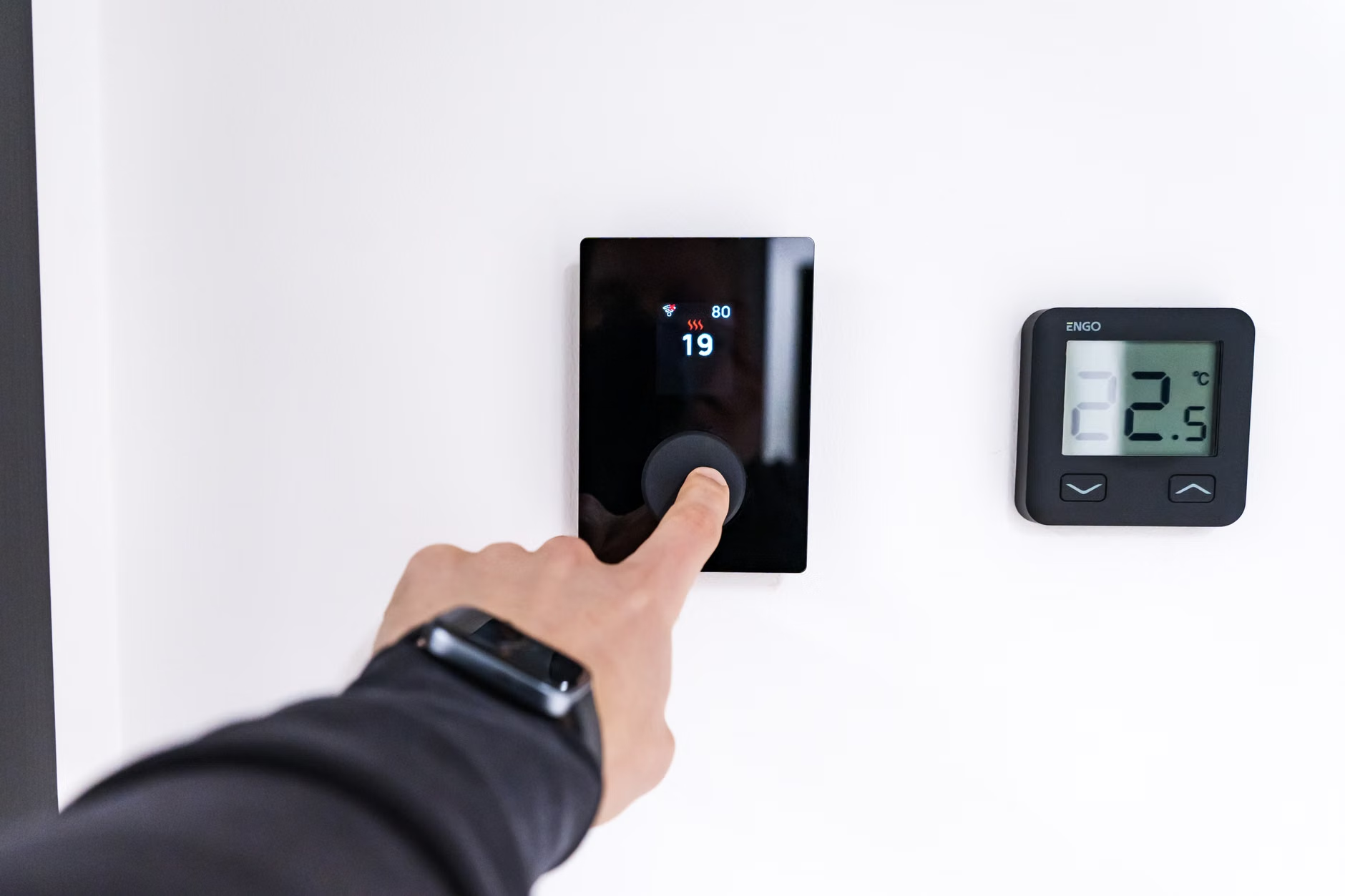
| 3 | Convenience | Sync your voice assistant with smart thermostats for climate control. |
Start by identifying one frustration in your home—perhaps it is the difficulty of reaching a switch at night or forgetting to take a supplement. Solve that one problem with a smart plug or a voice-activated bulb. Once you are comfortable with the interface, you can expand to more complex health-tracking integrations.
Voice assistants in 2026 have become highly specialized in medication adherence. Unlike older systems that simply beep, modern assistants can be programmed to ask, “Did you take your morning blood pressure medication?” and require a verbal “Yes” to log the event.
What it looks like in real life: A user may have a smart hub linked to a digital pill dispenser. At 9:00 AM, the assistant announces the dose. If the sensor in the dispenser does not register the pill being removed, the assistant follows up five minutes later. If it remains unremoved, it can send a notification to a designated caregiver or family member.
Important Note: These devices are tools for adherence, not clinical diagnostics. They cannot determine if a medication is working or if you are experiencing side effects. You must continue to maintain your regular schedule of professional medical appointments and keep a physical or digital log of your symptoms to discuss with your doctor.

Environmental Safety: Reducing Fall Risks
Falls are a leading cause of injury for adults over 65. Voice-assisted care addresses this by reducing the need to move across a room to adjust lights or check doors. In 2026, many systems include “presence sensing.” If you walk into a room, the lights adjust automatically, and the voice assistant can be programmed to announce if a door has been left unlocked or if a window is open.
Steps to enhance safety:
- Voice-Activated Entry: Use smart doorbells and locks that allow you to check who is at the door via voice command without having to stand up.
- Automated Lighting: Program “night mode” routines. A single command like “Goodnight” can lock the doors, turn off the downstairs lights, and dim the bedroom lights to a safe, low level.
- Emergency Integration: Ensure your system is connected to a reliable emergency alert service that can be triggered by a specific voice command or a wearable button.
Privacy and Data Security: The Essential Trade-off
When inviting technology into your home, you are inviting data collection. In 2026, the gold standard is “edge computing.” This means that your voice commands are processed locally on the device in your home rather than being sent to a cloud server. When shopping for devices, look for labels that specify “local voice processing.”
Common Misconception: Many believe that smart assistants are constantly recording and sending audio to the internet. While they are “listening” for a wake word, high-quality devices are designed to discard audio that does not contain that specific activation signal. To be extra cautious, look for devices with a physical “mute” button that disconnects the microphone electrically.
Selecting the Right Equipment
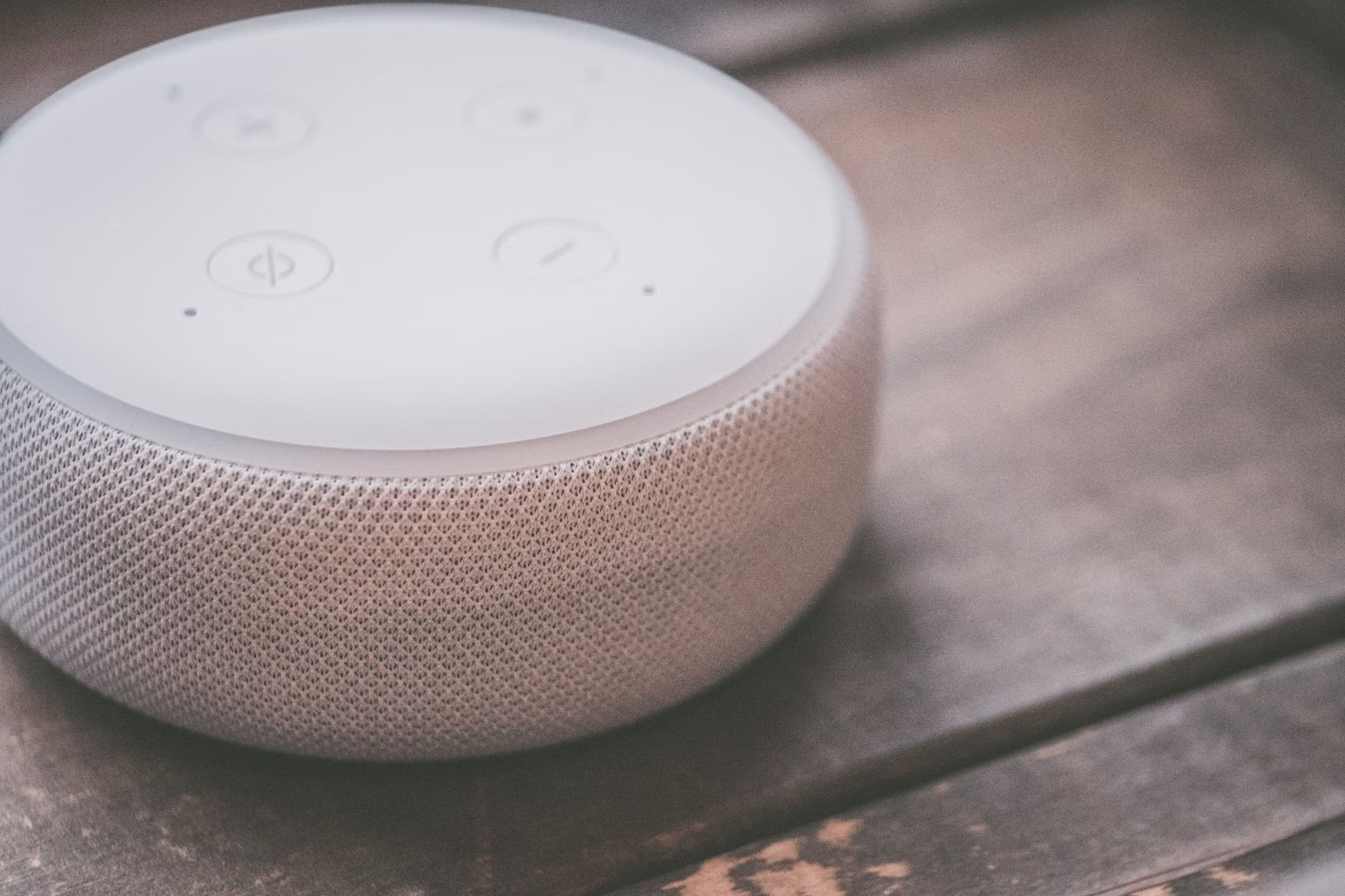
Not all smart-home ecosystems are created equal. When selecting a system, consider your current comfort level with technology.
- The All-in-One Approach: If you prefer simplicity, stick to a single ecosystem (e.g., all devices from one major manufacturer). This ensures that everything works together seamlessly without you needing to troubleshoot connection issues.
- The Modular Approach: If you have technical confidence, you might mix and match devices. However, be aware that this often requires more “bridge” devices to get different brands to communicate, which increases the likelihood of technical glitches.
For most adults, the All-in-One approach is significantly more sustainable. It reduces the stress of constant updates and “pairing” requirements that often plague fragmented smart-home setups.
Financial and Practical Considerations
While the initial cost of smart bulbs, plugs, and hubs can be low, the cumulative cost of monthly subscriptions for advanced features—such as remote monitoring or extended data storage—can add up. Before committing to a service, check if it offers a “family plan” or if the basic features are sufficient for your needs. Often, the free tier of a service provides all the essential functionality required for daily independence.
Furthermore, consider the “maintenance burden.” Every smart device requires periodic software updates. If you find this overwhelming, consider asking a family member or a local professional to set up an “auto-update” schedule for your devices. This ensures your system remains secure without you having to manually intervene.
The Human Element: Maintaining Social Connection
Technology should supplement, not replace, human interaction. Use your smart assistant to simplify the process of staying in touch. Many systems now allow for “drop-in” features or simple voice-activated video calling. This can be a lifeline for staying connected with grandchildren or friends without the complexity of navigating multiple apps on a smartphone.
However, do not let the ease of voice communication lead to social isolation. Use the time saved by your smart home to engage in activities that require physical presence—such as joining a local walking group, attending a class, or hosting friends for tea. The goal of technology is to give you more time and energy for the things that truly matter.
Practical Decision Framework for 2026
Before purchasing any device, apply this three-step decision rule:
- Identify the Pain Point: Is this device solving a specific problem (e.g., “I forget to turn the stove off”) or is it just a gadget? If it’s just a gadget, skip it.
- Assess Technical Load: Will this device require weekly maintenance, or is it “set and forget”? Prioritize devices that require minimal user input.
- Verify Privacy: Does the manufacturer have a clear policy on data usage? Can the microphone be physically disconnected?
By following this framework, you ensure that your home remains a sanctuary of comfort rather than a source of technological frustration.
Conclusion
The landscape of smart-home care in 2026 is designed to foster independence, not dependence. By carefully selecting tools that address your specific needs—whether that is medication management, improved safety, or simplified communication—you can create an environment that supports your health and wellbeing. Remember, the best smart home is one that works silently in the background, allowing you to live your life with greater ease and confidence.
Frequently Asked Questions (FAQ)
1. Can I use these devices if I don’t have a fast internet connection?
Most modern smart assistants require a stable Wi-Fi connection to function, as they rely on cloud-based processing for complex requests. However, many basic functions—such as local timers or scheduled smart-plug operations—may continue to work even if the internet connection is temporarily interrupted. Check the specifications of the individual device to confirm its “offline” capabilities.
2. Is it safe to link my bank or health insurance information to these devices?
Generally, it is not recommended to link highly sensitive financial or private health records to voice-assistant hubs. While manufacturers prioritize security, the risk of unauthorized access or accidental exposure via voice commands exists. Use these devices for scheduling and reminders, but perform sensitive tasks like banking or accessing medical portals through secure, encrypted devices like a password-protected laptop or smartphone.
3. What should I do if my voice assistant stops understanding my commands?
Voice recognition software can sometimes struggle with changes in speech patterns, background noise, or even minor changes in the device’s environment. First, try moving the device away from noise sources like fans or televisions. If the issue persists, go through the device’s “voice training” setup again, which allows the assistant to recalibrate to your specific voice and pronunciation. If the problem is persistent, it may indicate a need for a newer device with more advanced microphone technology.
Official guidance on smart home privacy and security can be found via government consumer protection agencies such as the Federal Trade Commission (USA) or the Information Commissioner’s Office (UK) regarding the handling of personal data.