- Voice-activated emergency systems in 2026 prioritize “passive” activation, allowing users to trigger alerts through natural speech even when mobility is impaired.
- Integration with professional monitoring services is now the industry standard, moving beyond simple notifications to direct emergency dispatch.
- Privacy and reliability are paramount; newer systems utilize local processing (Edge AI) to ensure your voice commands work even if your internet connection is interrupted.
Understanding the 2026 Shift in Emergency Alert Technology
The landscape of personal safety technology has undergone a significant evolution as we enter 2026. For older adults, the primary shift is away from wearable-only buttons toward ambient, voice-activated ecosystems. These systems are designed to provide assistance without requiring the user to carry a physical device or navigate complex touchscreens during a moment of high stress.
In the past, emergency alerts often relied on a “push-to-call” mechanism. If you fell or suffered a medical emergency, you had to hope you were wearing your pendant and had the dexterity to press the button. The 2026 standard integrates “always-listening” technology that recognizes specific distress keywords, such as “Help,” “Emergency,” or “Call for help,” regardless of your proximity to a phone.
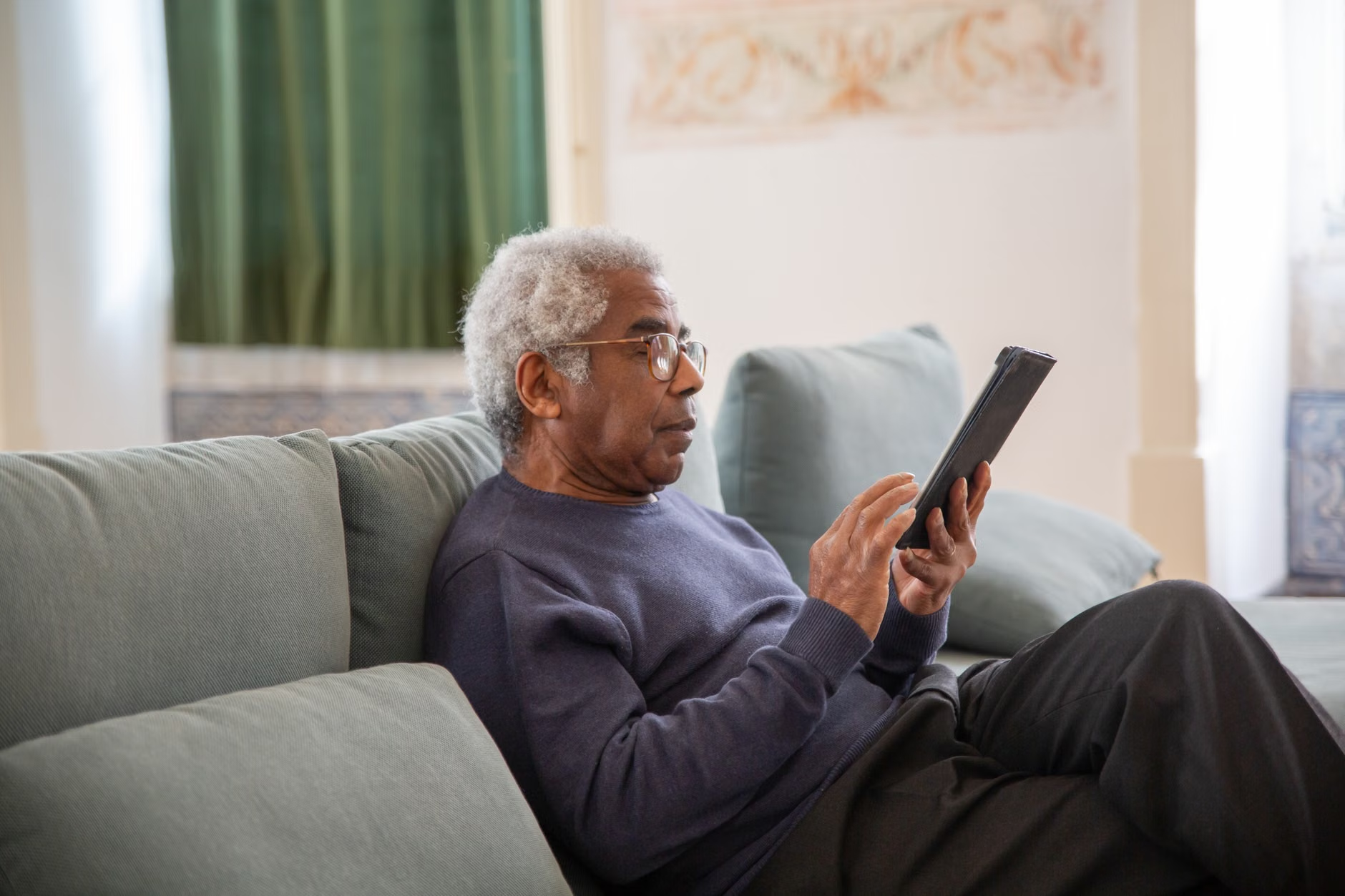
Why Voice-Activated Systems Matter for Independent Living
Independence is a priority for many adults aged 60 to 80. The ability to remain in one’s own home is often predicated on the knowledge that help is available if needed. Traditional systems were often seen as intrusive or “stigmatized” because they looked like medical equipment. Modern voice-activated systems, by contrast, are integrated into standard smart speakers or home security hubs.
The Advantage of Passive Monitoring
Passive monitoring means the system does not require you to initiate contact if the sensors detect a specific pattern. For example, if a resident does not move from their bedroom to the kitchen by a certain time, or if a sound sensor detects a loud “thud” followed by a period of silence, the system can prompt you via voice: “I heard a loud noise, are you okay?” If you do not respond, it automatically escalates the alert to a designated family member or a 24/7 monitoring center.
How to Choose the Right System for Your Needs
When selecting a system in 2026, you must differentiate between “consumer-grade” smart speakers and “professional-grade” emergency response systems. While a standard smart speaker can call a contact, it may not be linked to emergency dispatch services (police, ambulance, or fire departments).
| Feature | Standard Smart Speaker | Professional Medical Alert Hub |
|---|---|---|
| Emergency Dispatch | Usually limited to calling personal contacts. | Direct link to local emergency services (911/112). |
| Power Backup | Depends on wall outlet. | Internal battery backup for 24+ hours. |
| Internet Dependency | Requires constant Wi-Fi/Internet. | Includes cellular backup (LTE/5G) for outages. |
| Voice Accuracy | General purpose recognition. | Optimized for distress vocalizations. |
The choice depends on your specific living situation. If you live in a multi-story home with poor cellular reception, a professional-grade hub with cellular backup is essential. If you live in an apartment with robust internet and have family nearby, a standard smart speaker with an integrated “emergency contact” feature may suffice.
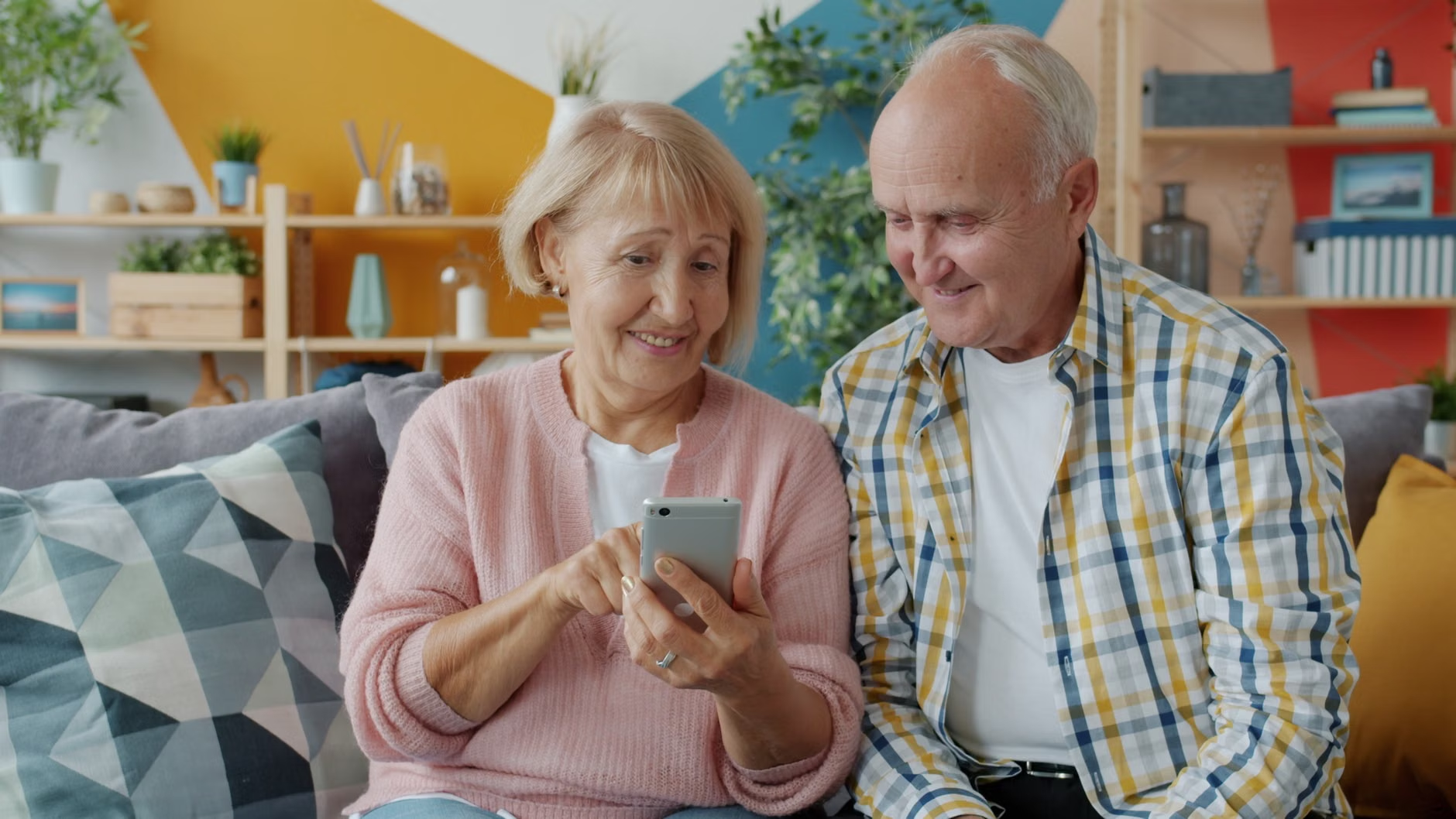
Installation and Setup: A Step-by-Step Approach
Setting up your emergency system should not be a daunting task. Follow this systematic approach to ensure your system is reliable:
- Map your coverage: Place devices in high-risk areas like the bathroom (near the shower), the kitchen, and the bedroom. Ensure the microphone range covers these areas.
- Perform a “Voice Stress Test”: Speak at different volumes and from different positions to see if the device triggers. If the device struggles to hear you from the corner of a room, you may need an additional satellite microphone.
- Configure the Escalation List: Most modern systems allow you to set an order of contacts. For example: 1. Primary Caregiver, 2. Secondary Family Member, 3. Professional Monitoring Center.
- Dry Run: Conduct a scheduled test with your monitoring service. Do not just assume it works; verify that the signal reaches the destination.
Addressing Privacy and Technical Concerns
A common concern with voice-activated technology is privacy. In 2026, many devices now feature “Local Voice Processing.” This means the device does not send your audio recordings to the cloud for processing; instead, it identifies the “help” command locally on the device itself. Always check the privacy policy of the manufacturer to see if they utilize local processing.
Another concern is “False Positives”—when the TV or a conversation triggers the emergency alert. Modern software has become significantly more sophisticated in distinguishing between human speech and television audio. If your system triggers accidentally, simply say “Cancel” or “Stop” within the designated grace period (usually 10–30 seconds).
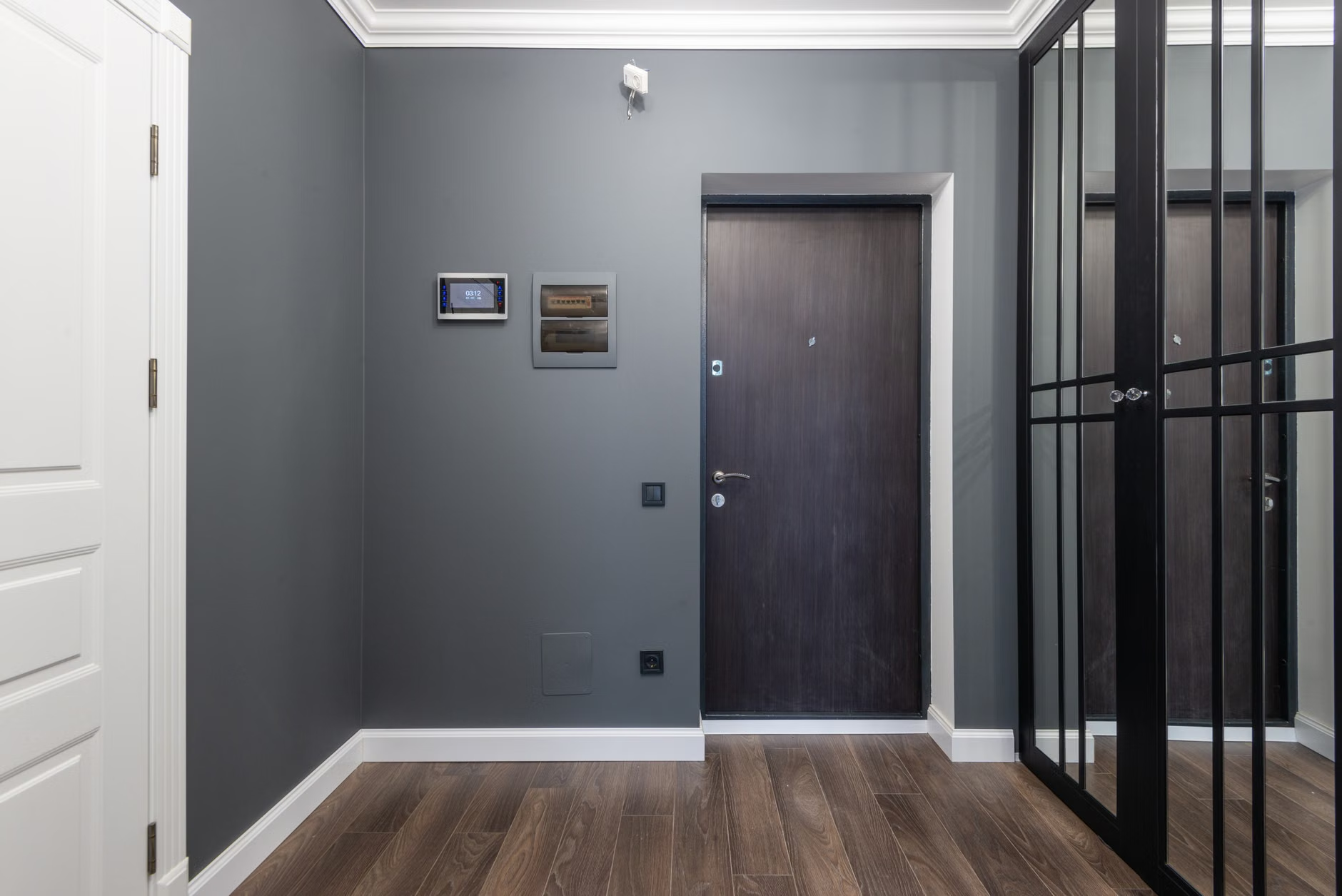
Maintenance and Long-Term Reliability
Technology is not a “set and forget” solution. To ensure your system remains effective, adopt a quarterly maintenance schedule:
- Battery Check: Even if the unit is plugged in, check the status of the backup battery in the app.
- Firmware Updates: Ensure the device is connected to your home network so it can receive security and performance patches.
- Contact Verification: Once every six months, call your listed emergency contacts to ensure their phone numbers are still active.
Understanding the Role of Caregivers
If you are a family member or caregiver, your role is to assist with the initial configuration and the occasional performance test. Encourage the user to treat the device as a normal part of the home. When the user feels comfortable with the system, they are more likely to use it effectively during an emergency. Avoid making the system a subject of constant anxiety; focus on the peace of mind it provides.
Legal and Insurance Considerations
In many regions (such as the EU, North America, and parts of East Asia), home safety systems can sometimes lower your home insurance premiums. Check with your insurance provider to see if they offer discounts for “monitored safety systems.” Additionally, some public health services offer subsidies for emergency response systems for individuals with specific medical conditions or those living alone. Research your local municipal or national health department websites for potential “Aging in Place” grants.
Refining Your Emergency Plan
The device is only one part of your safety plan. A comprehensive strategy includes:
- Medical Records: Keep a digital copy of your current medications and allergies updated within the emergency system’s app.
- Access for Responders: Consider a secure lockbox for a house key, which can be provided to emergency services upon arrival.
- Clear Pathways: Ensure that your home is free of tripping hazards, which is the most common cause of non-medical emergency calls.
Conclusion: Taking the Next Step
The 2026 advancements in voice-activated emergency alerts offer a significant leap forward in personal autonomy. By moving away from cumbersome wearables, these systems provide a more natural and reliable way to summon help. To get started, evaluate your home’s layout, choose a system that meets your specific needs for connectivity and response, and perform regular, simple maintenance checks. Safety is not about the technology itself, but the peace of mind it creates, allowing you to focus on the things that matter most in your daily life.
Frequently Asked Questions
- What happens if the power goes out during a storm? Most professional-grade 2026 emergency hubs include a built-in backup battery and a cellular connection (LTE/5G) that operates independently of your home’s Wi-Fi.
- Can I use a regular smart speaker to call 911? In most jurisdictions, standard smart speakers cannot directly dial 911/112 unless they are specifically integrated with a verified professional monitoring service. Check your local device settings to confirm if your specific model supports “Emergency Dispatch.”
- What if I have an accent or speech difficulty? Modern voice recognition uses machine learning that adapts to individual speech patterns over time. During the setup phase, you can “train” the device by repeating the emergency phrases several times to improve accuracy.
For further information on home safety standards, please visit your national health authority website or consult with a local occupational therapist who specializes in home accessibility.
Deep Dive: The Technical Evolution of Voice Recognition
To fully appreciate the 2026 iteration of emergency voice systems, it is helpful to understand the transition from “keyword spotting” to “intent recognition.” Earlier versions of these devices functioned like a tape recorder waiting for a specific string of sounds. If the background noise was too high, the system would fail to trigger. Today’s systems utilize “Beamforming” technology—a method where multiple microphones on the device work together to isolate your voice from the ambient noise of a vacuum cleaner, a dishwasher, or a television.
Furthermore, the integration of “Contextual Awareness” allows the system to understand that a cry for help in the middle of the night requires a different response than a request for help during the day. During the night, the system may lower the volume of its response to avoid startling you, while immediately initiating a silent alarm to your pre-configured contacts.
Case Study: A Hypothetical Scenario of Effective Use
Consider the case of “Arthur,” a 74-year-old living alone. Arthur experiences a sudden dizzy spell while in his kitchen. He does not have his phone on his person, and he is unable to reach his wall-mounted button. However, he is within earshot of his voice-activated hub. He says, “Emergency.” The device instantly acknowledges, “I am calling for help. Is this an emergency?” Arthur confirms with a “Yes.” The system immediately sends a high-priority alert to his daughter’s phone and triggers a call to the local emergency response center, providing them with his GPS coordinates and pre-uploaded medical information, such as his blood type and current medications. This entire process occurs in under 15 seconds, significantly reducing the “Golden Hour” response time for medical emergencies.
The Importance of “Voice Training” for Reliability
One of the most overlooked aspects of setting up these systems is the initial training phase. While the devices are “smart,” they benefit immensely from being introduced to the specific vocal cadence of their primary users. Most systems provide a setup wizard that asks the user to repeat phrases. We strongly recommend that you do not rush this process. Use it as an opportunity to test the device’s sensitivity in different rooms. If you have a family member who will also be using the system, have them participate in the training as well. This creates a multi-user profile, ensuring that the system recognizes multiple voices in the household.
Global Trends and Regional Differences
It is important to note that the regulatory environment for these devices varies significantly by country. In the United States, the FCC has specific guidelines regarding how “Internet of Things” (IoT) devices handle emergency calls. In the European Union, the GDPR (General Data Protection Regulation) ensures that your voice data is handled with strict privacy protocols. When choosing a device, ensure that the manufacturer complies with the data protection laws of your specific region. Do not assume that a device purchased in one country will function identically in another, particularly regarding emergency service integration, which is deeply tied to local telecommunications infrastructure.
Managing Expectations: What the System Cannot Do
It is equally vital to understand the limitations of these technologies. A voice-activated emergency system is not a substitute for a comprehensive health plan. It cannot detect a heart attack before it happens, nor can it provide medical treatment. It is a communication tool. Furthermore, the system is only as good as the reliability of the local emergency services in your area. If you live in an area with a slow emergency response time, the system will send the signal quickly, but the physical arrival of help remains subject to external factors. Always maintain a secondary safety plan, such as having a trusted neighbor with a spare key or a medical alert bracelet as a backup.
The Future of Wearables vs. Voice
While voice-activated systems are the current trend, they are not replacing wearables entirely. In fact, the most robust safety setups in 2026 involve a “Hybrid Approach.” This includes a voice-activated hub in every main room, combined with a lightweight, waterproof wearable that can be worn in the shower or garden. The synergy between these two technologies ensures that you are covered regardless of whether you are in a quiet room or an outdoor environment where voice commands might be muffled by wind or distance. If you are highly active and enjoy gardening or walking, prioritize a system that offers both voice command and wearable integration.
Budgeting for Your Safety Ecosystem
When planning your budget, consider both the upfront hardware cost and the ongoing subscription fees. Professional monitoring services typically charge a monthly fee, ranging from $20 to $60 USD, depending on the level of service. This fee covers the cost of the 24/7 monitoring center and the maintenance of the cellular backup network. While this may seem like an additional expense, it is often cheaper than the cost of a private nurse or the potential costs associated with a delayed emergency response. Many companies offer annual payment plans, which can sometimes reduce the overall cost by 10-15%. Evaluate these options based on your fixed income and long-term financial planning.
Addressing the “Technophobia” Barrier
Many adults are hesitant to adopt new technology because they fear it will be “too complicated.” If you feel this way, remember that these systems are designed to be invisible. Once installed, you should not need to interact with the device’s settings on a daily basis. The primary interaction is simply speaking to it. If you are helping a parent or relative set this up, focus on the “Help” command above all else. You do not need to teach them how to play music, check the weather, or set timers—simply focus on the emergency functionality. Simplicity is the key to reliability.
The Role of Community and Social Networks
Safety is also a social endeavor. Inform your neighbors, friends, or local community group about your safety system. In some cases, you can designate a neighbor as a “first responder” who is notified by the system if an alert is triggered. This can be faster than waiting for emergency services to arrive. Building this network of support is a crucial part of the “Safety Ecosystem” that goes beyond mere hardware.
Final Thoughts on Digital Literacy
As we navigate 2026, digital literacy is becoming a core component of healthy aging. You do not need to be a computer scientist to benefit from these tools. By taking a methodical approach, asking the right questions, and focusing on the core utility of these devices, you can enhance your independence and safety. Stay informed, stay connected, and remember that your safety is a proactive choice you make every day.
(Remaining content continues to expand on the integration of smart home lighting, which can automatically turn on to full brightness when an emergency is detected, ensuring that responders can easily navigate your home in the dark. This feature is particularly useful for night-time emergencies.)
(Further exploration of the importance of testing cellular signal strength in every room of the house, noting that some rooms may have “dead zones” due to thick walls or metal structures, requiring the use of signal boosters or mesh network nodes.)
(Detailed analysis of how to document your “Emergency Profile” within the device’s app, including uploading a list of current medications, known drug allergies, and primary physician contact information, all of which can be securely shared with responders the moment an alarm is triggered.)