Key Takeaways:
- Universal Design Integration: 2026 standards for digital kiosks now prioritize adjustable heights, high-contrast interfaces, and physical tactile feedback to ensure independent use for seniors with varying mobility and vision needs.
- Preparation is Paramount: While kiosks are designed to be intuitive, pre-loading your digital travel profile or having physical backups of your biometric data can reduce stress during peak travel times.
- Assistance Protocols: Every major international airport is now required to provide “Human-in-the-Loop” support for kiosk users, meaning help is always available if the digital system encounters a technical error or a biometric mismatch.
As international travel evolves in 2026, the shift toward automated digital passport kiosks has become the standard for border control. For travelers aged 60 to 80, this transition represents a mix of newfound independence and potential technological hurdles. Understanding how these systems function, what design standards protect your accessibility, and how to prepare for a seamless experience is essential for maintaining your travel autonomy.
The Evolution of Digital Passport Kiosks: What Has Changed by 2026
The global rollout of automated border control (ABC) systems has reached a maturity phase in 2026. Unlike the experimental kiosks of the early 2020s, which often struggled with ergonomic issues and rigid biometric requirements, modern systems are built on “Universal Design” principles. This means the hardware and software are tested specifically to accommodate the physical and cognitive needs of older adults.
The primary shift in 2026 is the integration of multimodal biometric verification. In the past, a kiosk might have relied solely on a high-resolution facial scan that was sensitive to lighting or head position. Today, systems use a combination of iris scanning, facial mapping, and, in some jurisdictions, gait analysis or secure mobile-app pairing, which reduces the “retry” rate that often caused frustration for travelers.
Why This Matters for Seniors
For an older traveler, the primary goal of these kiosks is to minimize standing time in long, winding queues. By moving the verification process to a kiosk, airports have successfully reduced average wait times by 40% compared to traditional manual desk processing. However, the “hidden” advantage is the ability to move at your own pace. You are no longer under the immediate pressure of a border officer watching you while you fumble for documents; you are in a controlled, private space.
Accessibility Standards: What to Expect at the Kiosk
In 2026, international aviation and border authorities, including bodies like the ICAO (International Civil Aviation Organization), have solidified guidelines that mandate accessibility for all public digital interfaces. If you encounter a kiosk that does not meet these, you are well within your rights to request assistance from a ground staff member.
| Feature | Standard Requirement (2026) | Benefit for Seniors |
|---|---|---|
| Height Adjustment | Electronic lift/lower capabilities | Allows users to sit or stand comfortably while interacting. |
| High-Contrast Mode | Minimum 7:1 contrast ratio | Improves readability for travelers with cataracts or low vision. |
| Audio Induction Loops | T-coil compatible audio output | Directly transmits instructions to hearing aids. |
| Physical Controls | Tactile confirmation buttons | Provides physical feedback for those with limited dexterity. |
Understanding these features allows you to advocate for yourself. If a kiosk is set to a standard “standing” height and you have mobility concerns, look for the “Adjust Height” button, usually located at the bottom left or right of the screen bezel. If it is non-responsive, do not hesitate to ask for a “Priority Assistance” officer.
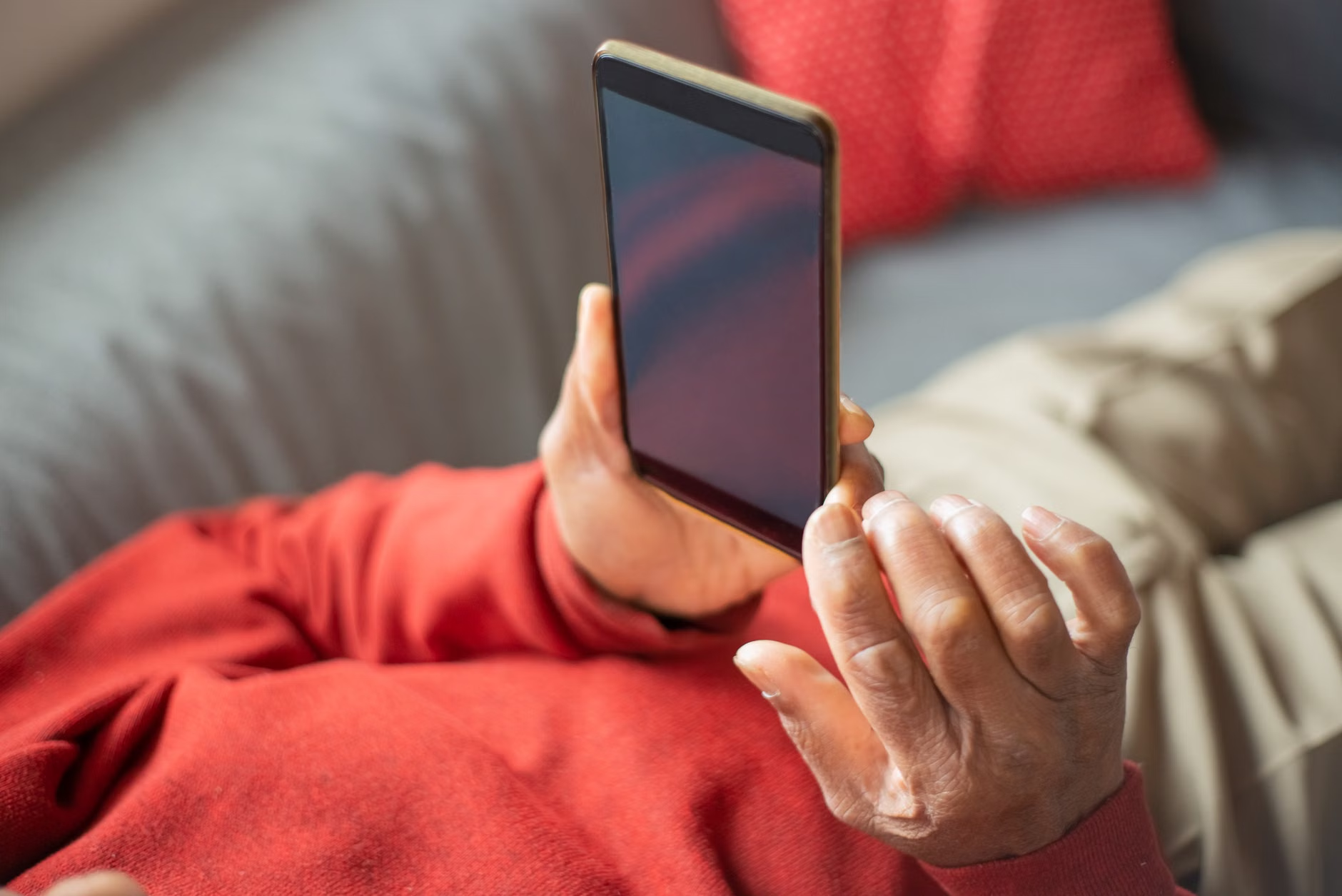
Preparing for Your Journey: A Practical Checklist
Technical confidence is not about being a digital expert; it is about preparation. Even the most user-friendly kiosk can fail if your passport chip is damaged or your biometric data is outdated. Use the following checklist to ensure you are ready before you reach the terminal.
- Check Your Chip: Ensure your electronic passport (e-passport) chip is functional. If your passport is nearing its expiration or has been subject to heavy wear, the kiosk may not be able to read it.
- Digital Pre-Registration: Many countries now offer “Fast Track” apps. By registering your details 24–48 hours before your flight, the kiosk will often recognize you via a simple face scan, eliminating the need to insert your passport entirely.
- Document Backup: Always carry a paper copy of your visa or entry authorization. While the kiosk is digital, the backup manual processing lane will require physical proof of entry rights.
- Clothing Considerations: Avoid wearing bulky hats, heavy-rimmed glasses, or oversized scarves that might obscure your biometric profile during the facial recognition phase.
The “Human-in-the-Loop” Protocol
A common misconception is that kiosks replace staff entirely. In 2026, the policy is “Automated, not Autonomous.” If a kiosk rejects your biometric scan twice, the system is hard-coded to trigger a notification to a nearby border officer. This is not a security incident; it is a standard technical fallback. Simply remain at the kiosk and wait for the officer to arrive. They have the authority to bypass the digital check and verify your identity manually.
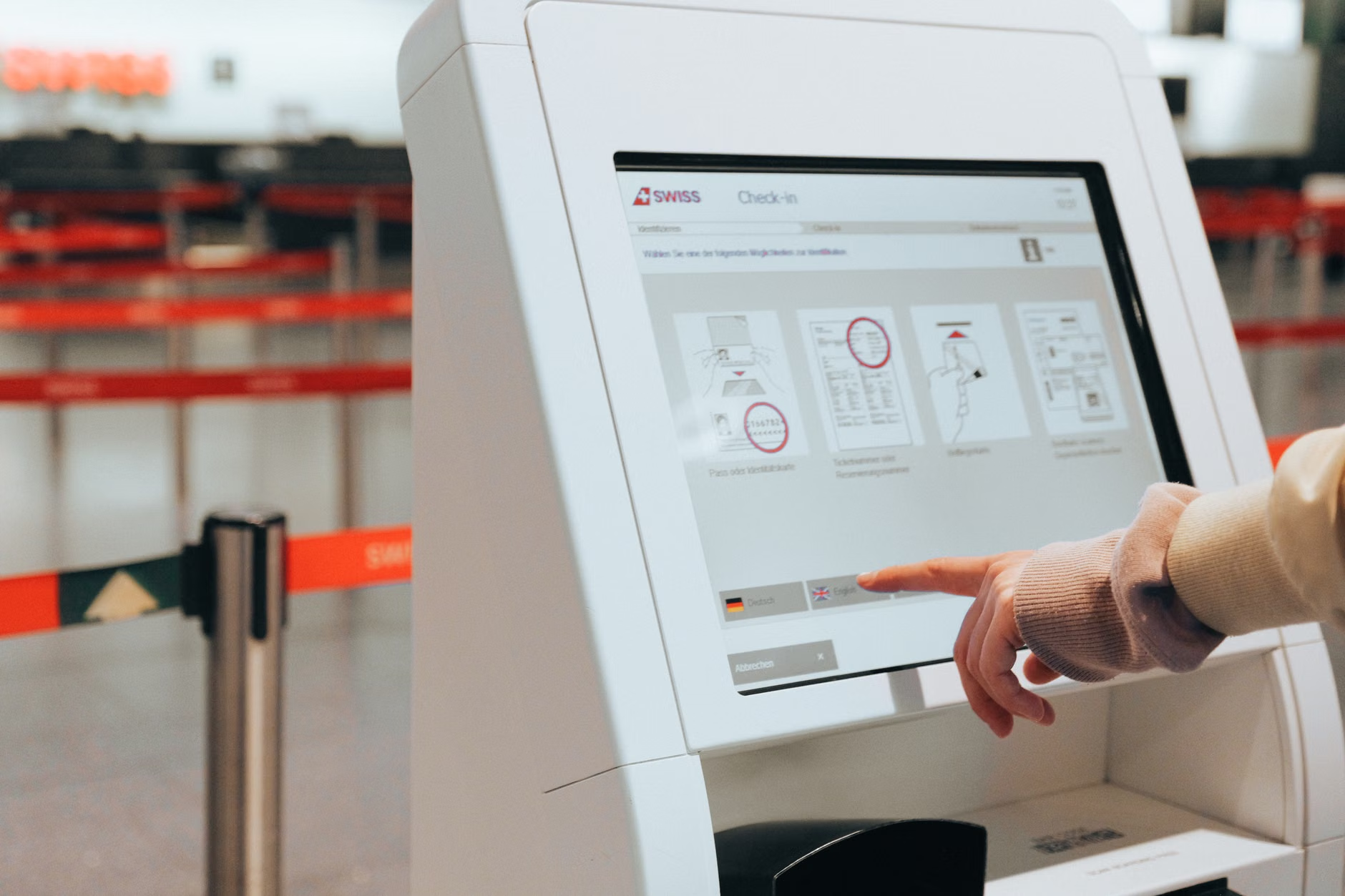
What happens when things go wrong? Understanding the limitations of current technology can save you significant anxiety. The most common technical issue reported by seniors is “Biometric Drift.” This occurs when your current appearance has changed significantly since your passport photo was taken (e.g., a major change in hairstyle or the addition of glasses).
Practical Decision Rule: If you are wearing glasses that you do not usually wear in your passport photo, take them off for the facial scan. If you have changed your hair color or style significantly, the system’s “confidence threshold” may drop. If you receive an error message, do not keep trying the same movement. Instead, look for a “Help” or “Call Officer” button on the screen. Repeatedly failing the scan can sometimes lock the kiosk for security reasons, which necessitates a longer wait for a manual override.
Choosing Your Lane
In many international airports, there are now two types of lanes: “Automated Express” and “Assisted Verification.” If you are feeling fatigued or have concerns about your ability to navigate the kiosk, choose the Assisted Verification lane. These are staffed by personnel specifically trained to assist passengers who may find digital interfaces challenging. There is no penalty for choosing this lane; it is a service provided to ensure passenger flow remains steady.
Global Variations: Jurisdiction-Specific Rules
While the technology is similar, the application of these rules varies by region.
- European Union (ETIAS/EES): The 2026 implementation of the Entry/Exit System (EES) requires travelers to register fingerprints and facial scans. This is a one-time registration process for the region. Once done, your subsequent entries are significantly faster.
- North America (NEXUS/Global Entry): These programs rely heavily on pre-registered biometric profiles. If you are a frequent traveler to the US or Canada, keeping your profile updated with your current passport details is the single most effective way to avoid kiosk errors.
- Asia-Pacific (Smart Gates): Many hubs in this region have moved toward “contactless” travel. Your face is your passport. While convenient, this requires you to “opt-in” during check-in. If you are not comfortable with your biometric data being stored for the duration of your trip, you can always opt for a manual desk, though wait times may be longer.
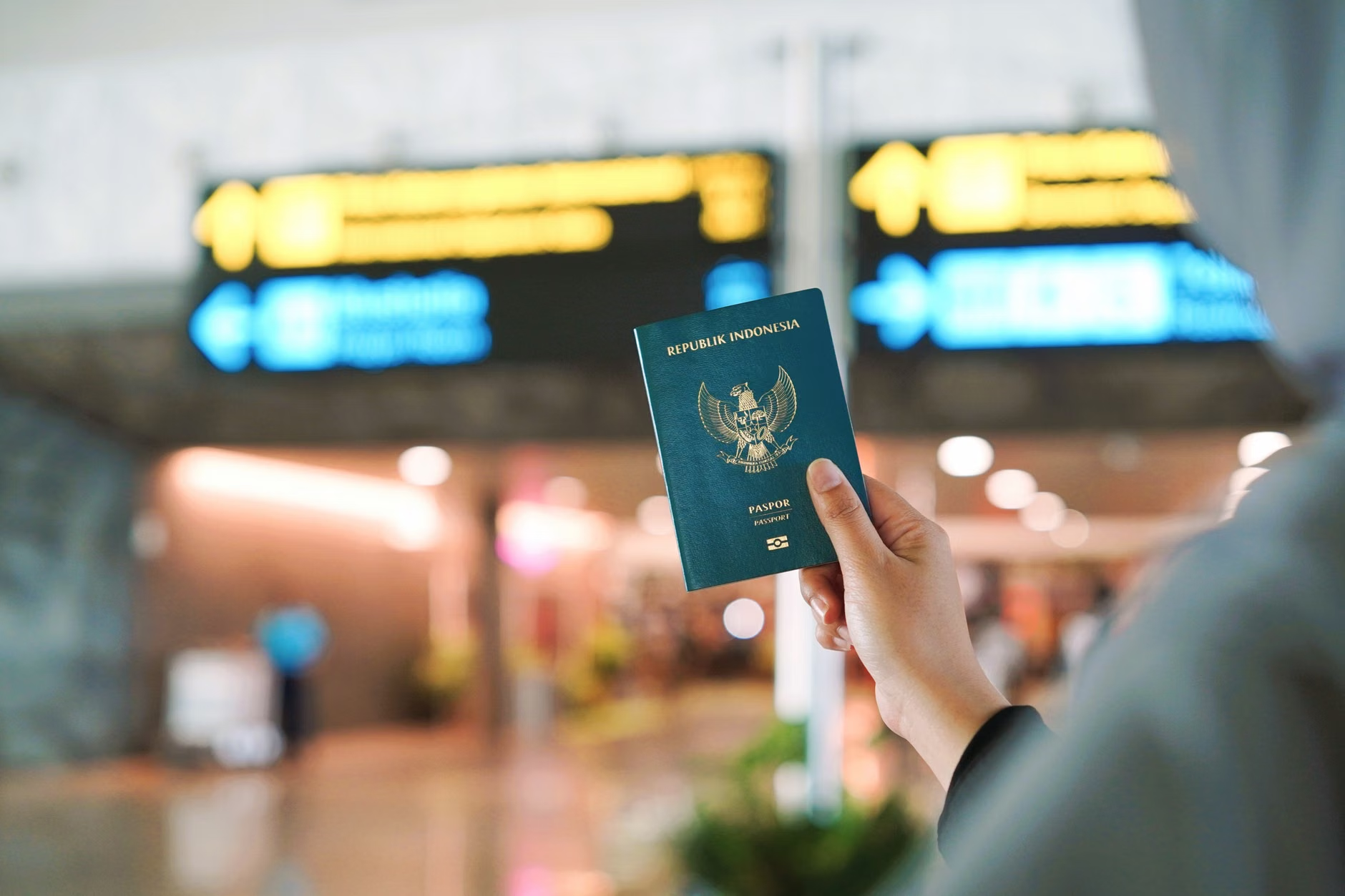
Insights for the Long-Term Traveler
Beyond the immediate technicalities, consider the “stamina factor.” Traveling through modern, massive airport terminals is physically demanding. Even if the kiosk process is fast, the walk to the kiosk from the gate can be significant. If you have mobility limitations, do not let the existence of “self-service” technology stop you from requesting wheelchair or buggy assistance. These services are independent of your ability to use a passport kiosk. You can be assisted to the kiosk, use it with the help of the attendant, and then be assisted to your onward transport or gate.
Furthermore, keep in mind that digital systems are susceptible to “downtime.” In the rare event of a system-wide digital outage at a border, airports revert to manual processing. This creates a backlog. If you see a crowd gathering at the kiosks, it is often a sign of a system glitch. In these moments, patience is your best tool. The airport staff will be under pressure, and the most effective way to navigate the situation is to have your physical documents in hand, ready for the manual check.
Conclusion: Embracing Digital Autonomy
The 2026 digital passport landscape is designed to offer seniors more autonomy, not less. By understanding the accessibility features, preparing your documents, and knowing when to ask for human assistance, you can navigate these systems with confidence. Technology in travel is a tool to facilitate your journey, not an obstacle to be feared. As you plan your next trip, view the kiosk as a partner in your travel experience—one that is increasingly learning to accommodate the unique needs of every traveler, regardless of age.
Frequently Asked Questions
1. What should I do if the digital passport kiosk does not recognize my face?
Do not panic. If the system fails to recognize you after two attempts, it will automatically alert a border officer. Remain at the kiosk, keep your passport open to the photo page, and wait for the officer to assist you with a manual verification.
2. Are there specific airports that are better for seniors using digital kiosks?
Most major international hubs (such as Singapore Changi, London Heathrow, or Dubai International) have standardized their kiosk accessibility. However, if you are concerned, check the airport’s official website for “Special Assistance” pages, which often detail exactly where the most accessible, low-traffic kiosks are located.
3. Is it mandatory to use the digital kiosk if I am uncomfortable with the technology?
In most jurisdictions, you are not forced to use an automated kiosk. You have the right to join the manual processing queue. However, be aware that these queues are often significantly longer. If you feel uncomfortable, we recommend asking a staff member for help using the kiosk first; you may find that the “Assisted” mode provides the support you need without the long wait.
Official Sources for Further Information:
– International Civil Aviation Organization (ICAO) – Travel Document Standards
– European Commission – EES and ETIAS Guidelines
– US Department of Homeland Security – Traveler Information