- Universal Design Implementation: By 2026, major global library networks are adopting WCAG 3.0 standards, ensuring that digital interfaces are adjustable for vision, motor, and cognitive accessibility.
- Remote Verification Systems: New digital identity protocols allow you to verify your library membership remotely, eliminating the need for physical visits to renew accounts or access premium databases.
- Voice-First Navigation: Most public library apps are transitioning to voice-command interfaces to assist users who find traditional touch-screen navigation or small text sizes challenging.
The Evolution of Digital Public Libraries in 2026
As of 2026, public library systems across North America, Europe, and parts of Asia have completed a significant transition toward “Universal Digital Inclusion.” This shift is not merely about digitizing books; it is about redesigning the digital architecture of public services to ensure that age-related changes in vision, dexterity, and technical familiarity do not act as barriers to information.
For many older adults, the library has historically been a physical sanctuary. Today, that sanctuary has expanded into the digital realm. Understanding these shifts is crucial because libraries now provide far more than literature; they serve as gateways to government information, digital literacy training, and secure social connection platforms.
The 2026 standards prioritize adaptive interfaces. Unlike previous iterations of library websites that required precise clicking or high-acuity vision, current platforms utilize AI-driven customization. These systems can automatically adjust font sizes, contrast ratios, and navigation layouts based on the user’s previously saved preferences or real-time accessibility needs.
Understanding New Accessibility Standards: What Has Changed
The primary change in 2026 is the adoption of the Web Content Accessibility Guidelines (WCAG) 3.0. While previous versions focused on “avoiding barriers,” the 3.0 standard focuses on “proactive usability.”
1. High-Contrast and Dynamic UI
In the past, websites were static. If the text was too small, you had to manually zoom in, often breaking the website’s layout. Modern library portals now feature a “Senior Accessibility Mode” toggle. When activated, this mode:
- Increases target sizes for all buttons by at least 40%.
- Applies a high-contrast color palette (yellow-on-black or white-on-navy) to reduce eye strain.
- Simplifies the navigation menu to show only the top three most-used functions: Search, Borrow, and Account.
2. Voice-Command Integration
For users who find typing on tablets or smartphones difficult, most library applications now support native voice commands. You can now say, “Search for audiobooks by mystery authors,” and the system will filter results without you ever needing to touch a keyboard. This is a significant leap forward in reducing the physical fatigue associated with digital research.
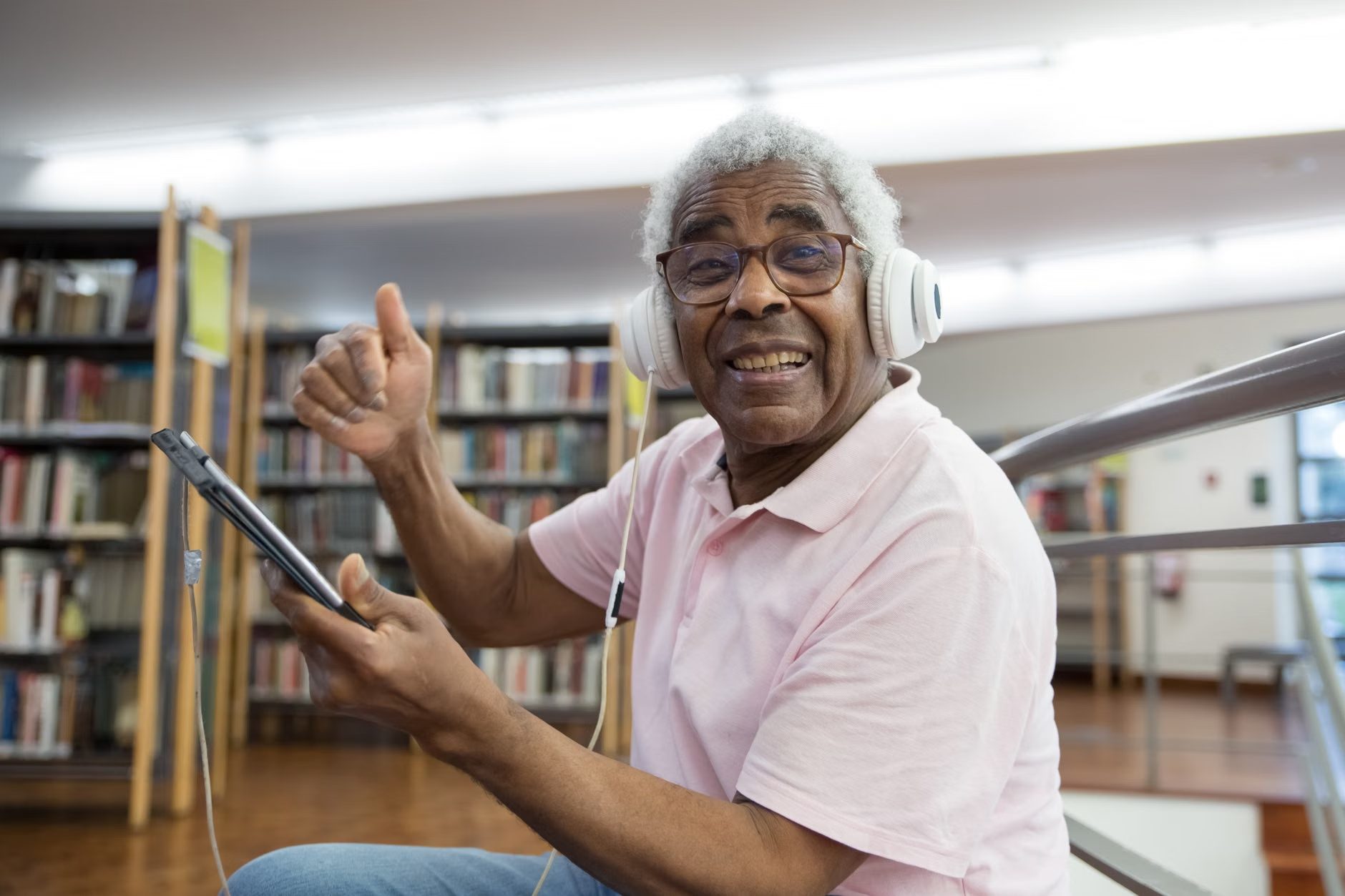
Practical Steps to Update Your Digital Library Access
To take advantage of these 2026 updates, you must ensure your account profile is correctly configured. Many users miss out on these features because their account settings are still using the “Standard/Default” profile.
| Feature | What to Look For | Why it Matters |
|---|---|---|
| Profile Customization | Look for “Accessibility Settings” in the User Menu. | Saves your preferred text size and contrast across all devices. |
| Remote Authentication | “Verify via Video/ID” option. | Allows you to resolve card expiration without traveling to a branch. |
| Voice Assist Toggle | A microphone icon on the search bar. | Reduces the need for fine motor control on touchscreens. |
Step-by-Step Configuration:
- Log in to your local library’s portal using your existing credentials.
- Navigate to “My Account” and select “User Preferences.”
- Look for “Display Settings” and enable “High-Accessibility Mode.”
- Test the voice search by clicking the microphone icon. If prompted, grant the browser permission to access your microphone.
With increased digital integration comes the responsibility of maintaining security. A common mistake in 2026 is the over-sharing of personal credentials. Public libraries have implemented “Library-ID” protocols, which act as a secure intermediary between your personal identity and the publishers you borrow from.
When you access an e-book or a digital database (like a newspaper archive or a genealogy site), you no longer need to create a separate account for each service. Your library credentials act as a “Single Sign-On” (SSO). This means you only have one password to remember, which significantly reduces the risk of credential theft.
Warning: Always ensure the URL in your browser bar ends in “.gov”, “.org”, or is the official domain of your local library system. Be wary of any “third-party” library apps that ask for your Social Security number or credit card information. Public libraries will never ask for these details to provide standard lending services.

Comparative Analysis: Physical vs. Digital Access
While digital access is convenient, it is not always a replacement for the physical library. The decision to use one over the other depends on your specific goals for the day.
When to Use Digital Services
- Volume and Speed: If you need to search through hundreds of titles or access academic journals, digital search tools are vastly faster than physical browsing.
- Mobility Restrictions: On days when weather, fatigue, or transportation issues make travel difficult, digital platforms provide full access to the library’s collection from your home.
- Immediate Customization: Digital books allow you to change the font size, line spacing, and background color—features that a printed physical book cannot offer.
When to Visit the Physical Branch
- Social Engagement: Many libraries have dedicated “Senior Tech Hubs” where you can receive one-on-one assistance from staff.
- Hardware Access: If you require high-speed scanners, specialized printers, or high-end computers that your home setup may lack, the physical branch remains the better choice.
- Physical Discovery: Browsing physical shelves can lead to serendipitous discoveries that algorithms often miss.
Overcoming Technical Hurdles: A Proactive Approach
A common hurdle for many is “feature fatigue”—the feeling that there are simply too many buttons and options. If you feel overwhelmed, remember that you do not need to use every feature. Focus on the “Core Three”:
- The Search Bar: Use the voice-to-text button to find what you want.
- The Borrow Button: Ensure you understand the “Return” policy, which is often automated in 2026 systems.
- The Help Chat: Most 2026 library portals feature a live chat function. If you are stuck, type “Human” into the chat to be connected to a librarian who can guide you through the process in real-time.
Hidden Insight: Many users are unaware that library digital platforms in 2026 are often linked to “Inter-Library Loan” (ILL) systems. If your local branch does not have the digital version of a book you want, you can often request it from a larger regional or national network. This process is now fully automated and can be completed with a single click in your account dashboard.

Institutional Support and Advocacy
The global shift toward these standards is driven by the “Age-Friendly Cities” initiative, a movement supported by the World Health Organization (WHO). If your local library is not yet providing these digital accessibility features, you have a role in the process. Most public libraries operate on a feedback-based funding model.
If you find a specific interface difficult to use, do not simply stop using it. Contact the “Digital Services Manager” at your local library. Provide specific feedback: “The contrast on the checkout page is too low for me to read,” or “The button sizes are too small for my touch-screen.” Libraries are actively seeking this type of user testing data to refine their 2026-2027 development cycles.
By participating in this feedback loop, you are not just helping yourself; you are helping the next generation of library users who will rely on these systems. Accessibility is an iterative process, and your input is the most valuable tool librarians have to ensure these systems remain usable for everyone.
Conclusion: Taking Control of Your Digital Library Experience
The digital library landscape of 2026 is designed to be inclusive, responsive, and empowering. By utilizing the new accessibility modes, mastering voice-command features, and ensuring your account is configured for your personal needs, you can unlock a vast world of information without the frustrations of outdated technology.
Start by logging in this week to check your “Accessibility Settings.” If you encounter issues, prioritize reaching out to your local librarian for a guided walkthrough. The technology is here to serve you—ensure you are set up to use it to its full potential.
Frequently Asked Questions (FAQ)
1. Do I need to pay for these new digital library services?
No. Public library services, including digital access to e-books, audiobooks, and research databases, remain free of charge. If a website asks for payment to access library content, you are likely on a third-party commercial site rather than your official public library portal.
2. What if I am not comfortable using a smartphone or tablet?
Many libraries now offer “Digital Literacy Workshops” specifically for older adults. These sessions are designed to build confidence in using tablets and voice-assist devices. Check your local library’s event calendar or ask at the front desk for upcoming “Tech Help” sessions.
3. Are these accessibility features available on all library websites?
While the goal of the 2026 initiative is global adoption, implementation timelines vary by jurisdiction. Larger municipal library systems are typically the first to adopt these standards. If your local library has not yet upgraded, you may still be able to access digital resources through a regional or national library consortium that has already implemented these features.
For further information on global accessibility standards, you can visit the W3C Web Accessibility Initiative to learn more about how these standards are shaped and implemented.