Navigating 2026 Digital Pharmacy Kiosks: A Guide for Independent Living
- 2026 Standards: New global design standards for kiosks now prioritize high-contrast interfaces, voice-guided navigation, and adjustable heights to accommodate all mobility levels.
- Efficiency vs. Personal Care: While kiosks excel at routine refills and basic consultations, they are designed to flag high-risk drug interactions, requiring a human pharmacist review for complex clinical decisions.
- Proactive Preparation: Users should link their digital health records to these systems beforehand to ensure accurate, real-time medication history and allergy warnings.
By 2026, the global landscape of pharmacy services has shifted significantly toward digital-first, self-service kiosks. For many older adults, this evolution represents a trade-off between the speed of automated refills and the comfort of traditional human-led interactions. Understanding how to navigate these systems is no longer just about convenience; it is about maintaining personal agency in your healthcare journey.
The Evolution of Digital Pharmacy Kiosks: What They Are and Why They Matter
A digital pharmacy kiosk in 2026 is far more than a simple vending machine. It serves as an integrated health hub. These units are typically installed in pharmacies, community centers, or specialized healthcare clinics. They function as a bridge between your electronic health record (EHR) and your daily medication regimen.

The primary purpose of these kiosks is to reduce the “friction” of pharmacy visits. In the past, wait times for routine prescription refills often created barriers for those with limited stamina or mobility. The 2026 model addresses this by providing 24/7 access to routine medications, automated insurance verification, and immediate access to tele-pharmacist consultations.
Why Accessibility is the Focus of 2026
The international standards for these kiosks (such as the ISO/IEC 30071-1 framework) now mandate specific accessibility features. If a kiosk does not meet these criteria, it is increasingly being flagged as non-compliant in major markets like the EU, North America, and parts of East Asia. These features include:
- Physical Ergonomics: Adjustable height screens for wheelchair users or those who prefer sitting.
- Cognitive Accessibility: Simplified, high-contrast interfaces that avoid “clutter” and use consistent icons to represent “Refill,” “Consult,” and “Insurance Info.”
- Sensory Support: Inductive loop systems for hearing aid users and high-fidelity audio output for those with visual impairments.
How to Prepare Your Digital Health Profile for Kiosk Use
The most common mistake users make is attempting to use a kiosk without having their digital profile prepared. A kiosk is only as effective as the data it has access to. Before your first visit, ensure your profile is updated across your primary healthcare providers.
Steps to Ensure Seamless Integration
- Verify Your Digital ID: Most kiosks require a secure, encrypted digital identity (such as a national e-ID or a verified health app login). Ensure this is active on your smartphone or physical card.
- Centralize Your Medication List: If you use multiple specialists, ensure all medications are logged in a single, cloud-based platform recognized by your local pharmacy network.
- Check Allergy and Sensitivity Logs: Confirm that your “Do Not Dispense” list is current. Kiosks are programmed to stop transactions if a new prescription conflicts with a known allergy.
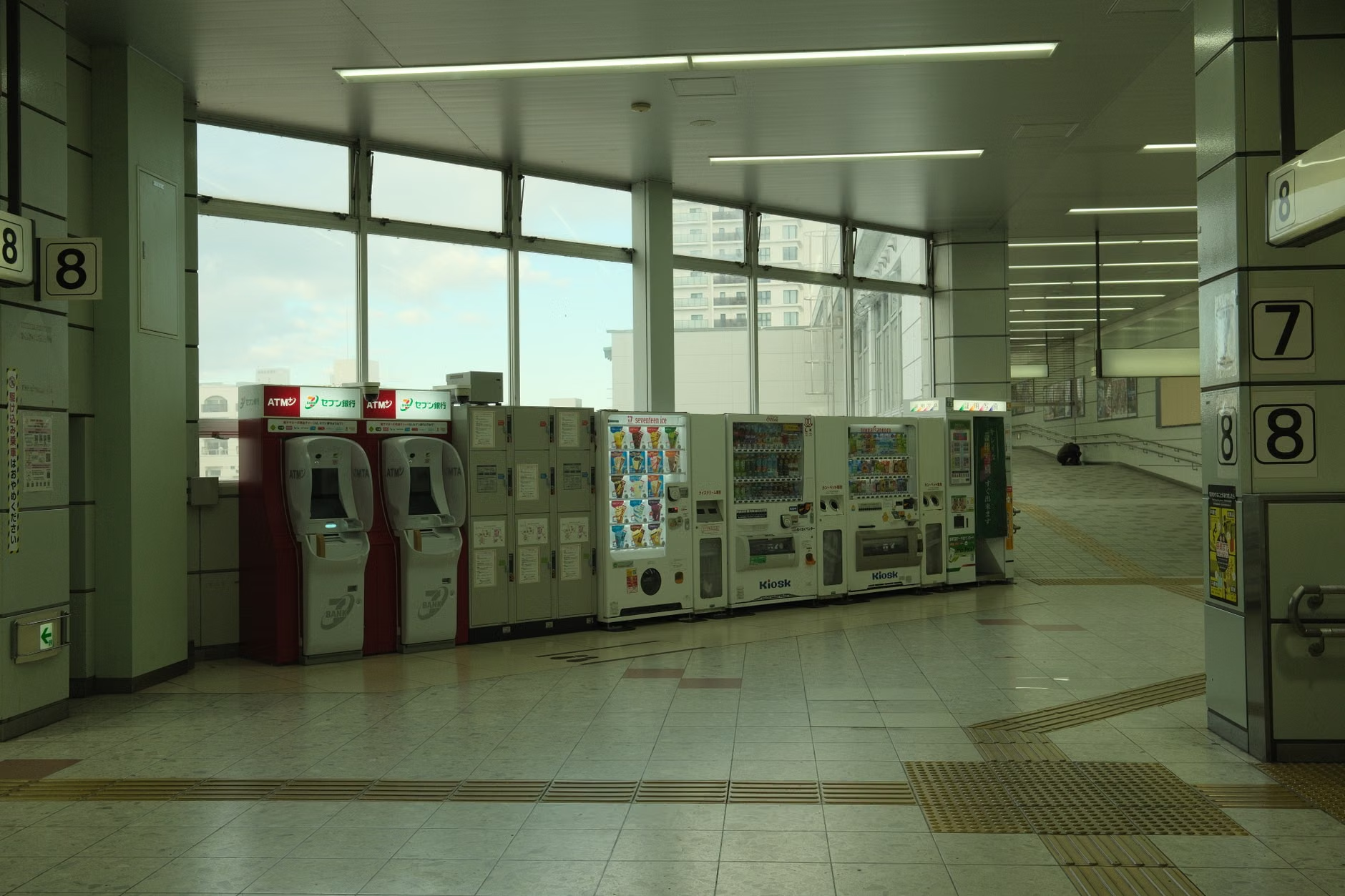
Comparing Traditional Pharmacy Visits vs. Kiosk Transactions
Deciding when to use a kiosk versus speaking to a human pharmacist is a matter of the complexity of your needs. The following table provides a decision-making framework.
| Task Type | Kiosk Suitability | Pharmacist Consultation Suitability |
|---|---|---|
| Routine Maintenance Refills | High (Fast, efficient) | Low (Time-consuming) |
| New Medication Consultation | Low (Requires human nuance) | High (Critical for safety) |
| Insurance/Co-pay Issues | Medium (Good for basic queries) | High (Complex policy issues) |
| Drug-Interaction Warnings | High (Automated flagging) | High (Human interpretation) |
Insight: If you are starting a new medication, even if the kiosk offers a “video chat” feature, it is often better to visit a pharmacist in person for your first refill. This allows for a physical demonstration of how to open child-resistant caps or how to store the medicine properly in your specific home climate.
Overcoming Technical Anxiety: Practical Strategies
It is perfectly normal to feel cautious about using digital kiosks. Many users worry about making a mistake with their medication. However, these systems are designed with “fail-safe” mechanisms.
Safety Features That Protect You
- Double-Verification: The kiosk will typically ask you to confirm your identity via a secondary device (like your phone) before finalizing a transaction.
- Real-Time Pharmacist Override: If the kiosk detects an error or if you feel confused, a physical button labeled “Call Pharmacist” is required by law in many jurisdictions. This connects you to a live person who can see the kiosk screen and guide you through the process.
- Transaction History: Every interaction is logged. If you accidentally order the wrong dosage, the system is designed to catch it based on your prescribed dosage limits.
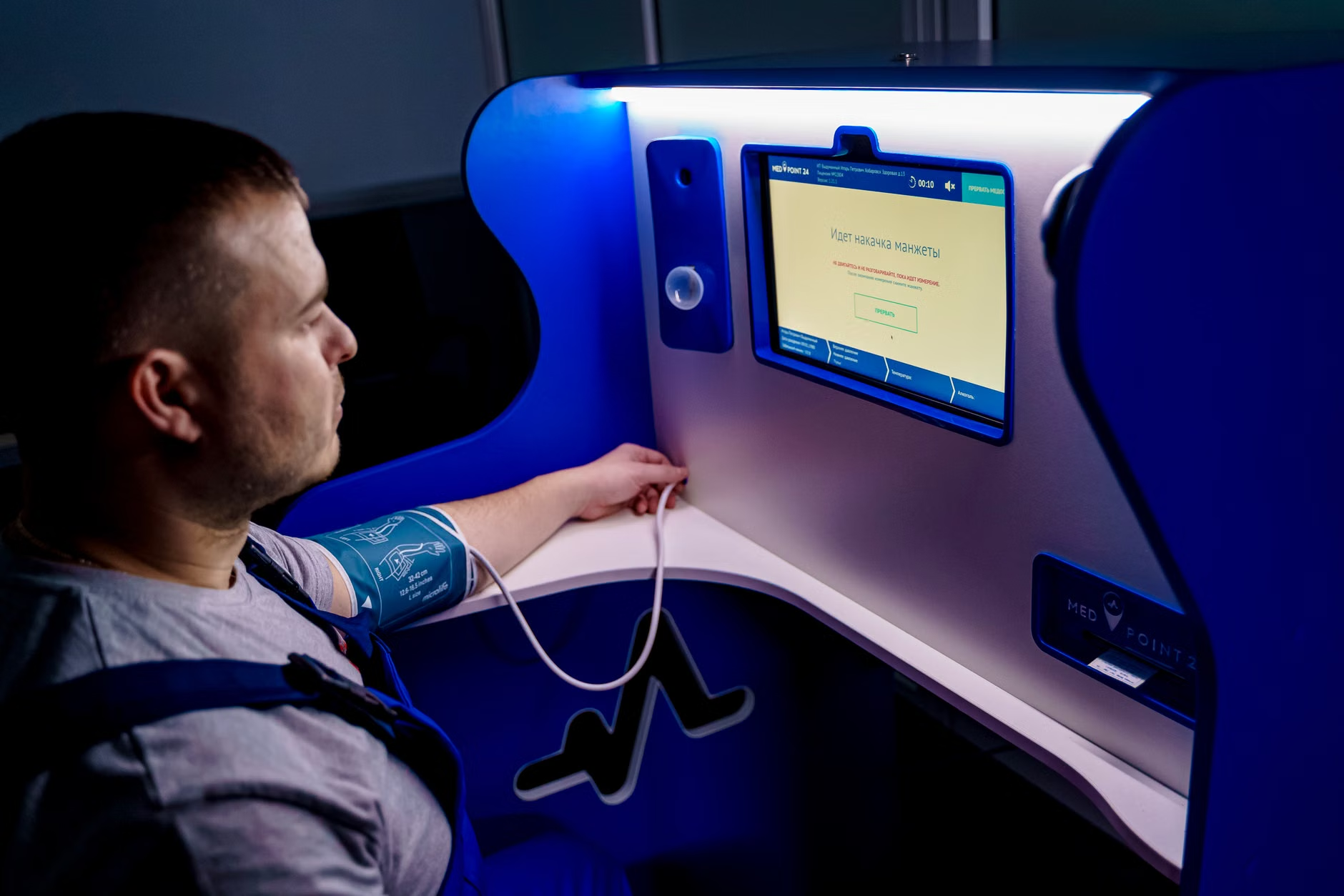
Common Pitfalls and How to Avoid Them
One of the most overlooked variables in 2026 is the “Connectivity Gap.” In rural or remote areas, some kiosks may experience intermittent connectivity issues. If the kiosk screen freezes or appears to be in a “loading” state for more than 30 seconds, do not attempt to force a restart. Step away and look for a staff member. Forcing the interface can sometimes trigger a “security lock” on your patient profile, which might require a manual reset by the pharmacy manager.
Another common mistake is ignoring the “Expiration of Consent.” Many health privacy laws require you to “re-consent” to data sharing every 12 to 24 months. If your kiosk session is suddenly blocked, it is likely not a technical failure, but a need to update your privacy permissions. Always keep a physical copy of your most recent prescription list in your wallet as a backup.
Building Your Personal “Digital Pharmacy” Strategy
To maximize the benefits of these 2026 tools, treat them as part of your overall health management system. Here is a recommended routine for older adults:
- The Weekly Check: Every Sunday, check your digital health app to see which refills are due. Do not wait until you have only one day of medication left.
- The Kiosk Visit: Schedule your kiosk visit for mid-morning on a weekday. This is when the pharmacy is least crowded, meaning if you do need human help, a pharmacist is more likely to be available immediately.
- The Documentation Rule: After every kiosk transaction, select the “Print Receipt” option. Even if you are digitally savvy, having a physical record of the date, dosage, and next refill date is vital for your home medication journal.
As we move further into 2026, the integration of AI within these kiosks will likely improve, offering more personalized health insights, such as “You haven’t picked up your Vitamin D supplement, would you like to add it to this order?” While this is convenient, always remember that the machine is an assistant, not a doctor. Use the kiosk to handle the logistics of your health so that you have more energy to focus on your wellbeing and daily activities.
Frequently Asked Questions (FAQ)
- 1. What if I am not comfortable using a screen? Can I still use the pharmacy?
- Yes. Digital kiosks are designed as an additional service, not a replacement for traditional pharmacy counters. You always have the right to request service from a human pharmacist, especially if you have complex medical questions.
- 2. How do I know if the kiosk is secure for my personal health data?
- Legitimate pharmacy kiosks in 2026 must adhere to strict regional data protection laws (such as GDPR in Europe or HIPAA in the US). Look for a “Certified Secure” badge on the kiosk frame, which indicates that the device has passed recent cybersecurity audits.
- 3. Can I use the kiosk to pay for my medications?
- Most modern kiosks accept digital wallets, credit cards, and specialized health benefit cards. However, if you are using a government-subsidized health program, ensure you have your physical insurance card with you, as some older systems may still require a magnetic stripe scan.
Disclaimer: This article is for informational purposes only and does not constitute medical, legal, or financial advice. Always consult with your primary healthcare provider regarding your specific medication needs and treatment plans.
Official Resources for Further Reading: