Public libraries are evolving rapidly as we approach 2026, shifting from quiet book repositories into vibrant, age-inclusive community hubs that provide essential digital, social, and educational support for adults aged 60 to 80.
- Digital Bridges: Libraries are prioritizing “tech-equity” by providing specialized hardware and one-on-one training for managing government and health services online.
- Beyond Books: Modern library programming now includes intergenerational mentorship, health literacy workshops, and “memory lab” services to digitize personal histories.
- Accessibility Standards: By 2026, the gold standard for library services includes universal design, such as high-contrast signage, hearing loops, and mobile-friendly library apps.
The 2026 Shift: Why Libraries are Your New Community Anchor
For many, the image of a library is a place of absolute silence and physical books. However, global trends in public service delivery for 2026 indicate a radical change. Libraries are increasingly being tasked with bridging the “digital divide” for older populations. This matters because as more healthcare providers, pension offices, and municipal services move their operations entirely online, the library is becoming the primary point of physical access for those who need guidance or lack high-speed home internet.
In real life, this means you can expect your local branch to offer more than just reading material. You will find dedicated “Digital Navigator” desks, spaces for telehealth appointments, and specialized classes on cybersecurity for seniors. Understanding how to use these facilities can save you time and money, as many of these services are provided free of charge by local governments.

One of the most significant trends for 2026 is the integration of “Government-as-a-Service” (GaaS) portals within library branches. This initiative aims to help citizens interact with state and national agencies without needing a private computer or high-level technical skills.
What to look for in your local library:
- Dedicated Privacy Booths: Many libraries are installing sound-proofed, private cubicles equipped with webcams and microphones specifically for accessing government portals or telehealth services.
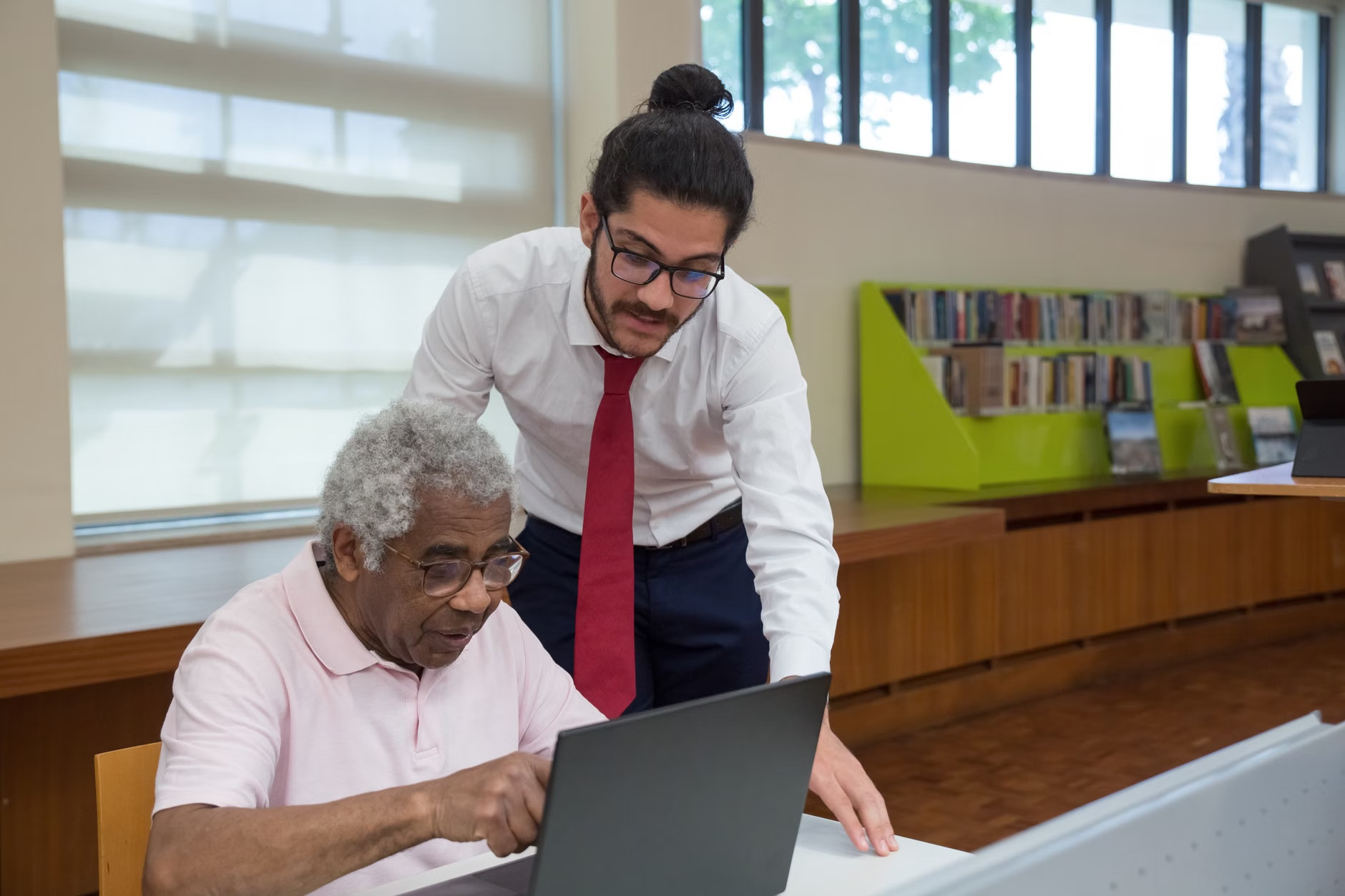
- Digital Navigation Assistance: Rather than generic “computer classes,” libraries are shifting toward “task-based” support. If you need to renew a passport, file a tax document, or check your pension status, you can book a session with a librarian trained to assist with these specific systems.
- Hardware Lending Libraries: Many jurisdictions now allow you to borrow tablets or mobile hotspots for extended periods, ensuring you have the tools necessary to stay connected from home.
Actionable Tip: Before visiting, check your library’s website or call their information desk to ask if they offer “Digital Navigation” appointments. Do not ask for general computer help; be specific about the task you need to complete (e.g., “I need assistance navigating the national health portal to view my records”).
2. Lifelong Learning: Beyond Traditional Book Clubs
The 2026 model for lifelong learning focuses on “active participation” rather than passive consumption. Libraries are pivoting toward skill-sharing programs where older adults are not just attendees, but also mentors.
Program categories gaining popularity:
| Program Type | What it offers | Best for |
|---|---|---|
| Memory Labs | Digitizing old photos, VHS tapes, and documents. | Those wanting to preserve family history. |
| Intergenerational Mentorship | Pairing seniors with students for career or life advice. | Those seeking social connection and purpose. |
| Health Literacy Workshops | Evidence-based sessions on navigating insurance or local care options. | Those proactively managing their aging journey. |
The value here is in the “Memory Labs.” As analog media degrades, libraries are investing in scanning equipment and software that would be prohibitively expensive for an individual to purchase. By using these services, you can preserve your family history while simultaneously learning new digital organizational skills.
3. Accessibility: The New Gold Standard
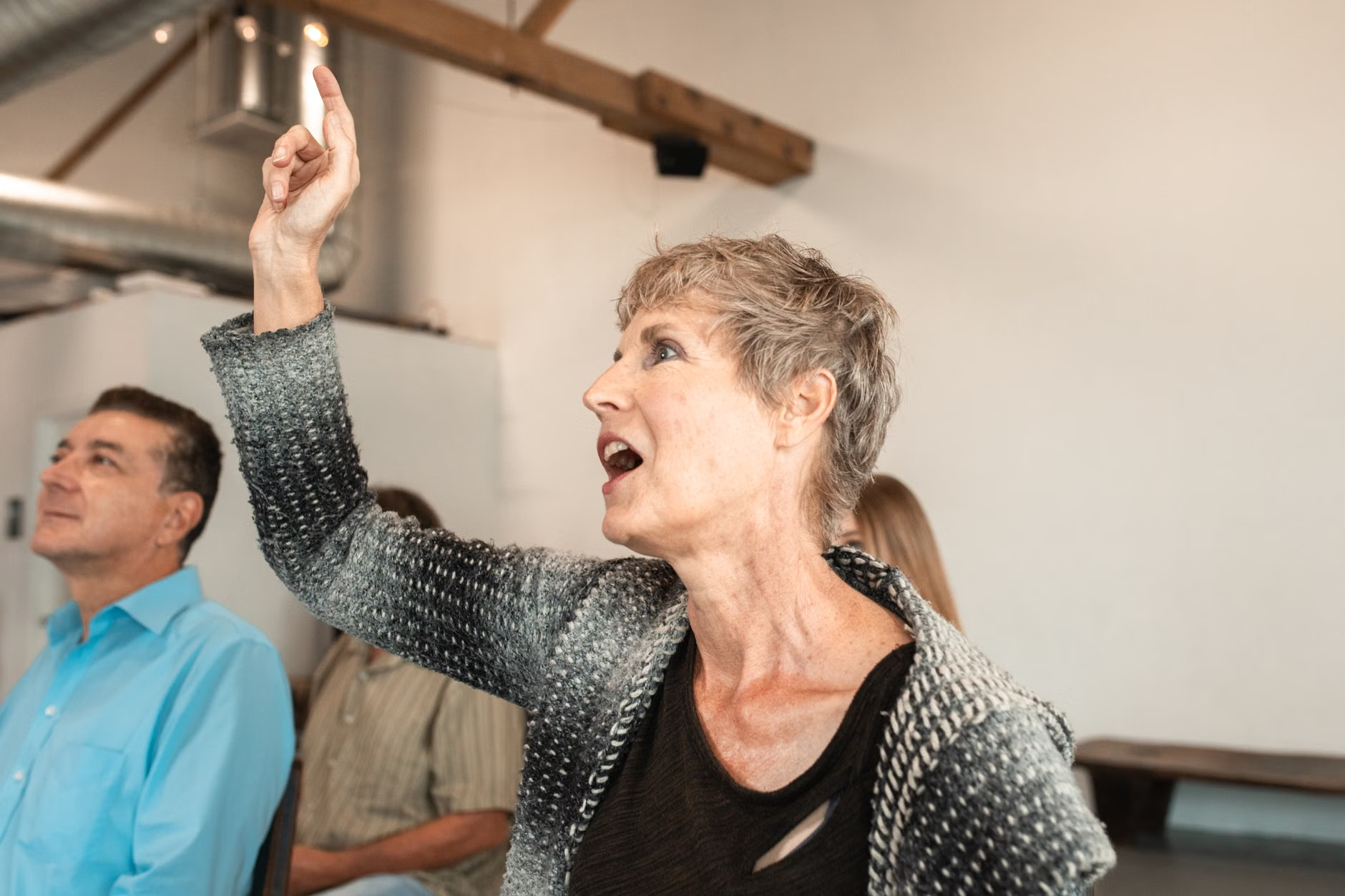
By 2026, “age-inclusive” will be a standard requirement for public library funding in many developed nations. This is not merely about wheelchair ramps; it is about cognitive and sensory accessibility.
Key accessibility features to expect:
- Hearing Loop Systems: Most modern libraries are now equipped with induction loops at service desks and in meeting rooms, which transmit sound directly into hearing aids, eliminating background noise.
- High-Contrast and Large-Print Interfaces: Digital kiosks and library computers are increasingly required to meet strict accessibility standards, including adjustable font sizes and high-contrast color schemes.
- Ergonomic Design: You will notice a move toward “comfort-focused” furniture. Look for chairs with armrests and appropriate seat heights that make standing up easier after a long session.
Hidden Inconvenience: One common mistake is assuming that all branch locations have the same equipment. Often, the central library in a city will have the most advanced accessibility tools, while smaller neighborhood branches may have limited resources. Always call ahead to confirm if a specific branch has the equipment you require, such as a specific type of screen reader or a private room.
4. How to Advocate for Your Needs
Libraries are public institutions that rely on community feedback to set their annual budgets. If your local library is missing services that would improve your quality of life, you have the power to influence their 2027 planning.
Step-by-Step Advocacy:
- Identify the Gap: Is it a lack of digital help? Is the building difficult to navigate?
- Find the “Friends of the Library” Group: Most libraries have a non-profit support group. This is the most effective place to voice your needs.
- Use the “Suggestion Box” or Annual Survey: These are not just for show. Librarians track these requests when applying for municipal grants.
When you speak to the staff, focus on the utility of the service. For example, rather than saying “we need more computers,” say “I believe a dedicated hour for seniors to get help with online medical portals would significantly reduce the barrier to accessing local health services.”
5. Practical Considerations for Your Next Visit
To maximize your library experience, treat it like any other important appointment. Preparation is key to avoiding frustration.
Preparation Checklist:
- Documents: If you are going for digital help, bring your login credentials (written down securely) and any necessary ID documents.
- Record-Keeping: Bring a notebook. Librarians will teach you, but you will need to practice at home. Write down the steps they show you.
- Time Management: Avoid peak after-school hours if you prefer a quieter environment. Mid-morning on a Tuesday or Wednesday is typically the calmest time in most international library systems.
Important Note: While libraries are excellent resources, they are not a replacement for professional legal or medical advice. A librarian can help you find a government form or a reputable health website (such as a national health service portal), but they cannot interpret your legal documents or provide medical diagnoses. Always verify high-stakes information through the official channels listed on government websites.
Conclusion: The Library as a Lifelong Partner
The library of 2026 is designed to be a partner in your daily life. Whether you are using it to digitize a family album, access your pension portal, or simply find a comfortable, accessible space to engage with your community, the modern library is a vital resource. By understanding the shift toward digital equity and age-inclusive design, you can ensure that you are getting the most out of these public assets. Start by visiting your local branch, asking for a tour of their digital services, and identifying which of their new programs can help you maintain your independence and connection to the world.
Frequently Asked Questions
- Do I need to pay to use these new digital services? Most basic library services, including internet access, computer use, and digital training, are provided free of charge as part of your taxpayer-funded benefits. Some specialty services, such as 3D printing or high-volume scanning, may have a nominal fee to cover materials.
- What if I am not tech-savvy? Will I feel overwhelmed? Libraries are increasingly moving away from “tech-speak” and focusing on “task-based” support. You do not need to know how a computer works to get help; you only need to explain the task you want to accomplish, and the staff will guide you through the process step-by-step.
- Can I bring my own device to the library? Yes, most libraries provide free, high-speed Wi-Fi and are designed to accommodate personal laptops and tablets. Many libraries also offer “bring your own device” (BYOD) training sessions where you can learn how to use your specific smartphone or tablet more effectively.
For further information on global library standards, you may visit the International Federation of Library Associations and Institutions (IFLA), which sets the guidelines for age-inclusive library services worldwide.