- Proactive Safety: By 2026, voice-controlled systems have evolved from simple “on/off” switches to proactive safety monitors that detect falls or irregularities in daily routines without needing wearable devices.
- Privacy-First Design: Modern systems now utilize “Edge AI,” meaning voice processing happens locally on your device rather than in the cloud, significantly enhancing personal data security.
- Seamless Integration: The most effective setup for 2026 involves linking voice commands to automated “emergency sequences” that can lock doors, turn on lights, and alert emergency contacts simultaneously.
In 2026, the intersection of voice-recognition technology and home safety has shifted from a novelty to a fundamental pillar of independent living. For adults aged 60 to 80, the primary benefit of this evolution is the removal of friction; the ability to secure a home, request assistance, or manage environmental controls through natural speech reduces the physical strain and cognitive load associated with complex home management.
The Evolution of Voice-Controlled Safety in 2026
Historically, voice assistants were limited to playing music or providing weather updates. As of 2026, the technology has reached a maturity level characterized by “Contextual Awareness.” This means the system understands not just the words spoken, but the intent behind them. If you say, “I’ve fallen and I can’t get up,” the system no longer simply asks for clarification; it immediately initiates a pre-programmed emergency protocol.
This leap is driven by local processing chips. Unlike older systems that required a stable internet connection to “think” in the cloud, current 2026 devices perform much of their analysis locally. This ensures that even during an internet outage, your voice-activated safety systems remain functional. This shift is critical for residents in rural areas or those who prioritize data privacy, as it keeps your voice data within the four walls of your home.
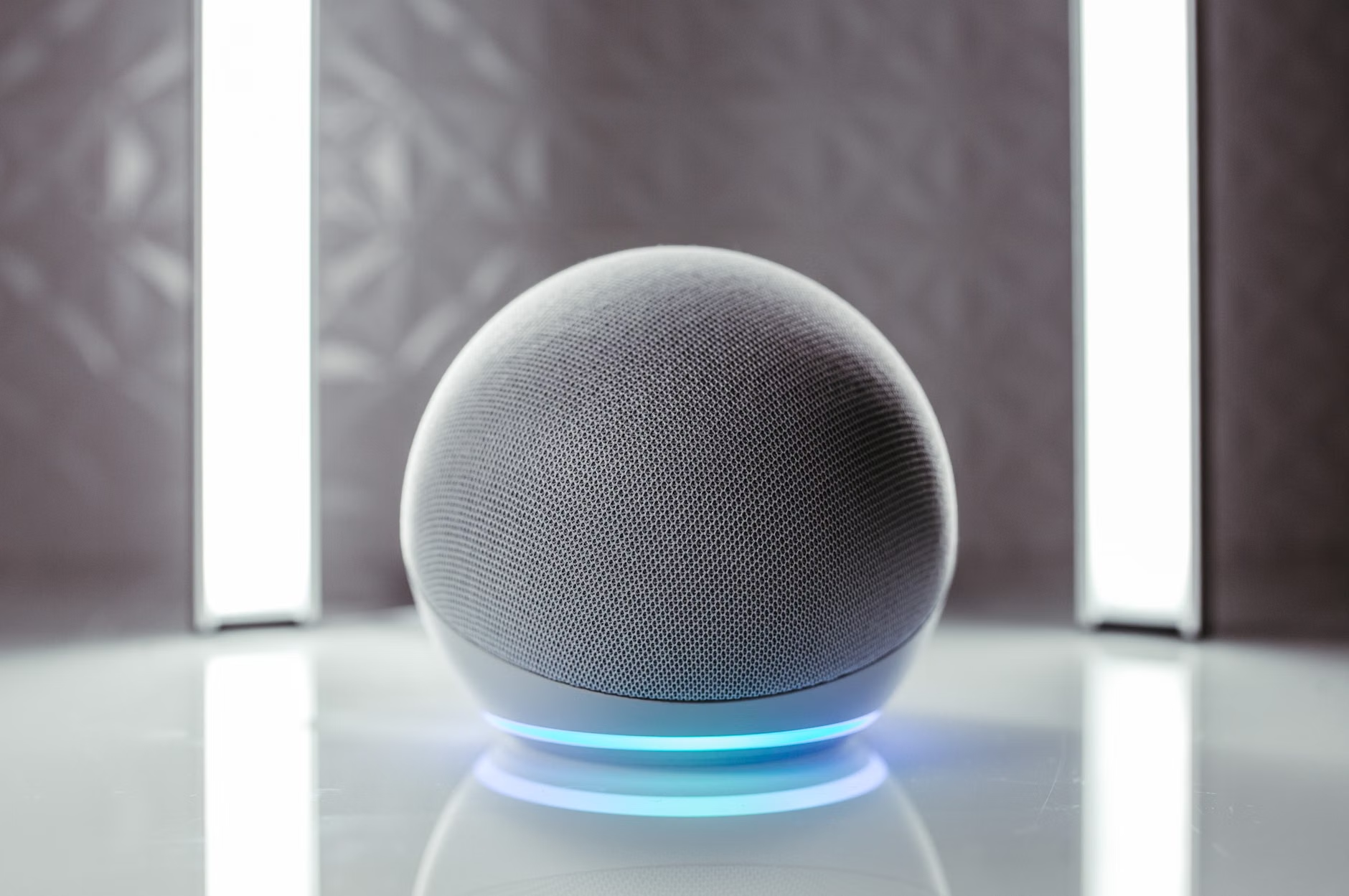
Managing Home Security Through Voice Commands
Security is often the primary concern for seniors living independently. In 2026, the “Voice-Secured Perimeter” allows you to manage entry points without needing to reach for keys or navigate physical locks, which can be challenging for those with limited dexterity or arthritis.
The “Goodnight” Protocol
One of the most practical applications is the automated evening routine. Instead of walking through the entire house to check if windows are closed or doors are locked, a single voice command—”Goodnight”—can trigger a sequence:
- Locking all smart-enabled exterior doors.
- Closing automated blinds.
- Turning off non-essential lights.
- Arming the perimeter security sensors.
Common Mistake: Many users attempt to link too many devices at once. Start by automating your most used entry point first. Once you are comfortable with the confirmation feedback from the system, expand to secondary entry points like garage doors or side gates.
Voice-Activated Surveillance
Modern video doorbells now integrate with voice hubs. If someone approaches your door, the system can announce, “Someone is at the front door,” via your voice assistant. You can then say, “Show me the front door,” and the live feed will project to your smart display or television. This allows you to vet visitors without physically approaching the entrance.
| Feature | Benefit for Seniors | Implementation Tip |
|---|---|---|
| Voice-Locking | Reduces physical strain on hands. | Use a specific “passphrase” for unlocking to prevent accidental activation. |
| Smart Lighting | Prevents trips and falls in the dark. | Install motion-sensitive voice lights in hallways for night-time navigation. |
| Emergency Alerts | Immediate contact in distress. | Test your “Emergency Command” once a month to ensure connectivity. |
Health Monitoring Without Wearables
A significant 2026 trend is the move toward “Ambient Assisted Living.” This technology uses sensors and voice-recognition to monitor your well-being without requiring you to wear a pendant or watch. If you have a regular habit of moving to the kitchen at 8:00 AM, and the system detects no activity in the kitchen by 10:00 AM, it can use the voice hub to ask, “Are you feeling okay?” If you do not respond, or if you respond in a distressed tone, the system can alert a family member or caregiver.
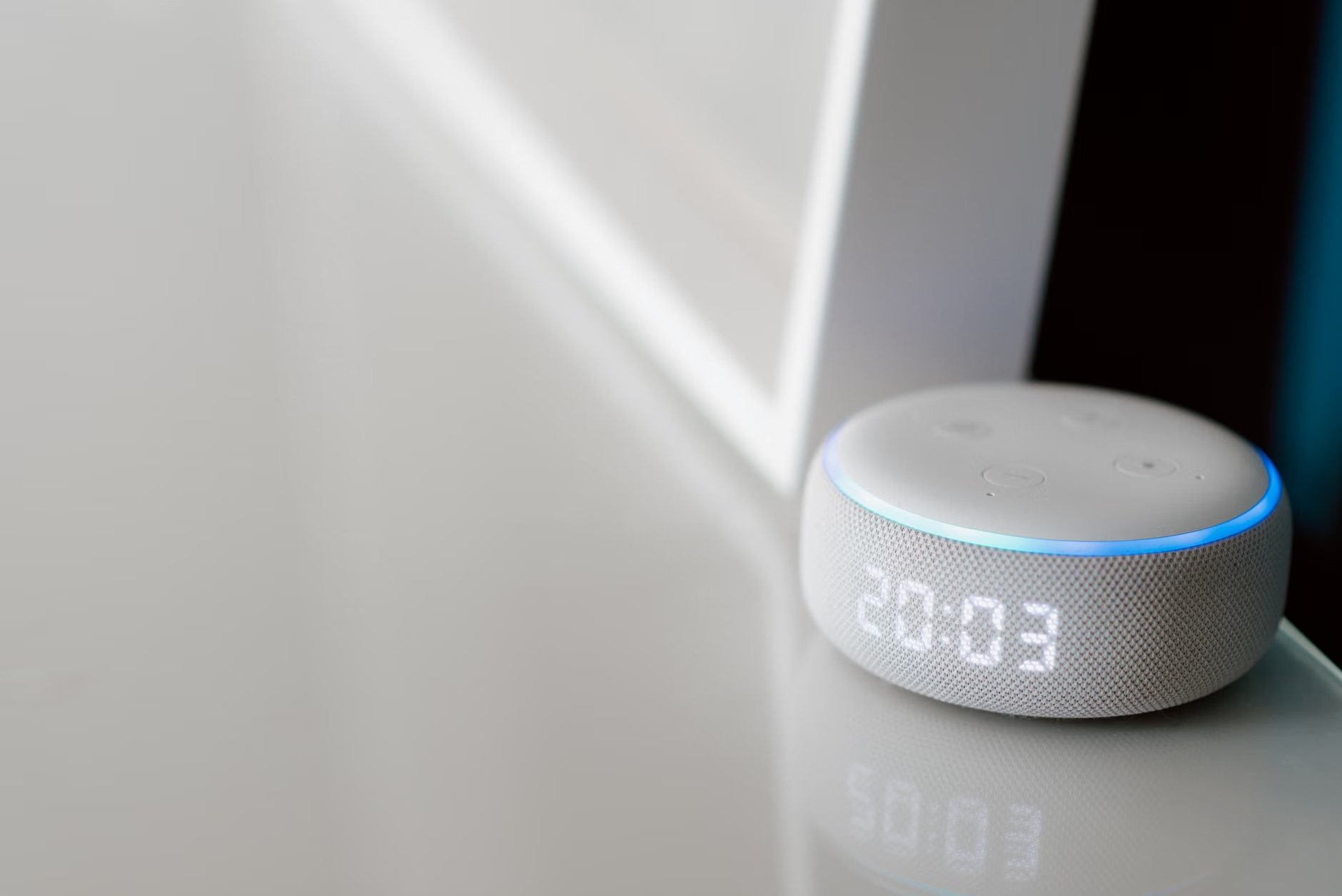
This is particularly useful for those who dislike the “medicalized” feel of traditional emergency alert pendants. The technology remains invisible, integrated into the environment, and only becomes active when a potential anomaly is detected.
Integration and Compatibility: Choosing the Right Ecosystem
The biggest challenge in 2026 is the fragmentation of standards. When selecting devices, you will encounter terms like “Matter” or “Thread.” These are universal standards that allow devices from different manufacturers to “talk” to each other. For an older adult, choosing devices that support the Matter standard is the most important decision you can make.
Why it matters: If you buy a smart lock from one company and a voice hub from another, they may not communicate without a “bridge.” Devices labeled “Matter-certified” work together out of the box. This simplifies your setup and ensures that you aren’t locked into a single brand’s ecosystem, which could become expensive or obsolete over time.
Practical Checklist for System Setup
- Assess Connectivity: Ensure your home Wi-Fi reaches all areas where you intend to place voice hubs. If not, consider a “mesh network” router system.
- Prioritize Power: Choose devices that have battery backups. If the power goes out, your smart lock and voice-activated emergency features should still function.
- Simplify Commands: Rename your devices to simple, easy-to-remember names. Instead of “Living Room Lamp 01,” rename it to “Reading Light.”
Privacy and Data Security Considerations
With voice-controlled systems, the question of “Who is listening?” is common. In 2026, the industry standard has shifted toward “Physical Privacy Switches.” Most reputable smart speakers now include a physical button that electronically disconnects the microphone. When the light is off, the device is incapable of listening.
Furthermore, you should check the privacy settings of your device to ensure “Voice History” is set to “Auto-Delete.” This means that after a certain period—usually 24 hours—your voice recordings are permanently wiped from the server. This is a standard setting that should be enabled during the initial configuration of any new device.

The Human Element: Caregiver and Family Coordination
For family members or caregivers, these 2026 systems offer a “Digital Bridge.” You can set up “Care Circles” where, if the home system detects a fall or an unusual pattern, the smart hub sends a push notification to your phone. This does not replace the need for regular check-ins, but it provides a layer of passive oversight that respects the senior’s autonomy.
Important insight: Do not over-automate. If a system is too sensitive, it can become a nuisance. For example, setting the lights to turn on every time you walk into a room might be helpful, but if the sensor is poorly placed, it might trigger while you are sleeping. Spend the first week in “Learning Mode” where the system logs events but doesn’t take action, allowing you to adjust the sensitivity to your specific lifestyle.
Conclusion: Taking the First Step
The goal of 2026 home safety technology is to provide support that is present when needed and invisible when not. By focusing on Matter-compatible devices, local processing for privacy, and gradual integration of safety protocols, you can significantly enhance your independence. Start small—perhaps with a voice-activated front door lock or a smart lighting system—and build your ecosystem as your confidence with the technology grows. Safety is not about replacing your abilities, but about creating an environment that adapts to you.
Frequently Asked Questions
1. Do I need to be tech-savvy to install these systems?
Most 2026 smart home devices are designed for “plug-and-play” installation. Many retailers offer professional installation services that include setting up the voice commands, which is highly recommended if you are uncomfortable with network configuration.
2. What happens if my internet goes down?
Modern smart home systems with local processing (using the Matter standard) will continue to function for basic commands like locking doors or controlling lights, provided the devices are on the same local network. However, some advanced features that require cloud analysis may be temporarily unavailable.
3. How much does a basic voice-controlled safety setup cost?
A starter setup—a voice hub, one smart lock, and two smart light bulbs—can cost between $250 and $400 USD. Prices vary significantly by brand, but the cost is generally offset by the long-term benefit of increased security and reduced need for external home-monitoring services.
Disclaimer: This article provides general information about home technology and does not constitute medical advice or a guarantee of safety. Always assess your specific home environment and consult with family or professional caregivers when implementing new security measures. For technical support, refer to the manufacturer’s official user manual or contact their customer support services.