- Extended Crossing Phases: By 2026, many cities are adopting dynamic timing that uses AI and sensors to automatically lengthen walk signals for those walking at a slower pace.
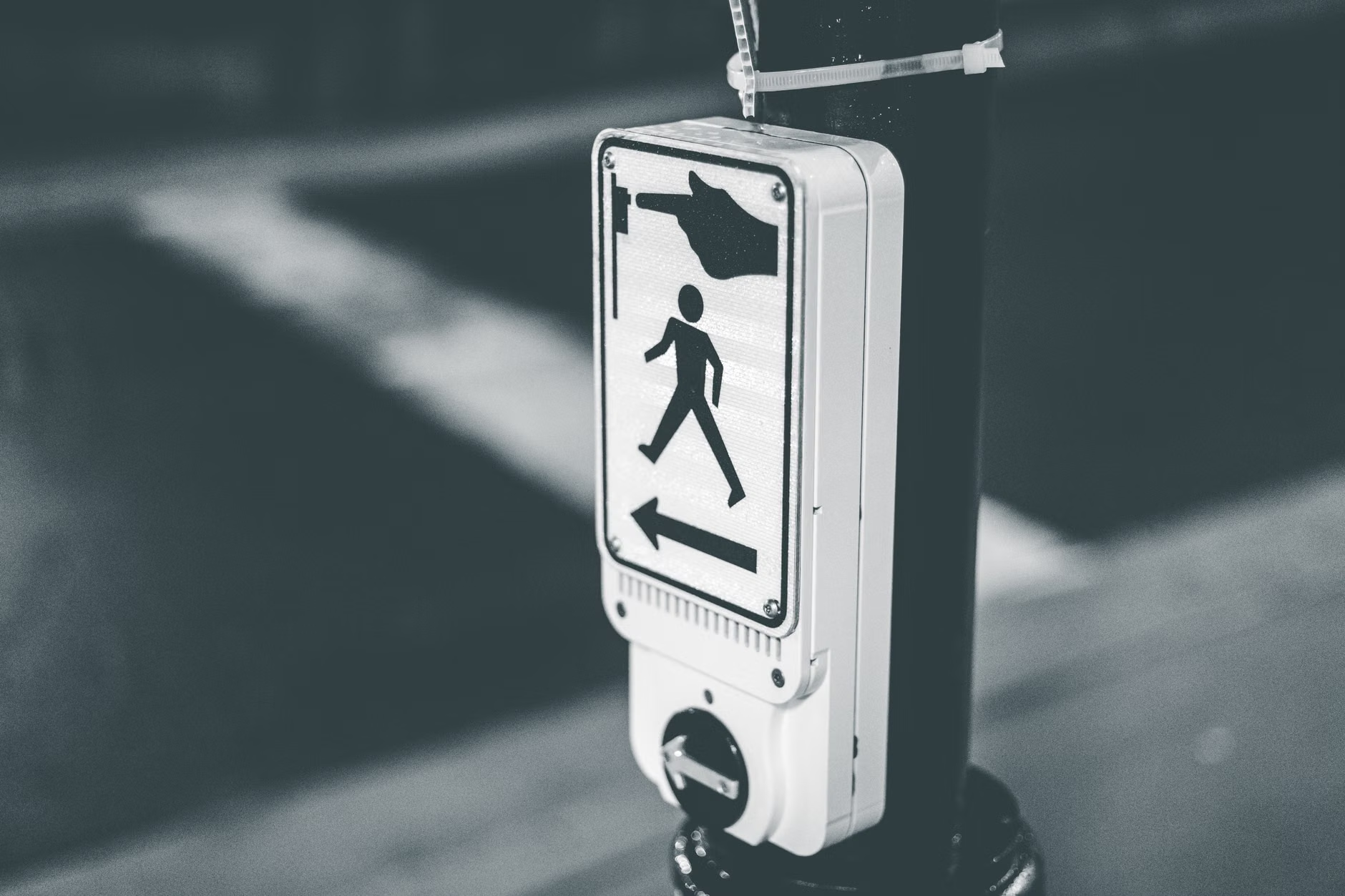
- Tactile and Audible Feedback: New standards prioritize multi-sensory signals, combining haptic vibrations and directional sound to support those with visual or hearing impairments.
- Proactive Navigation: Use your local city’s mobility app or “311” services to report intersections that feel unsafe or have insufficient crossing times for your walking speed.
The Evolution of Pedestrian Safety: What 2026 Brings
As we navigate urban environments, the infrastructure that dictates our movement—the pedestrian crossing signal—is undergoing a significant transformation. For older adults, the traditional “fixed-time” signal has long been a source of anxiety, often failing to account for varying walking speeds. As of 2026, global urban planning is shifting toward “age-inclusive” design, prioritizing technology that adapts to the pedestrian rather than forcing the pedestrian to adapt to the traffic.
This shift is not merely about longer lights; it is about smarter systems. We are moving toward a future where sensors, mobile integration, and improved physical infrastructure work in tandem to ensure that every resident, regardless of physical agility, can navigate city streets with confidence and safety.
Understanding Dynamic Crossing Times: How It Works
The most impactful change in 2026 is the widespread implementation of Dynamic Pedestrian Timing (DPT). Traditionally, a crosswalk was set to a rigid timer, often calculated based on an “average” walking speed of 3.5 feet per second. For many individuals, particularly those managing joint pain, balance issues, or using mobility aids, this speed is simply not realistic.
The Mechanism of Adaptive Signals
Modern DPT systems utilize overhead sensors—often LiDAR (Light Detection and Ranging) or computer vision—to monitor the crosswalk. If the system detects a person still in the middle of the street when the “walk” phase is ending, it automatically extends the signal. This is a game-changer for daily routines, as it removes the pressure to “hurry” across, which is a leading cause of falls and stress-related incidents among older pedestrians.
What This Looks Like in Real Life
Imagine you are crossing a four-lane road. In a standard system, you might feel the “Don’t Walk” sign flashing before you reach the median. In a 2026-ready intersection, the system recognizes your presence. Even if you are moving at 2.5 feet per second, the green light remains active until you have cleared the danger zone. This technology is currently being scaled in major metropolitan areas across Europe, Japan, and North America.
| Feature | Traditional System (Pre-2020) | Modern System (2026 Trend) |
|---|---|---|
| Timing | Fixed, rigid intervals | Dynamic, sensor-based extensions |
| Accessibility | One-size-fits-all | Adaptive to individual pace |
| Feedback | Visual only | Tactile, audible, and visual |
The transition from a fixed-time model to an adaptive one is significant. If you live in an area that has not yet upgraded, the comparison above helps identify why you might feel rushed at certain intersections. It is not a lack of effort on your part; it is a limitation of the infrastructure.
Multi-Sensory Infrastructure: Beyond Visual Signals
Safety is not just about time; it is about information. In 2026, the global standard is increasingly incorporating Accessible Pedestrian Signals (APS). These are not just speakers that “chirp”; they are sophisticated devices that provide crucial environmental data.
Why Multi-Sensory Matters
For those with reduced visual acuity or hearing loss, relying solely on a flashing white hand or orange person can be difficult, especially in direct sunlight or heavy rain. Modern APS units provide:
- Tactile Arrow Indicators: These vibrate or point in the direction of the crossing, helping orient the pedestrian.
- Audible Location Tones: These assist in finding the push-button location, which can be difficult in crowded, noisy urban spaces.
- High-Contrast Visuals: Larger, high-intensity LED displays that remain readable even during bright, glare-heavy afternoons.
Taking Control: How to Advocate for Your Safety
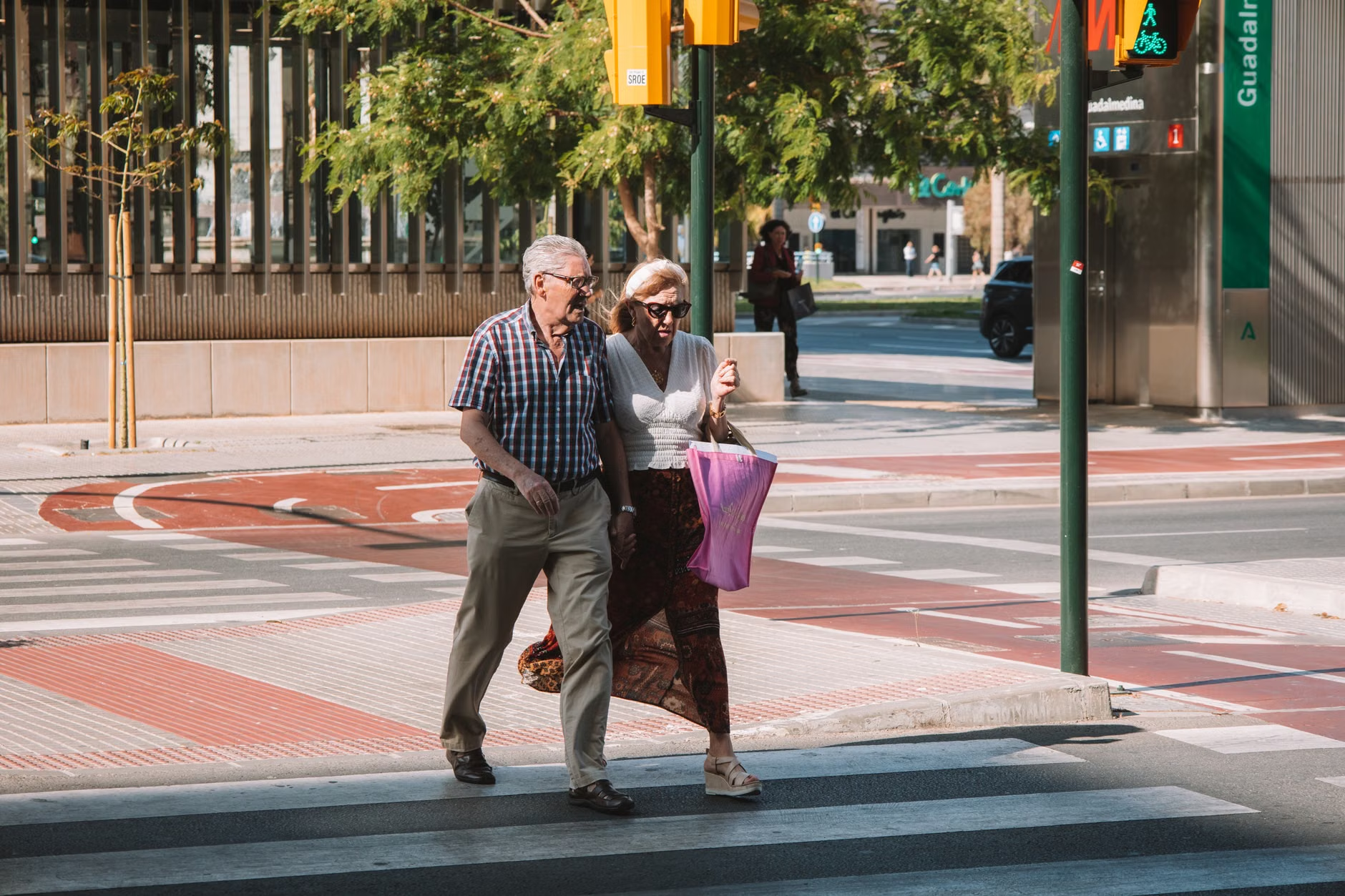
You do not need to wait for your city to modernize every intersection. In many jurisdictions, public services are highly responsive to reports regarding pedestrian safety. If you find an intersection that is consistently dangerous—perhaps the timing is too short for the distance, or the button is poorly placed—you have the power to initiate a change.
Step-by-Step Reporting Guide
- Identify the Intersection: Note the exact street names and, if possible, the pole number of the signal box.
- Document the Issue: Keep a record of the approximate time it takes you to cross versus the time provided by the signal.
- Use Local Channels: Most cities use a “311” system or a dedicated “Transportation/Public Works” portal. Use these channels to submit a formal request for a “signal timing review.”
- Engage Local Advocacy Groups: Many cities have “Senior Advisory Committees” or “Pedestrian Safety Coalitions.” These groups often hold more weight with city planners than individual requests.
Common Mistake: Many people assume that if they feel unsafe, they should simply avoid the route. While safety is the priority, reporting the issue is essential. Urban planners often rely on “incident reports” or “citizen requests” to prioritize their maintenance budget. By reporting a deficient intersection, you are effectively protecting others in your community who may face the same challenges.
Digital Integration: The Role of Mobility Apps
By 2026, we are seeing the rise of “Smart Pedestrian” apps. These applications connect directly to city traffic management systems. In some pilot cities, you can use your smartphone to “request” an extended green light as you approach the intersection. This is not just a convenience; it is a profound shift toward inclusive mobility.
However, there is an unexpected trade-off: Digital Dependency. While these apps are helpful, they should never be your sole reliance. Always verify the physical signal before stepping into the street. Technology can experience latency or network issues, and your eyes and ears remain your most reliable safety tools.
Strategic Mobility: Planning Your Daily Walks
When planning your day—whether for exercise, errands, or social visits—consider the route’s “age-friendliness.” This involves more than just the signal timing. Look for:
- Continuous Sidewalks: Avoid routes where sidewalks abruptly end, forcing you into the road.
- Bench Availability: Look for routes that offer “rest points” every 200 to 300 meters.
- Lighting: If you walk in the early morning or evening, prioritize routes with high-intensity LED street lighting.
If you have mobility limitations, such as using a cane or walker, prioritize routes that feature “curb cuts” (ramps) at every intersection. A crossing signal is only as good as the path leading to it. If you are ever unsure about a route, check your city’s official website for “pedestrian master plans.” These documents often highlight which areas are currently being upgraded for better accessibility.
Addressing Common Misconceptions
There is a prevailing myth that “smart” signals are overly complicated. In reality, the goal of 2026 infrastructure is simplicity. Most of these systems work in the background without requiring any action from you. You simply walk up, press the button if needed, and proceed when the signal changes. The “intelligence” is in the system’s ability to sense your presence and adjust the environment accordingly.
Another misconception is that these upgrades are purely for the “frail.” In fact, better pedestrian infrastructure benefits everyone: parents with strollers, people with temporary injuries, and tourists who are unfamiliar with the area. Improving the environment for one group improves the quality of life for the entire city.
Technical and Safety Nuances: What to Look For
As you encounter newer signals, keep an eye out for these specific indicators of a modern, inclusive intersection:
- The “Leading Pedestrian Interval” (LPI): This gives pedestrians a 3-to-7 second head start before vehicles get a green light. This is a critical safety feature that ensures you are already visible in the crosswalk before cars begin to turn.
- High-Visibility Markings: Look for “continental” style crosswalks (the thick, white bars). These are statistically safer than the traditional “two-line” markings because they are more visible to drivers at night and in bad weather.
- Refuge Islands: In wide roads, look for the median islands. These allow you to cross half the street, wait safely, and then finish the crossing on the next cycle if needed.
The trajectory of 2026 urban planning is clear: the focus is shifting from “traffic flow efficiency” (how fast cars move) to “people flow efficiency” (how safely people move). This is a monumental shift that empowers older adults to maintain their independence and continue participating in their communities.
Your role in this evolution is to remain informed and proactive. By understanding how these systems work, you can better advocate for your needs and navigate your city with greater ease. Safety is a shared responsibility, and as technology continues to evolve, the tools available to support your mobility are becoming more effective than ever before.
Conclusion: Your Next Steps
As we move through 2026, take a moment to evaluate the intersections you use most frequently. Are they meeting your needs? If not, do not hesitate to reach out to your local municipal transport department. Your feedback is a vital component of the data they use to decide where to invest in upgrades. Remember, the goal of these modern systems is to give you more time, more information, and more safety. Use these tools to your advantage, and continue exploring your city with confidence.
For more information on pedestrian safety standards, you can refer to resources such as the Federal Highway Administration’s guide on pedestrian safety (for US-based readers) or your local equivalent, such as the UK’s Manual for Streets. These documents detail the standards that cities are currently implementing to make streets more inclusive for all ages.
Frequently Asked Questions
1. What should I do if a pedestrian signal changes to “Don’t Walk” while I am still in the middle of the street?
If you are already in the street, continue walking at a steady, safe pace. Drivers are legally required to wait until the crosswalk is clear. Do not panic or try to run, as this increases the risk of a fall. If you find this happens frequently at a specific intersection, report it to your local public works department so they can adjust the signal timing.
2. Are “smart” pedestrian signals available in all cities?
No. While these technologies are becoming standard for new construction and major renovations, many cities still operate on older, fixed-time systems. You can usually identify a modern intersection by the presence of overhead sensors (small cameras or boxes above the traffic lights) and newer, high-contrast signal buttons.
3. How do I know if an intersection is safe for my walking speed?
Most traffic engineering standards assume a walking speed of about 3.5 feet per second. If you require more time, look for intersections with “pedestrian refuge islands” in the middle, which allow you to break the crossing into two shorter segments. If you consistently find an intersection too short, contact your local city council to request a “pedestrian timing assessment.”