- By 2026, wearable devices are increasingly moving beyond simple step counting to integrate directly with public emergency response networks via standardized APIs.
- Users must ensure their emergency contact information and location sharing settings are manually enabled in their device’s health app to allow first responders to access vital data.
- While these technologies offer enhanced safety, they do not replace the need for traditional emergency protocols; always carry a secondary form of identification and a list of medical conditions.
As we enter 2026, the intersection of wearable technology and public infrastructure has reached a significant turning point. For older adults, this evolution means that the watch or pendant they wear is no longer just a personal health tracker; it is becoming a bridge to immediate, location-aware assistance in public spaces. This article explores how these systems function, what they mean for your daily independence, and the practical steps you can take to ensure you are protected.
Understanding the 2026 Shift: From Passive Monitoring to Active Integration
In previous years, wearable health devices operated in a “siloed” manner. If you experienced a medical emergency in a public park or transit station, your device might notify a family member, but it rarely communicated directly with local emergency services (like 911 in the US, 999 in the UK, or 112 in the EU). By 2026, new standardized communication protocols have allowed these devices to relay precise GPS coordinates and pre-authorized health summaries—such as blood type, known allergies, and current medications—directly to dispatch centers.
This integration is not universal, but it is becoming a standard feature in major metropolitan areas globally. The primary goal is to reduce “time-to-care.” In a medical emergency, every minute saved during the dispatch process can significantly improve clinical outcomes. For the older adult, this means that if you are unable to speak or are disoriented in a public setting, the infrastructure around you is now better equipped to recognize your device’s distress signal.
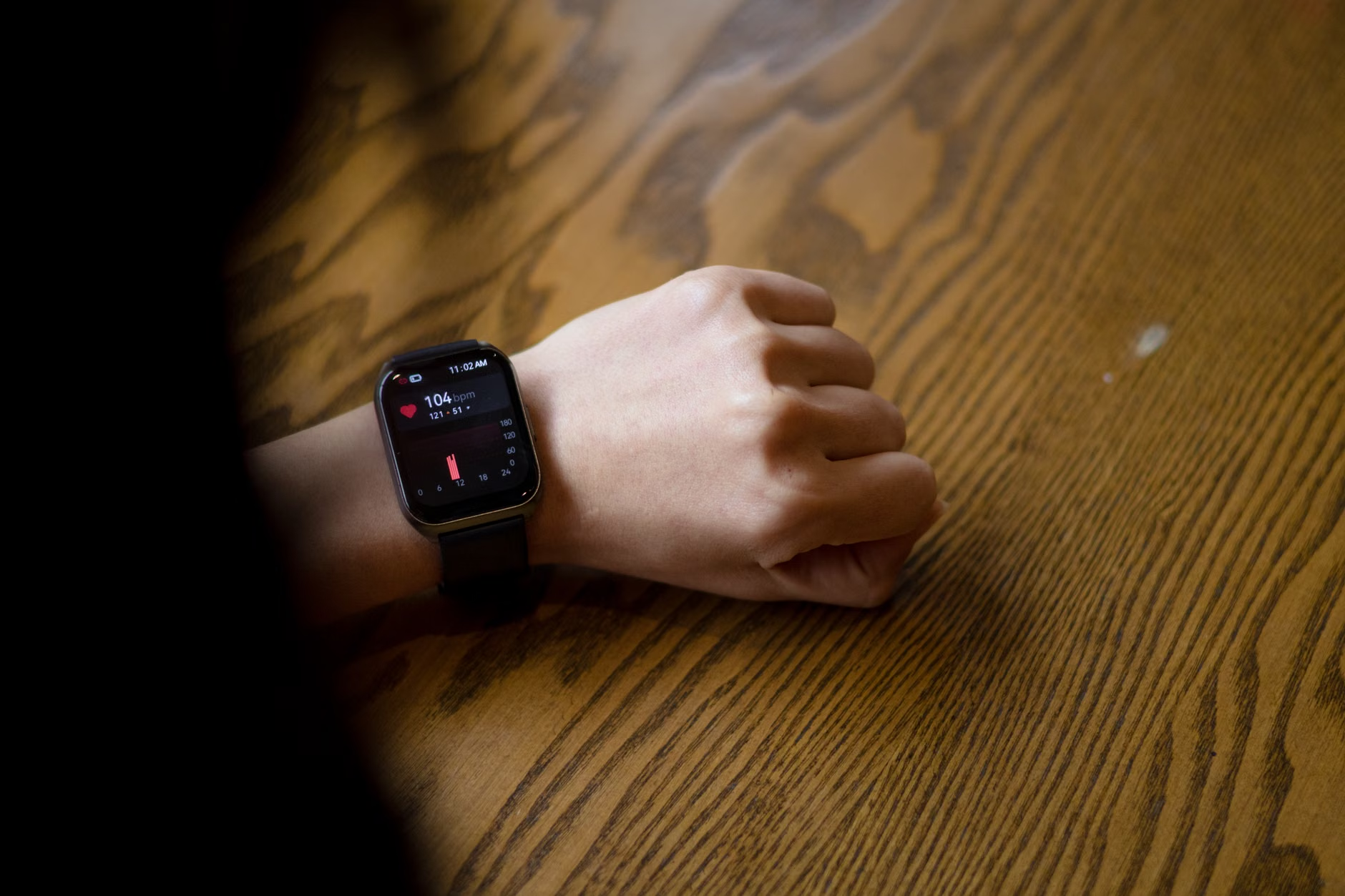
How the Technology Functions in Public Spaces
The integration relies on three core components: the device, the cellular/satellite network, and the public safety answering point (PSAP) software. When a fall is detected or a manual SOS button is triggered, the following sequence occurs:
- Data Handshake: The device sends a high-priority packet of data to the nearest cellular tower.
- Automatic Location Pinning: Unlike traditional calls where dispatchers must ask for your location, the device provides “Z-axis” positioning, which can determine which floor of a building or which side of a large plaza you are located on.
- Health Profile Transmission: If you have opted into “Emergency Sharing,” your medical ID—stored locally on your device—is transmitted to the dispatcher’s screen.
Comparing Traditional Alerts vs. Integrated 2026 Systems
| Feature | Traditional Medical Alert | 2026 Integrated Wearable |
|---|---|---|
| Communication | Requires manual button press | Automatic fall/heart rate detection |
| Location | Verbal confirmation needed | Real-time GPS/Z-axis data |
| Medical Data | Limited to verbal report | Automated digital profile sync |
The 2026 integrated systems are superior for those who might lose consciousness or suffer from cognitive impairment during a health event. However, they require higher technical confidence to set up initially. If you find the setup process daunting, consider asking a family member to assist you in “Emergency ID” configuration, which is the most critical step in ensuring this technology works when needed.
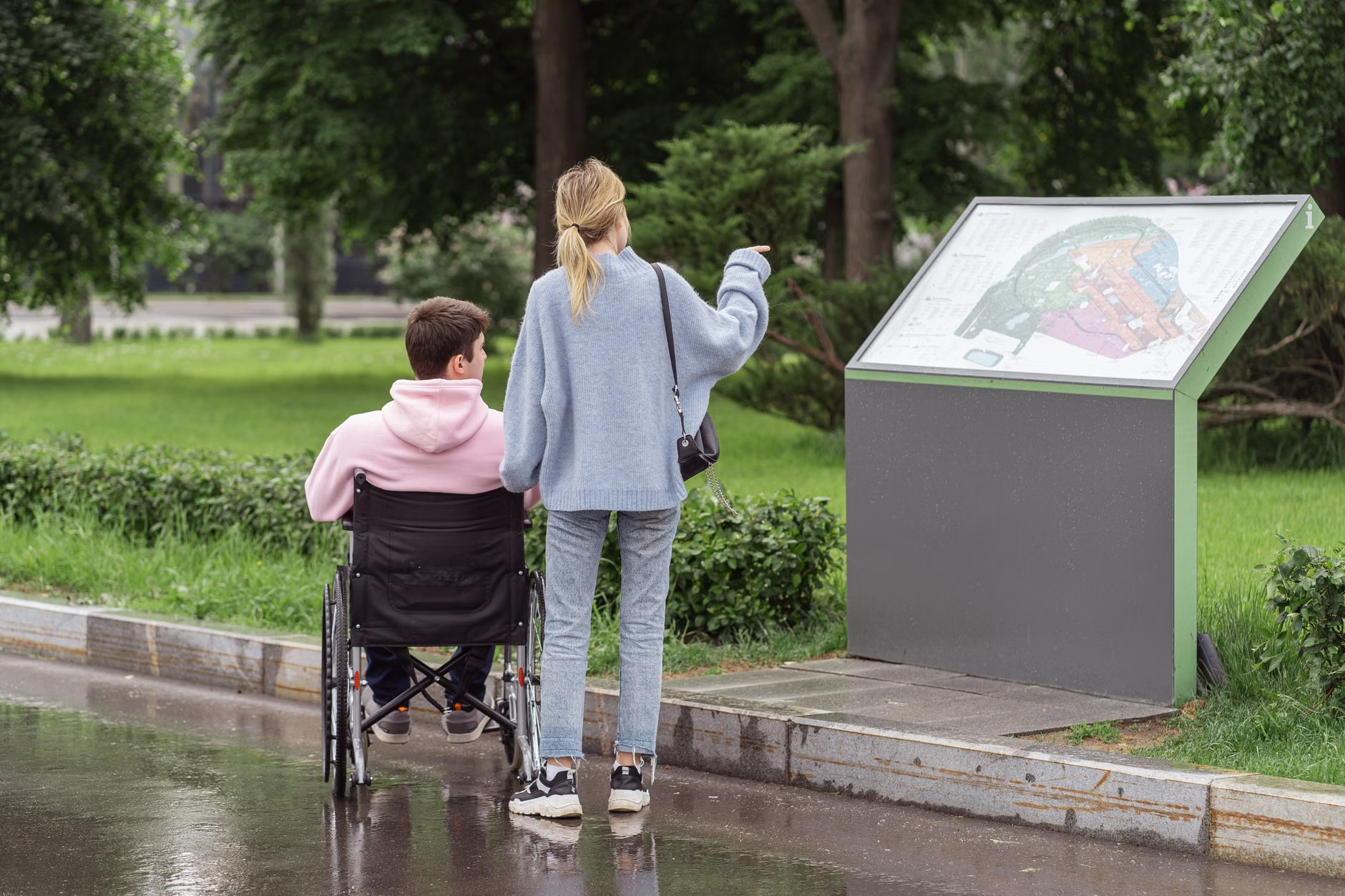
Practical Steps for Ensuring Your Safety
Technology is only as effective as the data provided to it. To ensure your wearable device is a reliable safety tool, follow these steps:
- Verify “Emergency SOS” Settings: Open your health app and ensure “Emergency Access” is toggled to “On.” This allows first responders to view your medical ID even if your device is locked.
- Update Your Medical ID: Many users set this up once and forget it. Update your list of current medications and allergies every six months.
- Test the Interface: Practice finding the “SOS” or “Emergency” function on your device. Ensure you can trigger it without needing to scroll through complex menus.
- Battery Management: Integrated location services drain battery faster than standard tracking. Ensure your device is charged to at least 50% before leaving home for an extended trip.
Addressing Common Misconceptions
A common fear among older adults is that “always-on” location tracking is a privacy risk. It is important to clarify that in most jurisdictions, location data is only pushed to emergency services when an SOS is triggered. Your device is not constantly broadcasting your movements to the local authorities. Another misconception is that these devices eliminate the need for a mobile phone. While they are increasingly capable, they are not yet a complete replacement for a smartphone, especially in areas with poor cellular coverage or when communicating with family members who are not emergency responders.
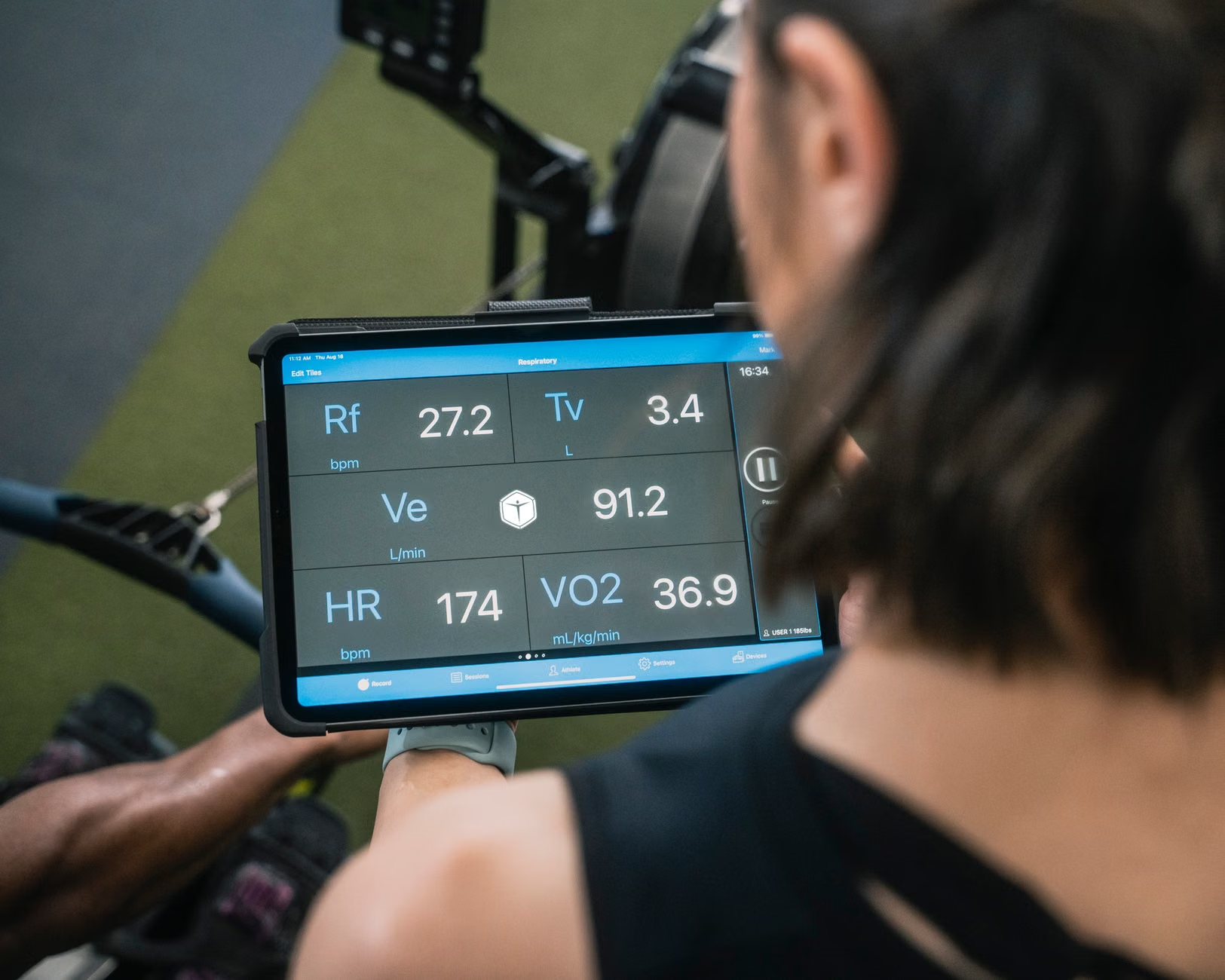
The Role of Caregivers and Family Members
For family members or caregivers, these 2026 advancements provide a new layer of “passive oversight.” Many modern wearable ecosystems now allow for “Circle of Trust” features. If an emergency is triggered, the system can send a simultaneous alert to designated emergency contacts, including a link to your current location. This allows family members to arrive at the scene or coordinate with hospital staff much faster than waiting for a phone call from a stranger.
Warning: Do not rely solely on digital notifications. If you are a caregiver, ensure you have a physical copy of the senior’s medical history in their wallet or purse. Technology can fail due to dead zones, battery depletion, or software glitches. A physical document is the “fail-safe” that works even when the digital world goes offline.
Evaluating Your Needs: Which Device is Right for You?
Not all wearables are created equal. When choosing a device in 2026, consider your primary environment and mobility level:
- For the Active Traveler: Look for devices with built-in cellular connectivity (eSIM) that do not require your phone to be nearby. This ensures you are protected even if you leave your phone in a hotel or locker.
- For the Home-Based User: Devices that integrate with home smart-speakers (like Alexa or Google Home) provide a seamless transition from indoor to outdoor safety.
- For Those with Cognitive Challenges: Devices with “Geofencing” alerts can notify family if you wander outside a pre-defined “safe zone,” providing an extra layer of security beyond just emergency health alerts.
Global Perspectives on Public Service Integration
It is crucial to recognize that the level of integration varies by country. In countries like Japan and South Korea, public transport and city centers are increasingly equipped with “Smart Hubs” that can ping compatible wearables to provide health status or location if a user collapses. In many European nations, the “eCall” system—originally designed for vehicles—is being adapted for personal wearable use. In the United States, the focus remains on upgrading the 911 dispatch centers to handle “Next Generation 911” (NG911) data packets. Before assuming your device will work in a specific public space, check your local government’s digital services website to see if they have adopted NG911 or similar standards.
Strategic Preparation for Medical Appointments
If you are planning to discuss your wearable technology with your doctor, bring a list of the following:
- The make and model of your wearable device.
- A list of the sensors it uses (e.g., fall detection, heart rate, oxygen saturation).
- Any recurring “false alarms” you have experienced, which may indicate a need for sensor recalibration.
Ask your doctor specifically if the data provided by your device is clinically useful for your specific health condition. For example, a doctor may find a continuous heart rate log more useful than a one-time blood pressure reading taken in the office.
Conclusion: Embracing Technology with Caution
The year 2026 marks a significant step forward in how public safety systems interact with the individual. By leveraging the data from your wearable, you can transform your device from a simple gadget into a vital link to emergency services. However, the most successful users are those who treat these tools as a supplement to, rather than a replacement for, their own situational awareness and traditional safety protocols. Stay informed, keep your devices updated, and ensure your emergency contacts are always current.
Frequently Asked Questions (FAQ)
Q: Will my wearable device automatically call 911 if I fall in a public park?
A: In many modern systems, yes, provided your device has cellular connectivity and the “Fall Detection” feature is enabled. However, verify if your local emergency dispatch center is equipped to receive automated data packets in your specific region.
Q: Can I use my wearable device to call for help if I am in a foreign country?
A: Most modern wearables will attempt to call the local emergency number of the country you are in. However, the ability to transmit your medical ID and exact GPS data depends on whether that country’s emergency infrastructure is compatible with your device’s communication standards.
Q: Is there a monthly subscription fee for these advanced safety features?
A: Many basic health tracking features are free, but advanced emergency integration—especially those requiring an independent cellular connection—often requires a monthly subscription plan through your cellular provider or the device manufacturer.
Official Sources for Reference: