- Digital translation tools are essential for seniors to ensure dietary safety, negotiate fair prices, and navigate local market logistics independently.
- Prioritize apps with “offline mode” and “camera translation” features to maintain functionality in areas with poor internet connectivity or complex signage.
- When using translation tools, focus on simple, direct phrases and always have a backup physical card or written note for critical health or emergency information.
For many travelers aged 60 to 80, the appeal of local markets lies in the authentic sensory experience—the smell of fresh herbs, the sight of local handicrafts, and the hum of community life. However, navigating these spaces in a foreign language can be daunting. Digital translation tools have evolved from mere curiosities into sophisticated travel companions that can significantly enhance your independence, safety, and confidence. This guide explores how to select, set up, and effectively use these tools to turn language barriers into opportunities for connection.
Why Translation Tools Are Essential for Senior Travelers
In a local market, language is not just about conversation; it is about safety and utility. For an older adult, the ability to ask about ingredients in a prepared dish can prevent allergic reactions or manage dietary restrictions such as low-sodium or gluten-free requirements. Furthermore, understanding pricing and transport directions reduces the cognitive load of travel, allowing you to conserve your energy for enjoying the destination rather than stressing over misunderstandings.
Most modern translation apps offer more than just text-to-text conversion. They provide voice recognition, image translation (where you point your camera at a sign), and even conversation modes that allow for near-real-time dialogue. By mastering these, you gain a tool that acts as an interpreter, negotiator, and guide.
Choosing the Right Tool: A Comparison of Features
Not all translation tools serve the same purpose. Choosing the right one depends on your destination, your technical comfort level, and your specific needs.
| Feature | Google Translate | DeepL | Microsoft Translator |
|---|---|---|---|
| Offline Mode | Excellent (Downloadable packs) | Limited | Good |
| Camera Translation | Best (Real-time overlay) | Basic | Good |
| Conversation Mode | Highly intuitive | Not available | Excellent |
| Best Use Case | General travel & signage | High-quality text translation | Group conversations |
Google Translate remains the industry standard for travelers due to its robust offline capabilities. For a senior traveler, the ability to download language packs before leaving home is a game-changer. It means you are not reliant on expensive roaming data or unstable local Wi-Fi when you are standing in the middle of a crowded market.
Step-by-Step: Setting Up Your Digital Kit
Preparation is the foundation of a stress-free experience. Before you leave, dedicate time to configuring your device so that it works seamlessly when you arrive.
1. Downloading Language Packs
Do not wait until you arrive at your destination. Connect to a stable home network, open your chosen app, and download the “Offline Language” packs for your destination. This ensures the app functions even in remote or underground market areas where cellular signals are weak.
2. Configuring Accessibility Settings
Many seniors find default smartphone text sizes too small to read in bright outdoor sunlight. Go into your phone’s global “Accessibility” settings and increase the font size. This setting often carries over to apps, making the translation results much easier to read without squinting.
3. Creating a “Cheat Sheet” Folder
Do not rely solely on the app for critical needs. Take a screenshot of common phrases or words related to your specific health needs—such as “I have a peanut allergy,” “Where is the nearest elevator?” or “I need a taxi.” Save these in a dedicated folder in your phone’s photo gallery. This provides instant access without needing to navigate an app interface during a busy moment.
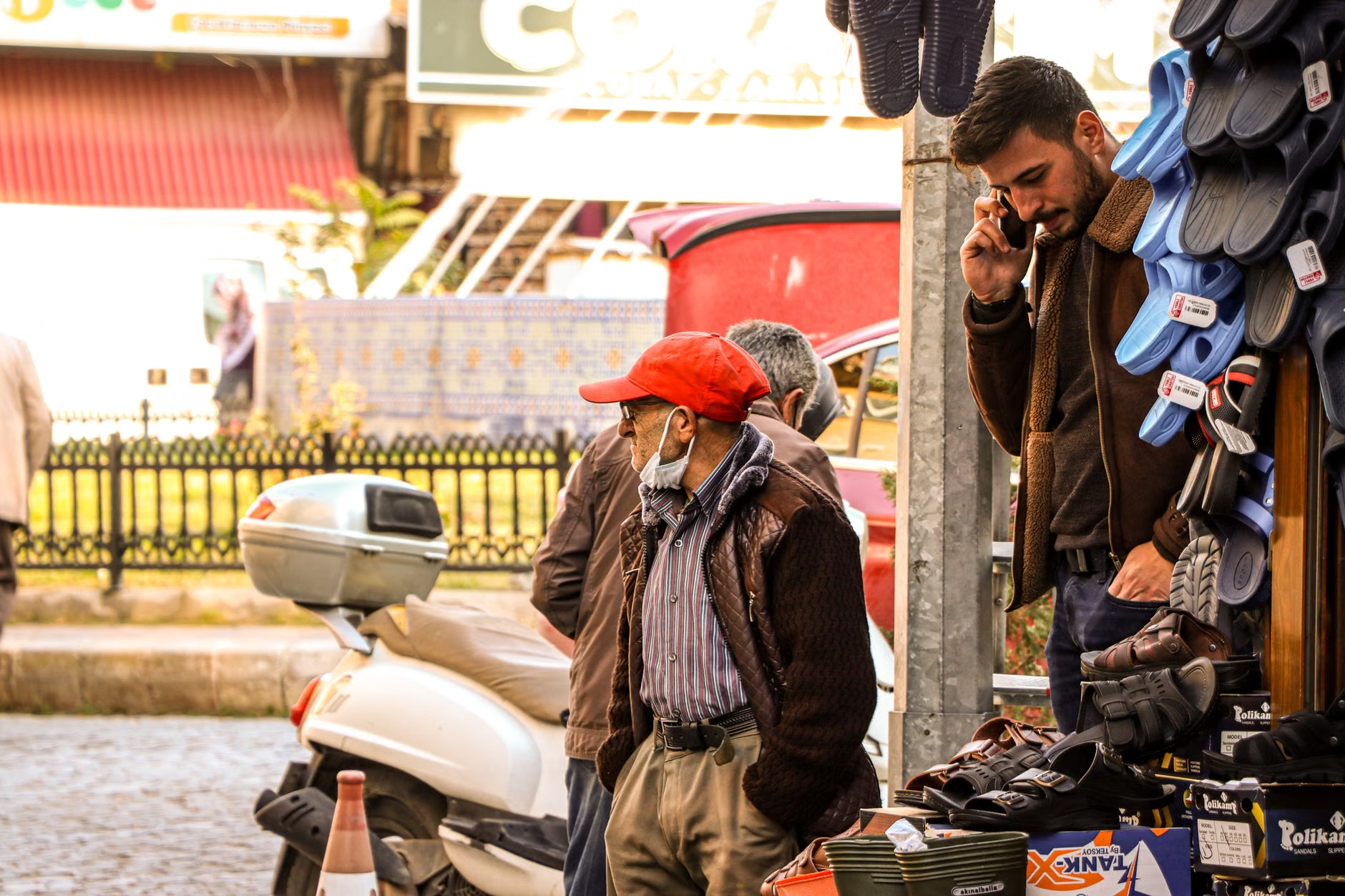
Using technology in a busy market requires a balance between digital assistance and human connection. Here is how to handle common scenarios.
Communicating Dietary Needs
If you have specific dietary restrictions, do not simply rely on a broad translation like “Is this healthy?” Instead, use the app to translate a precise list of ingredients you must avoid. For example: “Does this contain [ingredient]?” or “I cannot eat [ingredient]. Is this safe?” Having this written down or ready on your screen shows the vendor you are serious about your health, which often leads to more careful, honest responses.
Negotiating Prices and Understanding Logistics
When asking for prices, keep the conversation simple. Use the “Conversation Mode” in your app, which splits the screen into two halves. You speak into your phone, and it plays the translated voice back to the vendor. Then, the vendor speaks into the phone, and it translates back to you. Always keep your phone secure with a wrist strap or lanyard to prevent accidental drops in crowded areas.
Using Camera Translation for Signage
Markets often have handwritten signs or complex menu boards. The “Camera” or “Lens” feature in translation apps allows you to point your phone at the text and see the translation overlaid on your screen. This is particularly useful for identifying stall names, pricing lists, or warnings about stairs and restricted access areas.
Insights on Hidden Challenges
While digital tools are powerful, they are not infallible. One overlooked variable is the “cultural context of translation.” A direct translation of a word may be grammatically correct but culturally inappropriate or confusing. For example, asking “How much is this?” in a very formal tone in a casual street market might seem cold or overly demanding. When using these tools, aim for simple, polite phrases. If you are unsure, adding a “Please” and “Thank you” (even in the local language) goes a long way in fostering goodwill.
Another challenge is battery life. Translation apps, combined with GPS and camera usage, drain phone batteries rapidly. Always carry a lightweight, high-capacity power bank. A dead phone in an unfamiliar market is not just an inconvenience; it can be a significant safety risk if you need to call for transport or navigate back to your accommodation.
Safety and Accessibility: Beyond the Translation
Market navigation is a physical activity. When using your digital tools, remember that your primary goal is to maintain your physical comfort. If the app suggests a path through a crowded, uneven alleyway, pause. Use your digital map (like Google Maps or Apple Maps) to check for alternative, more accessible routes. Many city maps now indicate “wheelchair-accessible” or “step-free” routes, which are often safer for seniors regardless of mobility aids.
Furthermore, if you are traveling with a partner or a group, designate one person to manage the technology while the other maintains situational awareness. This “buddy system” ensures that you are not distracted by your screen while walking through uneven or busy areas.
Advanced Tips for Long-Term Travelers
If you are planning an extended trip, consider investing in a dedicated pocket translator device. These devices often have better microphones for noisy environments, longer battery life, and are designed specifically for translation, meaning they are less likely to be stolen than a high-end smartphone. They also remove the temptation to check emails or social media, allowing you to stay focused on your surroundings.
However, regardless of the hardware you choose, the most important element is your comfort level. Practice using the app at home in a low-stress environment. Try translating your grocery list or a few common sentences before you even pack your bags. The more familiar you are with the interface, the less you will need to think about the technology when you are actually in the market.
Conclusion: Empowering Your Travel Experience
Digital translation tools are not about replacing human interaction; they are about facilitating it. By reducing the friction of language barriers, you open yourself up to deeper experiences, better health management, and greater confidence. Start by downloading your preferred app, configuring your accessibility settings, and practicing a few essential phrases. As you grow more comfortable, you will find that the world’s markets become much more accessible, inviting, and enjoyable.
Frequently Asked Questions
1. What should I do if the translation app gives me an incorrect or confusing result?
Translation apps can sometimes struggle with idioms, local slang, or dialects. If a translation seems odd, try rephrasing your sentence into simpler, shorter parts. If you are still unsure, use a “Yes/No” question format or show the vendor a picture of what you are looking for. Never rely solely on a translation for critical medical or safety information if you have any doubt; always seek a second source or a local guide.
2. Is it safe to use my phone in a crowded market?
Pickpocketing can occur in busy markets worldwide. To protect your device, use a phone case with a secure wrist strap or a neck lanyard. Avoid holding your phone out in front of you for extended periods; instead, use it briefly to check the translation and then tuck it away in a secure, zippered pocket. Be aware of your surroundings at all times, especially when you are distracted by your screen.
3. Do I need a local SIM card to use these translation apps effectively?
While offline modes work without data, having a local SIM card or an international roaming plan is highly recommended. It allows you to use real-time features like maps, emergency services, and updated information. If you prefer not to use a local SIM, ensure you have downloaded all necessary offline maps and language packs before leaving your accommodation’s Wi-Fi. For more information on travel connectivity, consult your local mobile provider’s international roaming policies before departure.
Official guidance on international travel and safety can be found through your government’s travel advisory websites, such as travel.state.gov (USA) or gov.uk/foreign-travel-advice (UK). Always check these resources for the latest health, safety, and entry requirements for your destination.