Key Takeaways
- Adopt Multi-Layered Verification: By 2026, standard passwords are no longer sufficient; using app-based authentication or physical security keys is now the global standard for protecting retirement accounts.
- Verify Before Acting: Financial institutions will never initiate contact via text or email to ask for your password, PIN, or a “safe account” transfer; any such request is a red flag regardless of how urgent it sounds.
- Formalize Your Digital Legacy: Ensure your bank and investment platforms have a designated “Trusted Contact” or “Legacy Contact” to prevent account freezes during emergencies.
As we move into 2026, the landscape of digital financial security has shifted from simple password protection to a sophisticated, multi-layered system designed to combat increasingly complex cyber threats. For adults aged 60 to 80, this evolution means that the way you access your pension, manage your investments, and perform daily banking requires a more proactive approach to security. This guide breaks down the 2026 security standards and provides practical, actionable steps to ensure your financial assets remain protected against unauthorized access.
Understanding the 2026 Digital Security Shift
In 2026, global banking regulators and technology providers have moved toward “Zero Trust” architectures. In previous years, security relied heavily on “something you know”—your password. Today, the standard has shifted to a combination of “something you have” (a physical device) and “something you are” (biometrics like fingerprints or facial recognition).
Why does this matter? Criminals have become adept at “phishing”—tricking individuals into revealing passwords through fake emails or texts. By moving to multi-factor authentication (MFA) that relies on hardware or specialized apps, the risk of a remote attacker accessing your account solely with a stolen password is significantly reduced. For the average user, this means less reliance on memorizing complex strings of characters and more reliance on using secure, pre-approved devices.
The Reality of Modern Financial Threats
Modern threats are rarely about “hacking” in the movie-style sense of breaking through firewalls. Instead, they are about social engineering—manipulating the human element. In 2026, we see a rise in “AI-assisted impersonation,” where scammers may use synthesized voices or deepfake imagery to mimic a family member or a bank official requesting an urgent transfer. Recognizing that your bank will never ask you to move money to a “protected account” or “safe vault” is the most effective defense against these sophisticated scams.

Checklist: Strengthening Your Digital Financial Perimeter
To align with 2026 security guidelines, you should audit your digital financial presence. Use the following checklist to ensure you are meeting current best practices.
| Action Item | Why it Matters | Implementation Difficulty |
|---|---|---|
| Enable App-Based MFA | Replaces vulnerable SMS codes. | Moderate |
| Designate Trusted Contacts | Prevents account lockouts in emergencies. | Easy |
| Use a Password Manager | Ensures unique passwords for every site. | Moderate |
| Enable Transaction Alerts | Provides real-time visibility on spending. | Easy |
Implementing these steps does not require advanced technical skills. Most modern banking apps provide a “Security Center” or “Privacy Dashboard” where these features can be toggled on with a single tap. If you find the setup process overwhelming, contact your bank’s official customer service line—not the one on an email, but the one printed on the back of your physical debit card—to request a guided walkthrough.
MFA is the cornerstone of 2026 security. However, not all MFA is created equal. Understanding the hierarchy of security helps you make better decisions about which methods to use.
The Hierarchy of Security Methods
- Level 1 (Least Secure): SMS/Text Codes. While better than nothing, SMS codes are vulnerable to “SIM swapping,” where a hacker redirects your phone number to their device.
- Level 2 (Better): Push Notifications. Using your bank’s official app to “approve” a login attempt is standard and significantly safer than SMS.
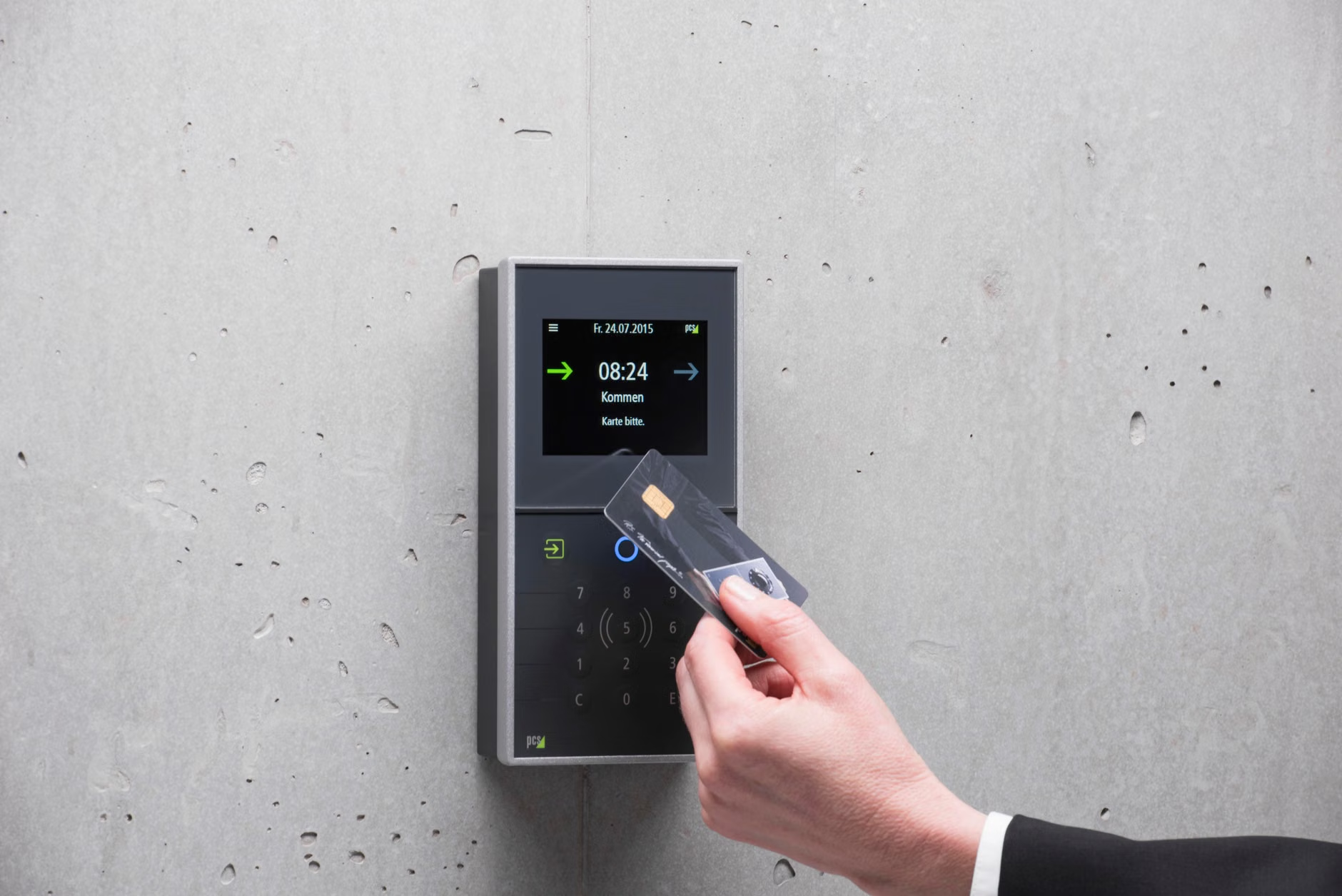
- Level 3 (Best): Authenticator Apps/Hardware Keys. Tools like Google Authenticator or physical YubiKeys generate codes offline, making them immune to interception.
For most users, Level 2 is the perfect balance of convenience and security. If you are managing large investment portfolios or high-value accounts, upgrading to Level 3 is a prudent decision. If you lose your phone, having a secondary “recovery method”—such as a printed backup code kept in a physical safe—is essential. Never store this backup code on your computer or in an email account.
Protecting Your Assets During Digital Transactions
The 2026 environment requires a shift in how we approach online transactions. Whether you are paying utility bills or transferring funds to family, the goal is to minimize your digital footprint.
The “Verified Channel” Rule
A common mistake is clicking links in emails or texts to resolve an issue. In 2026, the golden rule is: If you receive a notification about an account issue, close the app or browser, and log in to your bank’s service through your own saved bookmark or the official app icon. Never use the “click here to login” button provided in a message, even if it looks perfectly legitimate. Official communications from your bank will rarely include links; they will simply inform you that an action is required and ask you to log in independently.
Managing Digital Payments and Subscriptions
Many seniors now use digital wallets (like Apple Pay or Google Pay) for daily purchases. These are actually safer than physical cards because they use “tokenization”—a process where your actual card number is never shared with the merchant. Instead, a one-time code is used. If you have the choice, always use a digital wallet or a secure payment platform over entering your credit card details directly into a website.
The Role of Family and Caregivers in Digital Security
Digital security is not just an individual responsibility; it is a shared family effort. However, this must be handled with respect for independence. The goal is to provide a safety net, not to take control.
Establishing a Digital Power of Attorney
In many jurisdictions, you can grant a “Digital Power of Attorney” or a specific “Financial Agent” authorization. This allows a trusted family member to step in if you are incapacitated or unable to manage your affairs. This is vastly superior to sharing your login credentials, which often violates the Terms of Service of your bank and can invalidate fraud protection guarantees.
The “Trusted Contact” Feature
Most major financial institutions now offer a “Trusted Contact” feature. This is a person the bank can reach out to if they notice suspicious activity or are concerned about your wellbeing, but who does not have access to your money. This is an excellent middle ground. It provides a safety layer without compromising your autonomy.

What to Do When You Suspect Fraud
Even with the best security, mistakes happen. The speed at which you respond is the most critical factor in recovering assets. If you suspect your account has been compromised, follow these steps immediately:
- Freeze, Don’t Cancel: Most banking apps allow you to “freeze” your card or account instantly. This stops all outgoing transactions without closing the account, giving you time to investigate.
- Contact the Official Fraud Department: Use the number on your physical card or the bank’s official website. Do not search for a support number on Google, as scammers often place fake “support” numbers at the top of search results.
- Secure Your Other Accounts: If one account is compromised, assume your email or other passwords might also be at risk. Change your password for your primary email account immediately, as this is the “master key” to resetting all other passwords.
- File a Report: In many countries, reporting the incident to the national cybercrime authority (such as the FTC in the US or Action Fraud in the UK) helps track trends and provides a record for your bank.
Refining Your Strategy for 2026 and Beyond
Security is a process, not a destination. As technology evolves, so will the methods used to protect it. The most successful approach for the 60-80 age demographic is to prioritize simplicity and consistency over complex, high-maintenance security setups that you might be tempted to bypass. By focusing on app-based authentication, utilizing “Trusted Contact” features, and maintaining a healthy skepticism of unsolicited contact, you can enjoy the convenience of digital finance while keeping your assets secure.
Remember, your bank values your security as much as you do. They are constantly updating their systems to protect you. Engaging with their security tools—rather than viewing them as obstacles—is the most effective way to stay ahead of the curve in 2026.
Frequently Asked Questions
1. Is it safe to use my bank’s mobile app on public Wi-Fi?
In 2026, it is generally safe to use your bank’s app on public Wi-Fi because these apps use encrypted connections that protect your data. However, for maximum security, use your phone’s cellular data (4G/5G) instead of public Wi-Fi whenever possible. If you must use public Wi-Fi, ensure your phone’s operating system is fully updated to the latest version.
It is strongly advised not to share your passwords, as this can void your bank’s fraud protection policies. Instead, set up “Authorized User” access or use the “Trusted Contact” feature offered by most financial institutions. This allows family members to assist you legitimately without putting your account security at risk.
3. How can I tell if a text message from my “bank” is a scam?
If the message includes a link, it is almost certainly a scam. Banks in 2026 will send notifications through their official app’s “Message Center” or via push notification. If you receive a text, do not click the link. Open your bank’s app directly from your phone’s home screen to check for any legitimate alerts or messages. When in doubt, call the phone number on the back of your physical card.
Disclaimer: This article is for informational purposes only and does not constitute financial or legal advice. Security practices should be tailored to your specific financial institution and local legal requirements. Always consult with your bank’s official documentation or a qualified professional regarding your specific financial situation.