- Unified Mobility-as-a-Service (MaaS): By 2026, many major cities have integrated multiple transport modes (bus, train, bike-share, and ride-hail) into a single app, allowing you to plan, book, and pay for an entire journey in one go.
- Accessibility-First Design: New app updates now prioritize “step-free” routing and real-time elevator status, which are essential for those who need to avoid stairs or require extra time to board.
- Digital Identity Integration: Many regions have moved to decentralized digital ID verification within transport apps, meaning your senior concessionary fares are automatically applied without needing to carry physical paper documents.
Navigating Public Transport in 2026: A Practical Guide to Digital Advancements for Seniors
The landscape of public transportation has undergone a significant shift by 2026. For older adults, the primary change is not just the speed of the vehicles, but the intelligence of the digital systems managing them. Public transport apps have evolved from simple “timetable lookups” into comprehensive personal travel assistants that prioritize accessibility, reliability, and seamless payment.
This guide explores how these 2026 advancements directly impact your daily travel, whether you are commuting to an appointment, visiting family, or exploring a new city. We will focus on how to leverage these tools to maintain your independence and ensure a stress-free travel experience.
1. The Shift to “Mobility-as-a-Service” (MaaS)
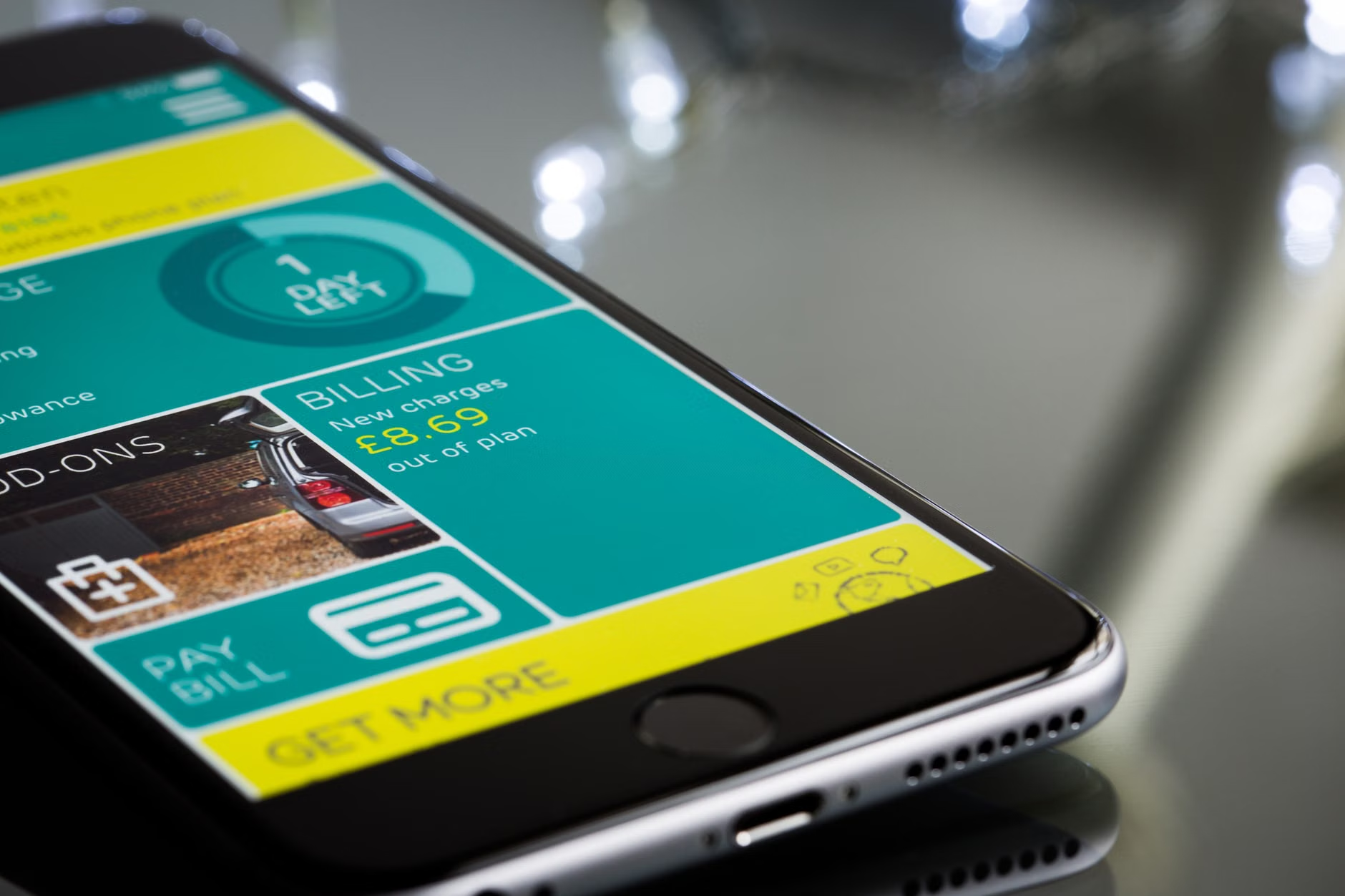
In 2026, the term “Mobility-as-a-Service” (MaaS) is no longer just industry jargon; it is the standard for most metropolitan transit authorities. Previously, you might have needed one app for the subway, another for the bus, and a third for a taxi or ride-hailing service. Today, these are unified.
What it means for your daily routine
Imagine you have a doctor’s appointment across town. Instead of checking three different websites, you open one app. You input your destination, and the app calculates a route that combines a short walk to a bus, a transfer to a light rail, and perhaps a pre-booked accessible shuttle for the final mile. You pay for the entire trip in a single transaction within the app.
Why it matters for stamina and safety
For many older adults, the most exhausting part of travel is not the transit itself, but the uncertainty of transfers. MaaS platforms now provide “door-to-door” journey planning. They account for the time it takes to walk between platforms, the frequency of services, and even the weather conditions. By reducing the “cognitive load”—the mental effort required to navigate—these apps allow you to focus on your destination rather than the logistics of getting there.
What you can do
- Check your local transit authority’s official app: Most major cities (such as London’s TFL, New York’s MTA, or Singapore’s LTA) have updated their primary apps to include these integrated features.
- Enable location services: To get the most accurate “real-time” data, ensure your smartphone’s location permissions are set to “While Using the App.”
2. Advanced Accessibility Features: More Than Just Maps
One of the most critical improvements in 2026 is the integration of “accessibility metadata.” In the past, apps might show you a route, but they wouldn’t tell you if the elevator at the transfer station was out of service. Today, that has changed.
Real-time infrastructure monitoring
Most modern transport apps now pull data directly from station sensors. If an elevator is undergoing maintenance or a lift is experiencing a mechanical fault, the app will proactively suggest an alternative route before you even leave your home. This prevents the frustration of reaching a platform only to find that you cannot access it.
Customized routing for mobility needs
Many apps now allow you to set a “mobility profile.” You can toggle settings for “step-free access,” “minimum walking distance,” or “extra boarding time.” When these filters are active, the app will exclude routes that involve steep stairs or long, fast-paced platform changes.
| Feature | Benefit for Seniors | Practical Application |
|---|---|---|
| Step-Free Routing | Avoids stairs and escalators | Ensures route only uses elevators/ramps |
| Live Lift Status | Prevents “stuck” scenarios | App alerts you if a lift is out of service |
| Auditory/Visual Alerts | Improves safety | App provides extra warnings for upcoming stops |
Which option is right for you? If you are travelling with a cane, walker, or simply prefer a steadier pace, always activate the “Step-Free” filter. While this might occasionally add five minutes to your total travel time, it significantly reduces the physical strain and risk of falls associated with rushing through crowded transit hubs.
3. Digital Concessionary Fares and Identity
Gone are the days of carrying physical senior discount cards or paper vouchers that are easily lost or damaged. By 2026, most jurisdictions have migrated to “Digital Identity Wallets” integrated into transit apps.
How it works
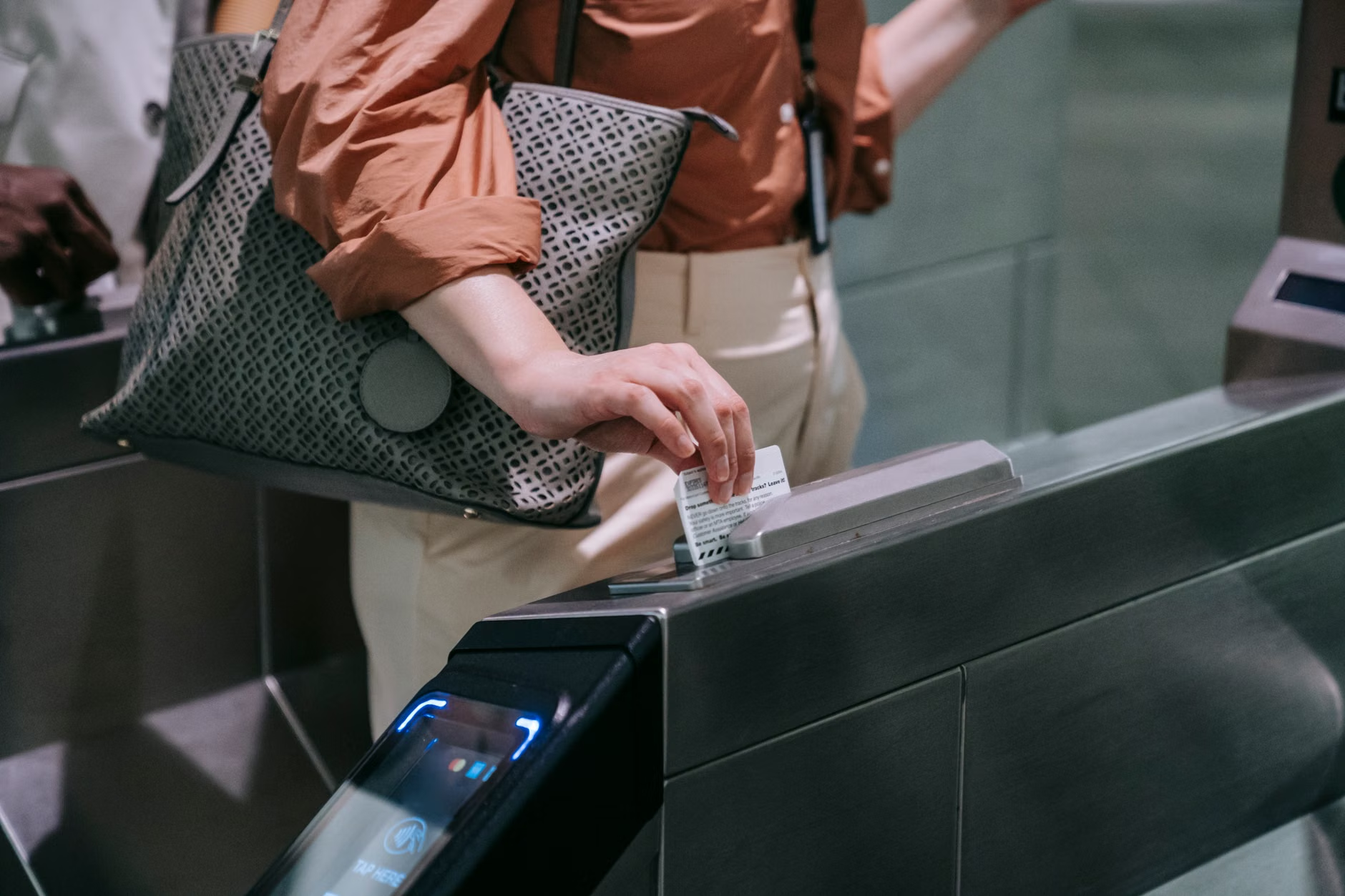
In countries like Japan, Canada, and parts of the European Union, your senior status is verified once through a secure government portal and linked to your transit account. Once verified, your phone automatically applies the correct fare discount every time you tap your device at a reader.
The security trade-off
While this is incredibly convenient, it requires a high level of digital security. You must ensure your phone is protected by a strong passcode, biometric (fingerprint or face) lock, and that “Find My Device” features are enabled. If you lose your phone, you must be able to report it immediately to lock your digital transit account.

4. Managing the Learning Curve: Technical Confidence
It is common to feel intimidated by new technology, especially when it concerns something as vital as travel. However, 2026 apps are designed with “Universal Design” principles, meaning they are built to be intuitive for all ages.
Steps to master your local transit app:
- Start with “Dry Runs”: Do not use a new app for the first time when you are in a rush to catch a train. Practice using it for a low-stakes journey, such as a trip to a local park or a friend’s house.
- Use the “Help” or “Accessibility” settings: Take ten minutes to explore the settings menu. Look for options to increase text size, increase contrast, or enable voice-over guidance.
- Ask for a “Digital Buddy”: If you have a family member or caregiver, ask them to help you set up your account once. Most apps allow you to “share” your journey progress, so a family member can see where you are in real-time, providing an extra layer of safety.
5. Hidden Variables and Unexpected Trade-offs
While technology makes travel easier, it is important to remain aware of potential limitations. One “hidden” issue is the reliance on battery life. If your phone runs out of power, you may be left without your ticket or your map. Always carry a small, portable power bank, especially for longer trips. Additionally, be aware that while apps are highly accurate, they rely on cellular data. In deep underground stations, your connection might drop, so it is often wise to “pre-load” your route while you are still on Wi-Fi at home.
Conclusion: Empowered Travel in 2026
The advancements in public transport for 2026 are not designed to replace your independence, but to support it. By taking the time to understand the accessibility features, setting up your digital identity, and practicing with your local transit app, you can navigate your city with newfound confidence. Remember, these tools are there to serve you—if an app feels too complicated, don’t hesitate to contact the transit authority’s customer support line; they are increasingly staffed with personnel trained to assist seniors with digital onboarding.
Frequently Asked Questions (FAQ)
1. What should I do if my phone runs out of battery while I am using a digital ticket?
Most transit agencies have a protocol for this. Always carry a small portable charger. If your phone dies, seek out a station staff member immediately. In many cities, they can verify your account status using your ID card, but it is best to avoid this situation by checking your battery level before you leave.
2. Are these apps free to use?
Yes, the apps themselves are free to download and use. However, you will need a data plan or access to public Wi-Fi to receive real-time updates. Check with your mobile provider to ensure you have enough data, as these apps can use a small but steady amount of data during a trip.
3. Is my personal data safe when using these transport apps?
Most official government or municipal transport apps are governed by strict data protection laws (such as GDPR in Europe or similar local legislation). Always ensure you are downloading the official app provided by your city’s transit authority, rather than a third-party aggregator, to ensure your data is handled according to official standards.
For further information on local transport accessibility, please consult your city’s official transit portal. For example, users in the UK can visit Transport for London or in New York, the MTA accessibility page.