Key Takeaways
- Expanded Functionality: By 2026, digital library kiosks will transition from simple book-search tools to comprehensive hubs for government documents, healthcare appointments, and digital literacy training.
- Accessibility First: New deployments prioritize “Universal Design” standards, including voice-to-text, adjustable screen heights, and high-contrast, simplified navigation interfaces.
- Local Empowerment: These kiosks help bridge the digital divide, allowing users to access public services without needing a home computer or advanced technical skills.
The Evolution of Public Access: What the 2026 Expansion Means for You
As we head into 2026, many municipal library systems worldwide are undergoing a significant transformation. The familiar digital kiosk—once relegated to finding book locations—is evolving into a sophisticated, age-inclusive gateway for public services. For those aged 60 to 80, this represents a major opportunity to access essential resources, government services, and educational materials without the barrier of complex personal hardware.
This initiative is not merely about adding more screens; it is about fundamentally changing how public information is delivered. By integrating physical library spaces with digital service portals, local governments aim to ensure that no citizen is left behind in the transition toward digital-first public services. Understanding how to use these tools effectively can save you time, reduce the need for travel to various administrative offices, and provide a secure, supported environment for your digital needs.

Understanding the Shift: Why Digital Kiosks Are Changing
The core motivation behind the 2026 expansion is the increasing digitization of government services. From pension inquiries to healthcare portal access, the move toward online-only administrative processes has created a “digital gap.” For many, the lack of a high-speed internet connection or the complexity of modern operating systems can be a hindrance.
Digital kiosks act as a “public proxy.” They are designed to be intuitive, secure, and permanent. Unlike a personal smartphone, which may require constant updates and troubleshooting, these kiosks are managed by library staff and maintained to ensure consistent performance. They are typically located in quiet, accessible zones of the library, providing a controlled environment where you can focus on your tasks without the distractions of a busy household or the anxieties of a cluttered technical interface.
The Key Features of the 2026 Generation
The 2026 rollout focuses on three distinct pillars: Physical Accessibility, Interface Simplification, and Service Integration. Let us break down what each means for your daily life.
| Feature | What It Means for You | Practical Benefit |
|---|---|---|
| Adjustable Ergonomics | Screens that tilt or rise/lower to eye level. | Reduced neck strain and comfort for wheelchair users. |
| High-Contrast UI | Large, bold icons and text with adjustable color themes. | Easier reading for those with visual impairments. |
| Voice-to-Text Integration | Microphones that capture spoken requests. | Bypasses the need for precise typing or keyboard skills. |
| Integrated Authentication | Secure logins via library card or biometric scan. | Access to personal government records safely. |
This table illustrates that the hardware itself is no longer the primary hurdle. The focus is now on the user experience. If you have ever felt frustrated by small touch-screens or complex menu trees, these new kiosks are specifically designed to eliminate those specific pain points.
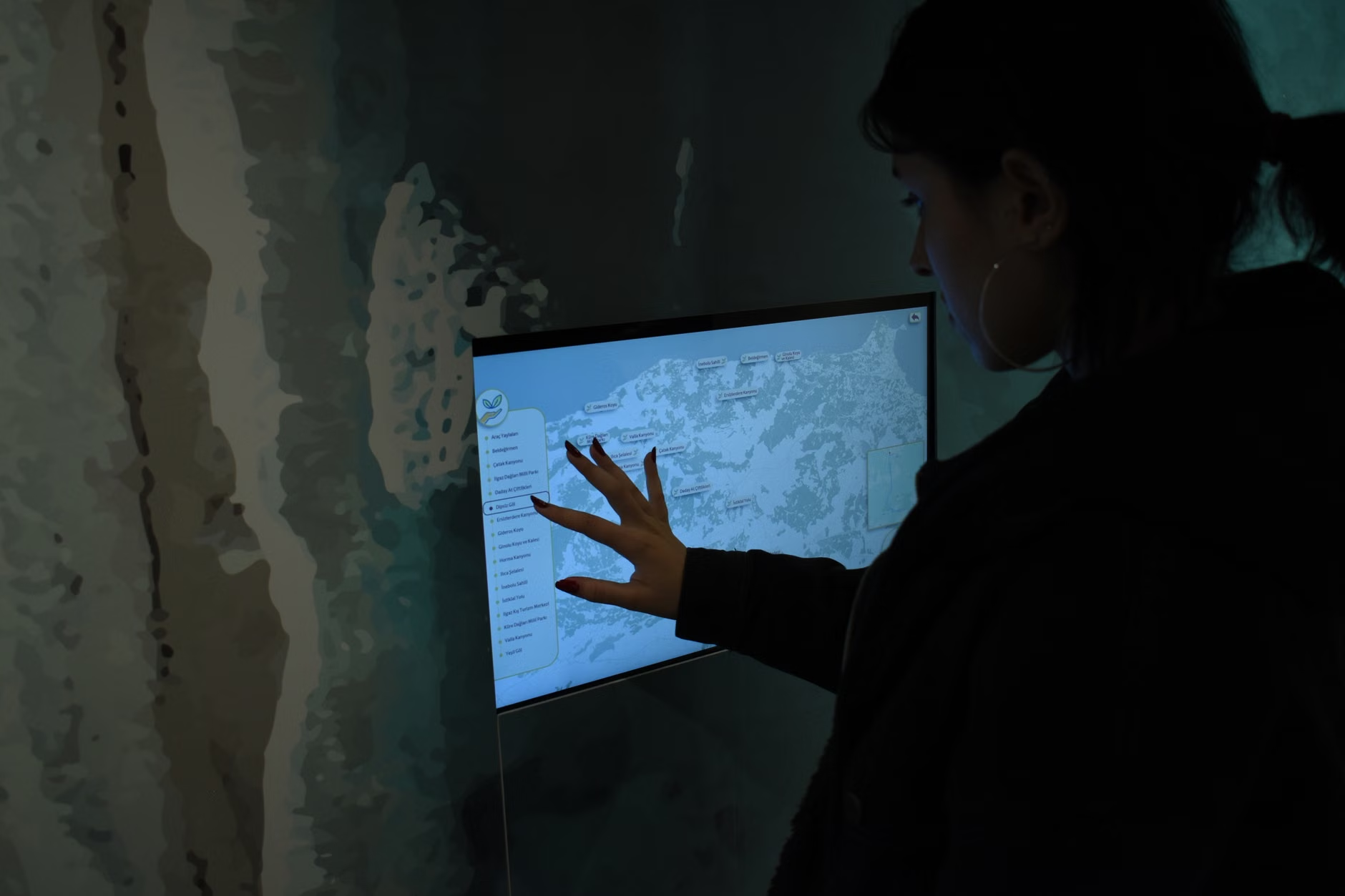
Many readers may wonder how to safely navigate these systems for sensitive tasks, such as checking pension statements or booking a health screening. While the exact software varies by country and municipality, the underlying workflow remains consistent.
1. Preparation Before You Arrive
Before leaving home, ensure you have the necessary documentation. This usually includes:
- Your library membership card (which often serves as your primary access key).
- Any relevant ID numbers (e.g., Social Security, National Insurance, or regional health IDs).
- A notebook to jot down confirmation numbers or next steps provided by the kiosk.
2. Initializing the Session
Once you approach the kiosk, look for the “Help” or “Start” button. In 2026, most systems will offer a “Guided Mode.” If you are a first-time user, always select the Guided Mode. This will prompt the system to explain each step, providing audio cues if necessary. If you feel overwhelmed, do not hesitate to ask a librarian. They are trained not just in book management, but in assisting patrons with these specific digital interfaces.
3. Security and Privacy Protocols
A common concern is security. It is important to remember that these kiosks are designed for public use, which means they are built to clear their cache and temporary memory automatically once you log out. Always ensure you click the ‘Log Out’ or ‘End Session’ button before walking away. Never leave your session active, even if you are only stepping away for a moment to consult with a librarian.
Advanced Use Cases: Beyond Basic Browsing
The true power of the 2026 expansion lies in its ability to connect you to wider services. It is not just about finding books; it is about managing your life. Below are three specific ways you can leverage these tools:
Accessing Healthcare Portals
Many public health services now require patients to log into portals to view test results or book appointments. The library kiosks in 2026 will feature dedicated, secure browser environments that allow you to log into these portals without the risks associated with logging into personal accounts on public computers. The secure tunnel ensures your data remains encrypted.
Digital Literacy and Lifelong Learning
The kiosks often include a “Learning Center” tab. This contains short, video-based tutorials on how to use common software, how to stay safe from online scams, and how to communicate with family using video calling apps. Think of this as a free, on-demand digital literacy course available whenever the library is open.
Government Service Requests
Whether you need to renew a permit, check the status of a local benefit claim, or download an official form, the kiosk is designed to print documents directly to the library’s central printer. This saves you the cost and trouble of maintaining a printer at home.
Addressing Common Misconceptions
There is a prevailing myth that digital kiosks are meant to replace human interaction. In practice, the opposite is true. By automating routine inquiries—such as “Where is this book?” or “How do I print this form?”—the library staff is actually freed up to provide more meaningful, one-on-one assistance for complex problems. If you find yourself struggling with a digital task, the kiosk is a tool to help you get 80% of the way there, and the staff is there for the final 20%.
Another misconception is that these machines are “too technical.” Modern user interface design for seniors focuses on “Recognition over Recall.” This means you don’t need to remember a complex sequence of buttons; you simply need to recognize the icon that matches your goal (e.g., a printer icon for printing, a magnifying glass for searching). If you can navigate a television remote or a basic ATM, you already possess the foundational skills to use these kiosks.
Practical Decision Criteria: Should You Use a Kiosk?
To determine if a kiosk is your best option, consider the following decision matrix:
| Task | Is the Kiosk Better? | Reasoning |
|---|---|---|
| Printing large documents | Yes | Cheaper and faster than home inkjets. |
| General internet browsing | No | A home device offers more privacy for personal interests. |
| Official government forms | Yes | Kiosks often have direct links to official, verified portals. |
| Video chatting with family | No | Not private enough for personal conversations. |
Use the kiosk for administrative and informational tasks that require security, high-quality printing, or official authentication. Use your personal device for social and personal leisure where privacy and comfort are paramount.
The Importance of Ongoing Engagement
The 2026 expansion is a living project. As more people use these kiosks, the feedback provided to libraries will directly influence future updates. If you find a particular button is too small, or a menu is confusing, let the library staff know. These systems are designed to be refined based on user feedback. Being an active participant in your local library’s digital evolution helps ensure that the services remain relevant and useful for everyone in your community.
Furthermore, staying engaged with these tools keeps your cognitive skills sharp. Learning a new interface, even a simple one, is a form of “brain training.” It challenges your spatial reasoning and problem-solving abilities, which are vital components of healthy aging. Approaching these kiosks not as a chore, but as an opportunity to master new technology, can be a rewarding way to stay connected to your community.
Safety and Security: Protecting Your Information
While these kiosks are designed with security in mind, it is always wise to follow basic digital safety protocols. Never share your password with anyone, including library staff. If you need help, ask the staff to guide you through the process, but perform the final entry of sensitive data yourself. If you are worried about the security of a specific task, ask the librarian if the library provides a “secure session” mode, which wipes all data immediately after you log out.
Additionally, be wary of “shoulder surfing.” Even in a library, be mindful of who is standing behind you when you are entering sensitive information. Most kiosks are positioned to minimize this, but you can always choose a kiosk that is tucked into a corner or against a wall if you prefer extra privacy. If you ever see a prompt on the screen that asks for credit card information that you were not expecting, stop the session and notify a staff member immediately. Official library and government services will typically not ask for unexpected payments through these public portals.
Planning Your First Visit
If you are planning to visit your local library to try out the new 2026-standard kiosks, consider these steps to ensure a positive experience:
- Call Ahead: Ask the library if they have the “new digital service kiosks” installed. Ask if they have a staff member available to walk you through the basics during your first visit.
- Choose Off-Peak Hours: Visiting during the mid-morning or early afternoon on a weekday usually means fewer crowds, allowing you more time to explore the interface without feeling rushed.
- Bring Your Questions: Before you head out, list the 2 or 3 things you want to achieve. Having a clear goal makes the process much more manageable.
- Take Your Time: There is no rush. If you get stuck, simply walk away, take a break, and try again later or ask for help. These tools are there to serve you, not to test your patience.
By following these steps, you can turn a potentially intimidating technical task into a simple, efficient part of your routine. The expansion of these kiosks represents a commitment to inclusivity, ensuring that the digital age remains accessible to all generations.
Conclusion
The 2026 expansion of digital library kiosks is a significant step toward a more inclusive public service model. By understanding how these kiosks work, identifying which tasks are best suited for them, and utilizing the support available from your local library, you can significantly enhance your ability to manage your daily affairs. Remember that these tools are designed for you—to save you time, simplify your access to government services, and keep you connected to the resources you need. We encourage you to visit your local library, explore the new interfaces, and make the most of these community-focused digital hubs.
Frequently Asked Questions (FAQ)
1. Are these services free to use?
Yes, the vast majority of digital library kiosk services are provided free of charge as part of your public library membership. While there may be a nominal fee for printing large documents, the use of the kiosk itself and access to digital portals are standard library services.
2. What if I am not comfortable with technology?
The 2026 kiosks are designed specifically for those with varying levels of technical confidence. They feature “Guided Mode” which acts like a step-by-step tutorial, and librarians are available to provide in-person assistance for anyone who finds the digital interface challenging.
3. Is it safe to enter my personal government ID into a library kiosk?
These kiosks are built to be secure and are regularly maintained by library staff to ensure they do not store your personal information after you end your session. However, you should always ensure you properly “Log Out” or “End Session” before walking away to protect your privacy.
For further information on digital literacy and local library services, consult your national library association’s website or contact your local municipal council.