- Universal Standards: By 2026, many regions are mandating that public transport apps meet strict “Accessibility by Design” standards, including high-contrast modes, voice navigation, and simplified ticketing.
- Preparation is Key: You do not need to be a “tech expert.” The new standards aim to make apps more intuitive, but you should practice using “offline” modes and accessibility features before your next trip.
- Hybrid Reliability: Despite digital shifts, physical transit cards and paper schedules will remain as critical backups. Always carry a secondary payment method and a printed route summary.
The landscape of public transportation is undergoing a significant transformation. As we approach 2026, governments across the European Union, parts of North America, and several Asia-Pacific nations are implementing mandatory digital standards for public transport providers. These regulations are designed to ensure that digital tools—apps, station kiosks, and mobile ticketing systems—are accessible, reliable, and user-friendly for everyone, regardless of age or ability.
This article explores what these 2026 standards mean for you, how they will improve your daily travel, and the practical steps you can take to stay ahead of these changes without feeling overwhelmed by technology.
Understanding the 2026 Digital Public Transport Mandates
The “2026 Digital Standards” refer to a collective effort by transport authorities to harmonize how information is shared with the public. Historically, transit apps have been developed by private companies with varying degrees of accessibility. The new mandates, such as the European Accessibility Act (EAA) and similar frameworks in other jurisdictions, require that all digital public services meet strict criteria for visual, auditory, and cognitive accessibility.
Why this matters for you: For years, many seniors have struggled with apps that feature tiny text, hidden menus, or complex, multi-step booking processes. The upcoming standards require developers to prioritize “inclusive design.” This means apps must support screen readers, offer high-contrast color schemes, and simplify the “three-click rule”—where a user should be able to find a route or buy a ticket in no more than three simple interactions.
The Four Pillars of the New Standards
To understand how your travel experience will change, it is helpful to look at the four specific areas these regulations target:
| Requirement | What it changes | Benefit to the user |
|---|---|---|
| Visual Clarity | Mandatory contrast ratios and scalable font sizes. | Easier reading in direct sunlight or dim light. |
| Simplified Ticketing | Unified, one-tap payment systems across different transit modes. | Reduces the stress of managing multiple physical cards. |
| Real-time Accessibility | Real-time alerts for elevator/escalator outages at stations. | Prevents arriving at a station only to find accessibility blocked. |
| Voice Support | Integration with native phone voice assistants (Siri/Google Assistant). | Allows hands-free navigation for those with limited dexterity. |
Practical Steps to Prepare Your Digital Toolkit
You do not need to wait until 2026 to start benefiting from these changes. In fact, many major transport authorities are already updating their systems. The goal is to move from “struggling with an app” to “using a tool that supports your needs.”
1. Audit Your Smartphone Settings
Before relying on a new transit app, ensure your phone is set up to assist you. Most modern smartphones have built-in accessibility features that override app settings. If you find text difficult to read, you don’t need to change it app-by-app; you can change it system-wide.
- Increase Text Size: Go to your phone’s “Accessibility” settings and set the “Dynamic Type” or “Large Text” to your preferred comfort level.
- Enable Bold Text: This adds weight to the letters, making them significantly easier to distinguish on a screen.
- Voice Control: Familiarize yourself with how to ask your phone, “Hey Siri, show me the bus schedule to the city center.” This is often faster than typing.
2. The “Double-Backup” Rule
Even with perfect digital standards, technology can fail. Battery drain, poor cellular coverage in subways, and server outages are real-world variables. Your strategy should always be “digital-first, physical-backup.”
The Strategy:
- Offline Maps: Use apps like Google Maps or Citymapper, which allow you to download maps for your local area. This ensures you can navigate even without an internet connection.
- Physical Backup: Always carry a small card with your essential routes or a printed schedule for the lines you use most frequently.
- Emergency Power: A compact, lightweight portable power bank is a small investment that prevents the anxiety of a dead phone in a transit hub.
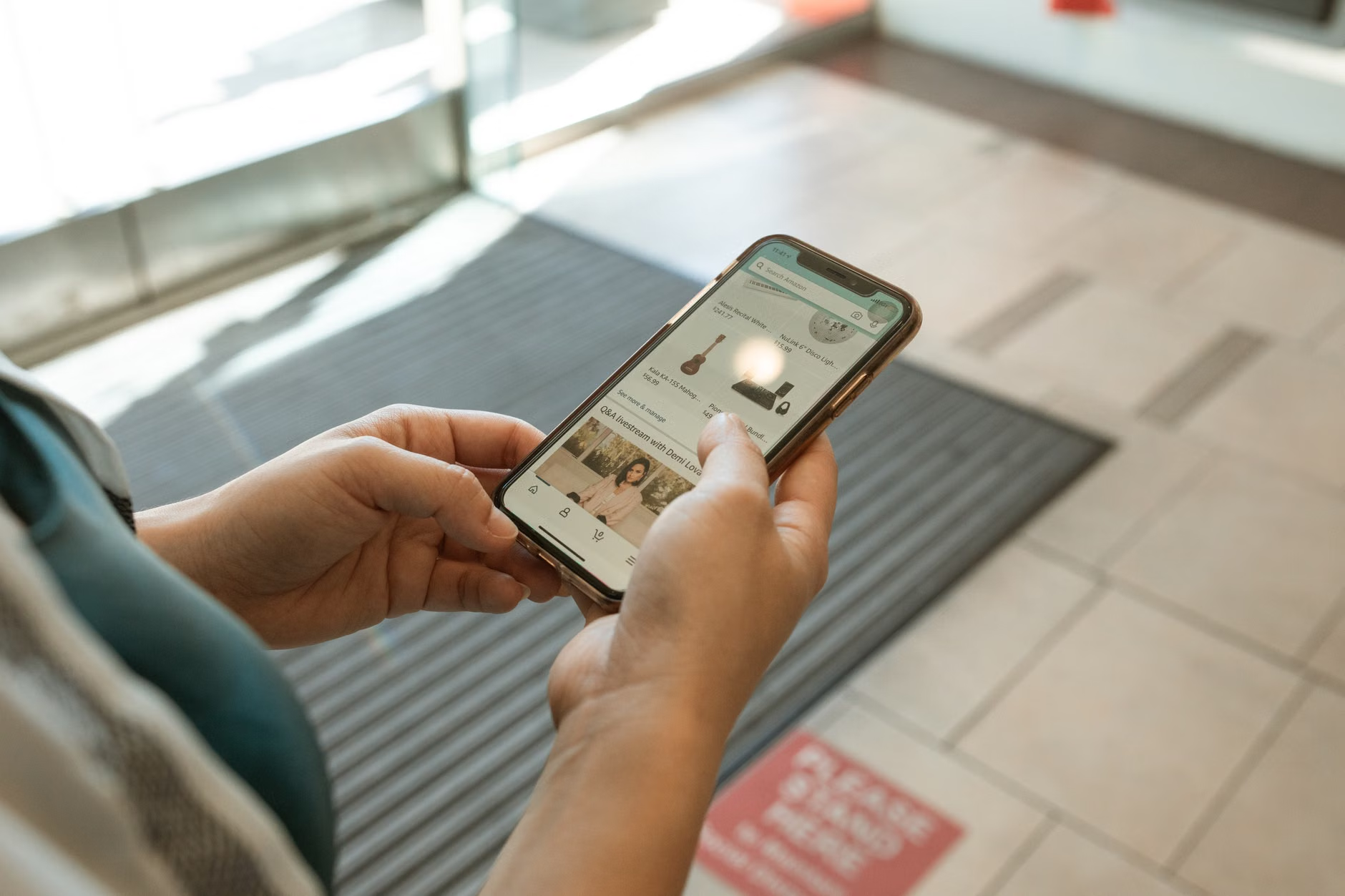
The 2026 standards are not limited to mobile apps. They also dictate how digital signage and kiosks in stations must function. If you have ever felt overwhelmed by a crowded, fast-paced train station, these changes are designed for you.
What to Expect at the Station
New regulations require that digital kiosks be placed at heights reachable for wheelchair users and those who have difficulty reaching high or low. Furthermore, the screens must use “anti-glare” technology and provide audio cues for those who are visually impaired.
Common Mistake: Many travelers try to interact with the first kiosk they see. In many stations, these kiosks are often the most crowded. Look for “Information Hubs” which are usually located away from the main rush of commuters. These hubs are designed to be quieter and offer more time for interaction without the pressure of a queue behind you.
Insight: If you are traveling through an unfamiliar station, check the transit agency’s website for “Station Maps” before you leave home. Many now offer 3D or floor-by-floor digital maps that highlight the location of elevators, toilets, and seating areas. Knowing exactly where the elevator is before you arrive saves energy and reduces stress.

Health, Stamina, and the Importance of Pacing
While digital tools make navigation easier, they cannot replace the importance of managing your physical stamina during travel. The best transit app in the world won’t help if you arrive at your destination exhausted.
The “Buffer Time” Decision Rule: When using an app to plan your journey, always add a “buffer” of 15–20 minutes to the suggested arrival time. Apps often calculate the fastest route, which might involve a brisk walk between platforms. By manually adding buffer time, you ensure you can walk at a pace that is safe and comfortable for you, avoiding the need to rush.
Managing Mobility and Comfort
If you have concerns about mobility, look for transit apps that feature “Accessibility Filtering.” Most major cities now have a toggle in their transit apps to “Show only routes with elevator access.”
- Step-by-step navigation: Use apps that provide turn-by-turn walking directions. This helps you avoid steep inclines or stairs that are not marked on standard maps.
- Seating awareness: Some newer apps are beginning to integrate “crowd density” data. This can tell you which train cars are less crowded, giving you a higher chance of finding a seat.

Consumer Protection and Privacy in the Digital Age
As transit moves to digital ticketing, many seniors express concern about data privacy and the security of their payment information. It is valid to be cautious. The 2026 standards also include provisions for data protection, but as a consumer, you have the right to manage how your information is used.
What You Need to Know
Most official transit apps are highly secure, but you should always download them from official sources (the Apple App Store or Google Play Store). Avoid clicking on links in text messages or emails that claim to be from a transit agency; these are often phishing attempts. Always go directly to the official website of your local transit provider to find the link to their app.
Your Right to Anonymity: You are not always required to create an account to use a transit app. Many agencies allow “Guest Checkout” for single tickets. If you do not want to store your credit card information in an app, look for options to use “Digital Wallets” (like Apple Pay or Google Pay). These services use “tokenization,” which means the transit app never actually sees your credit card number; they only receive a secure, one-time payment code.
Addressing Common Concerns
It is perfectly normal to feel hesitant about relying on technology for essential daily tasks. However, the shift toward 2026 standards is fundamentally about making these tools more inclusive, not more complex.
“Is this just for people who are good with computers?”
Absolutely not. The core of these new regulations is to make apps work for people who have never used a complex app before. The design philosophy is “intuitive first.” If an app requires a manual to understand, it is not meeting the new accessibility standards.
“What if I don’t have a smartphone?”
The digital shift does not mean the end of physical infrastructure. Transit authorities are legally obligated to maintain “analog” access. This includes ticket vending machines that accept cash, physical service desks, and paper maps. Digital tools are meant to be an addition to your options, not a replacement for them.
Conclusion: Taking the First Step
The move toward digital-first public transport by 2026 is an evolution, not a revolution. You have time to adapt at your own pace. The best way to prepare is to choose one transit app for your local area, spend 10 minutes exploring it from the comfort of your home, and practice looking up a route for a trip you know well.
Remember, the goal of these technologies is to grant you more independence, not less. By leveraging accessibility features, keeping a physical backup, and pacing your travel, you can enjoy the benefits of modern transit while maintaining your comfort and peace of mind.
Frequently Asked Questions
1. Do I have to update my phone to use these new transit apps?
You do not necessarily need a brand-new phone, but you should ensure your phone’s operating system is updated to the latest version available for your device. This ensures that the app’s accessibility features—like font scaling and screen readers—work correctly. If your phone is more than 6-7 years old, you might find that some newer, feature-rich apps run slowly or are not compatible.
2. Are digital tickets more expensive than paper tickets?
In many regions, digital tickets are actually cheaper or offer better value through daily or weekly price caps. Because transit agencies save money on printing and staffing, they often incentivize digital use. However, always check your local agency’s pricing structure, as some regions charge a small “convenience fee” for mobile ticketing.
3. What should I do if a digital kiosk at a station is broken?
If a kiosk is malfunctioning, do not spend time trying to force it to work. Look for a “Help” button, which is usually a physical button on the kiosk frame that connects you to a remote station agent. If that is unavailable, check your transit app for a “Service Status” or “Alerts” section. Most agencies have a dedicated phone line for assistance, which is often listed on the station wall or the back of your transit card.
Disclaimer: This article is for informational purposes and does not constitute technical or travel advice. Always consult your local transport authority’s official website for specific rules, fares, and service updates in your region.
Official Resources for Further Reading: