- Unified Access: By 2026, government-backed digital wallets allow you to use a single, secure login for pensions, tax filings, and health records, replacing the need for dozens of different passwords.
- Biometric Security: Modern identity verification prioritizes “liveness” checks (such as facial recognition or fingerprint scanning) over static passwords, significantly reducing the risk of identity theft for older adults.
- Delegated Access: New “authorized proxy” features allow you to securely grant family members or caregivers limited, time-bound access to specific digital services without sharing your primary credentials.
As we navigate the landscape of 2026, digital identity is no longer just a technical term for computer experts; it is the primary gateway to your pension, your medical records, and your travel documents. For adults aged 60 to 80, the shift toward standardized, government-backed digital identity systems is intended to move us away from the frustration of managing multiple passwords and toward a more streamlined, secure experience.
This article explains how these 2026 advancements function, why they are designed to be more accessible for seniors, and the practical steps you can take to manage your digital presence safely.
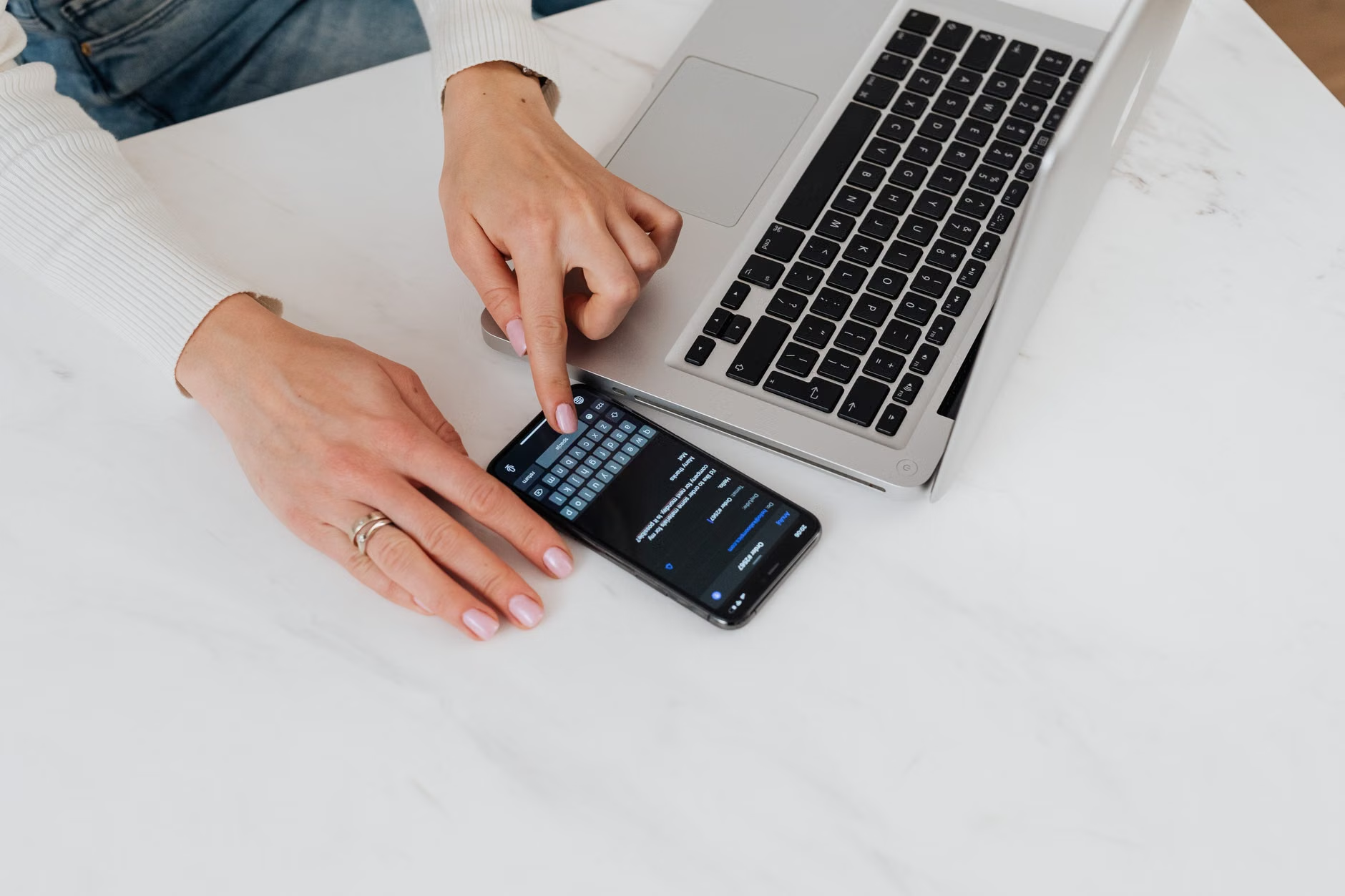
What is Digital Identity and Why Does It Matter in 2026?
At its core, a digital identity is the electronic equivalent of your passport, driver’s license, and birth certificate combined. In the past, you might have had one login for your healthcare portal, another for your social security account, and a third for your regional transit pass. This fragmented system was not only inconvenient but also created multiple points of vulnerability for potential security breaches.
By 2026, most major economies—including the European Union with its eIDAS 2.0 framework and similar initiatives in North America and parts of Asia—have moved toward “Digital Identity Wallets.” These are secure applications on your smartphone or computer that store verified copies of your official documents. The benefit is clear: you verify your identity once through a high-trust process, and that “digital key” grants you access to various government and private services.
For the senior population, this matters because it simplifies the “proof of age” or “proof of residency” requirements that are often necessary for accessing senior discounts, medical benefits, or travel visas. Instead of carrying physical documents that could be lost or stolen, you hold a cryptographically signed version of your identity that you can present digitally with a single tap.
The Shift Toward Biometric and Multi-Factor Authentication (MFA)
One of the most significant changes in 2026 is the decline of the traditional, long-text password. Research has consistently shown that password fatigue leads to the common mistake of reusing the same weak password across multiple sites. To combat this, 2026 systems rely heavily on Multi-Factor Authentication (MFA) and biometric verification.
Understanding Liveness Checks
You may encounter “liveness checks” when logging into a secure portal. This is a process where your device asks you to look at the camera or perform a small movement to prove you are a living person, not a static photograph or a deepfake recording. While this may feel futuristic, it is designed to be the ultimate safeguard against someone trying to impersonate you.
| Authentication Method | How It Works | Senior-Friendly Rating |
|---|---|---|
| Biometric (Face/Fingerprint) | Uses unique physical traits to unlock devices instantly. | High (Fast and intuitive) |
| Hardware Security Keys | A small USB device you tap to verify your login. | Medium (Great for security, requires physical hardware) |
| Time-limited Codes (TOTP) | A code sent to your phone that expires in 30 seconds. | Low (Requires quick typing and manual entry) |
For most users, biometric authentication is the most suitable option. It removes the cognitive load of memorizing strings of characters while providing a level of security that is extremely difficult for third parties to bypass. If you have mobility issues that make it difficult to type or hold a device steady, many 2026 interfaces now include voice-activated authentication or proximity-based unlocking, where your identity is verified simply by having your registered smartphone in your pocket.

Managing Permissions and Delegated Access
A common concern for many seniors is the “what if” scenario: What happens if I am hospitalized, or if I simply prefer that a trusted family member manages my complex financial or health-related digital interactions? In 2026, digital identity platforms have introduced sophisticated “Delegated Access” features.
This is a major departure from the old practice of sharing your personal username and password with a family member, which is a major security risk. Instead, you can now use your digital wallet to grant a “Digital Proxy” status to a caregiver. This allows them to log in using their own credentials to perform specific tasks—such as checking your appointment schedule or managing utility bill payments—without having full, unrestricted access to your entire digital life.
Steps to Set Up Delegated Access:
- Access your Account Settings: Navigate to the “Security” or “Privacy” section of your government or service provider’s portal.
- Select “Add Delegate” or “Authorized Proxy”: You will usually be asked to input the unique ID or email address of the person you wish to authorize.
- Define the Scope: Choose exactly what they can see or do. For example, you might give them “View Only” access to your medical records but “Full Control” over your home utility accounts.
- Set an Expiration Date: This is a crucial safety feature. You can set the access to expire automatically after a set period, such as one month or one year, ensuring that your privacy is maintained long-term.
Ensuring Data Privacy and Consumer Protection
With more of your life moving to a digital format, the risk of data breaches and phishing attempts remains a reality. However, 2026 standards have introduced “Selective Disclosure.” This is a privacy-preserving technology that allows you to prove a claim about yourself without revealing unnecessary personal details.
For example, if you are at a pharmacy and need to prove you are over 65 to receive a senior discount, you no longer need to show your full birth date, your address, or your ID number. The digital identity wallet simply sends a “Yes/No” signal to the merchant’s system, confirming that you meet the age requirement. The merchant never sees your date of birth, which protects you from identity theft.
Common Mistake to Avoid: Never click on links sent via text message or email claiming to be from your government or bank, even if they look official. In 2026, legitimate services will prompt you to log into your secure app or portal directly. They will almost never ask you to “verify your identity” by clicking a link in a message.
Practical Steps to Prepare for 2026 Digital Services
If you feel overwhelmed by these changes, remember that these systems are being built to be inclusive. Governments are increasingly offering “in-person verification” options for those who struggle with digital-only setups. If you have not yet updated your digital credentials, here is how to prepare:
- Audit your current accounts: List the services you use most (pension, health, banking). Check their official websites for information on “Digital Identity” or “Single Sign-On” updates.
- Update your hardware: If your smartphone is more than 5-6 years old, it may not support the latest biometric security features required for 2026 identity wallets.
- Visit a local service center: Many countries now have physical locations where you can bring your passport or national ID to have your digital identity verified in person. This is often a one-time process that saves you years of future paperwork.
- Create a digital “Safe”: Keep a physical, offline copy of your recovery codes (the long strings of words or numbers provided when you set up your account) in a secure location, such as a fireproof box at home. Never store these on your computer or phone.
The transition to a unified digital identity is designed to provide you with more autonomy, not less. By taking the time to understand these tools today, you are ensuring that your access to essential services remains seamless, secure, and entirely under your control.
Conclusion
The advancement of digital identity in 2026 is a significant step forward for the independence of older adults. By moving away from the burden of passwords and toward secure, biometric-based verification, we can interact with government, health, and financial services with greater confidence. The key to navigating this shift is to prioritize security, use the delegation features offered by modern platforms, and keep your recovery information in a safe, physical location. As these systems continue to evolve, remember that your identity is your most valuable asset—stay informed, use the built-in privacy tools, and do not hesitate to seek in-person assistance from official government channels when setting up your initial digital profile.
Frequently Asked Questions (FAQ)
1. Is my personal information safer with a digital identity wallet than with physical cards?
Yes, in many ways. Digital identity wallets use encryption that makes it nearly impossible for a thief to “skim” your data. Furthermore, features like “Selective Disclosure” mean you can prove your age or identity without sharing your full personal details, which reduces the risk of identity theft if a merchant’s database is hacked.
2. What happens if I lose my phone or it gets stolen?
Your digital identity is not tied to the physical phone itself, but rather to your account. If you lose your device, you can log in from another secure device or visit a government office to revoke the access of the lost phone. This is why it is vital to keep your recovery codes in a safe, physical place at home, as these are the “master keys” to restoring your identity on a new device.
3. Do I have to use digital identity, or can I still use paper documents?
While many services are transitioning to digital-first, government agencies are required to maintain accessibility standards. You will generally still be able to use physical documents, though you may find that the processing time for in-person or paper-based requests is significantly longer than the near-instantaneous processing provided by digital identity systems.
Sources:
– European Commission, “EU Digital Identity Wallet” (2026 Guidelines): https://commission.europa.eu/strategy-and-policy/priorities-2019-2024/europe-fit-digital-age/european-digital-identity_en
– NIST (National Institute of Standards and Technology), “Digital Identity Guidelines” (Special Publication 800-63): https://pages.nist.gov/800-63-3/