- Standardized Security: By 2026, global digital frameworks will emphasize “zero-trust” verification, meaning you will encounter more multi-factor authentication requirements for routine public and financial services.
- Universal Digital Identity: Many nations are transitioning to integrated digital ID systems; keeping your recovery information (like backup codes) in a physical, secure location is now a critical safety step.
- Proactive Literacy: The new standards shift focus from “how to click” to “how to verify,” making the ability to distinguish between official government portals and phishing attempts your most valuable skill.
As we move into 2026, the international approach to digital literacy is undergoing a fundamental transformation. Rather than simply teaching users how to operate hardware, global standards—driven by bodies like the OECD (Organisation for Economic Co-operation and Development) and various national digital governance agencies—are shifting toward a framework of “Digital Resilience.” This means the focus is now on ensuring that older adults can interact with essential services—such as healthcare portals, pension management, and digital tax filing—with both confidence and security.
Understanding the 2026 Shift: From Basic Skills to Digital Resilience
In previous years, digital literacy was often defined by the ability to send emails or browse the internet. The 2026 standards redefine this. Digital resilience is the ability to navigate increasingly complex digital environments while protecting personal assets and data. This shift is a direct response to the rising sophistication of online fraud and the total migration of public services to digital-first platforms.
What does this mean for you? It means that systems are becoming more standardized. Whether you are in the UK, Canada, Australia, or the EU, you will likely notice that the way you log into government websites or manage health records is becoming unified. This consistency is designed to help, but it requires learning a new “digital language” of authentication.
The Pillars of the 2026 Standards
The new international guidelines are built on three primary pillars that directly affect your daily life:
- Verified Identity: The move toward “Single Sign-On” (SSO) systems for government services.
- Data Sovereignty: Increased user control over who accesses your health and financial data.
- Automated Risk Assessment: Systems that now “watch” for unusual activity on your behalf, requiring you to confirm actions via secondary devices.
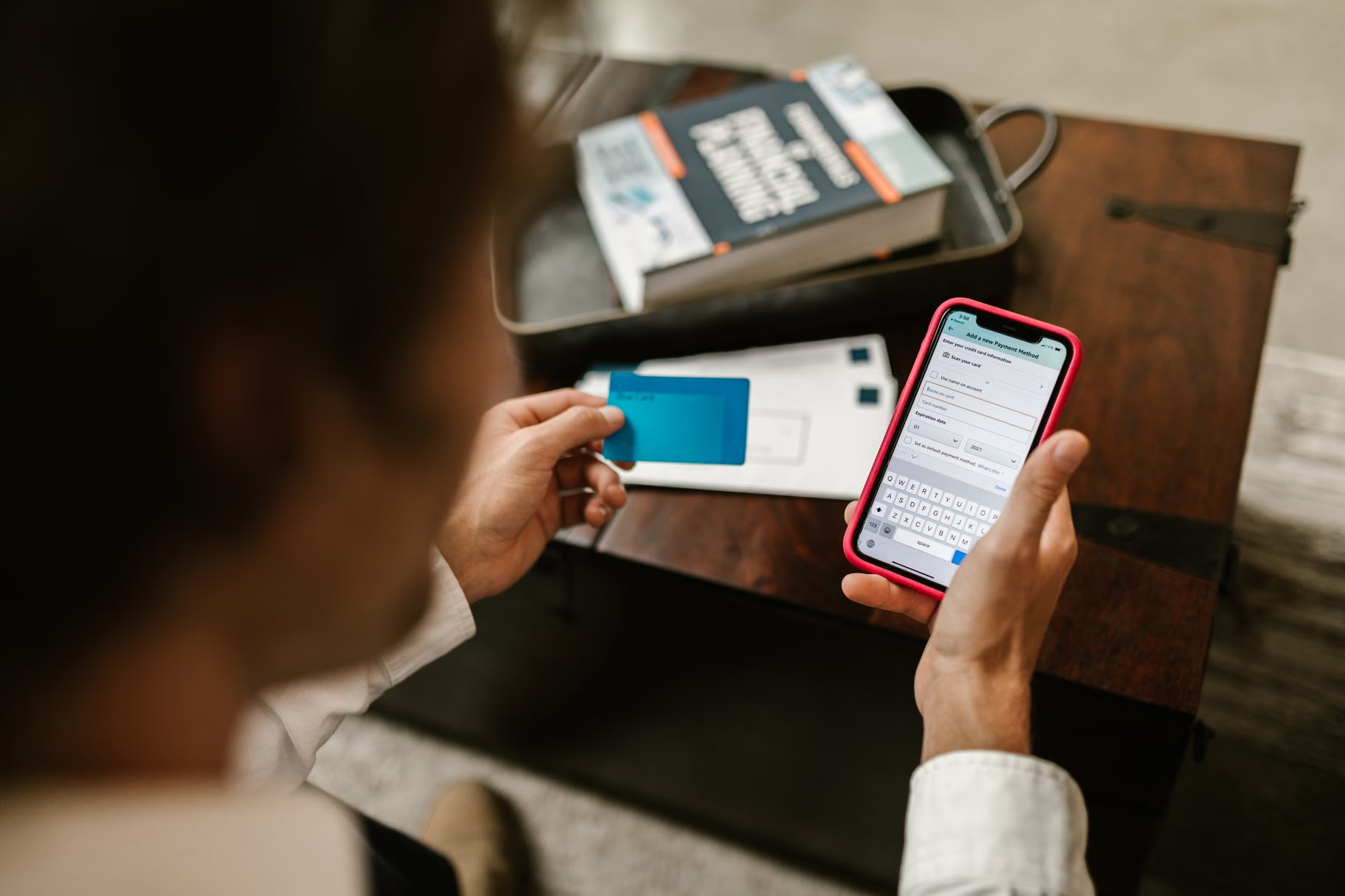
The most significant change you will encounter in 2026 is the widespread adoption of Multi-Factor Authentication (MFA). While many have used this for years, it is now becoming mandatory for even basic municipal services. If you have previously found MFA cumbersome, it is important to understand the why behind it. It is no longer just about passwords; it is about proving you are the person behind the screen at the exact moment of the transaction.
Step-by-Step: Handling Modern Authentication
When you encounter a prompt for a “Digital ID” or “Secondary Verification,” follow this standardized procedure to ensure you are not falling for a phishing attempt:
- Check the URL: Ensure the website address ends in a country-specific official domain (e.g., .gov, .gov.uk, .gov.au). If it looks like a variation of a site you know, stop.
- The “Initiator” Rule: Never provide authentication credentials (like a code sent to your phone) if you did not initiate the request. If you receive a text or email asking for a code “to verify your account,” ignore it.
- The Backup Plan: Most systems now offer a “Recovery Code.” Print this out and store it in a physical safe or a secure folder in your home. Do not save it on your computer or phone.
Healthcare Portals and Digital Health Records
By 2026, most healthcare systems have moved to “Patient-Centered Digital Records.” This allows you to view lab results, vaccination history, and specialist referrals without needing to call a clinic. However, this transition has created a new set of challenges regarding data privacy.
How to Manage Your Digital Health Data
Managing your health online requires a higher level of scrutiny than general browsing. Here is a decision matrix to help you determine when to use these portals effectively:
| Action | Risk Level | Actionable Tip |
|---|---|---|
| Viewing standard lab results | Low | Use the official health app; avoid public Wi-Fi. |
| Messaging a doctor | Medium | Keep messages strictly related to clinical care. |
| Sharing records with a third party | High | Verify the recipient’s identity before granting app access. |
Insight: A commonly overlooked variable is “App Permissions.” When you install a hospital-provided app, it may request access to your contacts or location. You can usually deny these permissions without affecting the app’s ability to display your health records. Always review these settings in your phone’s privacy menu.
Public Services and Pension Management
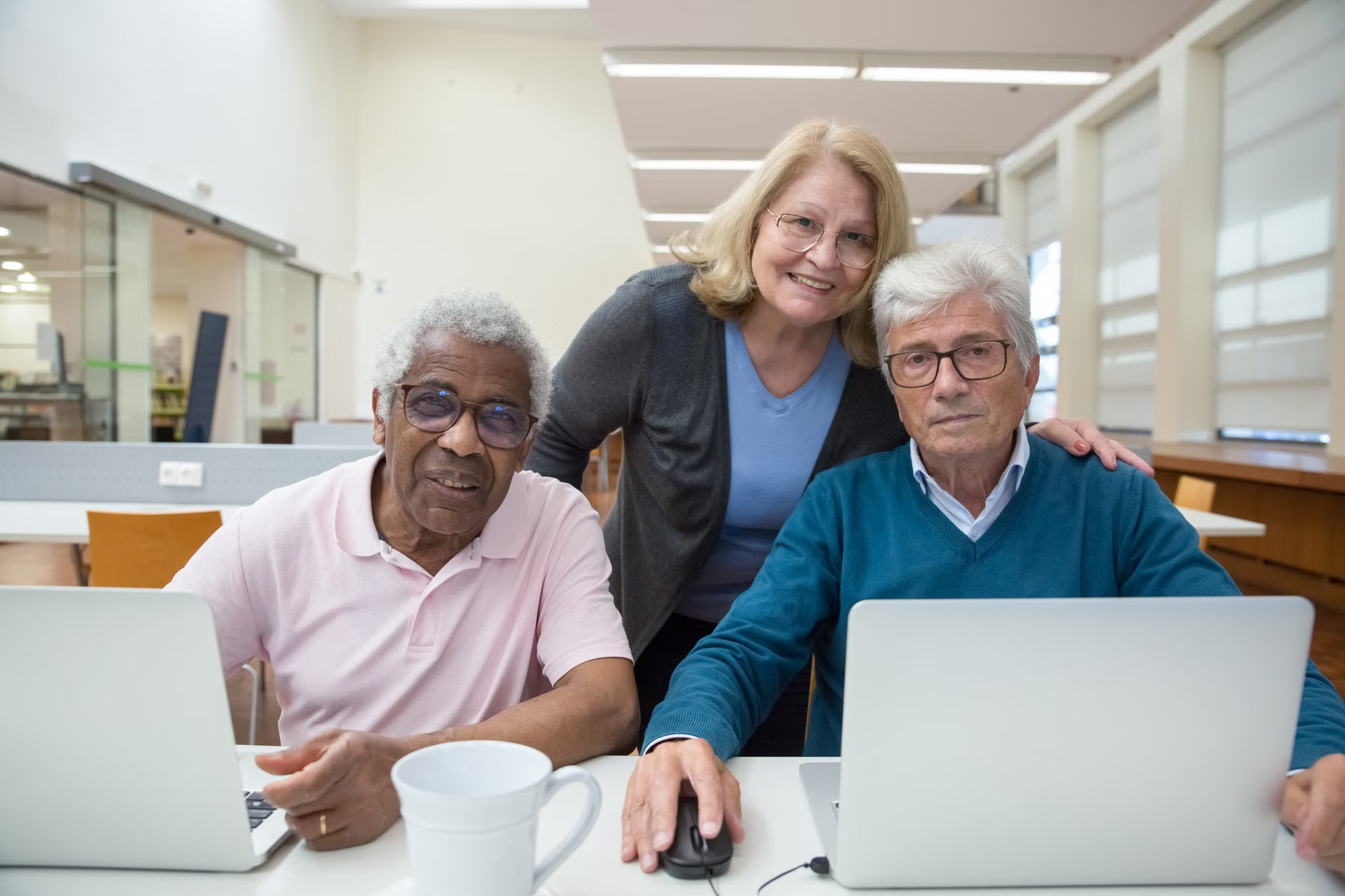
Pension management and tax filing are increasingly handled through “Digital Identity Gateways.” These systems act as a master key for all your government interactions. In 2026, these systems are designed to be “interoperable,” meaning your login for your pension might also work for your local library or transport card services.
The “Digital Paper Trail” Strategy
Because these systems are centralized, keeping a “Digital Paper Trail” is essential. Even if you are comfortable with technology, maintain a physical logbook of:
- Account Names: Note which email address is linked to which service.
- Security Questions: Keep a record of the answers you provided for account recovery.
- Date of Last Access: Periodic check-ins prevent accounts from being “locked” due to inactivity.
Travel and Digital Accessibility
Travel in 2026 is heavily reliant on digital platforms. From e-visas to digital boarding passes and accessibility requests, the “analog” way of doing things is disappearing. For the older traveler, this requires a shift in how you prepare for a trip.
Pre-Travel Digital Checklist
Before you depart, ensure your digital infrastructure is ready to support your mobility and health needs:
- Offline Access: Download your travel documents, maps, and hotel details to your device so they are accessible without data roaming.
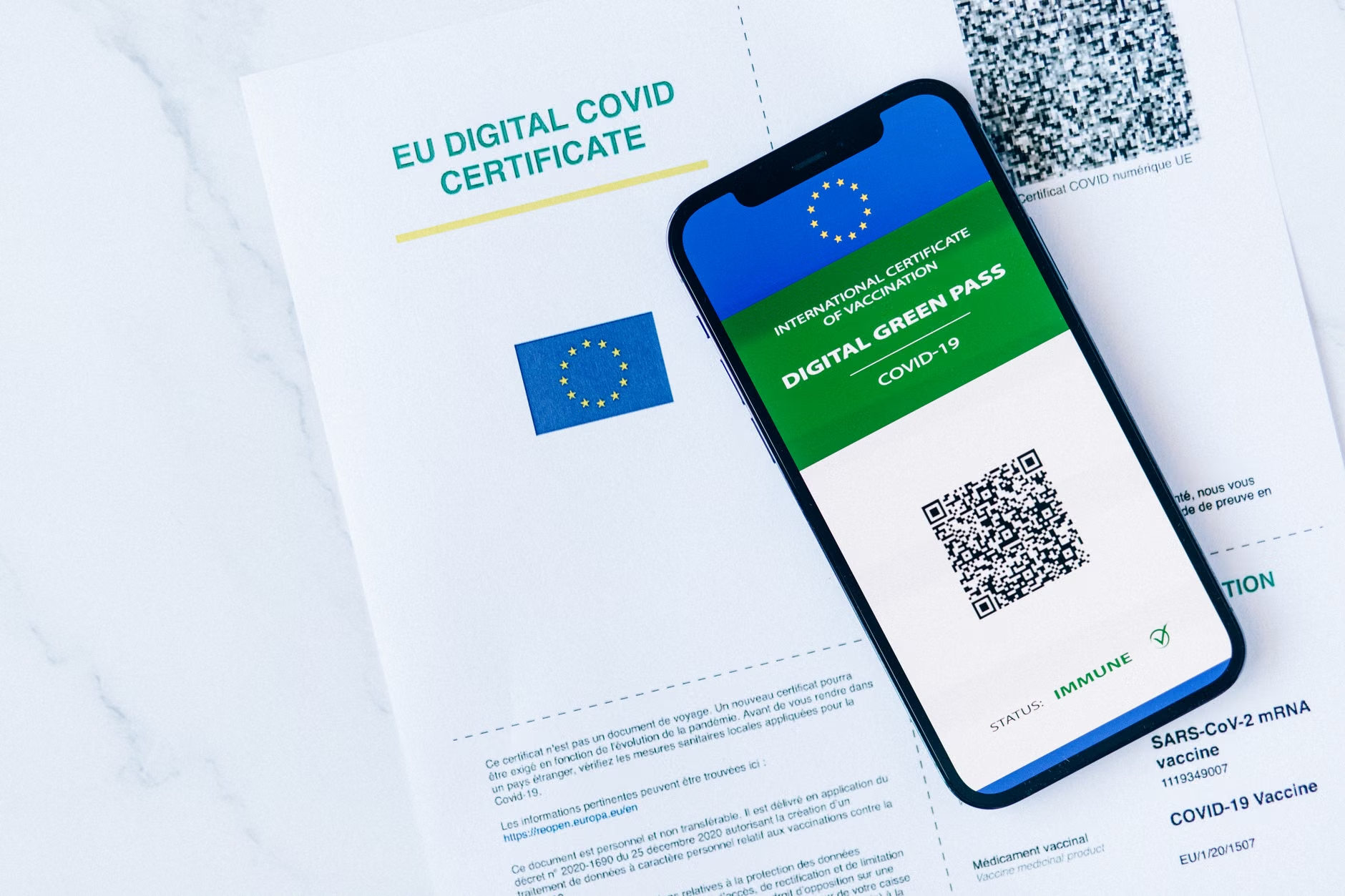
- Digital Health Wallet: Have a digital copy of your medication list and allergies stored in a secure, encrypted folder on your phone. Many countries now recognize these “Digital Health Passports.”
- Assistance Requests: If you require mobility assistance at airports or train stations, use the airline or rail operator’s web portal to request it at least 72 hours in advance. These requests are now processed through automated systems that prioritize requests based on the time of submission.
Common Misconceptions About 2026 Digital Standards
There is a prevailing fear that these new standards are designed to exclude older adults. In reality, the 2026 frameworks are specifically designed to include “Human-in-the-Loop” (HITL) features. This means that if a digital system detects an issue it cannot resolve, there is a mandated pathway to reach a human representative. If you find yourself in a digital “dead end,” look for the specific “Human Support” or “Assisted Service” link, which is now a requirement under many new international digital consumer protection acts.
Practical Decision-Making: Choosing Your Devices
Not all devices are equal when it comes to meeting the 2026 standards. If you are choosing between a tablet, a smartphone, or a laptop for your daily digital needs, consider these criteria:
- Biometric Capability: Devices that support fingerprint or facial recognition are significantly safer and easier to use than those requiring complex passwords.
- Update Longevity: Ensure your device is “supported” by the manufacturer for security updates. A device that no longer receives updates is a security risk in the 2026 environment.
- Accessibility Settings: Look for devices with built-in magnification, high-contrast modes, and voice-to-text capabilities, which are now standard across all major operating systems.
Addressing the “Tech-Support” Gap
If you are a family member or caregiver helping an older adult, avoid the temptation to “just do it for them.” The 2026 standards are built on individual identity verification. If you manage an account under your own credentials, you may inadvertently lock the user out of their own legal rights or health benefits. Instead, use the “Parallel Practice” method: sit side-by-side and guide them through the steps on their own device, using their own credentials. This builds their long-term resilience and ensures they remain the owner of their digital identity.
Conclusion: Your Digital Autonomy
The 2026 digital landscape is designed to be more secure, but it requires a proactive approach. By understanding that these systems are meant to protect you—not exclude you—you can navigate them with confidence. Focus on securing your credentials, verifying the sources you interact with, and utilizing the human-support pathways that are now legally mandated in many regions. Your digital autonomy is a key component of your independence in the modern world.
Frequently Asked Questions
Q: What if I lose access to the phone number linked to my digital identity?
A: Most modern systems now allow you to register a “backup” method, such as an authenticator app or a secondary email address. If you lose access to your primary number, use the “Account Recovery” link on the service’s login page. This process usually involves verifying your identity through a government-issued document, so keep your passport or national ID handy.
Q: Are these digital services safe from hackers?
A: No system is 100% immune to risk, but the 2026 standards (specifically those regarding encryption and multi-factor authentication) make it significantly harder for unauthorized users to access your accounts compared to traditional password-only systems. The biggest risk today is social engineering—being tricked into giving away your information—rather than a direct hack of the system itself.
Q: Do I have to use these digital services, or can I still do things in person?
A: While many services are moving to “digital-first,” most jurisdictions still maintain a “non-digital” pathway for essential services like healthcare and pension support. However, these pathways often involve longer wait times. If you have a legitimate barrier to using digital services, contact the service provider and ask about “assisted digital support” options.
Sources:
OECD Digital Economy Outlook 2026
ISO/IEC 27001 Information Security Standards