Key Takeaways
- Universal Standards: By 2026, many banking regions will adopt updated standards requiring higher contrast, larger text, and mandatory audio-jack support for all new ATM installations.
- User-Controlled Accessibility: The new standards prioritize “user-initiated” accessibility, allowing you to toggle high-contrast modes or voice guidance before you begin your transaction.
- Practical Preparation: You can prepare for these changes by familiarizing yourself with standard headphone jacks for private audio guidance and checking if your local bank offers “pre-staged” transactions via mobile apps.
Starting in 2026, a significant shift in international banking technology will begin to take effect. New global standards for Automated Teller Machines (ATMs) are being implemented to ensure that banking remains accessible, safe, and intuitive for users of all ages and physical abilities. For many older adults, this transition represents a move away from confusing, cluttered digital interfaces toward machines designed with human-centric ergonomics at their core.
This article explores what these 2026 standards mean for your daily banking routine, how to identify these new features, and how you can take full advantage of them to maintain your financial independence.
Understanding the 2026 ATM Accessibility Mandates
The 2026 standards are not merely suggestions; they are part of a broader international movement toward “Inclusive Design.” In the past, ATMs were often designed for a “standard” user, leaving those with visual impairments, reduced dexterity, or cognitive fatigue to struggle with small buttons and complex, time-sensitive menus. The new mandates focus on three core pillars: Visibility, Tactile Clarity, and Cognitive Ease.
What the Standards Require
While regional laws—such as the European Accessibility Act (EAA) and updates to the Americans with Disabilities Act (ADA) guidelines—vary slightly, the international consensus for 2026-compliant machines includes specific physical and software requirements:
| Feature | Requirement | Benefit to the User |
|---|---|---|
| Screen Contrast | Minimum 7:1 contrast ratio | Reduces eye strain; makes text readable in bright outdoor sunlight. |
| Audio Output | Mandatory standard 3.5mm headphone jack | Allows for private, voice-guided transactions. |
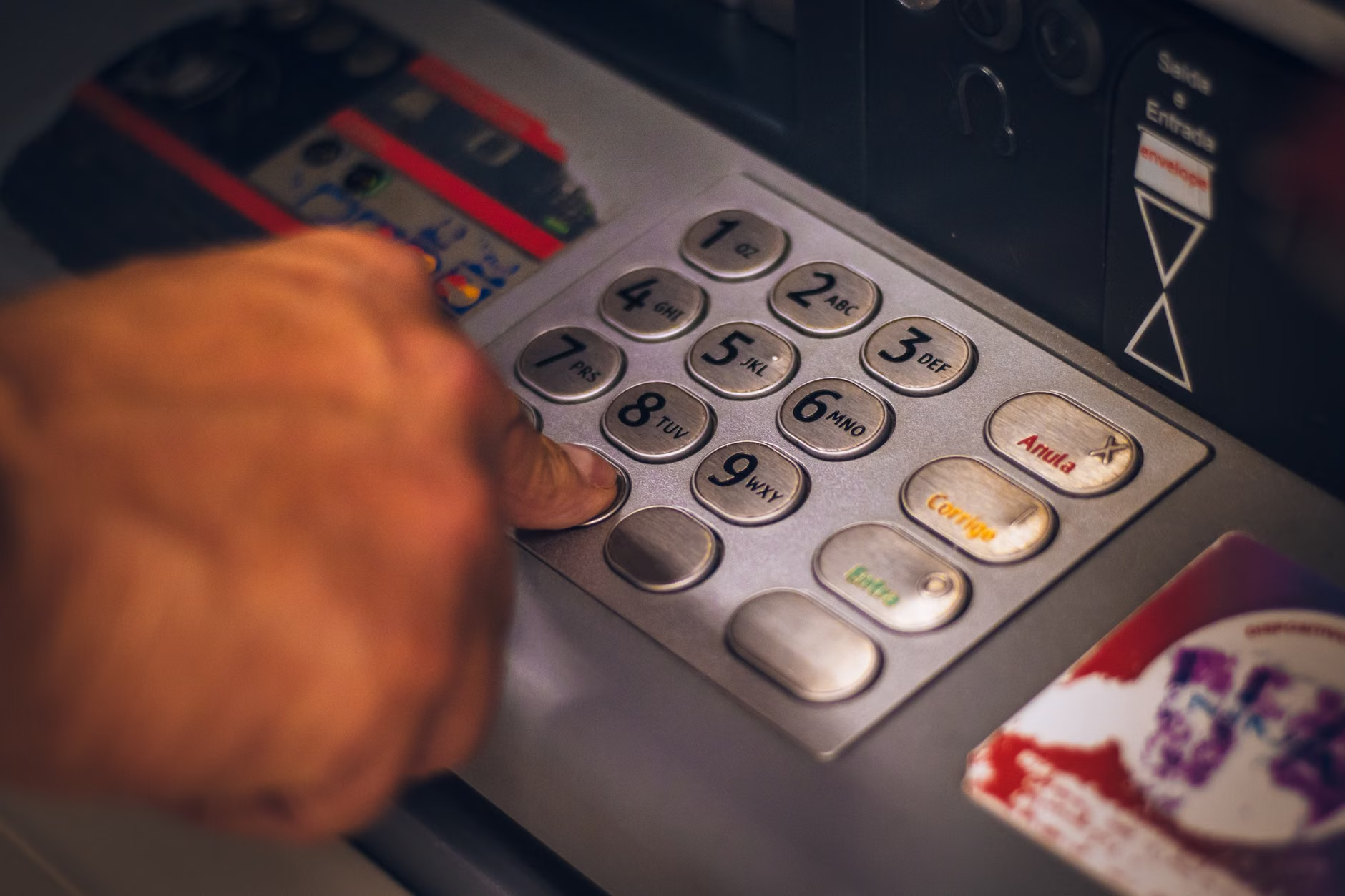
| Keypad Layout | Braille-enabled and tactile “home” markers | Ensures users can navigate without relying solely on sight. |
| Response Time | Adjustable session timeouts | Prevents the machine from ending a session before you finish typing. |
It is important to note that these requirements apply primarily to newly installed or retrofitted machines. This means that while you may not see these changes at your local branch overnight, as machines are replaced over the next few years, the standard of service will rise across the board.
Why These Changes Matter for Your Financial Independence
For many older adults, the biggest frustration with modern ATMs is the “race against the clock.” Many machines currently time out after 30 or 45 seconds of inactivity. If you prefer to double-check your balance, read the screen carefully, or take your time inserting your card, this can cause anxiety and lead to transaction errors.
The 2026 updates address this by mandating longer default session times and, in some jurisdictions, a “pause” button that allows you to extend the timer without canceling the transaction. This small change removes the pressure that often leads to mistakes, allowing you to manage your banking at your own pace.
When you encounter a 2026-compliant ATM, the interface will likely look different from what you are used to. Here is how you can effectively navigate the new systems:
1. Identifying the Accessibility Hub
Look for a “blue” or “yellow” button on the physical keypad or a clearly labeled icon on the home screen that indicates “Accessibility” or “Voice Guidance.” In many new models, this icon is a stylized person or a pair of headphones. Pressing this button will immediately switch the machine into a high-contrast, larger-font mode.
2. Utilizing Private Audio Guidance
If you find the screen glare difficult to manage, use the headphone jack. By plugging in your own standard headphones, the machine will mute its external speakers and provide step-by-step audio instructions. You can then use the tactile keypad to enter your PIN and navigate the menus entirely by sound. This is a secure and private way to handle your banking.
3. The “Pre-Staged” Transaction
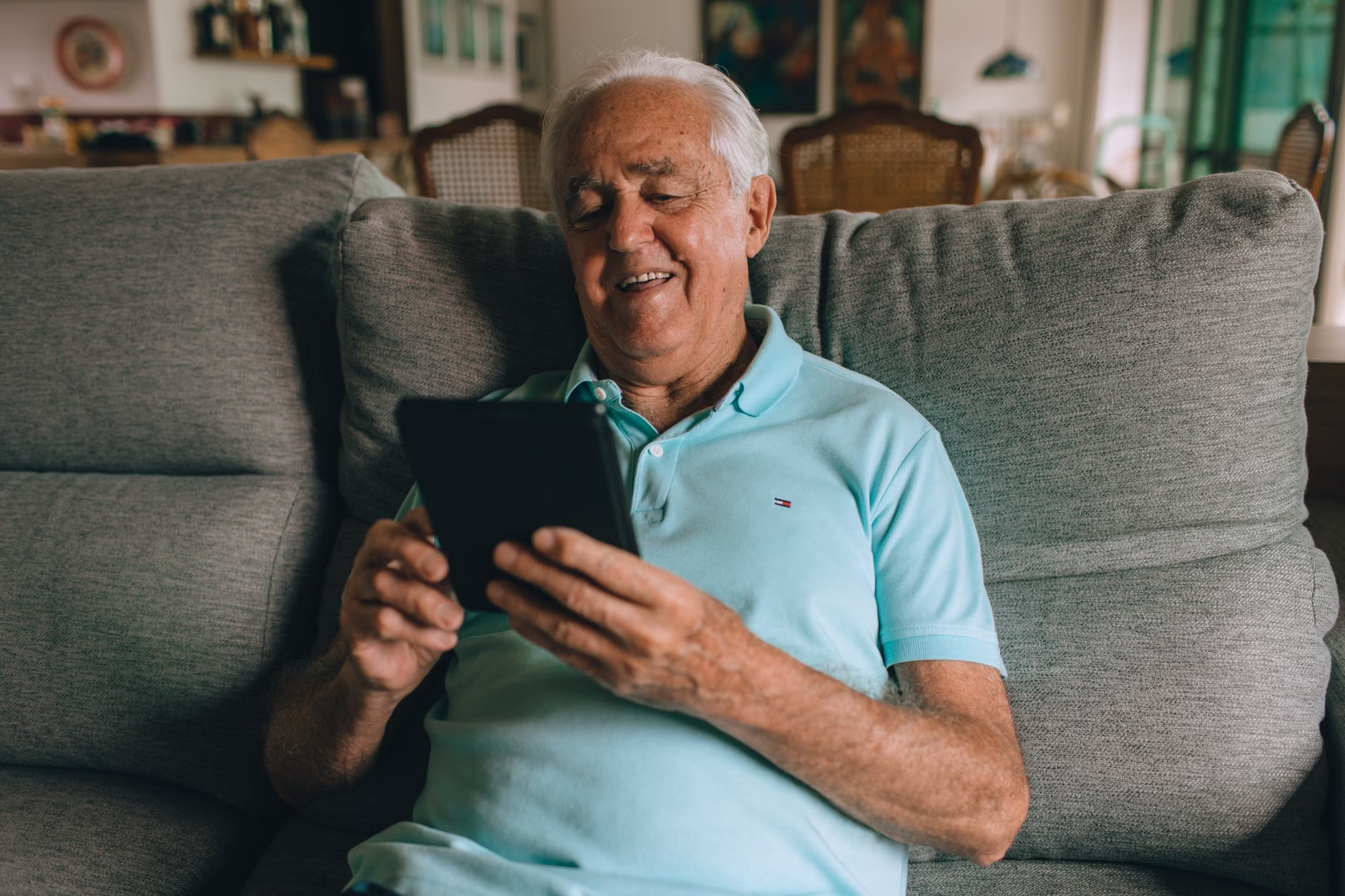
One of the most helpful features arriving with these standards is the integration with mobile banking apps. Many banks now allow you to “stage” your withdrawal on your smartphone at home. When you arrive at the ATM, you simply scan a QR code or tap your phone against a reader, and the machine instantly processes the transaction without you needing to navigate complex menus on the screen.
Addressing Common Concerns and Misconceptions
It is common to feel a sense of hesitation when banking technology changes. Many users worry that “digital” means “less secure.” However, the 2026 standards actually prioritize enhanced security alongside accessibility.
Common Misconception: “If I use voice guidance, everyone around me can hear my balance.”
The Reality: The 2026 standards explicitly require that audio guidance is only audible through the headphone jack. When no headphones are plugged in, the audio remains silent or restricted to basic navigation cues that do not reveal sensitive account information.
Common Misconception: “I need to learn how to use a smartphone to benefit from these changes.”
The Reality: While smartphone integration (like the QR code method) is an optional convenience, the new standards mandate that physical accessibility features (larger screens, tactile keys, audio jacks) must remain the primary method of operation. You are not being forced to go “digital-only.”
Practical Tips for Your Next Visit
To ensure your banking experience remains smooth and stress-free, consider these practical steps:
- Keep a pair of wired earbuds in your wallet: Having a pair of standard 3.5mm headphones ensures you can always use the audio-guided features, even if you don’t have a modern smartphone.
- Verify your PIN in advance: Since the new machines prioritize security, they may be less forgiving of multiple incorrect entries. Write your PIN in a secure place or memorize it well before you approach the machine.
- Visit during branch hours if unsure: If you are nervous about using a new machine for the first time, visit during banking hours. Staff members are increasingly being trained on these new accessibility features and can walk you through the process.
The Role of Family and Caregivers
If you are assisting a family member who may have difficulty with technology or mobility, these new standards are a significant advantage. The increased screen clarity and the ability to use headphones can make it easier for you to help them without needing to physically crowd the machine or block the screen.
Encourage your family members to look for the “Accessibility” icon. If they have visual impairments, demonstrating how the headphone jack works just once can provide them with a newfound sense of autonomy, as they will no longer need to rely on someone else to read the screen for them.
Looking Toward the Future: Beyond 2026
The 2026 standards are part of a decade-long evolution in how we interact with public services. As we move closer to the implementation date, banks are also exploring “biometric” authentication, such as fingerprint or palm-vein scanning. While these technologies are exciting, the international community remains committed to keeping traditional methods—like cards and PINs—active for the foreseeable future. The goal is to provide options, not to restrict them.
As you encounter these machines, remember that they are designed to serve you. If a machine is malfunctioning or if the accessibility features are not working, do not hesitate to report it to the bank. Your feedback is what drives the maintenance of these systems and ensures that they remain truly inclusive for everyone.
Conclusion
The 2026 international standards for ATM interfaces represent a positive step toward a more inclusive banking environment. By prioritizing readability, tactile feedback, and user-controlled accessibility, these updates aim to remove the stress and physical barriers that have long complicated the banking experience for many older adults.
By familiarizing yourself with these new features—specifically the headphone jack, the high-contrast modes, and the potential for mobile-staged transactions—you can take control of your financial interactions with greater confidence. Banking is a fundamental part of daily life, and these improvements are designed to ensure that you can continue to manage your affairs independently, securely, and with ease.
Frequently Asked Questions (FAQ)
1. Will I have to pay extra to use these new accessible ATM features?
No. These accessibility features are part of the standard service provided by banks and are required by law in many jurisdictions. There is no additional cost associated with using the high-contrast mode, audio guidance, or other accessibility tools.
2. Can I still use my traditional ATM card with the new machines?
Yes. The new 2026 standards for interfaces do not change the underlying card technology. Your existing ATM card, debit card, or credit card will continue to work exactly as it does now.
3. What should I do if the ATM I am using does not have a headphone jack?
If you are at a machine that does not have an audio jack, it is likely an older model that has not yet been upgraded. If you require audio guidance, you may need to look for a newer machine, usually located at a larger branch or in a modern shopping center, or ask a bank representative for assistance with your transaction.
For further information on banking accessibility in your specific region, please consult your local banking regulator’s website, such as the FDIC (USA) or the European Central Bank (EU), for updates on consumer protection and digital service standards.