- Biometric authentication (fingerprint or facial recognition) is now the global standard; prioritize these settings over traditional passwords.
- Liability protection laws are shifting; banks in many jurisdictions now require “active verification” (like multi-factor authentication) to qualify for fraud reimbursement.
- AI-driven phishing is sophisticated; if a call or message creates an immediate sense of urgency, hang up and contact your bank using the official number on the back of your debit card.
The New Landscape of Digital Banking in 2026
As we enter 2026, the digital banking sector has undergone a significant transformation. Financial institutions worldwide have shifted toward “Zero Trust” architectures. In simple terms, this means that banks no longer assume that a login attempt is legitimate simply because it uses the correct password. Instead, systems now continuously verify identity through multiple layers, including location data, device recognition, and biometric markers.
For older adults, these changes are a double-edged sword. While they significantly increase the difficulty for unauthorized parties to access your funds, they also change how you interact with your accounts. Understanding these updates is not just about technology; it is about ensuring you maintain control over your financial independence in an increasingly digital world.
Why 2026 Security Protocols Matter for Your Assets
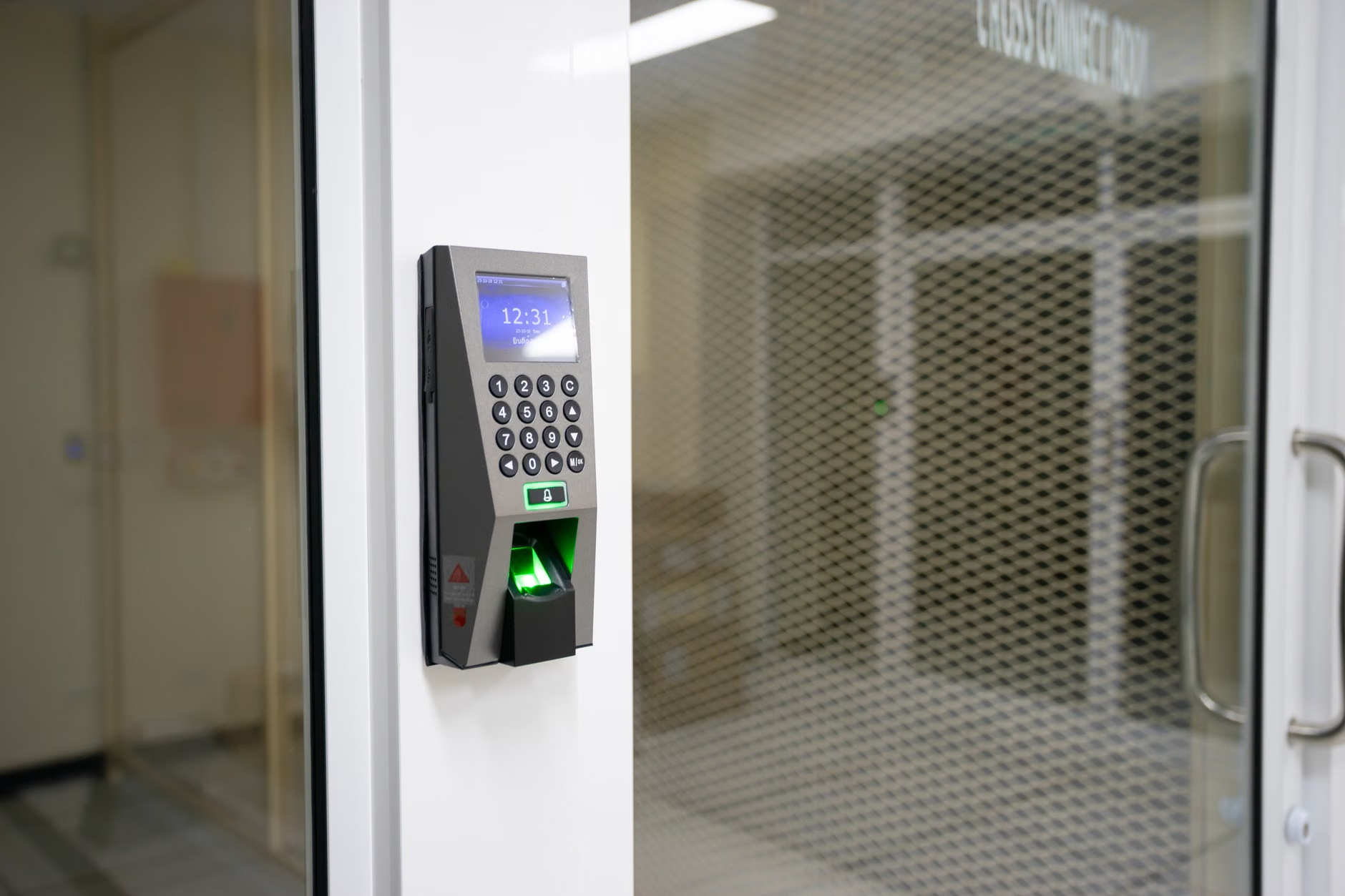
In previous years, banking security relied heavily on “knowledge-based” authentication—things you know, like passwords or mother’s maiden names. By 2026, those methods are considered high-risk due to data leaks. The industry has moved to “possession-based” and “inherence-based” authentication.
The Shift to Multi-Factor Authentication (MFA)
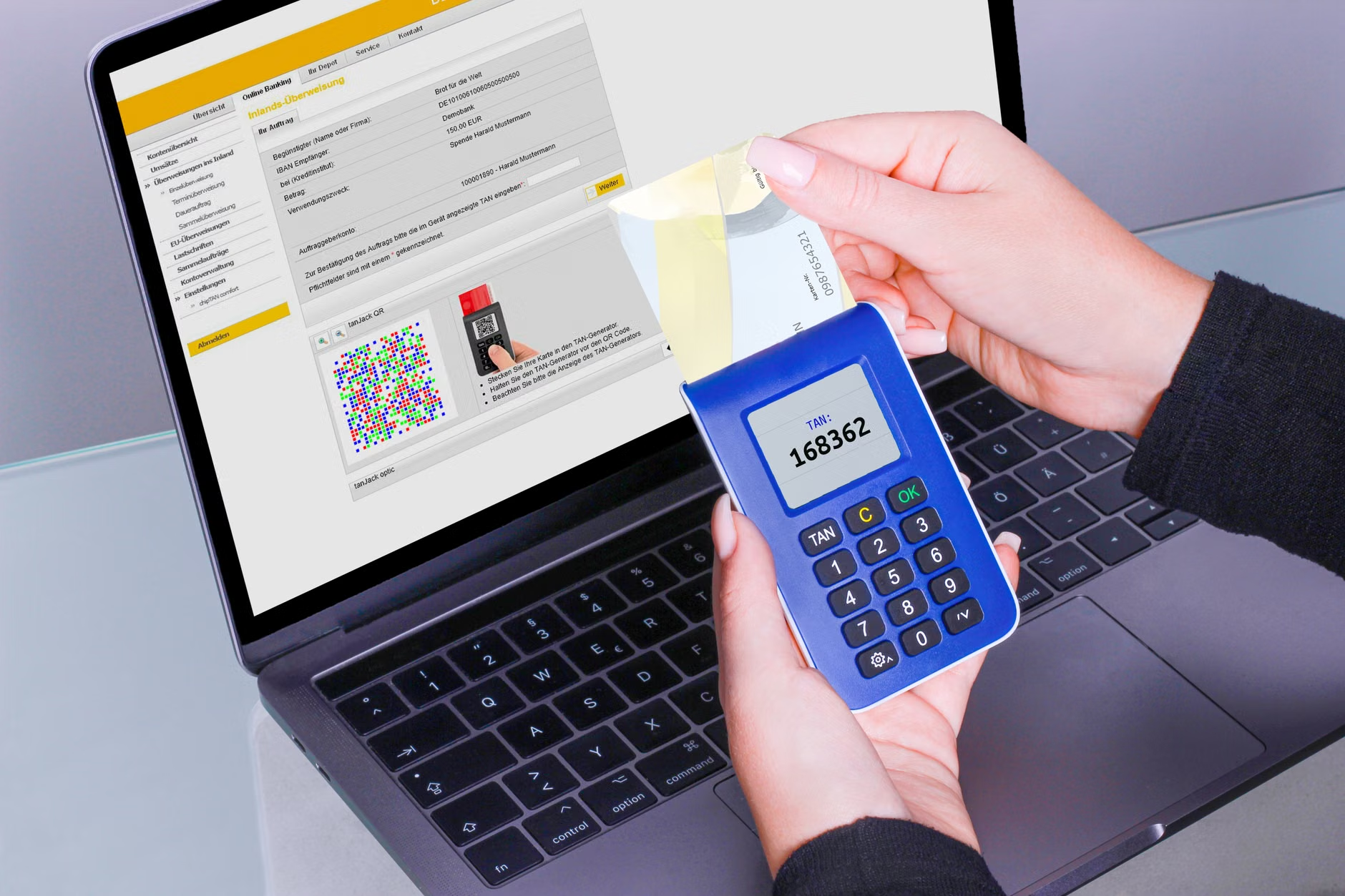
MFA is no longer just a recommendation; it is often a requirement for account recovery and high-value transfers. If you are not using an authenticator app (like Google Authenticator or Microsoft Authenticator) or a hardware security key, you are leaving your account more vulnerable than necessary. SMS-based codes (text messages) are increasingly being intercepted by sophisticated software. In 2026, banks are actively flagging accounts that only use SMS codes as “high risk,” which can lead to your account being locked during suspicious activity.
Liability Rules and “Duty of Care”
A critical change in 2026 is the evolving legal stance on consumer liability. In many jurisdictions, including parts of the European Union and North America, banks are tightening their terms of service. If a customer is found to have ignored explicit security warnings—such as sharing a one-time passcode with an unknown caller—the bank may deny reimbursement for stolen funds. It is no longer enough to be a victim of fraud; you must demonstrate that you followed the security protocols mandated by the institution.
| Security Method | Risk Level (2026) | Recommended Use |
|---|---|---|
| Standard Password | High Risk | Only as a secondary layer; use a password manager. |
| SMS/Text Code | Medium Risk | Avoid if a more secure app-based alternative exists. |
| Biometrics (Face/Fingerprint) | Low Risk | Enable as your primary login method. |
| Authenticator App/Hardware Key | Very Low Risk | Best for high-value account protection. |
The table above illustrates the current risk hierarchy. For most users, moving from SMS codes to an authenticator app represents the single most effective step you can take this year to harden your security posture.
Recognizing and Deflecting AI-Powered Scams
Artificial Intelligence (AI) has lowered the barrier to entry for cybercriminals. By 2026, “deepfake” voice technology—where a caller mimics the voice of a family member or a bank employee—is a standard tool for scammers. These calls are often designed to sound distressed or urgent, aiming to bypass your logical thinking.
The “Urgency Trap”
Scammers use urgency to force you into making a mistake. They may claim your account has been compromised, a fraudulent transfer is occurring, or your pension payment is blocked. Real banks will never call you and demand you move money to a “safe account” or read a verification code over the phone. If you receive such a call, the most effective action is to hang up immediately. Do not use the “call back” feature or the number provided by the caller. Instead, locate the physical debit card in your wallet and call the official support number printed on the back.
Practical Steps for Verification
If you suspect an interaction is fraudulent, follow this checklist:
- Pause: Step away from the phone or computer. Do not feel obligated to respond instantly.
- Verify: Open your bank’s official, verified app or visit their website by typing the address yourself. Do not click links in emails or texts.
- Report: Use the “Report Fraud” or “Help” section within your official banking app to notify the bank of the suspicious contact.
Managing Digital Banking with Family and Caregivers
For those who prefer to involve family members in their financial management, 2026 banking platforms have introduced “Authorized Delegate” features. This is a significant improvement over the old, insecure practice of sharing login credentials.
Why You Should Avoid Sharing Passwords
Sharing your main banking password is the fastest way to lose legal protections. If a family member uses your password and a breach occurs, the bank may argue that you failed to protect your account. Furthermore, sharing a password gives the other person full, unrestricted access to your entire financial history.
The “Delegate Access” Solution
Many major banks have introduced specific “Delegate” or “Trusted Contact” roles. This allows you to grant a family member limited access—such as the ability to view balances or pay bills—without giving them control over your entire account or ownership of your password. This setup creates a clear digital paper trail, which is essential if you ever need to dispute a transaction or prove authorization.

Preparing for the “Digital-Only” Future
As physical bank branches continue to close worldwide, the reliance on digital interfaces is absolute. To ensure you are not locked out of your own finances, consider these proactive measures:
1. Digital Literacy Maintenance
Treat your banking app like a utility. Every six months, spend ten minutes exploring the settings menu. Look for options like “Manage Devices,” “Security Alerts,” and “Privacy Settings.” If your bank releases an update, read the “What’s New” section to see if it affects your security settings.
2. The “Emergency Access” Folder
While you should never share your password, you should have a plan for trusted family members to access your information in an emergency. This involves using a secure, physical password manager or a trusted legal document (like a Power of Attorney) that explicitly covers digital assets. Ensure your designated agent knows how to access your accounts through the bank’s formal “Death or Incapacity” procedures, rather than relying on a shared password.
3. Monitoring Alerts
Set up push notifications for every transaction over a certain amount (e.g., $50). By receiving an instant alert, you can verify every purchase as it happens. If you see a notification for a transaction you did not authorize, you can lock your card instantly through the app. This speed is your best defense against unauthorized use.
Conclusion: Empowerment Through Awareness
Digital banking in 2026 is designed to be highly secure, but it requires a change in mindset from the user. By moving away from shared passwords, adopting biometric and app-based authentication, and maintaining a healthy skepticism toward urgent requests, you can take full advantage of the convenience of modern banking while keeping your assets protected. The goal is not to fear the technology, but to master the settings that keep it working for you.
Official resources for digital security vary by country. For comprehensive guides, consult your national consumer protection agency, such as the Federal Trade Commission (FTC) in the United States, the Financial Conduct Authority (FCA) in the United Kingdom, or your local financial ombudsman’s website.
Frequently Asked Questions
1. What should I do if my bank app requires a face scan but I am worried about privacy?
Biometric data is generally stored locally on your device, not on the bank’s servers. If you are uncomfortable, check if your bank allows hardware security keys (physical tokens) as an alternative to biometrics or passwords.
2. Is it safe to use public Wi-Fi to check my bank balance?
It is strongly recommended to avoid using public Wi-Fi for banking. Use your cellular data (4G/5G) instead, as it is significantly more secure. If you must use public Wi-Fi, ensure you have a reputable VPN (Virtual Private Network) active, though cellular data remains the gold standard for mobile banking security.
3. How can I tell if a bank email is legitimate or a phishing attempt?
Legitimate bank emails will never ask you to click a link to “verify your account” or “prevent a lockout.” They will also address you by your name, not “Dear Customer.” When in doubt, delete the email and log in to your bank via their official app or by typing the URL directly into your browser.