- Learning to code acts as a “gym for the brain,” specifically strengthening executive functions like logical sequencing, working memory, and pattern recognition.
- You do not need a background in mathematics or computer science; modern, block-based languages allow you to focus on the logic of problem-solving rather than complex syntax.
- Starting small with 15–20 minute sessions three times a week provides the most consistent cognitive benefit without causing mental fatigue.
Learning to code in your later years is less about preparing for a career in software engineering and more about engaging in a high-level cognitive exercise that builds neural resilience. For adults aged 60 to 80, the act of programming requires a unique combination of focus, patience, and analytical thinking—a trifecta that helps maintain mental sharpness.
Understanding the Cognitive “Gym” of Coding
At its core, coding is the translation of human intent into machine instructions. When you write code, you are essentially engaging in a rigorous process of logical decomposition. This means breaking down a large, complex problem into a series of smaller, manageable steps. This process directly stimulates the prefrontal cortex, the area of the brain responsible for executive functions, including planning, decision-making, and impulse control.

Research into cognitive aging suggests that “novelty” and “challenge” are the two most critical factors in maintaining brain health. Repetitive activities, while comforting, do not demand the same level of neural plasticity as learning a new, complex skill. Coding forces the brain to form new connections because it requires you to think in a non-linear, algorithmic fashion. It is not about memorizing facts; it is about building a mental framework for how to approach a problem when the initial solution fails.
The Role of Debugging in Mental Resilience
One of the most valuable aspects of coding is “debugging.” In real life, when we encounter a problem, we often feel frustrated and seek a quick resolution. In programming, a “bug” (an error in your code) is a standard part of the process. You are expected to fail, analyze why the failure occurred, and try a different approach. This cycle of trial and error is excellent for building emotional and cognitive resilience. It teaches the brain to view errors not as failures, but as data points that lead to a correct solution.
Choosing Your Starting Point: Beyond Complex Syntax
Many people assume that coding is all about cryptic text and advanced mathematics. While that may be true for professional systems architecture, it is certainly not the case for someone beginning their journey today. The landscape of programming education has shifted toward visual and conceptual learning.
| Language/Method | Best For | Key Characteristic |
|---|---|---|
| Block-Based (e.g., Scratch) | Absolute Beginners | Drag-and-drop logic without typing syntax. |
| Python | Those wanting real-world utility | Clean, readable code that mimics English. |
| HTML/CSS | Design-oriented learners | Building and styling personal websites. |
If you are technically confident and want to see results on your computer screen quickly, Python is widely considered the most accessible text-based language. If you prefer to focus entirely on the logic without the frustration of missing a comma or a bracket, Scratch (developed by MIT) is the gold standard for visual learning. It allows you to create animations and games by snapping together “blocks” of logic, effectively hiding the technical complexity while keeping the cognitive challenge intact.
Integrating Coding into Your Daily Routine
Consistency is more important than intensity. For an adult over 60, the goal is to create a habit that stimulates the brain without inducing unnecessary stress or physical strain. We recommend a “Sustainable Pacing” approach.
The 20-Minute Rule
Do not attempt to code for hours on end. The brain performs best in short, focused bursts. Dedicate 20 minutes to a coding session, three times a week. Use this time to solve one specific “puzzle” or to build one small feature in your program. If you feel frustrated, step away. The brain often solves the most difficult problems during a walk or while performing a routine task, as the subconscious continues to process the logic.

Creating an Environment for Success
- Ergonomics: Ensure your screen is at eye level. If you are using a laptop, consider a separate keyboard and mouse to prevent wrist strain.
- Lighting: Use natural light where possible to reduce eye fatigue.
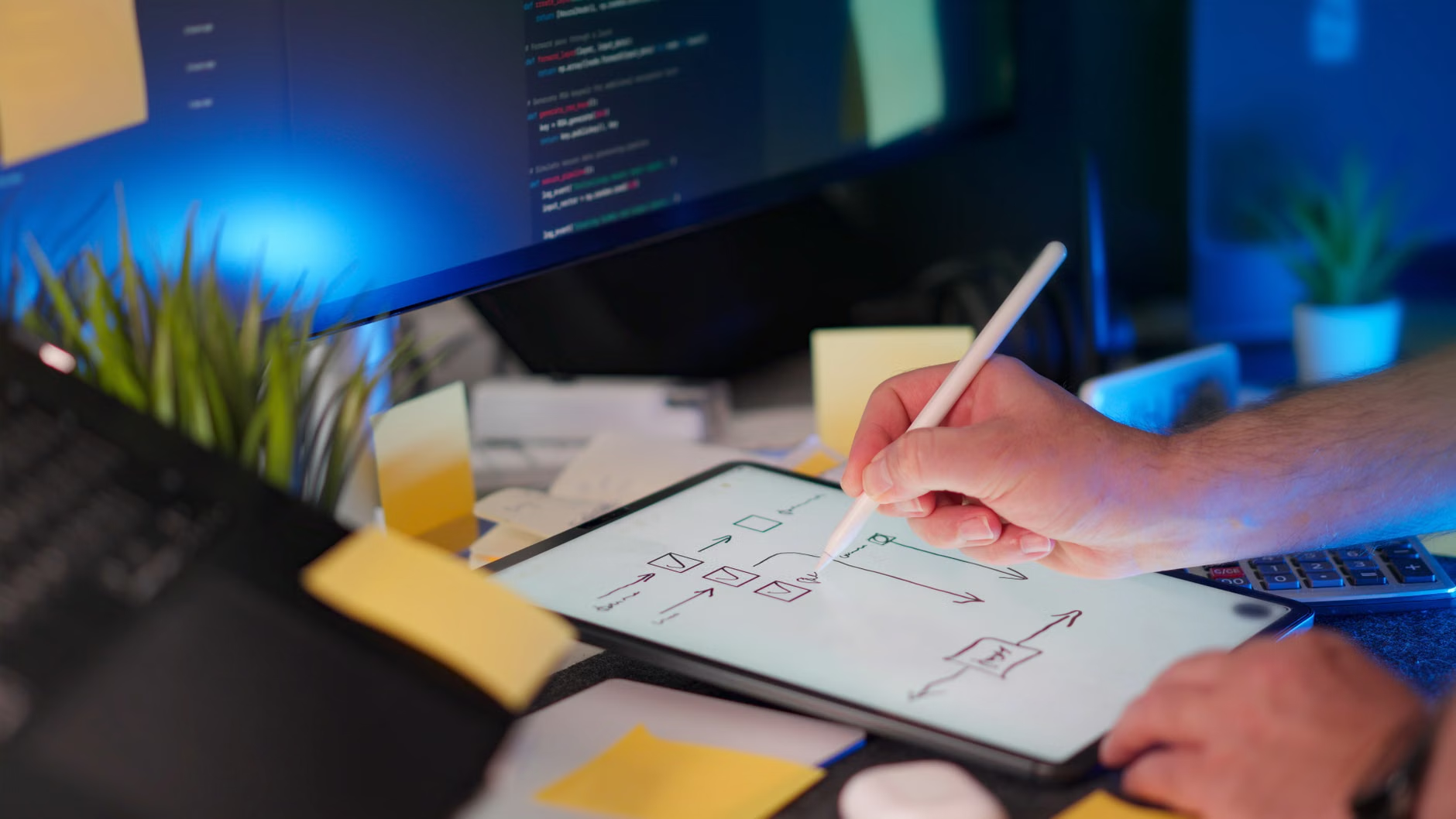
- Documentation: Keep a physical notebook. Writing down your logic or drawing a flow chart before touching the keyboard can help solidify your understanding and reduce screen-time fatigue.
A common mistake is trying to learn “everything at once.” Many beginners jump into advanced tutorials that assume a decade of experience. This leads to the “tutorial hell” phenomenon, where you watch videos but feel unable to create anything on your own. Instead, adopt a project-based approach. Decide on a goal: “I want to create a program that calculates my monthly expenses” or “I want to build a simple digital photo album.” By having a goal, you move from being a passive consumer of information to an active builder.
Another pitfall is feeling “too old” or “not technical enough.” Coding is a language, and like any language, it is best learned through exposure and practice. There is no biological expiration date on the brain’s ability to learn new logic systems. In fact, your life experience gives you an advantage: you have decades of experience in identifying patterns and solving real-world problems, which is exactly what programming requires.
Practical First Steps: Where to Begin
To start, you do not need to buy expensive courses. There are high-quality, free resources designed for all ages:
- Scratch (MIT): Visit scratch.mit.edu. It is free, browser-based, and requires no software installation.
- Codecademy: Their free tier offers interactive, step-by-step paths for Python and Web Development.
- Local Community Centers/Libraries: Many local councils and libraries now host “Digital Inclusion” or “Coding for Seniors” workshops. These are excellent for social interaction and getting real-time help.
The Social and Generational Connection
Coding can also serve as a bridge between generations. If you have grandchildren or younger family members, they may already be learning coding in school. Engaging in this hobby together can transform your relationship. Instead of being the one who “needs help with the computer,” you can become a collaborator. Working on a project with a younger family member provides a unique opportunity for shared learning, where your experience in logical reasoning complements their familiarity with the latest digital tools.
Furthermore, joining online forums or local clubs helps maintain social connections. The coding community is vast and generally very welcoming to beginners. Engaging with others who are also learning ensures you have a support system for when you get stuck, reinforcing the idea that you are part of a larger, global community of lifelong learners.
Addressing Potential Challenges: Accessibility and Stamina
While coding is a sedentary hobby, it is important to manage your physical health alongside it. Extended periods of sitting can lead to stiffness and fatigue. Always incorporate movement breaks. If you spend 20 minutes coding, spend the next 10 minutes stretching, walking, or doing light housework. This “active recovery” helps circulate blood flow, which in turn benefits the brain’s cognitive function.
For those with visual impairments, most coding environments allow for high-contrast themes and text scaling. If you struggle with small text, ensure your browser or code editor is set to a “Large” or “High Contrast” mode. There are also screen readers and voice-to-text tools available for those who find typing physically difficult, though these require a slightly higher initial learning curve.
The Broader Impact of Lifelong Learning
The decision to learn a new skill like coding at 65, 70, or 80 is an act of defiance against the stereotype that the later years are for “winding down.” On the contrary, this is a prime time to engage in “intellectual expansion.” When you learn to code, you are not just learning a language; you are learning a new way to see the world. You begin to notice the logic behind the apps you use, the websites you visit, and the automated systems in your daily life. This demystification of technology reduces the “digital divide” and grants you a greater sense of autonomy in an increasingly automated world.
Ultimately, the benefit of coding is not found in the lines of text you produce, but in the neural pathways you strengthen while producing them. Every time you solve a logic puzzle, every time you fix a bug, and every time you successfully run a script, you are investing in your long-term cognitive health. It is a hobby that demands nothing but your curiosity and rewards you with a profound sense of accomplishment.
Conclusion: A Path to Mental Vitality
Coding is not a magic solution to memory loss or cognitive decline, but it is a powerful tool in the arsenal of preventive health. By challenging your brain with new, structured, and logical tasks, you are keeping your mind agile and engaged. Start with the basics, keep your sessions short and consistent, and focus on the joy of creating rather than the pressure of perfection. Whether you build a small website or simply complete a few interactive puzzles, you are taking a proactive step toward maintaining your cognitive vitality for years to come.
Frequently Asked Questions
- Do I need to be good at math to learn to code?
Not at all. While coding involves logic, it rarely requires advanced mathematics. Basic arithmetic is more than enough for most beginner and intermediate projects. The primary skill required is the ability to break a problem into smaller, logical steps. - Is it too late for me to learn a new technical skill?
There is no age limit on neuroplasticity. The brain remains capable of forming new connections throughout your entire life. Learning to code is essentially a form of “brain training” that is highly effective regardless of your starting age. - What if I get stuck and can’t figure out a problem?
Getting stuck is a normal part of the process, even for professional software engineers. Use this as an opportunity to practice patience. Take a break, walk away, and come back with fresh eyes. If you are still stuck, use online resources like Stack Overflow or community forums to ask for help—part of the learning process is knowing how to find the answer.
Disclaimer: This article is for informational purposes only and does not constitute medical or professional health advice. Please consult with a healthcare professional regarding any concerns about cognitive health or significant changes in your daily routine.