- Accessibility-First Routing: 2026 apps now prioritize “step-free” and “low-stamina” routes, allowing you to filter out steep inclines or stations without functional elevators.
- Real-Time Reliability: Predictive AI now alerts users to crowd levels and sudden platform changes, helping you avoid stressful last-minute rushes.
- Unified Digital Payments: Most major global cities have transitioned to “tap-and-go” systems that automatically apply senior discounts, removing the need for physical paper tickets.
Navigating Public Transport in 2026: A Practical Guide to Digital Advancements
Public transportation systems have undergone a significant digital transformation by 2026. For older adults, these changes represent more than just “new technology”; they represent a fundamental shift toward greater independence, safety, and physical comfort. Whether you are commuting, visiting family, or exploring a new city, modern transport applications have moved away from complex, data-heavy displays toward personalized, accessibility-focused interfaces.
This guide explains how to leverage these 2026 advancements to make your daily travel smoother and more predictable.

The Shift Toward Personalized Accessibility Features
In previous years, transit apps focused primarily on the “fastest” route. As of 2026, the industry standard has shifted to “most accessible” routing. This change is crucial for those who prefer to avoid long walks, steep stairs, or crowded interchanges.
What Accessibility Routing Means for You
Modern apps now allow you to set a “mobility profile.” By toggling specific settings, the app recalculates your journey based on your specific requirements. This is not just a convenience; it is a way to ensure that your physical stamina is preserved for your destination rather than exhausted during the transit process.
| Setting | What it Changes | Best For |
|---|---|---|
| Step-Free Only | Excludes stations that require stairs. | Users with mobility aids or joint discomfort. |
| Minimum Walking | Prioritizes buses or trams that stop closer to the destination. | Users managing low stamina or fatigue. |
| Lifts/Elevator Status | Provides real-time alerts if an elevator is out of service. | All travelers needing reliable station infrastructure. |
Practical Step: Before heading out, open your app’s “Settings” or “Profile” tab. Look for “Journey Preferences” or “Accessibility.” Ensure “Avoid Stairs” and “Prioritize Lifts” are enabled. If you are visiting a new city, check the “Station Status” feature to confirm that the elevators at your intended arrival point are currently operational.
Understanding Real-Time Data and Crowd Management
One of the most significant anxieties for travelers is the fear of being caught in a sudden crowd or an unexpected delay. By 2026, real-time data has become far more granular. Apps now use sensor data from buses and trains to provide “occupancy levels” before you even arrive at the platform.
Why Crowd Data Matters
Occupancy data helps you choose a quieter carriage or a less crowded bus. In many metropolitan areas, the app will show a color-coded indicator: green for plenty of seating, yellow for standing room only, and red for high density. Opting for a “green” vehicle allows you to ensure a comfortable seat, which is essential for maintaining physical comfort over longer journeys.

Unified Payment Systems: No More Paper Tickets
The era of fumbling for change or managing multiple physical transit cards is largely ending. In 2026, most major transport authorities have implemented “Open-Loop” payment systems. This means you can use your contactless bank card, smartphone, or smartwatch to pay for any mode of transport—bus, train, or ferry—on a single account.
The “Senior Discount” Integration
In many jurisdictions, such as the UK, Singapore, and parts of the EU, your digital profile can now be linked to your senior concession status. Once your identity is verified through the app, the system automatically applies the correct discount rate to every tap. You no longer need to show a physical ID card to the driver or purchase a separate concession ticket.
Warning: While digital integration is seamless, always carry a secondary payment method, such as a backup credit card, in case your primary device runs out of battery. It is also good practice to keep a physical copy of your senior concession identification in your wallet, as some rural transit systems may still require manual verification during random inspections.
Safety and Communication Features
Modern transport apps have integrated “Safety Links.” If you feel unsafe or experience a health issue while on public transit, many apps now include a direct “Help” or “Alert” button. When activated, this sends your real-time GPS location to a designated family member or caregiver, and in some cities, directly to the local transit authority’s control center.
This is particularly useful for those who travel independently but prefer to have an extra layer of security. It provides peace of mind for both the traveler and their family, knowing that assistance is just a button-press away.
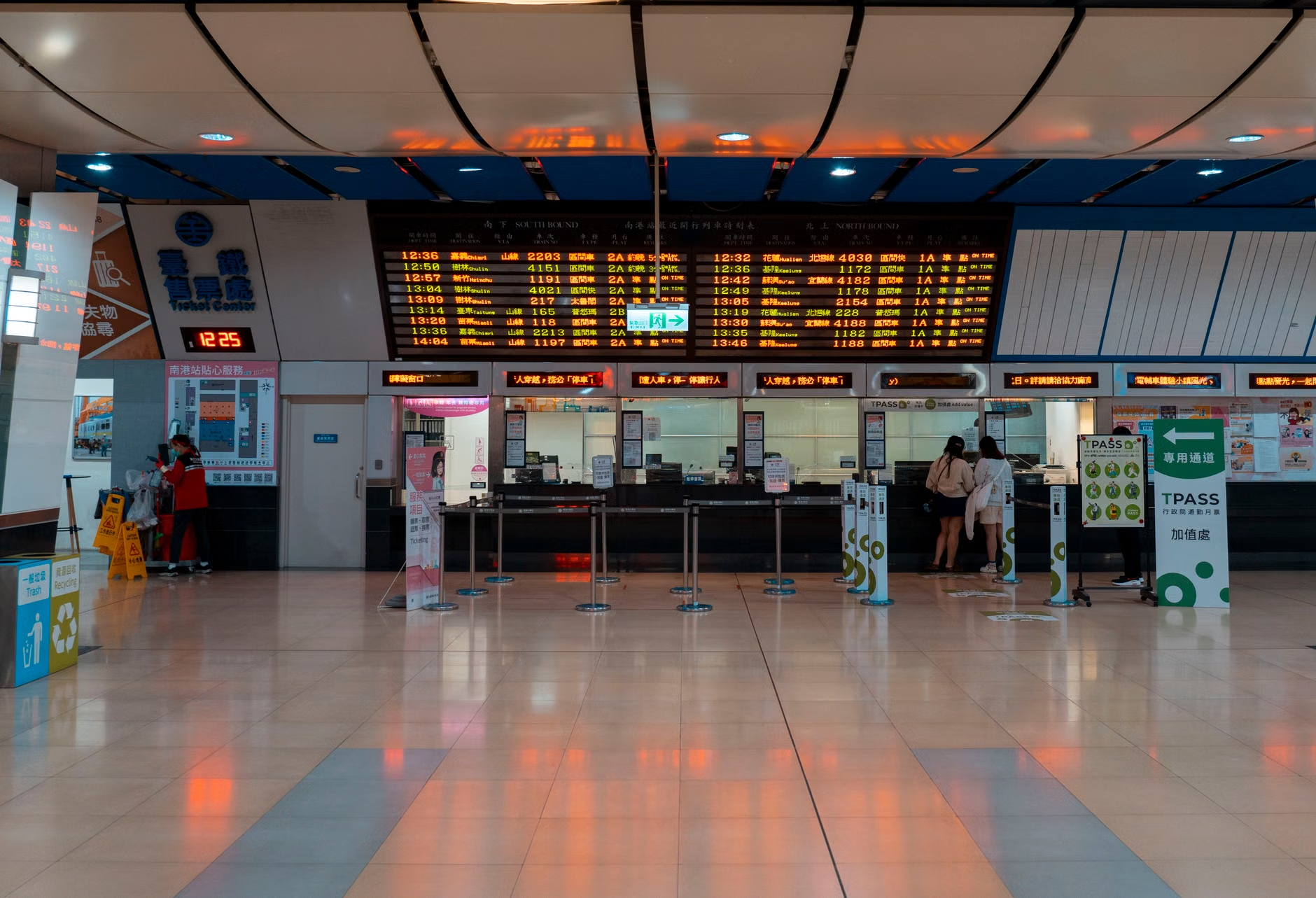
How to Choose the Right App for Your Travel
Not all apps are created equal. Depending on your location, you may have access to a “National Transit App” (run by the government) or a “Third-Party App” (like Google Maps or Citymapper).
- Government Apps: These are often the most accurate for real-time service alerts, elevator maintenance, and official fare pricing. They are the primary source of truth for your local region.
- Third-Party Apps: These often offer better user interfaces and more intuitive walking directions. They are excellent for planning complex journeys across different cities or countries.
Decision Criteria: If you are planning a journey within your own city, rely on the official local transit app for service reliability. If you are traveling to a new city, use a globally recognized third-party app to get your bearings, but check the official local transit website once you arrive to confirm the latest fare and accessibility rules.
Overlooked Variables in 2026 Travel
Even with advanced technology, there are hidden factors that can affect your travel experience. One often-overlooked variable is “Signal Interference” in deep underground stations. While many stations now have Wi-Fi, there are still “dead zones.”
Practical Tip: Always download the “Offline Map” or “Offline Route” for your journey before you leave home. Most modern apps provide a button to “Save Route for Offline Use.” This ensures that even if you lose your internet connection in a tunnel, you can still see exactly how many stops remain before your exit.
Another factor is the “Weather-Adjusted Route.” In 2026, some advanced apps now account for severe weather, suggesting indoor walking routes through malls or covered walkways to reach transit hubs, avoiding rain or extreme heat. Check if your app has an “Indoor Routing” or “Weather-Safe” toggle.
Conclusion: Taking the First Step
The advancements of 2026 have effectively lowered the barrier to independent travel. By taking the time to set up your mobility profile and familiarize yourself with the digital payment options available in your region, you can transform public transport from a potential source of stress into a seamless part of your day.
Start small. Try using your app for a familiar, short journey first. Observe how the app handles real-time changes and how the automated payment system works. Once you are comfortable with these tools, you will find that the world of public transport is far more accessible than it has ever been.
Frequently Asked Questions (FAQ)
1. What if my phone battery dies while I am using a digital-only ticket?
Most modern transit systems have a “grace period” policy. If your device dies, speak to a station attendant or the bus driver immediately. If your card is linked to your account, they can often verify your status using your identification. However, it is highly recommended to carry a portable power bank if you plan on using digital tickets for a full day of travel.
2. Are these 2026 digital updates available in all countries?
No. While major global cities are adopting these standards, rural areas or developing transit networks may still rely on older, physical infrastructure. Always check the official website of the transit authority in the specific city you are visiting to see if they support mobile ticketing and accessibility data.
3. How do I know if my senior discount is being applied correctly?
In most apps, you can view your “Transaction History” immediately after a trip. If the fare charged does not match the expected senior rate, contact the transit authority’s customer service through the app. Often, this is a simple verification issue that can be fixed by re-uploading your proof of age or residency in the profile settings.
For further information on regional transport policies, please refer to your local government’s official transport department website (e.g., Transport for London or MTA New York).