- Cognitive Stimulation: Digital bookbinding combines technical software navigation with fine motor skills, providing a dual-layered workout for the brain that supports neuroplasticity.
- Legacy Preservation: Translating digital files into physical books offers a meaningful way to curate personal histories and family archives, bridging the gap between digital convenience and physical permanence.
- Practical Accessibility: Modern “print-on-demand” services allow seniors to create professional-quality books from home, bypassing the need for complex traditional bookbinding machinery.
The Cognitive and Practical Benefits of Basic Digital Bookbinding for Seniors
Learning the craft of digital bookbinding is more than just a creative hobby; it is a sophisticated cognitive exercise that bridges the gap between our modern digital lives and the enduring value of physical objects. For adults aged 60 to 80, this practice offers a unique intersection of technology, artistry, and memory preservation. By curating, organizing, and physically assembling stories—whether they are family photo collections, personal memoirs, or genealogical research—you engage multiple brain centers simultaneously.
This article explores why digital bookbinding is an ideal pursuit for older adults, the cognitive benefits associated with the process, and how you can get started with minimal technical strain.
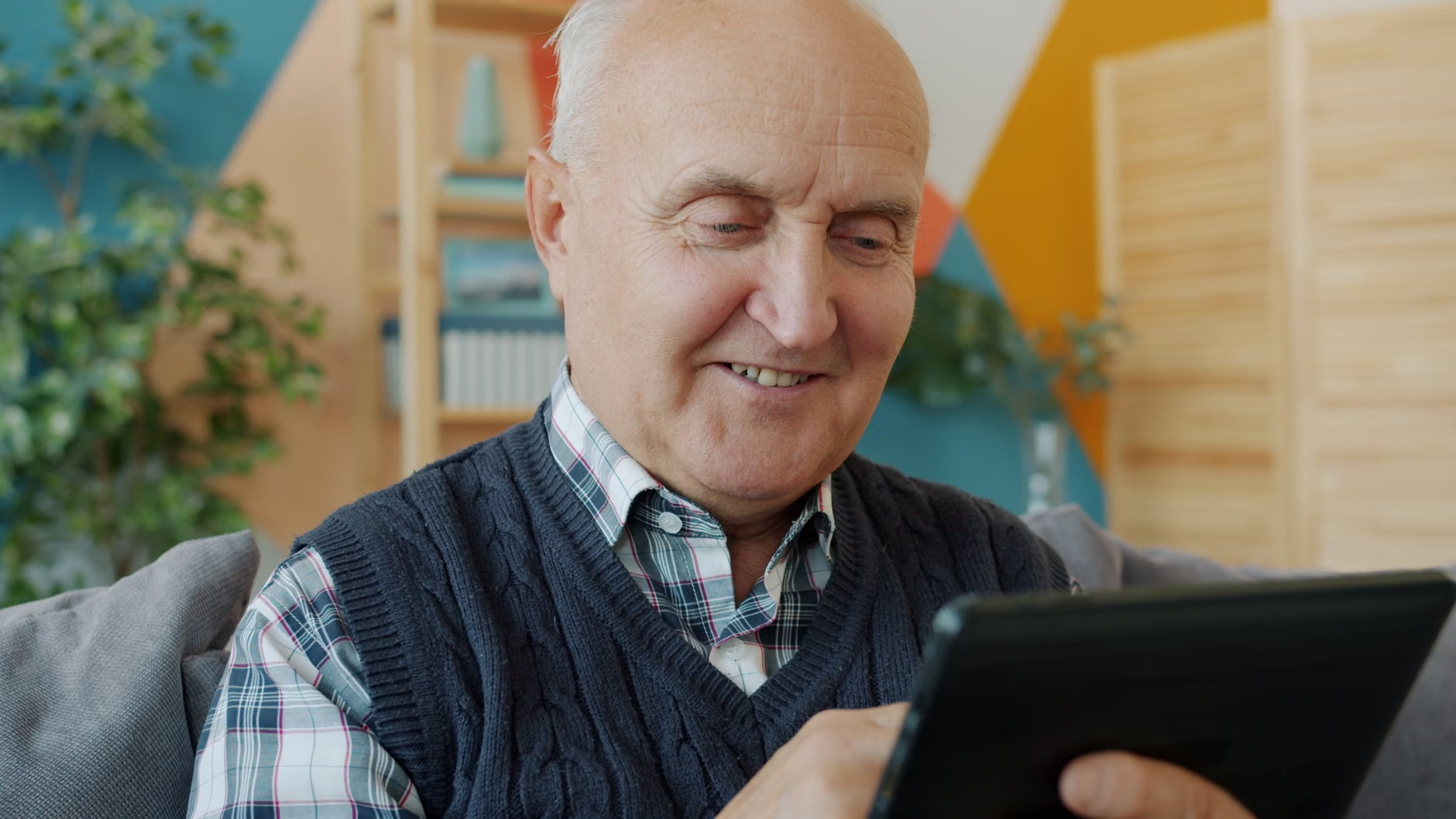
The Cognitive “Workout” of Digital Curation
When we talk about cognitive health, we often focus on passive activities like reading or watching documentaries. However, active learning—which requires problem-solving and executive function—is significantly more effective at maintaining neural pathways. Digital bookbinding is a prime example of active, high-level engagement.
Executive Function and Planning
Creating a book requires a clear vision. You must decide on a theme, select the best images or text, and arrange them in a logical sequence. This process exercises your executive functions: the ability to plan, prioritize, and manage complex tasks. When you decide how a story should flow from page one to the final chapter, you are performing high-level cognitive work that keeps the mind sharp.
Learning to use a digital book-making interface—whether it is a simple website or a dedicated software application—requires learning new patterns. Neuroplasticity, the brain’s ability to reorganize itself by forming new neural connections, is stimulated when we learn new, complex skills. Navigating menus, understanding layout tools, and troubleshooting minor technical issues are excellent ways to challenge the brain in a low-stress, high-reward environment.
Beyond the Screen: Fine Motor Skills and Tactile Engagement
While the “digital” part of the process happens on a computer or tablet, the “bookbinding” aspect—even in its modern, simplified form—involves physical interaction. There is a profound difference between viewing a digital image on a screen and holding a physical book in your hands. This tactile experience has been linked to improved focus and a sense of accomplishment.
The Role of Fine Motor Coordination
If you choose to move beyond simple print-on-demand services and assemble your own books using traditional methods—such as using a bone folder to crease paper or using an awl to punch binding holes—you are engaging in fine motor skill development. These activities require precision, hand-eye coordination, and patience. For many, this is a form of “active meditation” that lowers stress hormones and promotes a state of flow.

Practical Steps to Start Your Bookbinding Journey
You do not need a professional printing press or a degree in graphic design to create high-quality books. Today, the barrier to entry is lower than it has ever been. Below is a breakdown of the two main pathways to creating your own books.
Pathway A: The “Digital-First” Print-on-Demand Model
This is the most accessible route. You use online services that provide templates. You upload your photos or text, drag them into the provided layouts, and the company prints and binds the book for you.
- Pros: No heavy equipment required; professional-grade binding (hardcover, lay-flat, etc.); fast turnaround.
- Cons: Less “handmade” feel; reliance on the service provider’s software.
Pathway B: The “Hybrid” Handmade Model
In this model, you print your pages at home or at a local print shop and bind them yourself using traditional methods like Japanese stab binding or kettle stitch binding.
- Pros: Completely customizable; provides the highest level of tactile satisfaction; allows for the use of unique, high-quality papers.
- Cons: Requires an initial investment in tools; steeper learning curve for the physical assembly.
| Factor | Print-on-Demand (Digital) | Handmade Binding (Physical) |
|---|---|---|
| Technical Difficulty | Low to Moderate | Moderate to High |
| Physical Effort | Low | Moderate |
| Cost | Lower per unit | Higher initial tool investment |
| Creative Control | Limited by templates | Unlimited |
Which option is right for you? If you are looking for a way to quickly preserve family photos for a reunion or a gift, Pathway A is the most efficient choice. If you are looking for a long-term hobby to occupy your time and develop a new craft, Pathway B provides a much deeper level of engagement.
It is important to acknowledge that starting a new hobby can be frustrating. Here are common hurdles and how to manage them:
- Technical Frustration: If the software feels overwhelming, start with a “photo book” service that offers an “auto-fill” feature. This allows the computer to do the heavy lifting of layout, which you can then adjust as you become more confident.
- Physical Fatigue: If you choose the handmade binding route, remember to work in short bursts. Take 15-minute breaks for every 45 minutes of work. Use an ergonomic chair and ensure your lighting is bright enough to avoid eye strain.
- Cost Management: You do not need to buy expensive, professional-grade tools immediately. Start with a bone folder, a metal ruler, and a simple craft knife. These are inexpensive and will last for years.
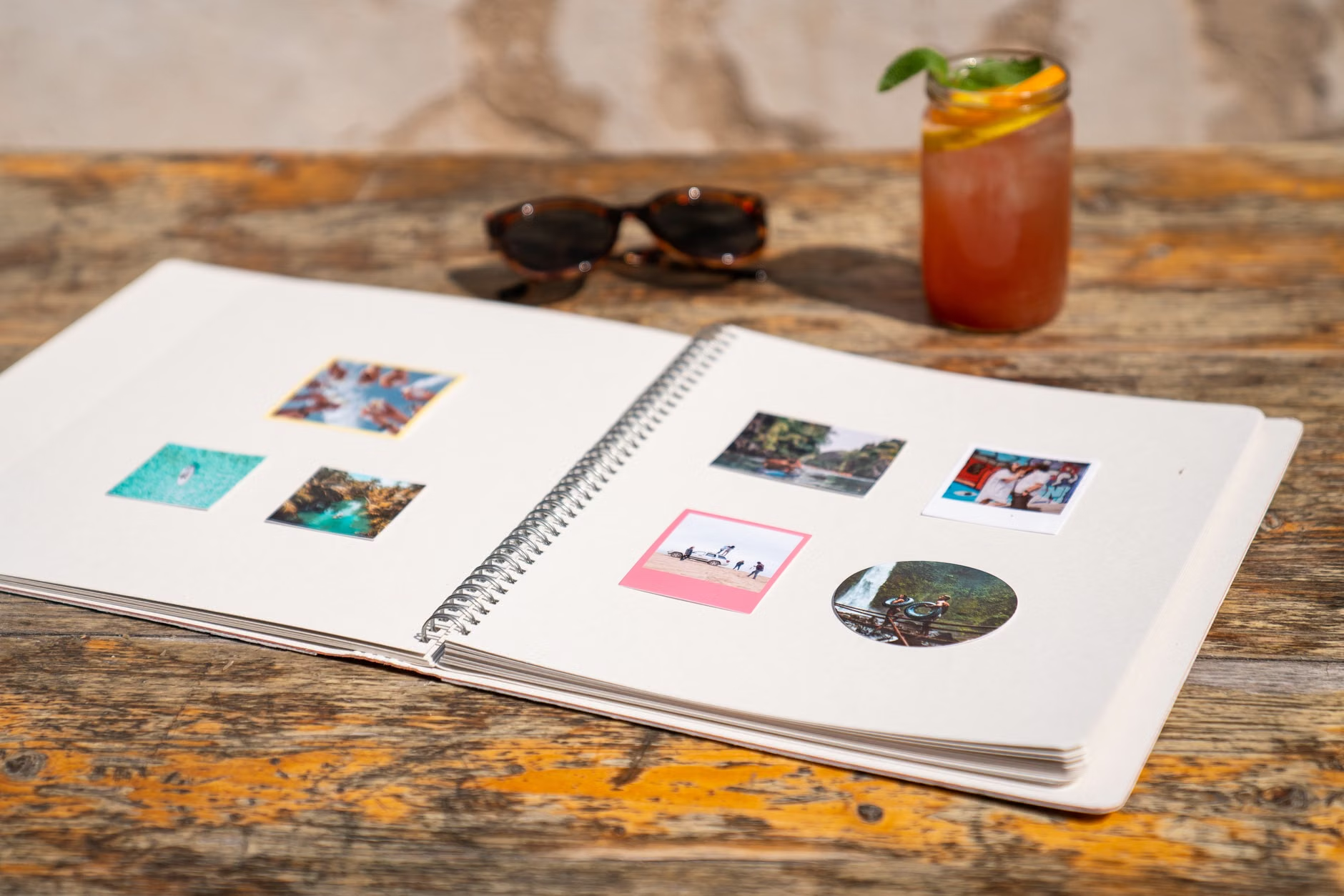
Preserving Legacy: A Gift to Future Generations
Beyond the personal cognitive benefits, bookbinding is a profound act of legacy preservation. Digital files—such as photos on a phone or documents on a laptop—are often forgotten or lost when devices are upgraded or replaced. A physical book, however, is a permanent object that can be passed down through generations.
When you curate a book, you are not just organizing files; you are telling a story. By including captions, dates, and context for your photos, you provide a narrative that would otherwise be lost. This is a gift to your family, helping them understand your history and the context of the lives that came before them.
Conclusion: The Path Forward
Digital bookbinding is a unique activity that satisfies both the need for modern technical engagement and the desire for traditional, tactile creation. Whether you are creating a simple photo album or a complex, hand-bound memoir, the process itself is a powerful way to keep your mind active and your creative spirit alive.
If you are ready to start, begin by gathering your digital photos or writing down a short series of anecdotes. Choose one small project—perhaps a 20-page book of your favorite travel memories—and commit to completing it over the next month. By focusing on the process rather than the final product, you ensure that the activity remains a source of joy and cognitive growth.
For further inspiration and technical tutorials, organizations like the Society of Bookbinders (international) offer resources on the craft of bookbinding. For digital layout tips, most major photo-book service providers offer extensive video tutorials on their respective websites.
Frequently Asked Questions
1. Do I need expensive software to start digital bookbinding?
No. Many high-quality services are web-based, meaning they run directly in your internet browser (like Chrome or Safari). You do not need to purchase or install complex design software to create professional-looking books.
2. Is this hobby suitable for someone with arthritis or limited hand mobility?
The digital-first approach (Pathway A) is very accessible as it requires minimal physical interaction beyond using a mouse or touchscreen. For the handmade approach (Pathway B), consider using specialized ergonomic tools like thicker-handled bone folders or rotary cutters which require less grip strength. Always work in short sessions to avoid overexertion.
3. Where can I find reliable tutorials for beginners?
YouTube is an excellent resource for visual learners. Search for terms like “Japanese stab binding for beginners” or “how to make a photo book online.” Look for channels that move at a steady, clear pace and provide demonstrations of the tools being used.
Disclaimer: This article is for informational purposes only and does not constitute medical or professional advice. Always consult with a healthcare professional before starting new, physically demanding hobbies if you have concerns regarding your mobility or vision.