- Enhanced Independence: 2026 voice-banking technology allows you to perform complex financial tasks—like checking balances, transferring funds, and paying bills—using only your voice, reducing the need for manual typing or frequent branch visits.
- Security First: Modern voice-banking utilizes advanced biometric voice-print technology, which is unique to your vocal patterns, offering a safer alternative to traditional passwords that can be forgotten or stolen.
- Practical Setup: Successful adoption requires a quiet environment, a stable internet connection, and proper configuration of your bank’s specific accessibility features to ensure your voice commands are recognized accurately.
As we move into 2026, the intersection of artificial intelligence and personal finance has reached a maturity that directly benefits older adults. Voice-activated banking is no longer a futuristic novelty; it is a practical, accessible tool designed to simplify how you manage your money. By using your voice, you can bypass the frustration of small smartphone screens, complex navigation menus, and the physical strain of typing on digital keyboards.
Understanding Voice-Activated Banking in 2026
Voice-activated banking uses Natural Language Processing (NLP) to interpret your commands and execute financial transactions. In 2026, these systems have become significantly more intuitive. Instead of needing to use rigid, robotic commands, you can speak naturally—for example, “How much money do I have in my savings account?” or “Transfer fifty dollars to my utility bill account.”
Why Voice Banking Matters for Daily Wellbeing
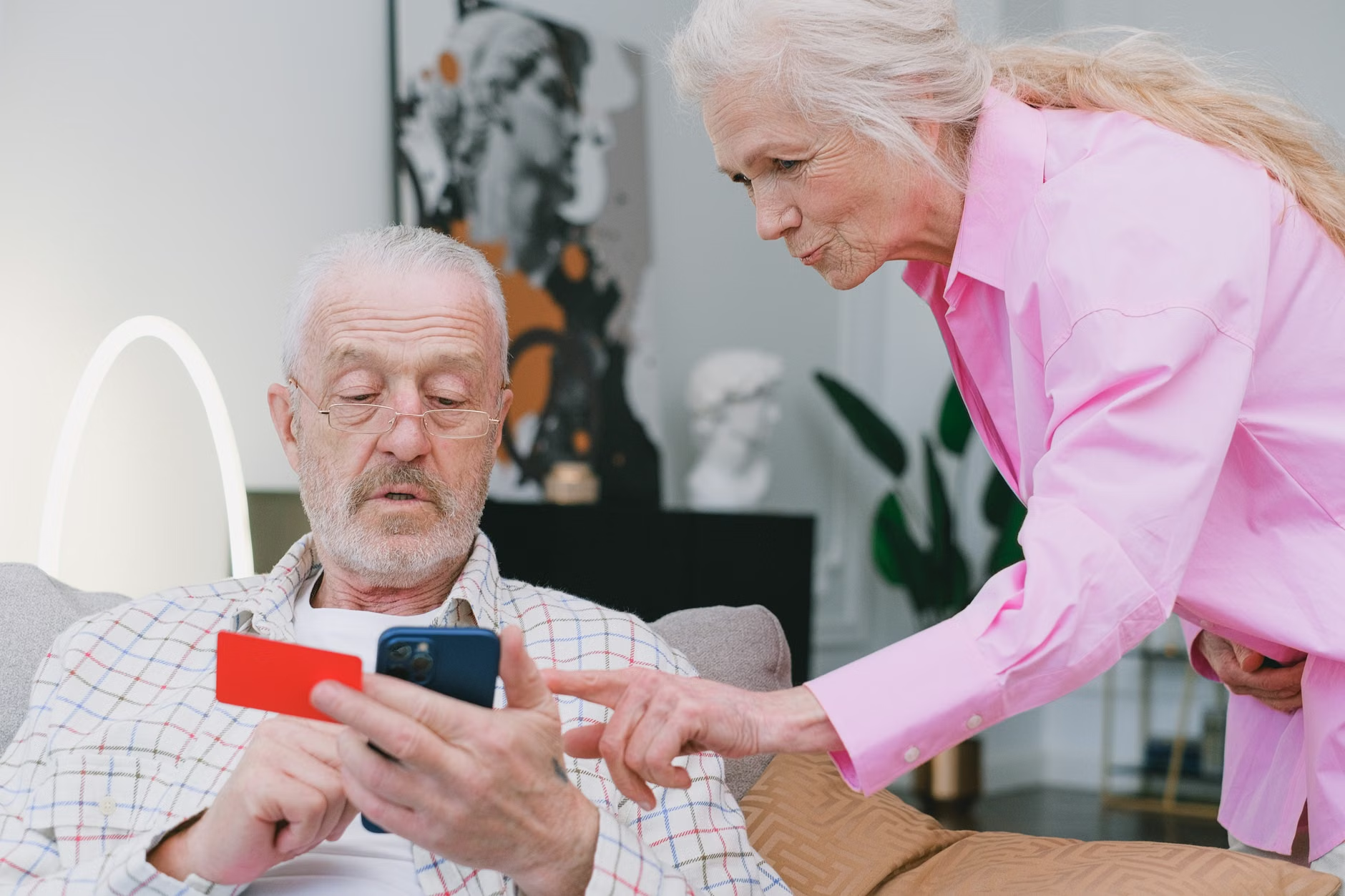
For many, the physical act of managing finances can become a hurdle. Whether due to arthritis, vision changes, or simply the annoyance of navigating endless sub-menus on a mobile app, traditional digital banking can feel exclusionary. Voice-activated systems restore agency. They allow you to handle your financial life at your own pace, from the comfort of your favorite armchair, without needing to travel to a physical bank branch.
The Security Architecture of Your Voice
A common concern regarding voice-activated services is security. How can a bank be sure it is truly you? The answer lies in biometric voice-print authentication.
Unlike a password, which can be shared or guessed, your voice-print is a mathematical representation of your unique vocal characteristics—the pitch, cadence, and resonance of your speech. By 2026, banks have refined this technology to be highly resistant to “spoofing” (attempts to mimic your voice). When you enroll in voice banking, the system creates a secure digital map of your voice, which acts as a secondary layer of authentication.
Protecting Your Financial Identity
While the technology is secure, your habits are the final line of defense. Always ensure that you are in a private environment when performing sensitive transactions. While voice-print technology is sophisticated, it is best practice not to perform banking tasks in loud, public areas where your verbal account details could be overheard by others.
| Feature | Traditional Banking | 2026 Voice Banking |
|---|---|---|
| Interface | Manual typing/touch | Verbal/Natural Language |
| Authentication | Passwords/PINs | Biometric Voice-print |
| Accessibility | High physical demand | Low physical demand |
| Speed | Moderate | High (Conversational) |
Setting Up Your Voice-Banking Environment
To successfully integrate voice-banking into your life, you need to prepare your environment. Technology works best when the variables are controlled.
Step-by-Step Configuration
- Select a Dedicated Device: Choose a device with a high-quality microphone. Many modern smart speakers and smartphones are optimized for this, but a dedicated, noise-canceling headset can significantly improve accuracy if your home environment is occasionally noisy.
- Enroll Your Voice-Print: Your bank will guide you through a calibration phase. Read the prompts clearly and at your normal speaking volume. Do not try to “perform” or change your voice; the system needs to recognize your everyday speech patterns.
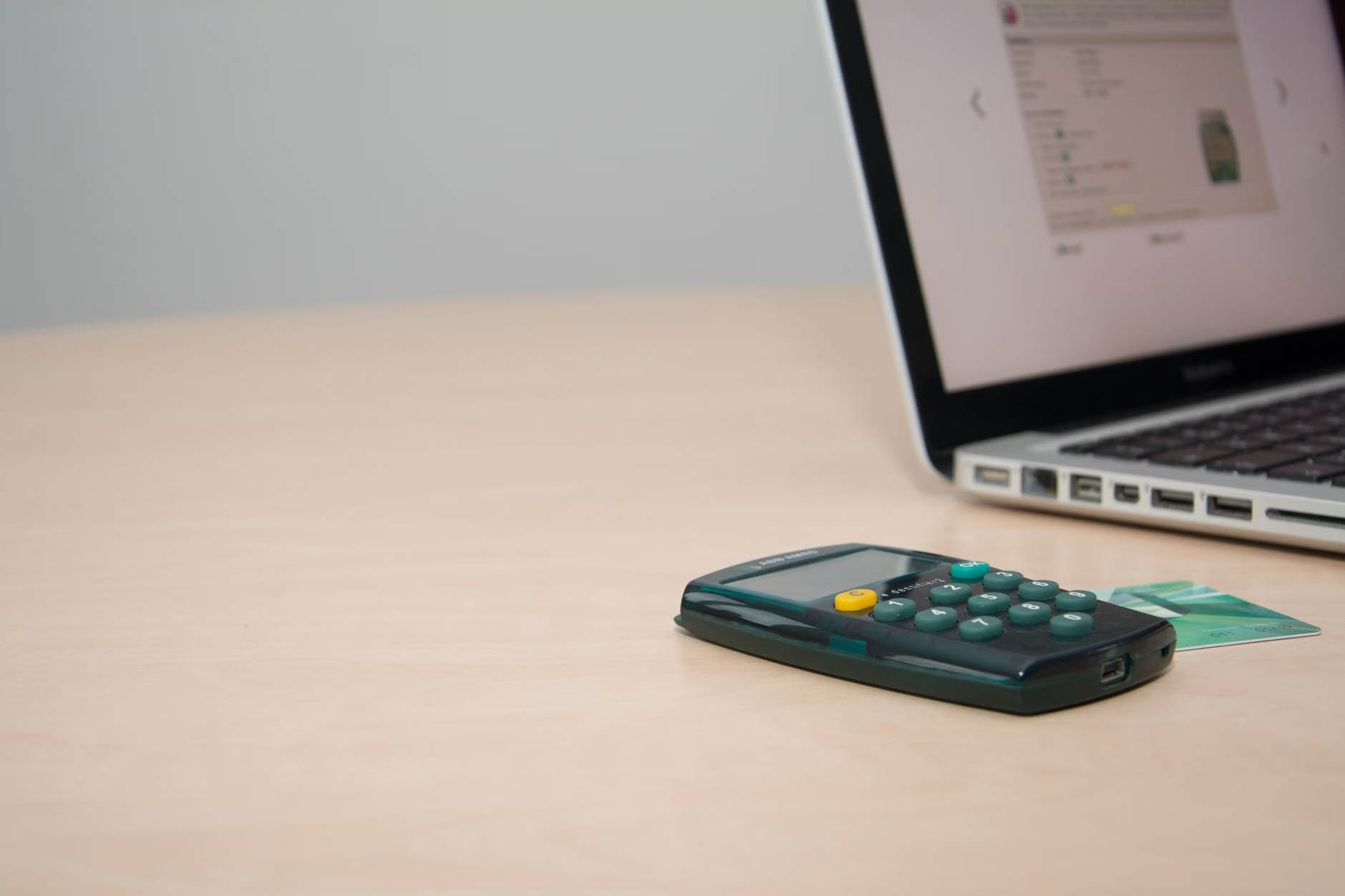
- Establish a Secondary Security Layer: Even with voice-prints, most banks will require a short, secondary numerical code for high-value transactions (e.g., transferring large sums of money). This “two-factor authentication” is a standard safety feature that you should never disable.
While the technology is advanced, it is not infallible. Understanding when and why it might fail can save you from frustration.
Common Misconceptions
- “The system will misunderstand me if I have an accent”: Modern NLP models are trained on diverse datasets. If you find the system struggling, ensure you are speaking clearly and at a steady pace, rather than increasing your volume.
- “Voice banking can do everything”: It is important to remember that voice banking is primarily designed for routine tasks like balance inquiries, recent transaction history, and simple fund transfers. Complex tasks, such as applying for a mortgage or disputing a fraudulent charge, will still require a secure, non-voice interface or a conversation with a bank representative.
When to Seek Professional Assistance
If you experience persistent errors, do not repeatedly shout at the device. This does not help the software “understand” better and can lead to account lockouts for your own security. Instead, contact your bank’s customer support line. Ask specifically for their “Accessibility Department”—most major financial institutions now have teams dedicated to assisting users with digital tools and voice-activated services.
The Role of Family and Caregivers
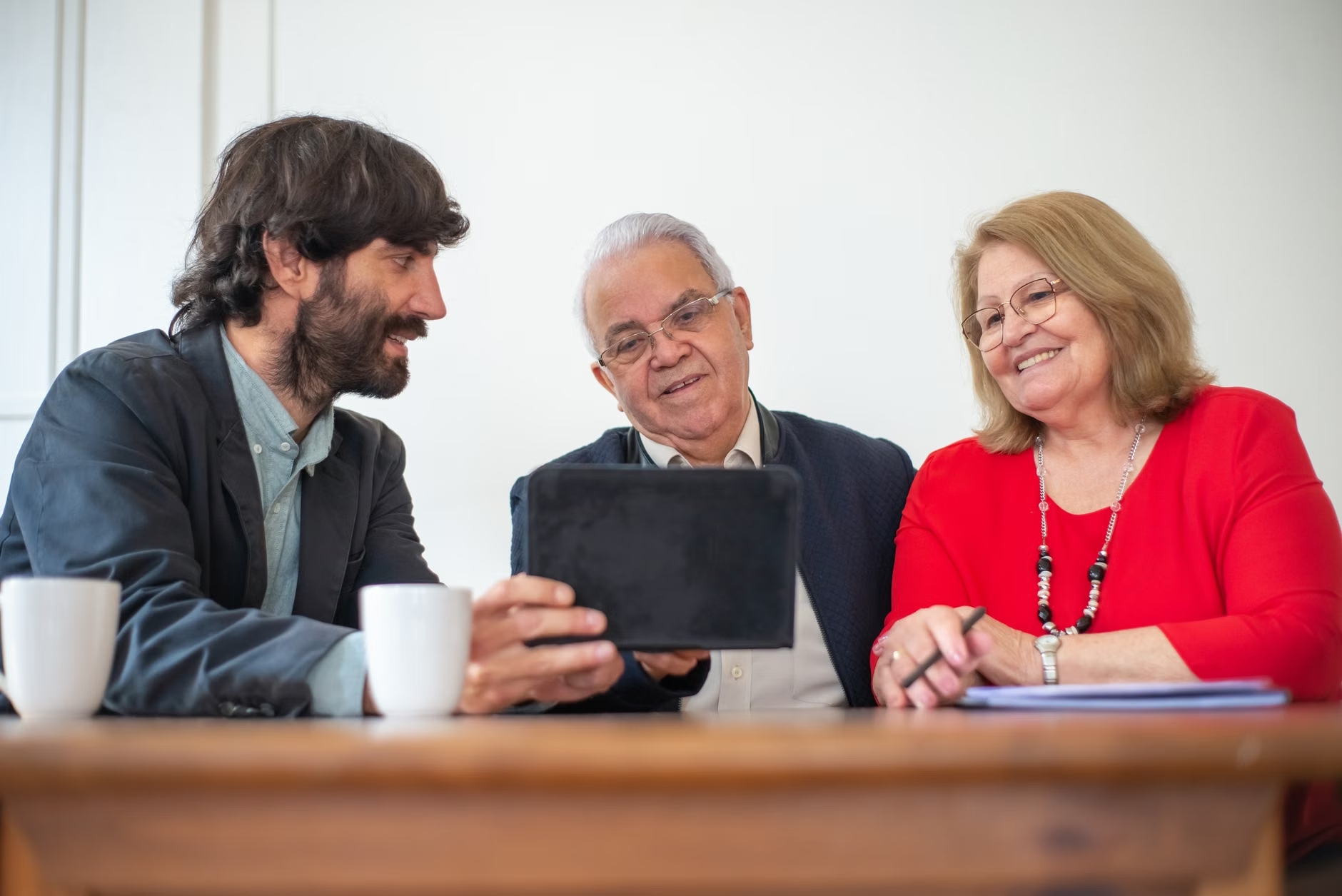
If you are a family member or caregiver helping an older adult set up these tools, your role is to facilitate, not to take control. Help them select a device that fits their home and assist them in the initial enrollment phase. Once set up, the goal is to empower the individual to handle their own finances independently.
Practical Tips for Caregivers
- Verify Privacy Settings: Ensure the device’s privacy settings are configured to “mute” the microphone when not in active use.
- Document the Process: Keep a simple, large-font “cheat sheet” of the common voice commands that the bank recognizes.
- Monitor for Changes: If the senior adult experiences sudden changes in their voice (e.g., due to a cold or health condition), the voice-print might temporarily fail to authenticate. Ensure they know how to access their account via a secondary method, such as a mobile app password, during those times.
Future-Proofing Your Digital Financial Life
As we look toward the latter half of the 2026 calendar year, the trend is moving toward “context-aware” banking. This means the system will recognize not just what you are saying, but the context of your habits. For example, if you typically pay your utility bill on the 15th of the month, the system may proactively ask, “Would you like to pay your utility bill today?”
This proactive approach helps prevent missed payments and keeps financial health in check without requiring you to remember specific dates or procedures. The ultimate goal of these advancements is to provide a seamless financial experience that respects your time and your independence.
Conclusion: Taking the Next Step
Voice-activated banking in 2026 is a powerful ally for maintaining your financial autonomy. By utilizing biometric security and natural language interfaces, you can manage your money with greater ease and confidence than ever before. If you are ready to get started, contact your current financial institution today and ask them to send you their latest guide on voice-activated banking security and accessibility features.
Remember: Technology is a tool, and you are the master of it. Start with simple tasks, get comfortable with the interface, and enjoy the convenience of managing your finances with just a few words.
Frequently Asked Questions
1. Is my voice-print stored on the device or at the bank?
Your voice-print is typically stored on the bank’s secure servers, not the local device. This ensures that even if you lose your phone or smart speaker, your biometric data remains encrypted and protected within the bank’s highly secure infrastructure.
2. Can someone record my voice and use it to access my account?
Modern voice-authentication systems in 2026 include “liveness detection.” This technology can distinguish between a human voice and a recording. It analyzes subtle acoustic cues that are present in live speech but absent in playback recordings, making unauthorized access via recordings extremely difficult.
3. What should I do if I forget my voice-banking password or if the system stops recognizing my voice?
Most banks provide an “account recovery” path that bypasses voice-authentication. This usually involves answering pre-set security questions or using a secondary device (like your registered mobile phone) to verify your identity. Always ensure your contact information at the bank is up-to-date so you can receive these verification codes.
For further information on digital accessibility, you may consult resources from the World Wide Web Consortium (W3C) Web Accessibility Initiative, which provides global standards for making digital content inclusive for all.