- Automation over manual control: By 2026, smart systems prioritize “set-and-forget” automation, which reduces the physical and cognitive burden of managing home utilities.
- Targeted upgrades: You do not need to overhaul your entire home; starting with smart thermostats and motion-sensor lighting offers the highest return on investment for comfort and safety.
- Utility cost management: Modern systems now integrate with local energy grid pricing, allowing your home to automatically reduce power usage during peak, high-cost hours.
Smart-Home Energy Management in 2026: Practical Upgrades for Comfort and Savings
As we move into 2026, the technology behind smart-home energy management has shifted from a hobbyist’s luxury to a practical tool for maintaining independence and reducing living expenses. For many older adults, the goal of a “smart home” is not to have a house filled with gadgets, but to create an environment that automatically responds to needs—maintaining a comfortable temperature, ensuring adequate lighting, and preventing energy waste without requiring constant manual intervention.
This guide explores how current energy technologies can be applied to your daily life to simplify home management, reduce utility bills, and enhance your overall home safety.

Understanding the Shift: Why 2026 Technology Matters
In previous years, smart home devices were often fragmented. You might have had a thermostat from one manufacturer, light bulbs from another, and a security system from a third, all requiring different apps. By 2026, the industry has largely converged on a unified standard known as “Matter.” This means that devices from different brands now communicate seamlessly with each other.
For an older adult, this is a significant development. It eliminates the frustration of managing multiple accounts and allows for a “centralized” control experience. More importantly, these systems have become more proactive. Instead of you telling the house to “lower the heat,” the house now recognizes when a room is unoccupied or when energy prices are at their peak and adjusts accordingly.
The Financial Impact of Energy Automation
Utility costs are a major component of fixed-income budgeting. In many regions, energy providers have implemented “Time-of-Use” (TOU) pricing, where electricity costs significantly more during peak hours (usually late afternoons and early evenings). Modern smart-home systems are designed to bridge the gap between your comfort and these pricing structures.
| Feature | Traditional Home | 2026 Smart-Home |
|---|---|---|
| Climate Control | Manual adjustment; often forgotten. | Auto-schedules based on your routine. |
| Lighting | Switches required in every room. | Motion-activated; dims/brightens as needed. |
| Utility Costs | High during peak demand times. | Schedules high-power tasks for off-peak. |
| Safety | Reactive (you notice a problem). | Proactive (alerts sent to you or family). |
The table above illustrates the shift from reactive to proactive management. For example, by scheduling your dishwasher or laundry cycles to run during off-peak hours—a task your smart home can now handle automatically—you can see a noticeable reduction in your monthly energy bill without changing your lifestyle.
Essential Upgrades: Where to Start
You do not need to transform your home into a futuristic command center overnight. In fact, the most effective approach is to focus on specific pain points. Here are the three most impactful areas for 2026.
1. Predictive Climate Control (Smart Thermostats)
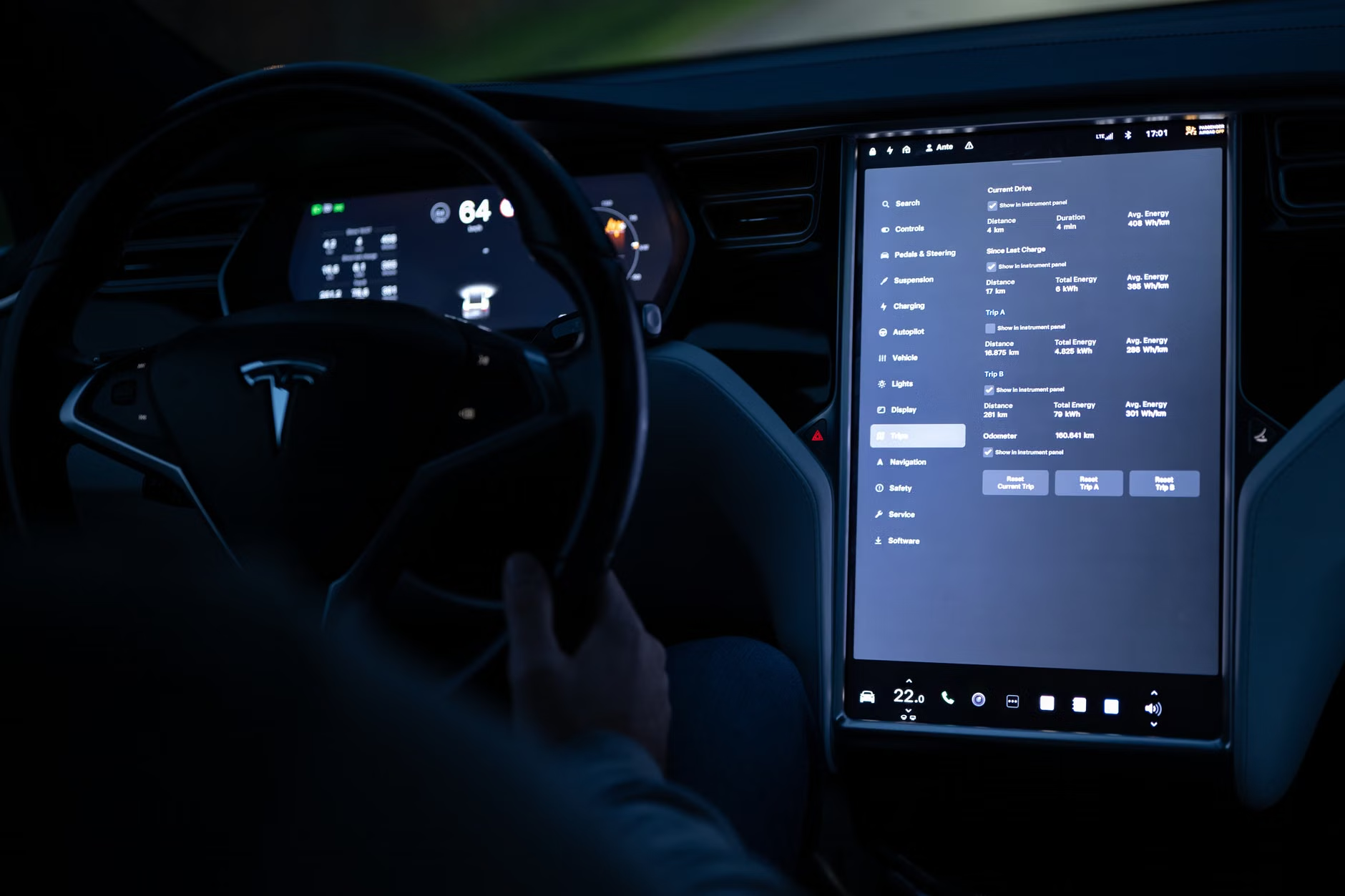
A smart thermostat is the cornerstone of energy efficiency. Unlike traditional programmable thermostats that require complex menu navigation, 2026 models use sensors to learn your habits. They know when you wake up, when you go to bed, and which rooms you frequent.
Why it matters: Maintaining a consistent temperature is vital for health, especially for those with respiratory issues or sensitive skin. These devices ensure the room is at your preferred temperature exactly when you need it, rather than wasting energy heating or cooling an empty house all day.
Practical step: Look for models that offer “Geofencing” or “Occupancy Sensing.” If you leave for a medical appointment, the system detects the house is empty and enters an “eco-mode” automatically, saving energy until you return.
2. Automated Lighting and Safety Sensors
Falls are a primary concern for older adults, and poor lighting is a leading contributor. Smart lighting has evolved beyond simple remote-controlled bulbs. Today’s systems include motion sensors that can be placed in hallways, bathrooms, and stairwells.
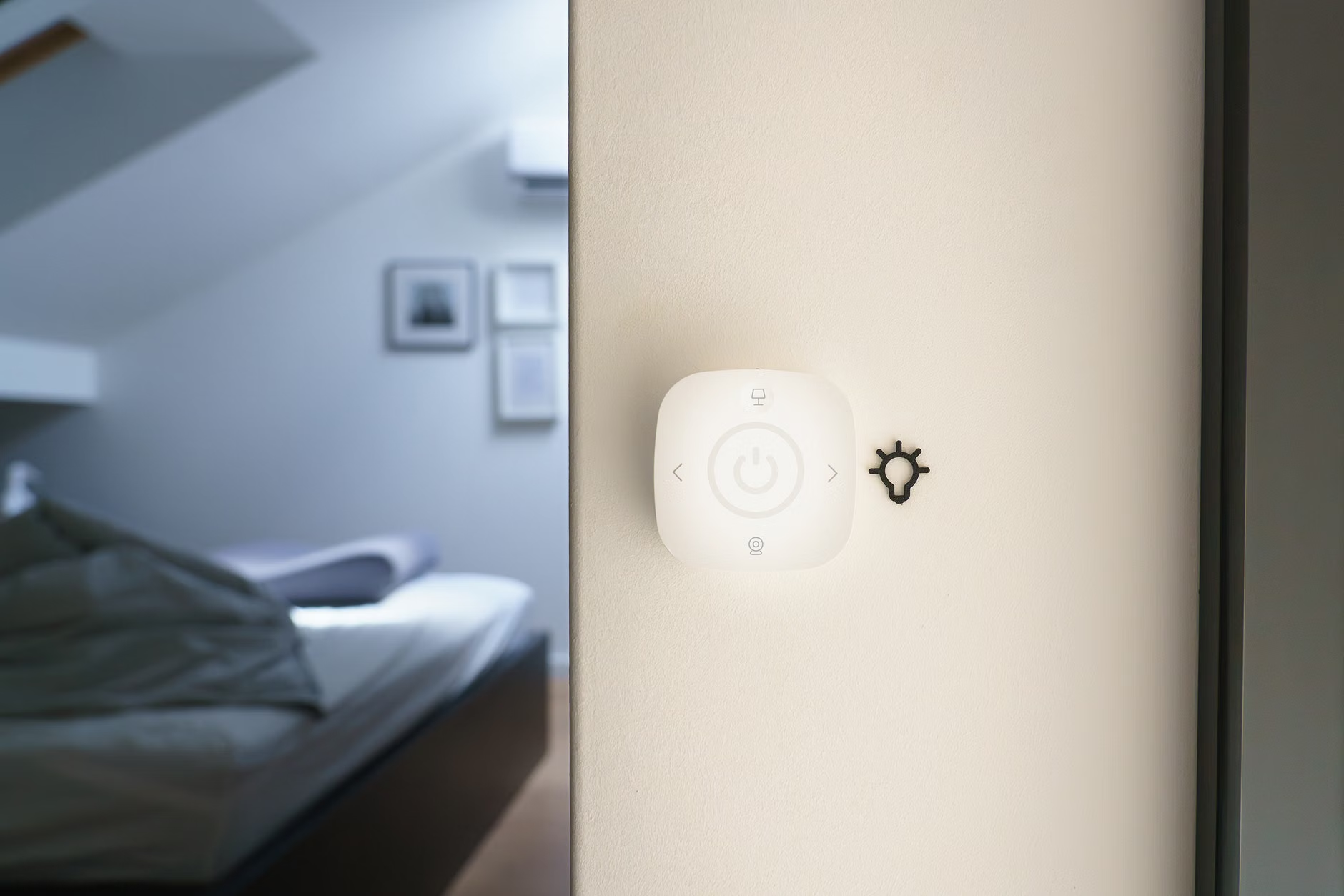
How it works: When you get up in the middle of the night, the lights in your bedroom and bathroom turn on at a low, warm brightness level automatically. This eliminates the need to fumble for switches in the dark and provides a gentle, safe path to the bathroom. By morning, these lights turn off automatically, ensuring you aren’t paying for electricity used in empty rooms.
3. Energy-Monitoring Plugs
Many appliances, such as coffee makers, televisions, and space heaters, draw “vampire power”—electricity used even when the device is turned off. Smart plugs allow you to monitor this usage via a smartphone or tablet. If you are worried about whether you left the space heater on, you can check the status from your phone and turn it off remotely.
Adopting new technology can feel daunting. The key is to evaluate systems based on your specific needs, whether that is physical mobility, ease of use, or budget constraints.
Choosing the Right Interface
In 2026, you have three primary ways to interact with your smart home:
- Voice Commands: Ideal for those with limited mobility. Simply saying, “Turn on the hallway lights,” removes the need to reach for switches.
- Centralized Hubs: These are tablets mounted on walls or placed on counters. They provide a large, high-contrast visual interface that is easier to read than a smartphone screen.
- Automated Logic: This is the “Gold Standard.” The system works entirely in the background, requiring zero input from you.
Decision Criteria: If you are comfortable with technology, a centralized hub provides the best oversight. If you prefer simplicity, focus on “Automated Logic” devices that require a one-time setup by a family member or professional, after which they run independently.
Common Mistakes to Avoid
Even with the best intentions, it is easy to overcomplicate your setup. Here are three common pitfalls and how to avoid them:
- Over-automating: Do not automate every single light or appliance. Start with the “High Impact” areas (the thermostat and common walkway lights). If a system is too complex, you are less likely to use it.
- Ignoring Privacy: Ensure any smart home device you purchase has a clear privacy policy. Look for devices that process data locally on the device rather than sending everything to the cloud.
- Neglecting Maintenance: Just like a car, smart systems need updates. If you are not comfortable managing these, ask a family member or a local professional to perform a “system check-up” every six months to ensure software is up to date and sensors are clean.
The Role of Family and Professional Support
For many, the transition to a smart home is a collaborative effort. If you are a caregiver or a family member helping an older adult, remember that the technology should be invisible. The goal is to enhance their independence, not create a new source of technical support requests.
When installing these systems, create a “User Guide” printed in large, bold text. This guide should include simple instructions for the three most common tasks: adjusting the temperature, turning off all lights at night, and what to do if the internet goes down. Most modern systems have a “Manual Override,” meaning that even if the smart features fail, the thermostat or light switch will still work exactly like a traditional one.
Looking Toward the Future: Energy Resilience
Beyond simple savings, 2026 smart-home tech is increasingly focused on resilience. In regions where power outages are common, smart energy management systems can now prioritize which devices stay powered (e.g., keeping the refrigerator and communication devices running while shutting down non-essential lights). This adds a layer of security that goes beyond mere energy efficiency.
If you live in an area prone to extreme weather, look for systems that offer “Battery Backup” integration. While more expensive, these systems allow you to manage your own stored energy during grid failures, providing peace of mind and continuity of care.
Summary of Action Steps
To begin improving your home energy management today, follow these steps:
- Audit your energy bill: Identify which month has the highest costs to see if you can isolate the cause (e.g., heating in winter, cooling in summer).
- Start small: Purchase one smart thermostat. Many utility companies offer rebates for these devices, significantly reducing the cost.
- Consult your provider: Many local energy companies now offer “Energy Audits” for seniors, where a professional visits your home to identify where energy is being lost—such as through drafty windows or outdated insulation—which is often more effective than adding smart technology to an inefficient home.
Technology should serve you, not the other way around. By focusing on systems that automate comfort and safety, you can create a home that is not only more efficient but also better suited to your needs as you age in place.
Frequently Asked Questions
1. Do I need a high-speed internet connection for these devices to work?
Most smart-home devices require a stable Wi-Fi connection to receive updates and be controlled remotely. However, many basic functions—like a smart thermostat’s schedule—will continue to operate even if the internet goes down, as the instructions are stored locally on the device.
2. Is there a risk of hackers accessing my smart home?
While any device connected to the internet carries some risk, you can significantly reduce it by using a strong, unique password for your home network and keeping your devices updated. Always choose established brands that provide regular security patches for their hardware.
3. Can I still use my home normally if I don’t want to use the app?
Yes. Almost all smart-home devices are designed with a physical “manual override.” You can turn a smart light on with the wall switch, and you can adjust a smart thermostat by turning the dial on the wall. The “smart” features are simply an additional layer of convenience, not a replacement for traditional functionality.
For further information on home energy efficiency programs in your specific region, please consult your local government’s energy department or your utility provider’s official website.