- Beyond Books: Libraries are transitioning into “community navigators,” offering help with government digital services, healthcare portals, and social connection.
- Tech Empowerment: 2026 models prioritize “low-barrier” tech support, focusing on practical skills like using telehealth apps and secure online banking.
- Design for All: New library infrastructure is prioritizing mobility-inclusive design, including acoustic zoning, adjustable furniture, and sensory-friendly navigation.
Public libraries in 2026 are no longer just repositories for physical books. They have evolved into critical infrastructure for lifelong learning, social connection, and essential public service access. For adults aged 60 to 80, this shift represents a significant opportunity to access high-quality resources, bridge the digital divide, and participate in community life with greater ease.
In the past, library services for older adults were often limited to large-print collections or occasional book clubs. By 2026, the industry standard has moved toward the “Community Navigator” model. This approach recognizes that libraries are often the most trusted public space, making them the ideal venue for guiding older adults through increasingly complex digital landscapes.
What this looks like in practice is the integration of “Navigation Desks.” Instead of just asking, “Where can I find this book?”, residents are now visiting libraries to ask, “How do I update my pension details on the government portal?” or “Where can I find a verified list of local mobility-friendly transit routes?”
Why This Matters for Your Daily Life
As public services move exclusively online—a trend seen in countries like the UK, Australia, and Canada—the risk of “digital exclusion” grows. Libraries are filling this gap not by doing the work for you, but by providing the environment and the expert support needed to perform these tasks independently. This is about maintaining your autonomy in a digital-first world.
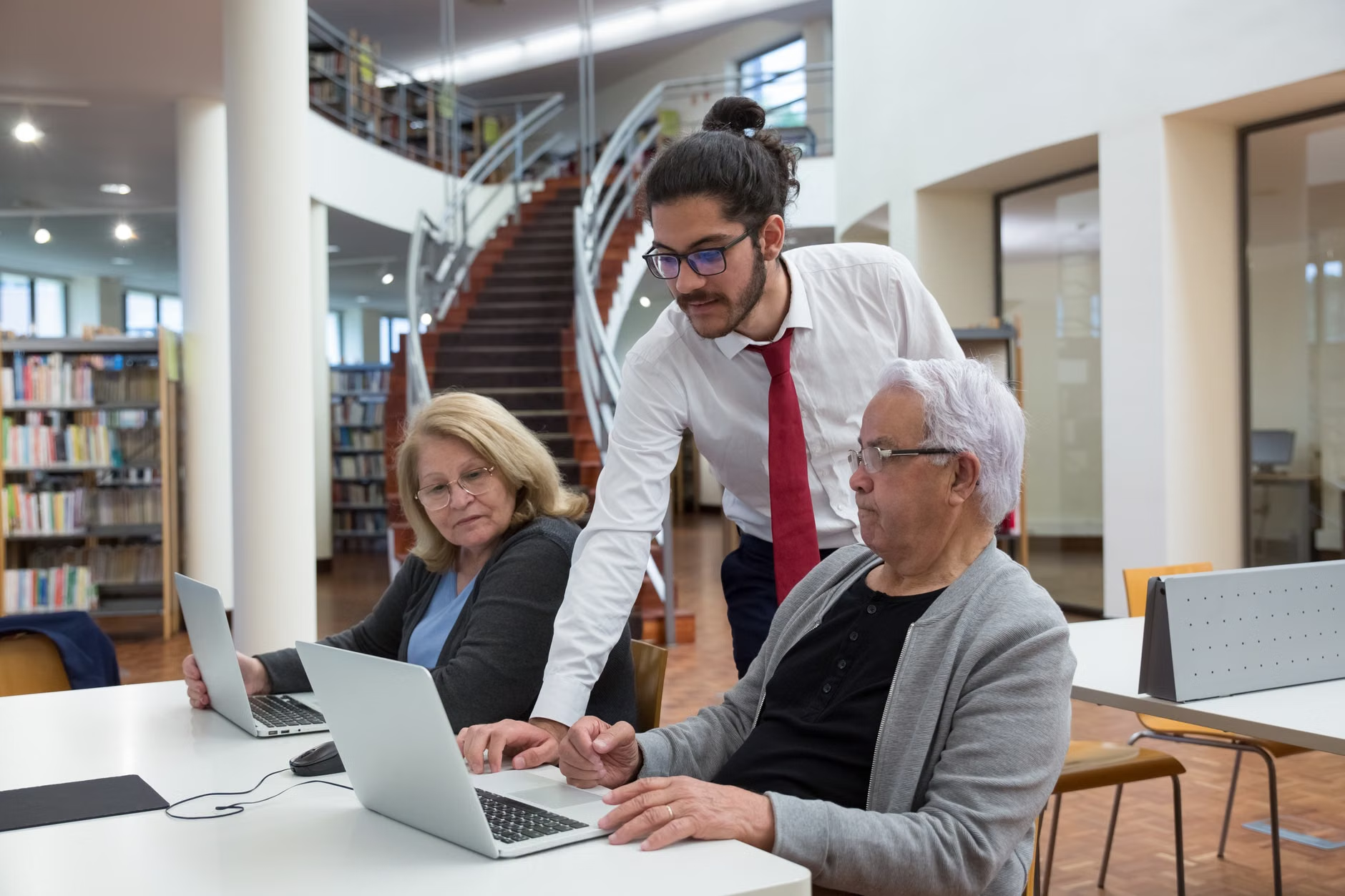
Digital Literacy Programs: Practical and Applied
The “computer classes” of the early 2000s are long gone. In 2026, library digital literacy is focused on applied utility. The goal is no longer just to learn “how to use a mouse,” but to master the tools that affect your daily quality of life.
| Skill Category | 2026 Library Service Focus | Practical Application |
|---|---|---|
| Health Tech | Telehealth App Navigation | Scheduling appointments and viewing lab results via official portals. |
| Financial Security | Online Banking & Fraud Prevention | Recognizing phishing attempts and navigating secure banking apps. |
| Connectivity | Video Conferencing | Connecting with family members and local interest groups. |
If you are looking to improve your tech skills, the most effective 2026 programs are those that allow you to bring your own device. Look for libraries that offer “Bring Your Own Device” (BYOD) workshops, where staff help you customize your specific phone or tablet settings for better accessibility, such as increasing font sizes, enabling voice-to-text, or setting up biometric security.
Infrastructure and Design: Accessibility Beyond the Ramp
While physical accessibility (ramps, elevators) remains a baseline requirement, 2026 library design focuses on cognitive and sensory accessibility. This is a vital development for anyone experiencing mild age-related hearing or vision changes.
Acoustic Zoning and Lighting
Modern libraries are increasingly using “Acoustic Zoning.” This means the building is divided into zones with specific noise levels. If you are participating in a group discussion, you will find areas with sound-dampening panels that reduce background echo—making it significantly easier to hear conversations without the strain of competing ambient noise.
Adjustable Ergonomics
Look for branches that have invested in “active furniture.” This includes tables that can be adjusted to different heights to accommodate those using walkers or wheelchairs, and chairs with lumbar support and armrests that are specifically designed for ease of standing. If you are planning a visit, check the library’s website for a “Floor Plan and Accessibility Guide.” Many modern library systems now provide this online so you can identify the most comfortable zone before you arrive.
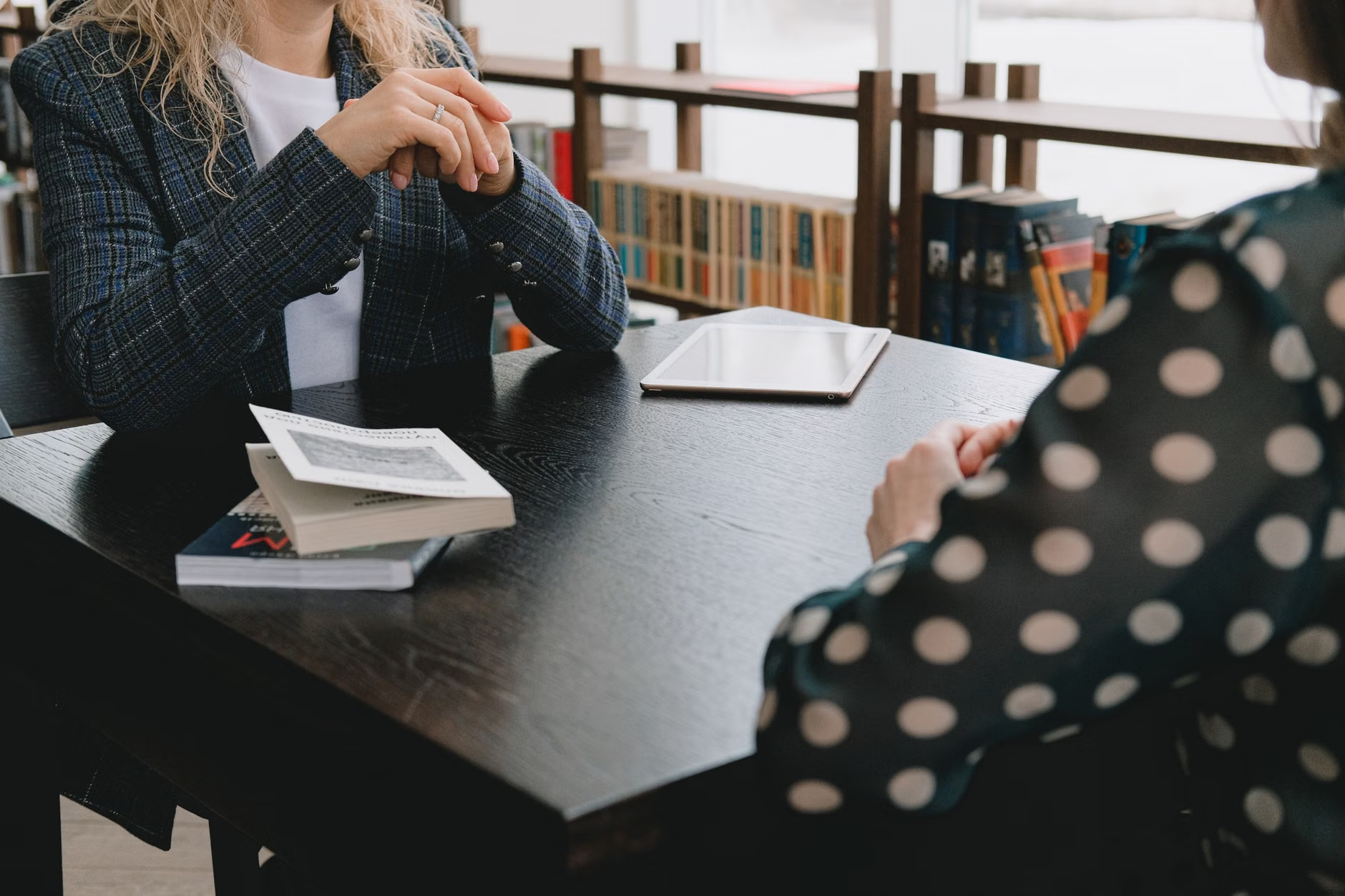
Intergenerational Programming as a Social Anchor
One of the most significant trends of 2026 is the deliberate move away from age-segregated programming. Libraries have found that intergenerational initiatives—where older adults share their professional or life expertise with younger generations—lead to higher satisfaction scores for participants of all ages.
For example, a “Local History Preservation Project” might pair a retiree with a high school student. The older adult provides historical context, while the student provides technical support for digitizing records. This creates a reciprocal relationship that values your experience while helping you stay connected to current community trends.
How to Evaluate a Library Program
When choosing which programs to attend, use this three-point checklist to determine if it is right for you:
- Is the pace intentional? Avoid programs that promise “rapid” learning or high-intensity schedules. Look for courses that offer “follow-up” sessions or independent practice time.
- Is the environment social-first? The best programs for wellbeing are those that include a “coffee and conversation” component, allowing for organic social connection before or after the structured activity.
- Is there a clear outcome? Whether it is learning to use a new app or finishing a specific project, a clear goal helps maintain motivation and provides a sense of accomplishment.
In 2026, many libraries are acting as “consumer protection outposts.” With the rise in sophisticated digital scams, libraries are hosting regular workshops in partnership with local authorities to help older adults identify and report fraudulent activity. This is not about fearmongering, but about empowerment through information.
If you suspect you have been targeted by a scam, many libraries now have a “Safe Digital Space” policy where they provide private booths and expert guidance on how to contact your bank or government fraud department. Always confirm the identity of the librarian or staff member you are working with; they should be able to show official credentials or be verified through the main library administration office.
The Future of Library Access: A Global Perspective
While these trends are global, the implementation varies by region. In the Nordic countries, for example, the focus is heavily on “Maker Spaces” where older adults use 3D printers and laser cutters to create assistive devices for their homes. In parts of North America and the UK, the focus is more on “Social Prescribing,” where healthcare providers can “prescribe” library activities (like knitting circles or walking groups) to combat social isolation.
Regardless of your location, the common thread is that libraries are becoming community hubs. If your local library feels outdated, ask to speak with the “Programming Coordinator.” Many libraries are eager for feedback from their older adult patrons and are often looking for volunteers to help shape the next season of activities.
Practical Steps to Maximize Your Library Use
To get the most out of your library in 2026, consider these actionable steps:
- Register for a Home-Access Card: Many library systems now offer digital-only cards that provide free access to premium newspapers, audiobooks, and streaming services from your own home.
- Request a One-on-One Tech Session: Do not be afraid to ask for a dedicated appointment. Many libraries have a “Book-a-Librarian” service specifically for technology help.
- Check for Mobility Services: If you have limited mobility, inquire if your library offers “Home Delivery” for books and materials. This is a standard service in many jurisdictions that is often underutilized.
Conclusion: The Library as Your Partner
The library of 2026 is a partner in your independence. By focusing on digital literacy, accessible design, and community connection, these institutions are ensuring that age is not a barrier to participation in modern society. Whether you are seeking help with a government portal, looking for a quiet space with ergonomic support, or wanting to share your skills with the next generation, your local library is a resource designed to meet you where you are.
We encourage you to visit your local branch this month. Take a moment to look past the bookshelves; explore the community calendar, check the accessibility features, and introduce yourself to the staff. You may be surprised by how much support is available just waiting for you to ask.
Frequently Asked Questions (FAQ)
1. Do I need to be a resident of the specific town to use its library services?
Most public libraries allow anyone to browse their collection and use the space during opening hours. However, borrowing physical materials or accessing digital services (like e-books or professional databases) usually requires a library card, which is often free for residents. Some systems offer “non-resident” cards for a small annual fee if you live outside the immediate area.
2. Are these library programs free of charge?
Yes, the vast majority of library services, including digital literacy classes, workshops, and community events, are fully funded by public taxes and are free to the public. If a program requires a fee for materials (like a specialized craft workshop), it will always be stated clearly in advance.
3. How can I stay informed about new services at my local library?
Most libraries have moved to digital newsletters. You can sign up for these on their official website. If you prefer not to use email, you can visit the library’s information desk and ask to be added to a “physical mail” list or simply check the community bulletin board during your visits. Many libraries also have social media pages that provide the most up-to-date information on upcoming events.
Sources and further reading: