- Voice-controlled systems in 2026 prioritize “passive safety,” meaning they monitor your environment without requiring manual intervention during emergencies.
- Reliability depends on redundant connectivity; always maintain a backup internet connection or cellular-enabled hub to ensure safety features remain active during power outages.
- Privacy and data security are managed through local processing—look for devices that state “Edge AI” or “Local Processing” to ensure your commands stay within your home.
In 2026, voice-controlled home safety has evolved from a novelty to a critical infrastructure for independent living. Rather than relying on complex touchscreens or small buttons, modern smart homes now integrate ambient intelligence—systems that listen for specific safety-related triggers, such as distress sounds or fire alarms, while allowing you to manage your environment entirely hands-free.
The Evolution of Voice-Controlled Safety in 2026
The most significant shift in 2026 is the transition from “active interaction” to “predictive assistance.” In the past, you had to explicitly state a command like, “Turn on the lights.” Today’s systems utilize advanced machine learning to recognize patterns. If a system detects a fall or an unusual period of inactivity, it can proactively ask, “Are you okay?” and wait for a voice confirmation before alerting designated caregivers.
This technology is particularly vital for those who wish to age in place. By removing the physical barrier of navigating a smartphone app or locating a wall switch, voice-controlled systems reduce the risk of trips and falls—the leading cause of injury in the home for adults over 65.
Understanding Ambient Intelligence
Ambient intelligence refers to electronic environments that are sensitive and responsive to the presence of people. In a 2026 home, this looks like:
- Voice-Activated Lighting: Automatically brightening paths to the bathroom at night when movement is detected.
- Environmental Monitoring: Voice alerts for carbon monoxide, smoke, or water leaks that specify the exact location of the hazard.
- Emergency Response Integration: The ability to contact emergency services or family members simply by saying a “wake word” or a pre-set distress phrase.

Choosing the Right Smart Hub for Your Needs
Not all smart home systems offer the same level of safety. When selecting a hub, you must consider its ability to integrate with existing medical alert systems and its dependency on external networks. Below is a comparison of common system types available in 2026.
| System Type | Primary Benefit | Best For |
|---|---|---|
| Standalone Voice Hub | Ease of use and low cost. | General home automation and routine monitoring. |
| Medical-Grade Smart System | Professional monitoring and cellular backup. | Individuals requiring 24/7 health monitoring. |
| Local-Processing Hub | Enhanced privacy and offline functionality. | Users prioritizing data security and reliable performance. |
If you have limited mobility, a Medical-Grade Smart System is recommended because it often includes a dedicated cellular connection, ensuring that if your home Wi-Fi fails, the device remains connected to emergency services.
Setting Up Your Voice-Controlled Safety Environment
Setting up a smart home does not require an engineering degree. However, it does require a structured approach to ensure the system is reliable and accessible. Follow these steps to build a safer home environment.
Step 1: Audit Your Home Safety Needs
Before buying hardware, identify where you need the most assistance. Are you concerned about kitchen safety (e.g., leaving the stove on)? Are you worried about nighttime navigation? Create a list of “high-risk” areas in your home.
Step 2: Selecting and Positioning Devices
Placement is crucial for voice recognition. Avoid placing smart speakers near loud appliances like refrigerators or dishwashers, as background noise can interfere with the microphone’s ability to pick up your voice. Ensure every room has a microphone within 10 to 15 feet of your primary seating or sleeping area.
Step 3: Configuring “Wake Words” and Shortcuts
Most devices allow you to change the “wake word” (the name you call the device). Choose one that is easy to pronounce. For emergency commands, set up “routines.” For example, a routine named “Help” could be configured to:
- Turn on all interior lights to 100% brightness.
- Send a notification to your caregiver’s smartphone.
- Initiate a voice call to a pre-selected contact.
Privacy and Data Security: An Essential Consideration
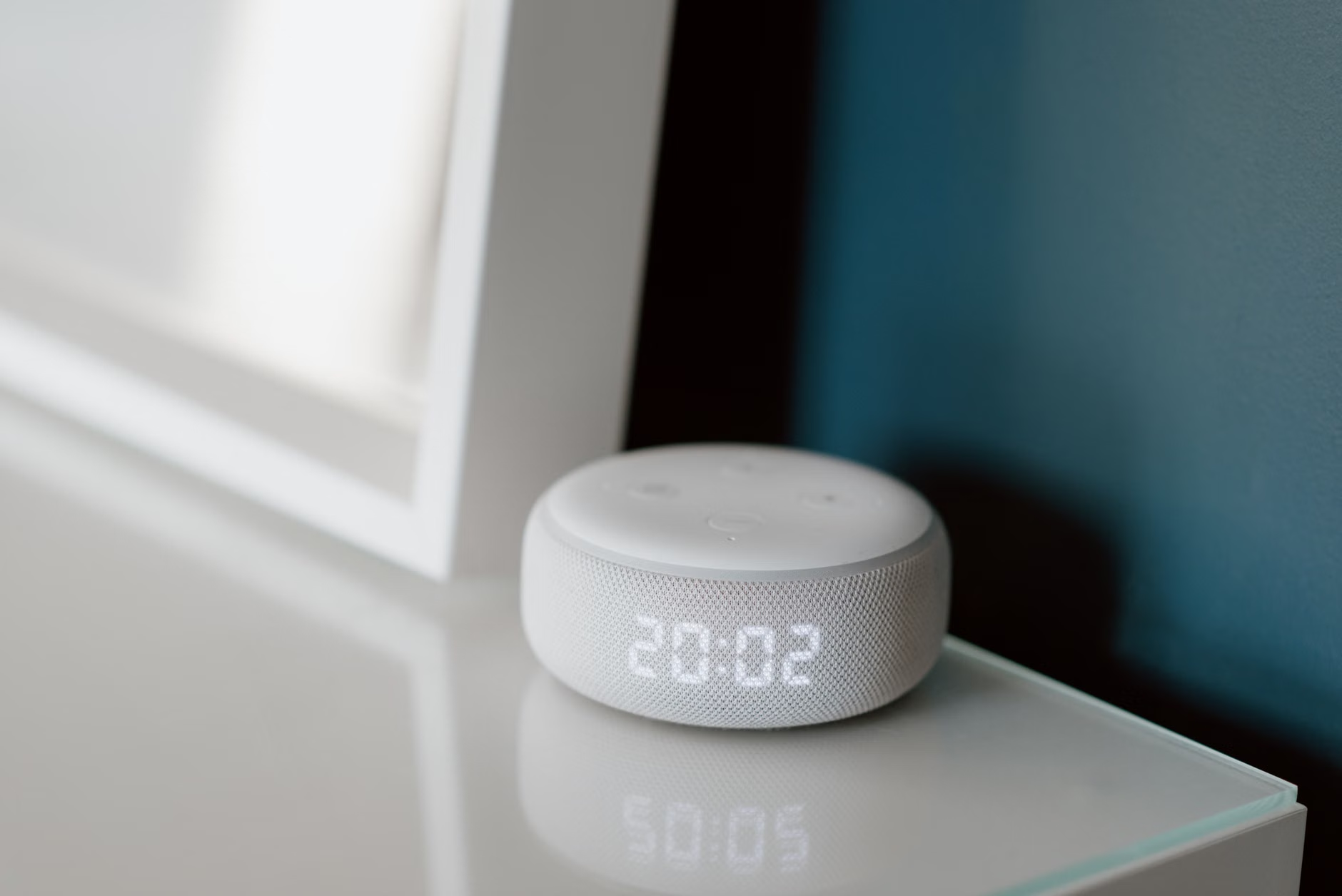
A common concern for older adults is the privacy of their conversations. In 2026, the industry has shifted toward “Edge AI.” This means your device processes your voice commands locally on the hardware rather than sending every sound clip to a remote server. When purchasing a device, check the packaging or the manufacturer’s website for phrases like “Local Processing” or “Privacy-First Architecture.”
Furthermore, you can physically disable microphones on most smart speakers using a mute button. If you are concerned about privacy while having private conversations, simply toggle the mute button. The device will remain a part of your smart home network but will stop “listening” until you unmute it.
Overcoming Common Implementation Challenges
Even with the best technology, you may encounter hurdles. Understanding these ahead of time will save you frustration.
Connectivity Issues
Smart homes rely on internet connectivity. If your home has “dead zones” where the Wi-Fi signal is weak, your voice commands may be delayed or ignored. Consider installing a “Mesh Wi-Fi” system, which uses multiple small units to ensure full coverage throughout your home. This is more reliable than a single router.
Voice Recognition Errors
If the device consistently fails to understand you, it may be due to the acoustics of your room. High ceilings and hard surfaces (like tile or hardwood) cause “echo,” which makes it difficult for the device to hear you clearly. Adding soft furnishings like rugs, curtains, or fabric wall hangings can significantly improve the accuracy of your voice-controlled system.

Maintenance and Long-Term Reliability
A smart home is not a “set it and forget it” system. Like any appliance, it requires periodic maintenance to remain effective. Every six months, perform a “safety check” on your system:
- Test the emergency command: Ensure it still triggers the intended actions.
- Update firmware: Most systems do this automatically, but check the app to ensure your devices are running the latest software version.
- Battery check: If you use wireless sensors (like motion sensors for lighting), replace the batteries to prevent them from failing when you need them most.
Integrating Smart Technology with Professional Care
For those who receive professional home care, voice-controlled systems can act as a bridge. Caregivers can use these systems to receive updates on your status, such as whether you have accessed the kitchen or if a motion sensor was triggered during the night. This allows for “remote check-ins” that respect your privacy while ensuring your safety.
When discussing this with your care provider, ask if they have experience integrating with smart home platforms. Many agencies now have dedicated personnel who can assist with the setup and monitoring of these technologies, providing you with a layer of professional oversight that complements your independence.
Legal and Consumer Protection
As smart home technology becomes more integrated into public services, it is important to be aware of consumer protections. In many jurisdictions, smart home devices used for health monitoring fall under different regulatory frameworks than standard consumer electronics. If you purchase a device specifically for medical monitoring, ensure it meets the standards of your local health authority (e.g., the FDA in the United States or the EMA in the European Union). This ensures that the data collected is secure and the device is tested for reliability.
Always keep your purchase receipts and warranty information in a centralized location. If a device fails to function as advertised, you have the right to seek a remedy under consumer protection laws, which are increasingly robust regarding digital services and smart hardware.
Conclusion: The Future of Independent Living
The 2026 landscape for home safety is built on the premise that technology should serve you, not the other way around. By leveraging voice-controlled systems, you can create a home environment that is inherently safer, more responsive, and more supportive of your daily activities. The key to success lies in choosing reliable hardware, ensuring your home network is robust, and maintaining your devices through regular updates and testing.
By taking these steps, you are not just buying gadgets; you are investing in your long-term independence. Whether it is adjusting the thermostat without leaving your chair or calling for help with a simple phrase, these tools provide a meaningful advantage in maintaining your quality of life at home.
Frequently Asked Questions
1. Will a voice-controlled system work if my internet connection goes down?
Most smart speakers require an internet connection to process complex commands. However, some newer 2026 models feature “offline processing” for basic commands like turning lights on or off. For critical safety features, always choose a system with a cellular backup option to ensure functionality during internet outages.
2. Is it difficult to learn how to use these devices?
Most modern systems are designed for intuitive use. You generally do not need to memorize complex codes. Once the device is set up, you communicate with it using natural, conversational language. Many manufacturers also provide “Quick Start” guides with large print and simple, step-by-step instructions.
3. Can I use these devices if I have a hearing or speech impairment?
Yes. Many systems now include accessibility features such as “Speech-to-Text” confirmation, allowing you to see your command on a connected screen to verify the device understood you correctly. For those with hearing impairments, visual cues—like a smart light flashing a specific color—can be configured to confirm a command was received.
For further information on home safety standards, you may visit the AARP HomeFit Guide for general principles on home modifications.