Key Takeaways:
- Shift in Focus: By 2026, digital mentorship has evolved from basic device tutorials to complex cybersecurity, financial management, and digital health navigation.
- Reciprocal Learning: Modern programs are moving toward a “two-way street” model where older adults provide life-experience insights in exchange for technical guidance.
- Prioritize Verified Channels: Always seek digital mentorship through vetted municipal or non-profit organizations to ensure data privacy and security.
The Evolution of Digital Mentorship in 2026
As we navigate 2026, the landscape of “digital mentorship” has fundamentally changed. No longer is the goal simply to teach an older adult how to send an email or take a photo. Today, these programs are critical infrastructure for independent living. They focus on navigating the complex, digitized world of public services, telehealth portals, and increasingly sophisticated online financial systems.
For adults aged 60 to 80, the digital divide is not merely about access to hardware; it is about the “literacy of trust”—knowing how to distinguish a legitimate government portal from a phishing attempt, and how to manage digital health records without compromising personal privacy.

Why Structured Mentorship Matters More Than Ever
In 2026, many public services have moved to “digital-first” or “digital-only” models. Whether it is renewing a driver’s license, checking pension contributions, or booking a medical consultation, the interface is often a screen. When an older adult feels alienated from these tools, their autonomy is directly affected.
Mentorship programs provide more than just technical instructions; they provide confidence. A mentor acts as a bridge, helping the user understand the logic behind the interface. If you understand that a “menu” icon (often three horizontal lines) is a universal sign for “more options,” you can navigate almost any app, not just the one you are currently using.
The “Two-Way Street” Model
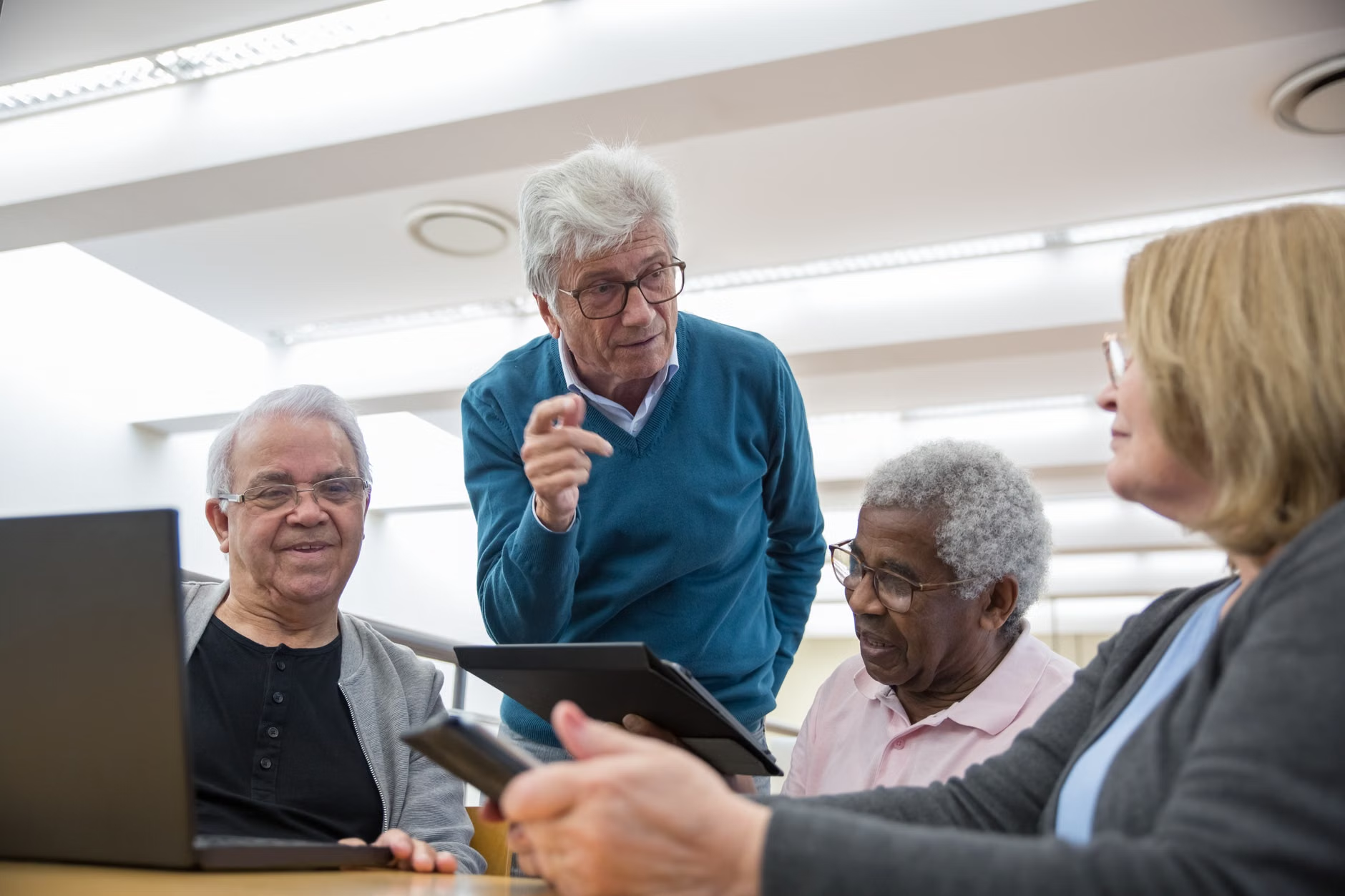
The most successful programs in 2026 are those that recognize the value of the older adult’s life experience. Younger mentors are increasingly being trained to listen as much as they speak. This creates a reciprocal relationship. The mentor helps the senior with a digital task, while the senior provides valuable context or feedback that helps the younger mentor understand the user-experience challenges of their generation. This shift removes the “patronizing” dynamic that often plagued early digital literacy initiatives.
Evaluating Your Digital Mentorship Options
If you are looking for support, not all programs are created equal. You must evaluate options based on safety, accessibility, and the specific skills you wish to acquire. Use the following framework to decide which path is right for you.
| Program Type | Best For | Key Advantage | Primary Consideration |
|---|---|---|---|
| Municipal/Library Programs | General digital literacy & public service access | Free, vetted, and locally accessible | Group pace may vary |
| University-Led Initiatives | Advanced tech, AI tools, complex software | High technical expertise | May be less focused on senior-specific UX |
| Peer-to-Peer Networks | Social learning and low-pressure environments | High comfort, shared experiences | Variable consistency of information |
How to choose: If your priority is accessing government pension portals or health records, prioritize municipal or library programs. These organizations often have direct partnerships with government agencies and are trained to handle sensitive data with high security. If you are interested in exploring new hobbies like digital art or advanced home automation, university-led programs are often better equipped to teach those specific workflows.

The greatest challenge in 2026 is the rising sophistication of digital fraud. A core component of modern mentorship is “defensive digital literacy.” This means understanding that no legitimate government agency or bank will ever ask you for your password over a text message or a phone call.
Practical Steps for Digital Protection
- Verify the Source: Before clicking any link in an email, look for the official domain (e.g., .gov or .org). If in doubt, close the email and navigate to the website through your browser manually.
- Use Multi-Factor Authentication (MFA): This is the single most important security step. It requires a second form of verification (like a code sent to your phone) in addition to your password.
- Keep Your Software Updated: Updates are not just about new features; they contain critical security patches that protect you against the latest threats.
If you feel overwhelmed by these security measures, do not ignore them. Instead, take them one at a time. A mentor can help you set up an encrypted password manager, which stores all your passwords in one secure place, so you only have to remember one “master” password.
The Role of Family and Caregivers
Family members often want to help, but there is a risk of “doing it for them” rather than “doing it with them.” When a child or grandchild simply takes the device and finishes the task, the older adult remains dependent on them for the next time. The goal of mentorship is empowerment.
If you are a family member supporting an older adult, follow the “Guide-by-the-Side” rule:
- Sit next to them, not in front of them.
- Ask them to hold the device and perform the clicks.
- When they encounter a problem, ask “What do you think might be the next step?” rather than giving the answer immediately.
This approach builds muscle memory and long-term retention. It shifts the dynamic from “I need you to fix this” to “I am learning how to manage this.”
Overlooked Variables in Digital Integration
Many people assume that physical limitations like vision or motor control are the primary barriers to technology. While accessibility features—such as screen readers, font resizing, and voice-to-text—are vital, the most overlooked barrier is “cognitive fatigue.”
Learning new technology requires significant mental energy. A common mistake is trying to learn too much in one session. A 45-minute session is often the limit for effective retention. If you try to learn how to use a new smartphone, a banking app, and a video calling tool all in one afternoon, the information will likely blur together.
The “One-Task” Rule: Focus your mentorship sessions on a single, concrete outcome. For example, “Today, I will learn how to make a video call to my family.” Once that is mastered and you have done it successfully three times, you can move on to the next skill. This creates a foundation of success that builds your confidence.
Resources and Official Guidance
To find legitimate mentorship programs, start with your local government’s website. Search for “Digital Literacy for Seniors” or “Community Technology Access.” Many regions now offer “Digital Navigator” services, where trained professionals help you identify which skills you need based on your personal situation, such as managing a specific chronic condition via a patient portal or applying for local tax relief online.
Always verify the legitimacy of a program by checking if it is affiliated with a known educational institution, public library, or municipal office. Avoid private companies that promise “guaranteed digital mastery” for a high fee; these are rarely as effective as community-based, non-profit mentorship models.
Conclusion: The Future of Connected Aging
Digital mentorship in 2026 is no longer a luxury; it is a fundamental part of staying connected to society. By focusing on practical, secure, and incremental learning, you can maintain your independence and navigate the digital world with confidence. Remember that every expert was once a beginner. The key is not to master everything, but to master the tools that matter most to your daily life.
Frequently Asked Questions
1. Is it safe to use public Wi-Fi for banking or sensitive tasks?
No. Public Wi-Fi networks in cafes or airports can be insecure. For banking, medical portals, or anything involving personal data, always use a private, password-protected home network or your phone’s cellular data connection.
2. What should I do if I feel overwhelmed by constant software updates?
It is normal to feel frustrated. Many devices now have an “Auto-Update” setting. Turn this on so your device stays secure without you needing to take action. If an update changes how an app looks, ask your mentor to walk you through the new layout—it is rarely as different as it first appears.
3. How do I know if a mentorship program is reputable?
A reputable program will never ask for your passwords, bank account numbers, or credit card information. They should be transparent about their affiliation (e.g., a local library or community center) and focus on teaching you skills rather than doing the work for you.
Sources and Further Reading:
World Health Organization – Digital Health and Healthy Ageing
AARP – Technology and Digital Literacy Resources
International Telecommunication Union – Bridging the Digital Divide