- Ergonomic Standardization: By 2026, global library standards are shifting toward chairs with fixed armrests and seat heights between 45–50 cm to facilitate safer transitions for older adults.
- Mobility Integration: Modern library layouts now prioritize “clear-path” design, ensuring that seating clusters allow sufficient floor space for walkers, canes, and wheelchairs without obstructing common areas.
- Dynamic Flexibility: The trend is moving away from static, heavy furniture toward modular, lightweight pieces that allow users to customize their environment based on personal comfort and social preferences.
Public libraries are undergoing a quiet revolution. As global demographics shift, municipal library systems in cities ranging from London to Singapore and Toronto are rethinking the most fundamental element of their infrastructure: the chair. By 2026, the focus in public library design is moving beyond simple “accessibility” toward “age-inclusivity”—a design philosophy that recognizes the diverse physical needs of adults aged 60 to 80 while maintaining a welcoming space for all generations.
The Evolution of Library Ergonomics: Why Standard Seating No Longer Suffices
For decades, library seating was designed primarily for durability and aesthetic uniformity. However, these standard wooden chairs often lack the support required for prolonged sitting or the stability needed for safe standing. For an older adult, a chair that is too low, too soft, or lacks armrests can turn a simple reading session into a physical challenge.
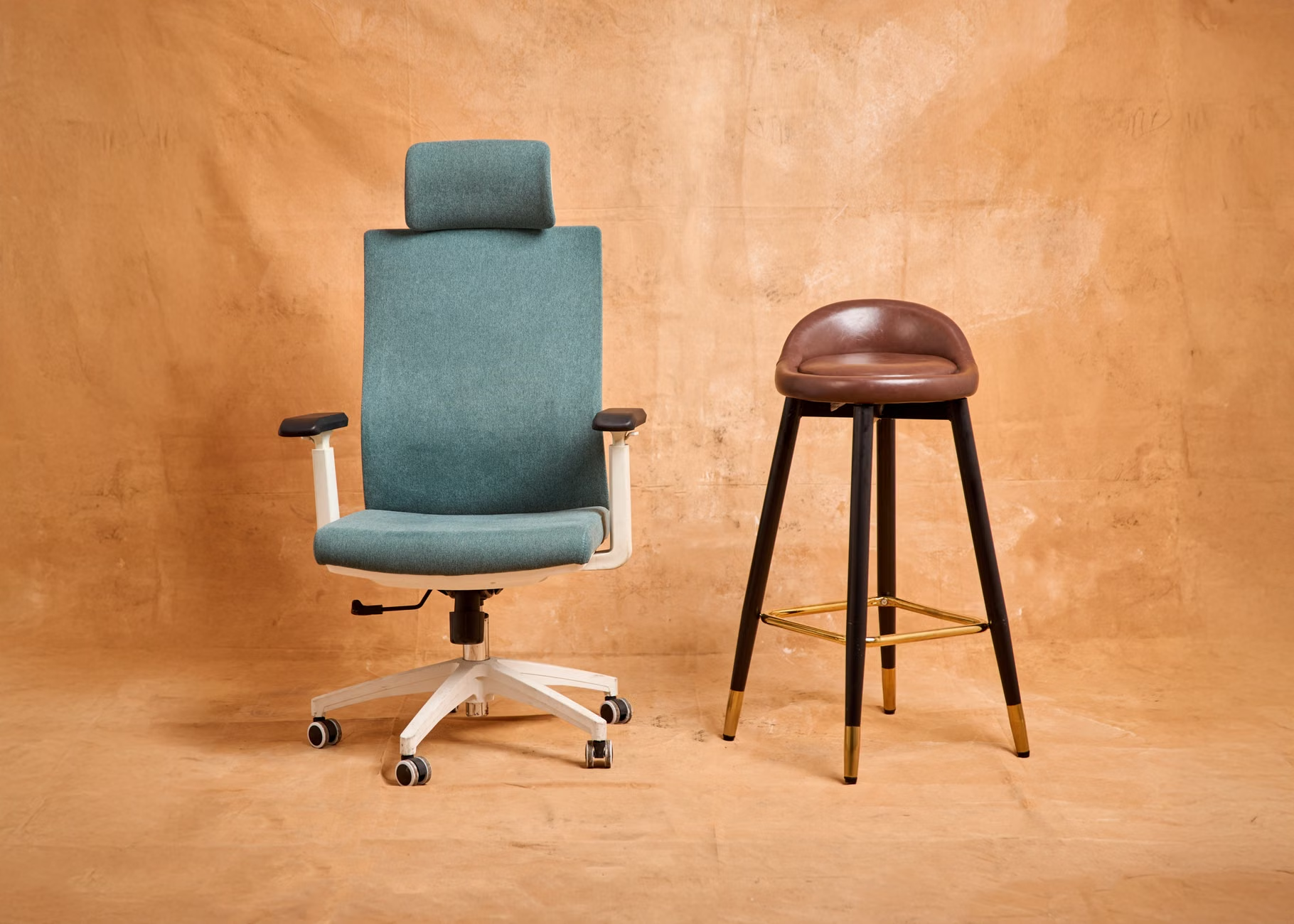
What it is: The 2026 standard for age-inclusive seating involves chairs with a seat height of 45 to 50 centimeters. This height is critical because it minimizes the knee and hip flexion required to sit down or stand up. Furthermore, chairs with sturdy, non-slip armrests provide the necessary leverage for users to push themselves up safely.
Why it matters: Falls are a significant concern for older adults, and they often occur during transitions—moving from a seated position to a standing one. By providing furniture that supports natural body mechanics, libraries reduce the risk of strain and injury, effectively lowering the barrier to entry for seniors who may otherwise avoid long visits.
Assessing Mobility-Friendly Library Layouts
A chair is only as good as the space surrounding it. In 2026, the best-designed libraries are moving away from “cluttered clusters” toward open, high-visibility floor plans. If you are planning a visit to a library, look for these three indicators of a mobility-conscious layout:
- Clearance Width: Aisles should be at least 1.2 meters wide to accommodate both a person and a mobility aid, such as a walker or rollator.
- Surface Texture: Flooring should be non-reflective and slip-resistant. High-gloss floors, while aesthetically pleasing, can be disorienting or slippery for those with balance concerns.
- Proximity to Resources: High-use areas, such as newspapers, large-print collections, and digital service kiosks, are increasingly being placed within 10 meters of the entrance or the main lounge, reducing the need for extensive walking.
What the reader can do: Before visiting a new or renovated branch, check the library’s website for a “Floor Plan” or “Accessibility Map.” Many major municipal library systems now provide virtual tours or accessibility guides that highlight the location of accessible seating and elevators. If this information is missing, do not hesitate to call the branch manager—they are often eager to assist in ensuring your visit is comfortable.
Comparison of Seating Options in Modern Libraries
Not all library seating serves the same purpose. Understanding the different types of furniture available can help you choose the best spot for your specific goals, whether it is reading, using a computer, or socializing.
| Seating Type | Best For | Key Feature |
|---|---|---|
| High-Back Armchairs | Long-form reading | Lumbar support and head stability |
| Height-Adjustable Task Chairs | Digital work/Research | Customizable posture and seat depth |
| Bench Seating (with backrests) | Short breaks/Socializing | Ease of access and egress |
How to choose: If you struggle with lower back pain, the High-Back Armchair is the superior choice because it provides consistent support along the spine. If you are using a library computer, the Height-Adjustable Task Chair allows you to align your elbows at a 90-degree angle to the keyboard, preventing wrist strain. Always avoid “lounge” style beanbags or very low sofas, as these are notoriously difficult to exit gracefully regardless of your fitness level.
The Hidden Inconvenience: Lighting and Contrast
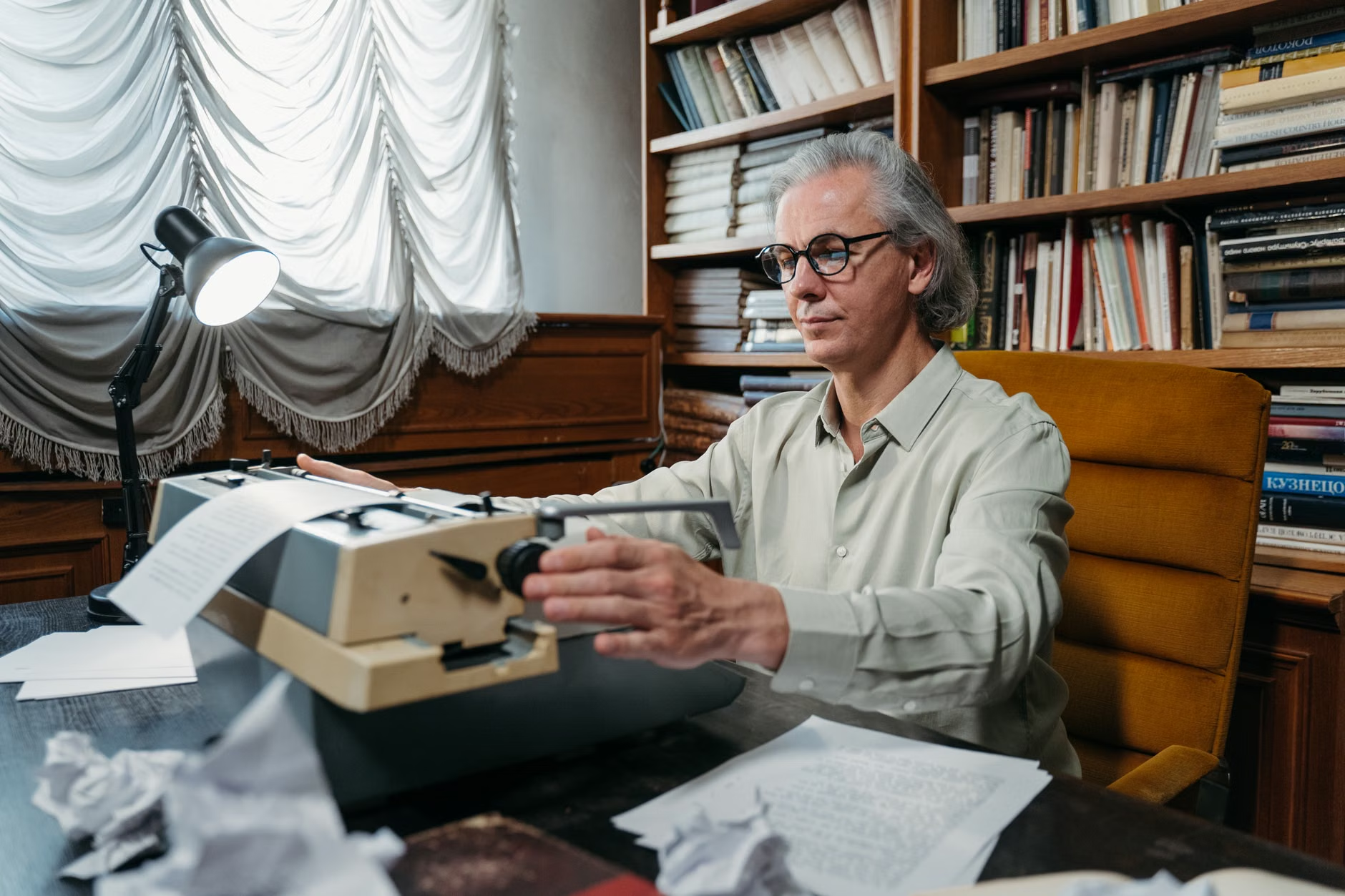
An often-overlooked variable in seating comfort is the interplay between lighting and furniture placement. In 2026, leading library designs are emphasizing “task-specific lighting.” This means that instead of relying solely on harsh overhead fluorescent lights, newer libraries are integrating individual reading lamps into seating areas.
Why this matters for older adults: As we age, our eyes require more light to perceive contrast. A chair might be perfectly ergonomic, but if it is placed in a dark corner or under flickering lights, it can lead to eye strain and headaches. Furthermore, high-contrast furniture—such as a dark chair against a light-colored floor—is easier to identify for those with visual impairments, reducing the risk of tripping.
Practical Decision Rule: When selecting a seat, look for a “Zone of Control.” This is a space where you can adjust the direction of a lamp or move a small table to suit your needs. If you find yourself squinting or experiencing glare, move to a seat that is perpendicular to the window rather than directly facing it, as side-lighting is generally more comfortable for the eyes.
Public libraries are no longer just repositories for books; they are essential hubs for digital public services. From renewing government IDs to accessing pension portals, libraries are the front line for digital literacy. The seating at these kiosks is a critical, yet often neglected, component of the user experience.
What it looks like in real life: A well-designed digital kiosk in 2026 will feature a “knee-clearance” design, allowing you to pull your chair directly under the desk. This prevents you from having to lean forward, which is a common cause of neck and shoulder tension. If you are using a library computer to access sensitive information, look for seating that offers “privacy wings”—small side panels that block the view of passersby, providing both security and a quieter environment.
Common Mistake: Many adults assume they must bring their own laptop to receive help from library staff. In reality, most libraries now provide “support stations” where a librarian can sit beside you. Before you start your session, ensure the seating arrangement allows for two people to sit comfortably side-by-side. If the space is too cramped, ask the staff to move a spare chair from a quieter area—most are happy to accommodate this request.
The Future of Community Socialization
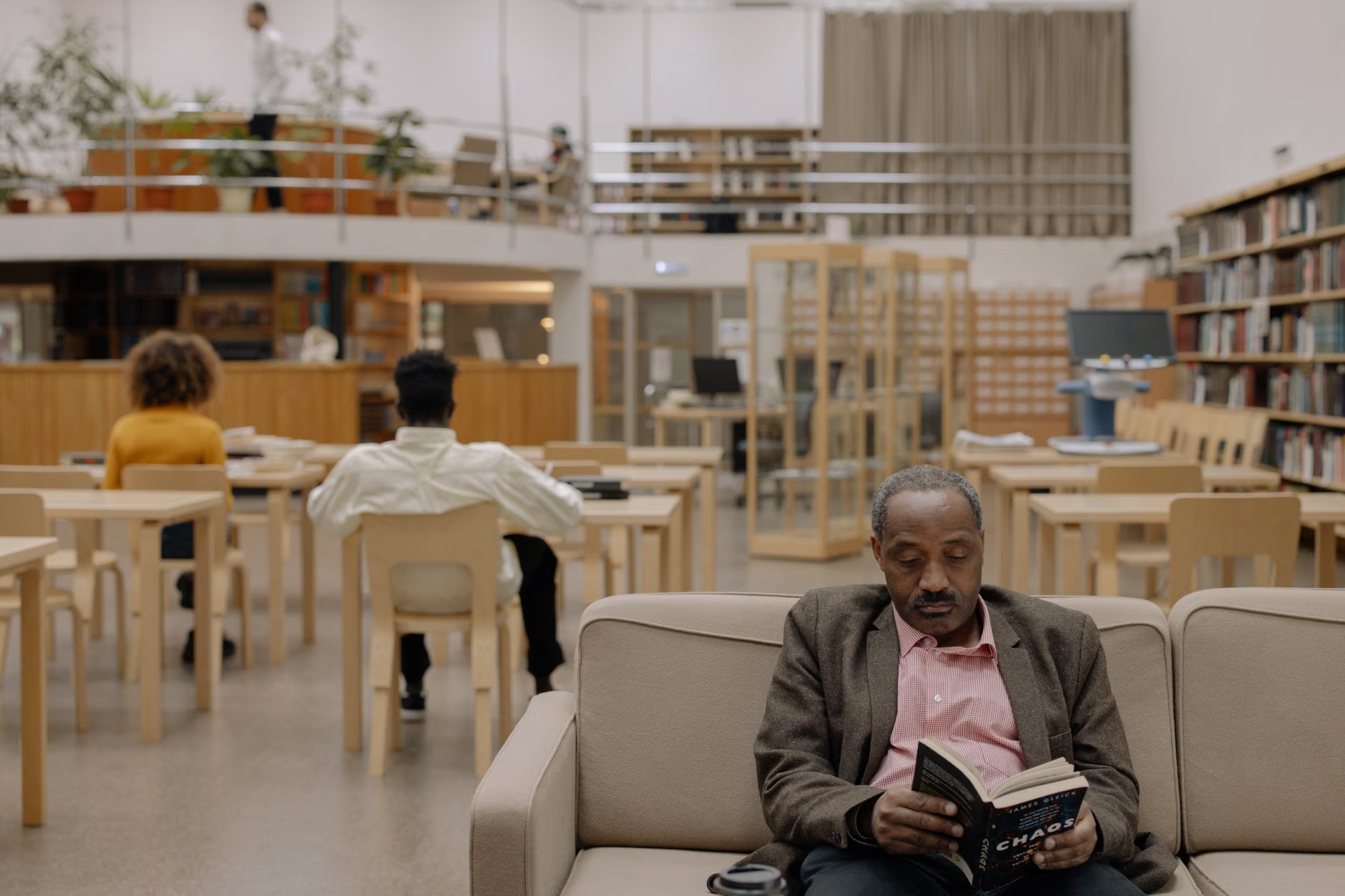
Libraries are becoming the “third place”—a social space that is neither home nor work. For older adults, this social aspect is vital for long-term health and wellbeing. The 2026 trend is the creation of “Conversational Lounges.” These are designated areas where talking is encouraged, and seating is arranged in circles or semi-circles to facilitate eye contact.
Insight: The best social seating is “non-fixed.” Look for libraries that use modular chairs rather than heavy, bolted-down furniture. This allows for spontaneous social groups to form or for you to shift your chair slightly to better hear a friend. If you feel isolated, these lounges are often the best place to find information about local seniors’ clubs, book groups, or digital learning workshops.
Safety Note: When joining a group in a public space, always keep your personal belongings (bag, cane, coat) within your immediate line of sight. While libraries are generally safe, keeping your items on your lap or hooked securely on the back of your chair ensures you remain aware of your possessions without needing to constantly check the floor.
Checklist: Preparing for a Comfortable Library Visit
To maximize your comfort and productivity during your next library visit, consider this pre-visit checklist:
- Check Accessibility: Visit the library’s website or call to confirm the availability of elevators and accessible restrooms near the reading areas.
- Time of Day: Visit during mid-morning or mid-afternoon on weekdays. These times are generally quieter, meaning you will have your pick of the best ergonomic chairs.
- Essential Gear: Even if the library is well-equipped, bringing a small cushion can provide extra lumbar support if you find the furniture is not perfectly suited to your height.
- Symptom Management: If you have conditions that require frequent movement, plan for a 5-minute walk every hour. Most libraries have beautiful, quiet corridors or atrium spaces perfect for a quick stretch.
Conclusion: Taking the Next Step
The transition toward age-inclusive seating in public libraries is a positive development that acknowledges the value of older citizens as active, engaged members of the community. By choosing to utilize these spaces, you are not only benefiting from the resources available but also encouraging libraries to continue investing in inclusive design. If you find a library that does not meet these standards, provide feedback to the library board or your local city council. Public infrastructure changes when the community speaks up about what is needed for comfortable, safe, and dignified access.
Frequently Asked Questions (FAQ)
1. Are all public libraries required to follow these new seating standards by 2026?
While many jurisdictions are adopting inclusive design guidelines as part of broader accessibility laws (such as the Americans with Disabilities Act in the US or the Equality Act in the UK), implementation varies by local government and budget. It is best to check your local library system’s specific accessibility statement.
2. What should I do if the library chair provided is uncomfortable for my specific physical needs?
Do not suffer in silence. Speak to a librarian at the reference desk. Many libraries have a variety of chairs in storage or in different sections of the building. They may be able to provide a chair with better support or move a piece of furniture to a location that better suits your needs.
3. How can I find out if my local library offers digital assistance for seniors?
Most library websites have a section titled “Services” or “Programs.” Look for terms like “Digital Literacy,” “Tech Help,” or “Senior Services.” If you prefer to speak to someone, calling the main branch and asking for the “Program Coordinator” is usually the fastest way to find out about available assistance.
Sources and Further Reading: