- Consistency is Key: Digital noise-masking apps provide a reliable, portable acoustic environment that helps your brain ignore unpredictable noises in unfamiliar settings.
- Prioritize Hardware: The effectiveness of software depends on your output device; consider noise-canceling earbuds or comfortable sleep-specific headbands for better immersion.
- Strategic Room Selection: Use apps in tandem with physical room checks—such as requesting quiet-zone rooms—to maximize your chances of undisturbed rest.
Travel offers immense enrichment, yet the quality of sleep often suffers when staying in hostels, budget hotels, or busy urban centers. For travelers aged 60 to 80, restorative sleep is not just a luxury; it is the foundation for maintaining the stamina and cognitive clarity needed to enjoy a trip safely. Digital noise-masking apps have emerged as a powerful, non-invasive tool to reclaim your rest by creating a consistent auditory environment that masks sudden, startling sounds.
Understanding the Science of Sound Masking for Rest
To understand why noise-masking works, we must first distinguish between “noise-canceling” and “noise-masking.” Noise-canceling technology, often found in high-end headphones, uses microphones to detect ambient noise and produces an inverted sound wave to neutralize it. Noise-masking, by contrast, uses a soothing, steady sound—often referred to as “pink” or “brown” noise—to raise the “noise floor” of your environment. By filling the silence with a constant, pleasant frequency, the brain stops perceiving sudden spikes in noise, such as a slamming door or a distant siren, as threats that warrant an arousal response.
For the older traveler, this is particularly significant. As we age, our sleep architecture often becomes more fragile. We may experience more frequent micro-arousals, and it can take longer to return to deep, restorative sleep (Slow Wave Sleep) once awakened. By using a consistent sound mask, you reduce the “startle response” that triggers these awakenings, allowing you to stay in deeper sleep cycles longer.
The Spectrum of Sound: White, Pink, and Brown Noise
Not all background sounds serve the same purpose. Understanding the differences will help you choose the right setting for your specific environment:
- White Noise: Contains all audible frequencies at equal intensity. It sounds like a static-filled radio. It is highly effective at masking high-pitched, sudden sounds but can sound harsh to some ears.
- Pink Noise: The intensity of sound decreases as frequency increases. It sounds like steady rain or rustling leaves. Many find this more natural and soothing than white noise.
- Brown Noise: Lower frequency emphasis, sounding like a deep rumble or a distant waterfall. This is often the most soothing for those who find high-pitched noises irritating.
Selecting the Right Digital Tool for Your Travel Needs
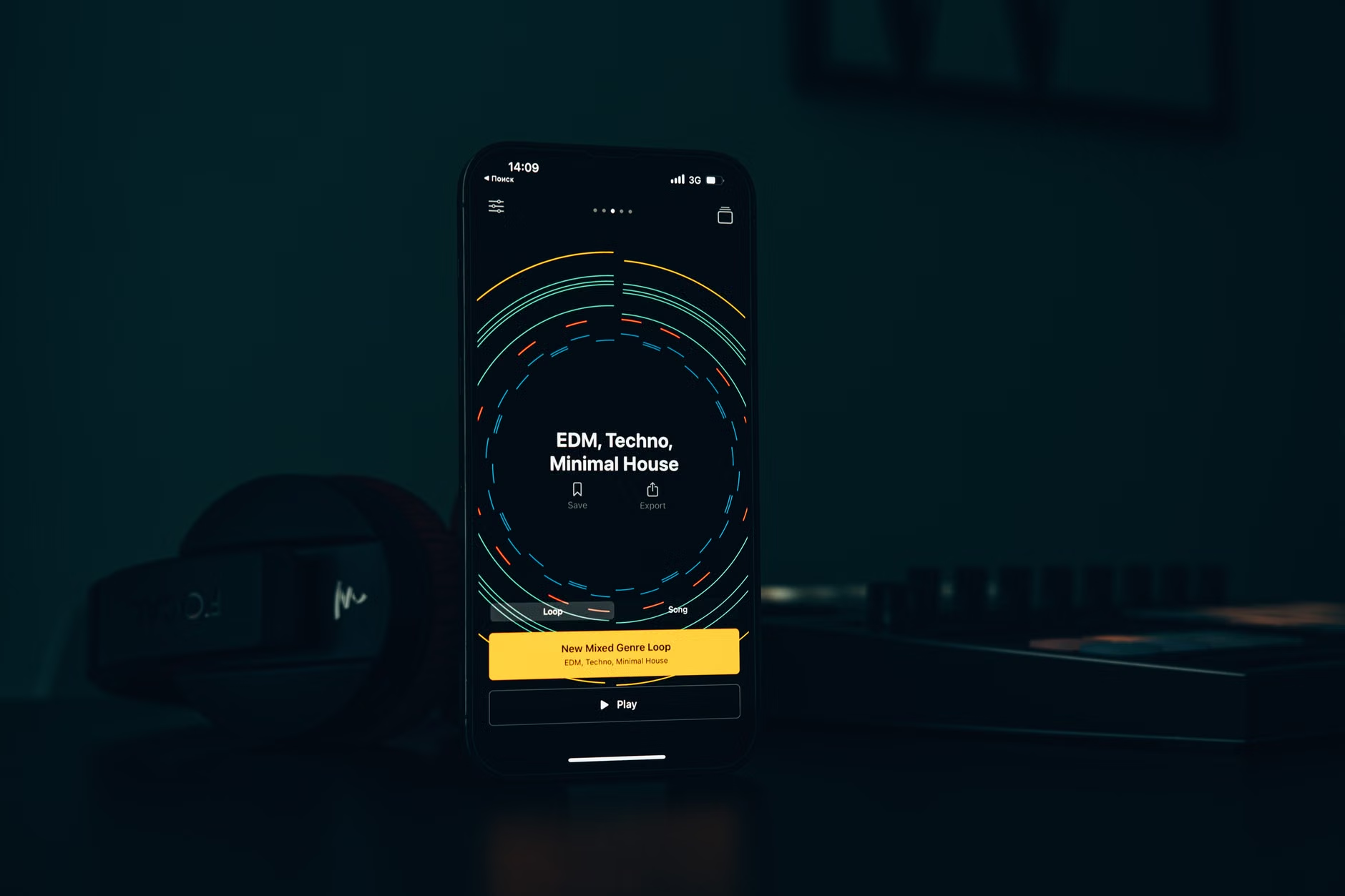
When choosing an app, prioritize functionality over complex features. You need an interface that is intuitive, works offline, and allows for seamless looping without audible gaps. A “gap” in the loop can cause an arousal response, precisely what you are trying to avoid.
Essential Features Checklist
| Feature | Why It Matters |
|---|---|
| Offline Mode | Hotel Wi-Fi can be unstable; you need the app to function without an internet connection. |
| Seamless Looping | Prevents the brain from noticing the “restart” of the audio, which can cause wakefulness. |
| Timer Function | Ensures your phone isn’t running the app all night if you prefer silence after falling asleep. |
| Volume Fading | Gradually lowers the sound volume, allowing for a gentle transition to silence. |
Popular, reliable apps often include “Calm,” “BetterSleep,” or “White Noise Lite.” Most offer a free version that is more than sufficient for the average traveler. Before your trip, test the app at home for at least three nights. This allows your brain to associate that specific sound with the act of falling asleep, creating a conditioned response.
Integrating Hardware for Maximum Effectiveness
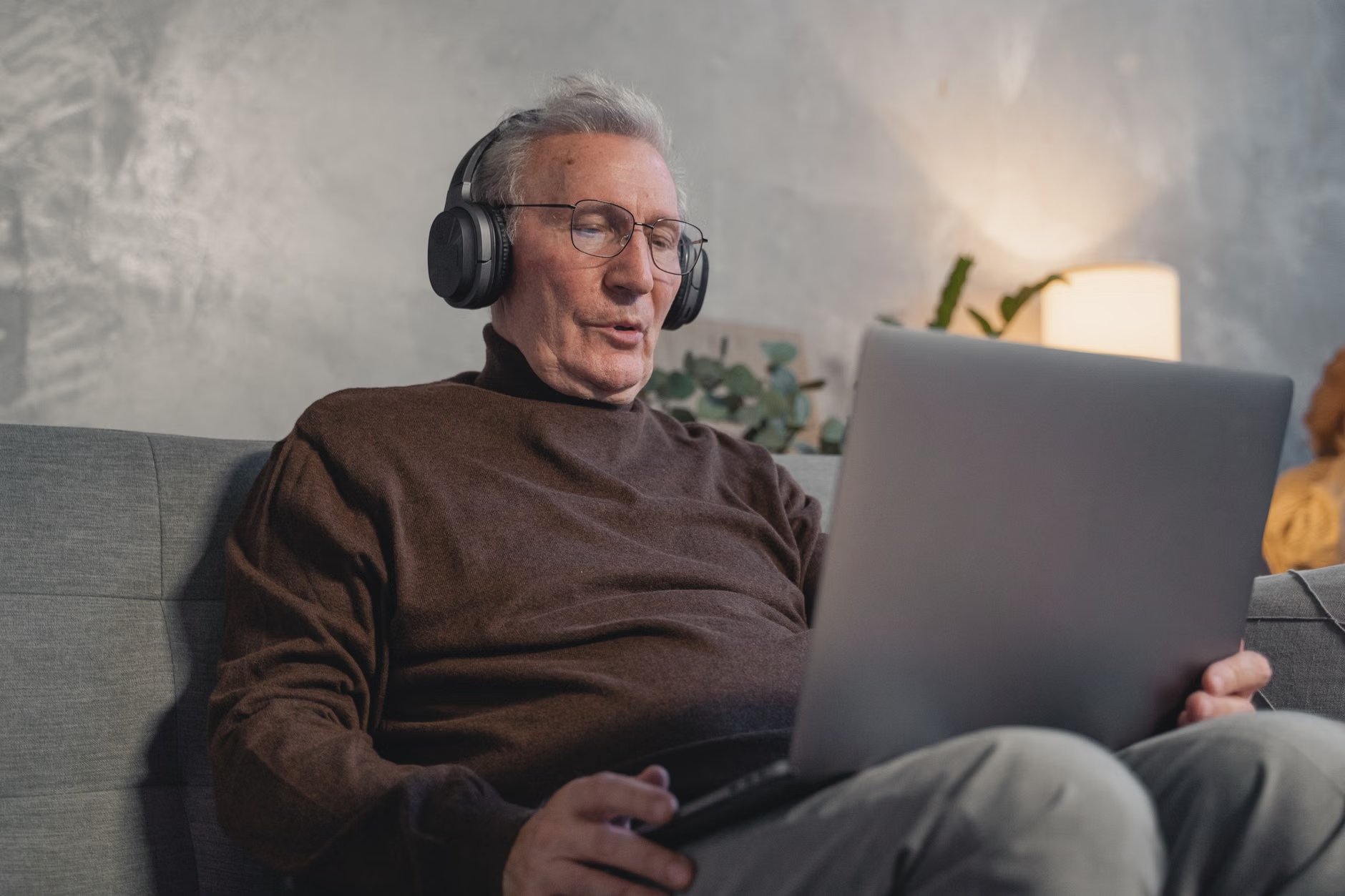
While your phone’s speaker might suffice in a very quiet room, the acoustics of hotels and hostels often require better hardware. If you are staying in a shared space or a room with thin walls, relying solely on your phone speaker may not provide enough coverage.
Choosing Your Listening Device
- Sleep Headbands: These are flat, soft headbands with integrated, ultra-thin speakers. They are excellent for side sleepers, as they do not press against the ear like traditional earbuds.
- Noise-Canceling Earbuds: If you are a light sleeper, high-quality noise-canceling earbuds can combine passive noise isolation (the physical seal in your ear) with active noise-canceling technology. Ensure they are comfortable enough to wear for several hours.
- Portable Bluetooth Speakers: If you are in a private hotel room and dislike wearing anything on your head, a small, high-quality Bluetooth speaker placed on a nightstand can fill the room with a consistent sound wall.
Warning: Be mindful of your local environment. If you are using noise-masking devices, ensure you can still hear essential alerts, such as a fire alarm or an emergency announcement. Never use noise-canceling technology that completely seals out all external sound if you are staying in a location where you might need to hear immediate safety signals.
Strategic Room Selection and Preparation
Digital tools are a supplement to, not a replacement for, good room selection. When booking your accommodation, consider the following strategies to reduce your need for masking technology:
The “Quiet Room” Strategy
- Request Higher Floors: Rooms on higher floors are generally further removed from street-level traffic, bars, and late-night pedestrian noise.
- Avoid Proximity to Infrastructure: When checking in, politely ask to be placed away from elevators, ice machines, and stairwells. These areas experience high foot traffic throughout the night.
- Check Window Exposure: If your room faces a busy intersection, the best sound-masking app in the world may struggle to compete. Ask for a room facing an internal courtyard or a side street.
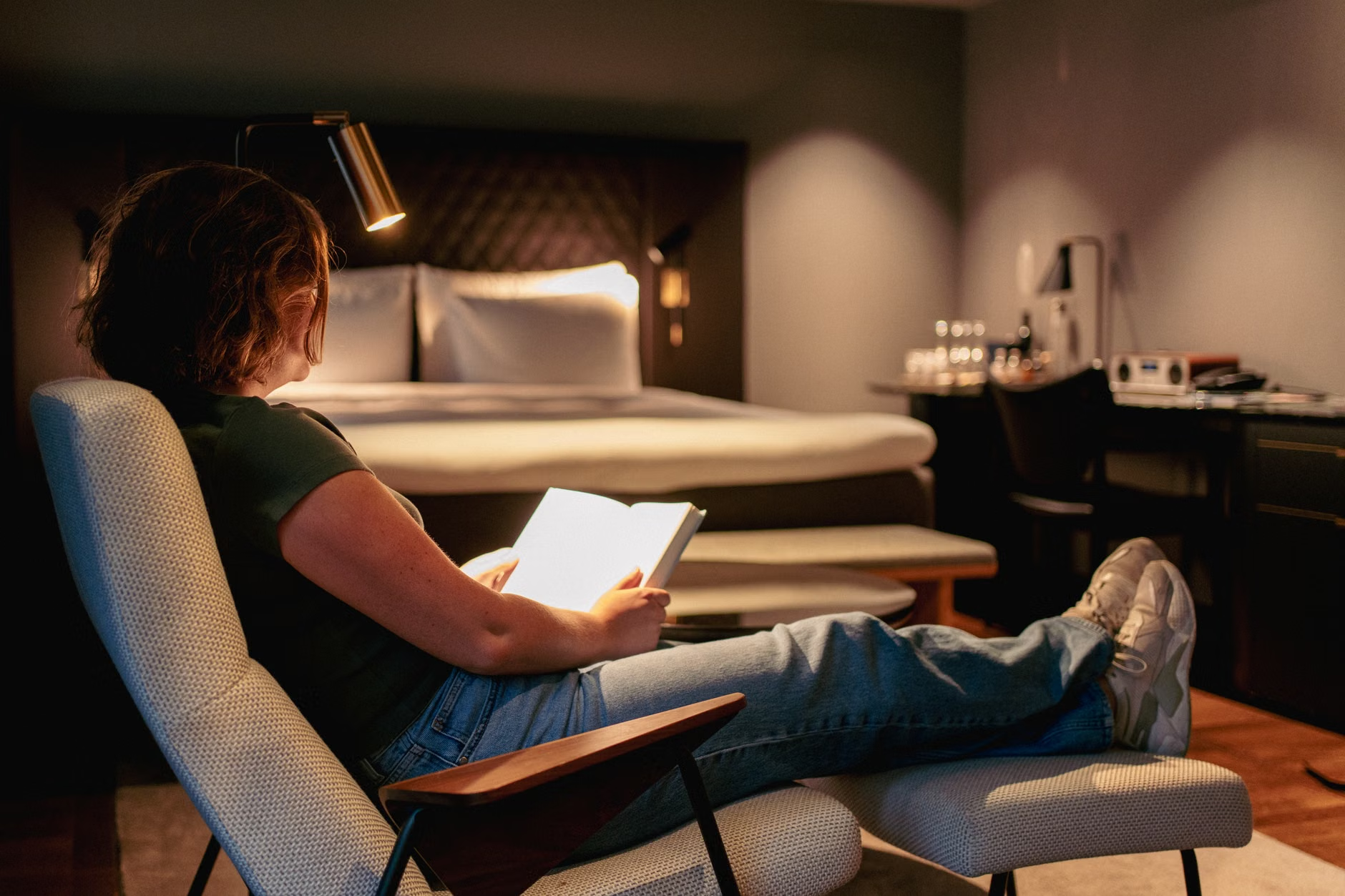
Before you commit to a room, take a moment to perform a “noise audit.” Turn off the air conditioning unit to see if it makes a mechanical rattle. Open and close the window to check the seal. If you find the room is inherently noisy, do not hesitate to ask for a change early in the day when the reception staff is more likely to have options available.
Managing Expectations and Travel Habits
It is important to acknowledge that travel-related sleep disruption is also linked to changes in routine, light exposure, and diet. Noise-masking apps are most effective when they are part of a broader “sleep hygiene” strategy for travelers.
For example, if you are crossing time zones, your circadian rhythm is likely already under stress. Using a noise-masking app can provide a sense of “home” and familiarity, which signals to the brain that it is time to rest, even if your internal clock is misaligned. Maintain a consistent bedtime, even while on vacation. If you usually read for 30 minutes before bed, keep that habit in your hotel room. The combination of a familiar ritual and a familiar sound environment is significantly more effective than either strategy alone.
Hidden Inconveniences to Consider
One common mistake is using the app at too high a volume. The goal is to mask the background noise, not to create a new, louder noise. If you find yourself needing to turn the volume up to maximum, it is a sign that the room itself is not suitable for your needs, or that you need better ear protection (such as high-fidelity earplugs). Furthermore, ensure your phone is charged. Running an audio app all night consumes battery; keep your device plugged into a power source near the bed.
Addressing Potential Risks and Limitations
While digital sound masking is generally safe, it is not a cure for chronic sleep disorders. If you find that you are consistently unable to sleep regardless of your environment, it may be time to consult with your primary care provider. Persistent insomnia can be a symptom of underlying health conditions or a side effect of certain medications. Before your next trip, ensure you have a list of any medications you are taking, as some can impact sleep quality or make you more sensitive to environmental changes.
Furthermore, be aware that relying on technology can create a dependency. If you find that you absolutely cannot sleep without a specific app, it may be helpful to carry a backup—such as a small, battery-operated white noise machine—in case your phone fails or runs out of power. Always prioritize the simplest solution that provides the desired result.
Conclusion: Building Your Personal Sleep Toolkit
The key to enjoying travel as an older adult is preparation. By combining strategic room selection, a reliable noise-masking app, and comfortable hardware, you can create a sanctuary of rest in almost any environment. Start by experimenting with different sound profiles at home, invest in comfortable sleep-specific audio gear, and always advocate for yourself when checking into a hotel. With these tools in your pocket, you can ensure that your energy remains focused on the experiences ahead rather than on the fatigue of a restless night.
Frequently Asked Questions
1. Will using a noise-masking app drain my phone battery overnight?
Yes, running an app for 7-8 hours will consume significant battery. Always ensure your phone is connected to a charger throughout the night. If you are in a country with different power outlets, ensure you have the correct travel adapter so your device stays powered.
2. Is it safe to wear headphones while sleeping in a hotel?
It is generally safe, provided you choose comfortable, breathable gear like a soft sleep headband. However, ensure the volume is kept at a moderate level to avoid ear fatigue, and remain aware of your surroundings so you can hear essential safety alarms in the event of an emergency.
3. How do I know if I need a professional sleep study instead of just using an app?
If you experience persistent, long-term sleep issues, extreme daytime fatigue, or if you are told you snore loudly or gasp for air while sleeping, these are signs that you should consult a healthcare professional. A sleep study can identify conditions like sleep apnea, which digital apps cannot address.
For further information on healthy sleep habits for older adults, visit the official resources provided by the National Institute on Aging.