- Digital Transition: Many national pension authorities are moving from paper-based life certificates to biometric or digital identity verification by 2026 to prevent fraud and speed up processing.
- Proactive Preparation: You do not need to wait for a notification; check your national pension portal now to ensure your contact details and identity documents are current.
- Security First: Official government agencies will never ask for your password or PIN over the phone or via unsolicited email links. Always verify requests through official, government-endorsed mobile apps or websites.
Understanding the Shift to Digital Pension Verification
As we approach 2026, many countries are undergoing a significant transformation in how they manage social security and pension disbursements. The shift toward “Digital Pension Verification” is designed to replace outdated, paper-heavy systems—such as mailing physical “proof of life” certificates—with streamlined, secure digital alternatives.
For the average retiree, this transition is about efficiency. However, it also introduces new requirements for how you interact with public services. Understanding these changes now allows you to avoid administrative delays, potential payment suspensions, and the stress of last-minute documentation requests.
Why Governments are Digitizing
The primary driver behind this shift is security. Traditional paper-based verification is susceptible to loss, forgery, and significant processing delays. By moving to digital platforms, governments can verify eligibility in real-time. For you, this means faster processing of claims and a reduced risk of your file being flagged due to a lost piece of mail.
Most jurisdictions implementing these changes are focusing on three main pillars: Biometric Authentication (using face or fingerprint recognition via a secure app), Digital ID Integration (linking your pension account to your government-issued digital identity), and Cross-Agency Data Sharing (where the pension office automatically verifies your status through hospital or tax records).
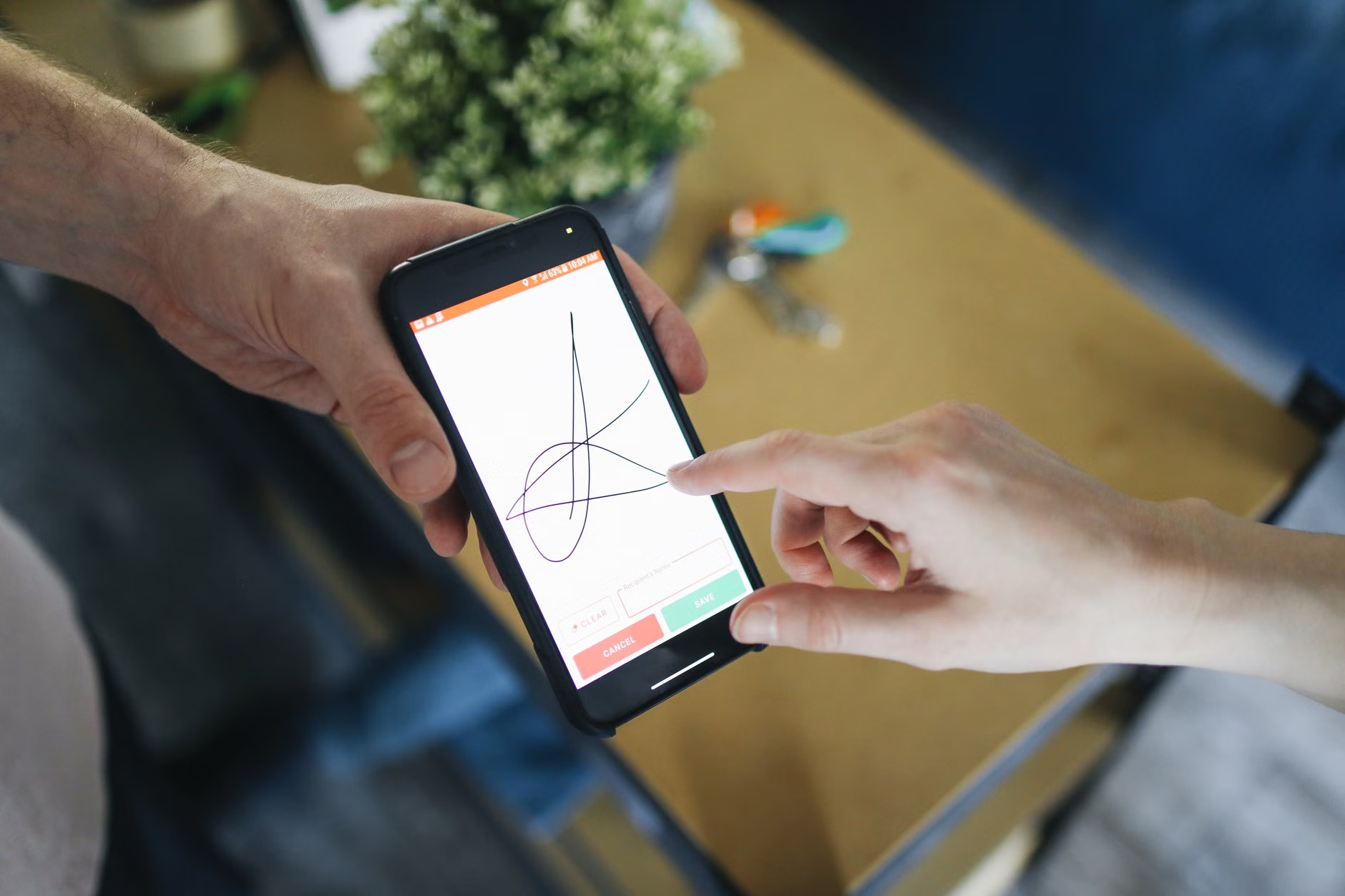
Preparing for the 2026 Transition
Preparation is the most effective way to ensure your pension remains uninterrupted. You should not wait for the implementation date to arrive before testing your digital readiness.
1. Audit Your Digital Credentials
Does your government pension portal have your current email address and mobile phone number? Many digital verification systems send a “One-Time Password” (OTP) to your phone to authorize access. If the number on file is an old landline or a defunct mobile number, you will be locked out of the system at the exact moment you need to verify your status.
2. Master the Official App
Most national pension authorities provide a proprietary mobile application. Download this from the official government store (look for the “.gov” domain or official verified developer tags). Spend time navigating the interface before it becomes mandatory. Check if your device’s operating system is compatible; if your phone is several years old, you might need a software update to ensure the app functions correctly.
3. The “Paper Backup” Rule
While the world is going digital, bureaucrats still value paper. Keep a physical folder containing your pension ID, recent correspondence from the authority, and a copy of your most recent “Notice of Assessment” or “Benefit Statement.” If a digital system glitches, having these documents ready allows you to visit a local office or call a support line with all the necessary information at your fingertips.
| Task | Why it matters | Action Item |
|---|---|---|
| Update Contact Info | Prevents lockout from portal | Log in to the official portal to verify phone/email. |
| Check Device Specs | Ensures app stability | Update your smartphone OS to the latest version. |
| Consolidate Records | Provides a safety net | Keep a physical folder of your last 12 months of statements. |
Note: The table above acts as a checklist. If you are not comfortable with apps, look for information on “assisted digital” services, where a public official can help you set up your digital ID in person.

Identifying and Avoiding Digital Scams
With the rise of digital services, scammers inevitably follow. It is critical to distinguish between a legitimate government verification request and a “phishing” attempt. Phishing is a fraudulent practice where criminals send emails or texts pretending to be from a reputable source to steal sensitive information.
Common Red Flags
- Urgency and Fear: Scammers often use phrases like “Your pension will be terminated in 24 hours” or “Immediate action required to avoid fines.” Legitimate government agencies usually provide weeks or months of notice.
- Unsolicited Links: Never click a link in an email or text message that asks you to log in to your pension account. Instead, close the message and manually type the official website address into your browser.
- Requests for Payment: A government pension agency will never ask you to pay a fee to “verify” your identity or “unlock” your benefits. Any request for money is an immediate sign of fraud.
What to do if you are suspicious
If you receive a suspicious communication, do not reply. Instead, go to the official government website—not the one linked in the message—and use the “Contact Us” section to verify if they have sent any notifications to you. If you are unsure, call the official helpline using a number found on the back of your physical pension card or on a previous, verified tax document.
Advanced Troubleshooting: When Technology Fails
Even with the best preparation, technical issues can arise. What should you do if the app crashes or the system rejects your identity verification?
The “Retry” Protocol
If a biometric scan fails, check your lighting. Often, these systems fail simply because of shadows or backlighting. Ensure you are in a well-lit area with a neutral background. If the app asks for a document scan, ensure the document is on a flat, contrasting surface and that there is no glare on the ID card.
Escalation Steps
If you have attempted to verify your identity three times and failed, stop. Frequent failed attempts can sometimes trigger a temporary security lockout to protect your account. At this point, reach out to the agency’s support center. When you speak to a representative, be prepared with:
- Your full name and date of birth.
- Your government-issued pension or social security number.
- A description of the specific error code or message you received.
- The device type and operating system you are using.
Global Variations in Pension Policy
It is important to recognize that pension systems are not uniform globally. While the move to digital is a international trend, the specific requirements vary by jurisdiction.
Examples of Regional Differences
In countries like Australia, the “myGov” system integrates multiple services, meaning your pension verification is linked to your tax and health records. In the United Kingdom, the “Pension Credit” and “State Pension” systems are increasingly utilizing the “GOV.UK Verify” or “One Login” services. In the United States, the Social Security Administration (SSA) continues to refine its “my Social Security” portal, which focuses on multi-factor authentication for higher security.
Regardless of your country, the principle of data minimization applies. Governments are increasingly using “single sign-on” features, which means you might use one digital identity to access multiple government services. This is convenient, but it means the security of that single login is paramount. Use a unique, strong password and, if possible, enable two-factor authentication (2FA) that uses an authenticator app rather than just SMS, as SMS can be intercepted.
Maintaining Long-Term Digital Wellbeing
Digital pension verification is just one part of your broader digital life. As we navigate the coming years, maintaining your “digital hygiene” is essential for peace of mind.
Create a Digital Legacy Folder: If you use digital banking and government portals, ensure a trusted family member or executor knows how to access your primary computer or tablet in the event of an emergency. This does not mean giving them your passwords now, but rather ensuring they have access to a secure “Password Manager” or a physical list of accounts kept in a fireproof safe.
Regular Reviews: Set a recurring appointment on your calendar every six months to check your pension portal. Log in, check your statement, and ensure that your contact information is still accurate. This “maintenance” approach prevents the accumulation of errors that can take weeks to resolve.
The Human Element: Remember that technology is a tool, not a replacement for professional guidance. If you have complex questions regarding pension eligibility, tax implications, or changes to your benefits, digital portals are for administration. For advice, always seek out a qualified financial advisor or a pension guidance counselor who can look at your individual circumstances.
Conclusion: Taking Control of Your Digital Future
The transition to 2026 digital pension verification is a shift toward a more secure and responsive administrative environment. While change can be daunting, it is manageable with a proactive mindset. By securing your credentials, mastering your official government apps, and remaining vigilant against fraudulent activity, you are not just ensuring your pension payments—you are taking charge of your digital independence.
Stay informed, keep your documents organized, and remember that you have the right to access support from government agencies if digital systems become a barrier rather than a benefit. Start your preparation today by logging in to your official portal and confirming that your details are up to date.
Frequently Asked Questions
1. Will I lose my pension if I cannot use the digital verification system?
No. Governments are legally required to ensure that all citizens can access their entitled benefits. If you are unable to use digital systems due to technical limitations or lack of access, there will always be alternative pathways—such as in-person appointments at a service center or paper-based verification via post. However, these methods may take longer to process.
It is generally advised against sharing your login credentials, even with family. If you need assistance, it is better to have a family member sit with you while you perform the verification yourself, or to officially designate them as an authorized representative through the government agency’s formal process. This protects your account’s security and keeps your personal data private.
3. How do I know if an email about pension verification is legitimate?
A legitimate email from a government agency will usually address you by your registered name, not a generic “Dear Customer.” It will also direct you to an official government website (ending in .gov or your country’s equivalent). Most importantly, it will never ask you to provide sensitive information like your password, bank account details, or PIN directly within the email or via a linked login form. When in doubt, ignore the email and log in to your account through your own saved bookmark or the official government app.
For further information, please refer to your national social security authority’s official website: