- Digital nature-sketching provides a low-barrier, high-reward method for cognitive stimulation, enhancing fine motor skills and spatial awareness.
- Starting does not require expensive equipment; a basic tablet and a compatible stylus are sufficient to begin exploring creative expression.
- Focusing on the process of observation rather than the perfection of the final image is the key to sustaining this hobby as a mindful practice.
Introduction: The Intersection of Nature, Technology, and Cognition
For many adults aged 60 to 80, the pursuit of new hobbies is not merely about “filling time”—it is a conscious strategy for maintaining neuroplasticity, the brain’s ability to reorganize itself by forming new neural connections. Digital nature-sketching has emerged as a particularly effective activity that bridges the gap between traditional artistic appreciation and modern technological engagement. Unlike traditional painting, which requires significant space, cleanup, and physical storage for materials, digital sketching offers a portable, mess-free environment that is uniquely suited to the needs of older adults.
This article explores why digital nature-sketching is a cognitive powerhouse, how to select appropriate entry-level tools, and how to structure your practice to ensure it remains a source of joy rather than frustration. We will move beyond the technical jargon to focus on the practical application of digital art as a form of “active observation” of the natural world.
The Cognitive Benefits of Digital Nature-Sketching
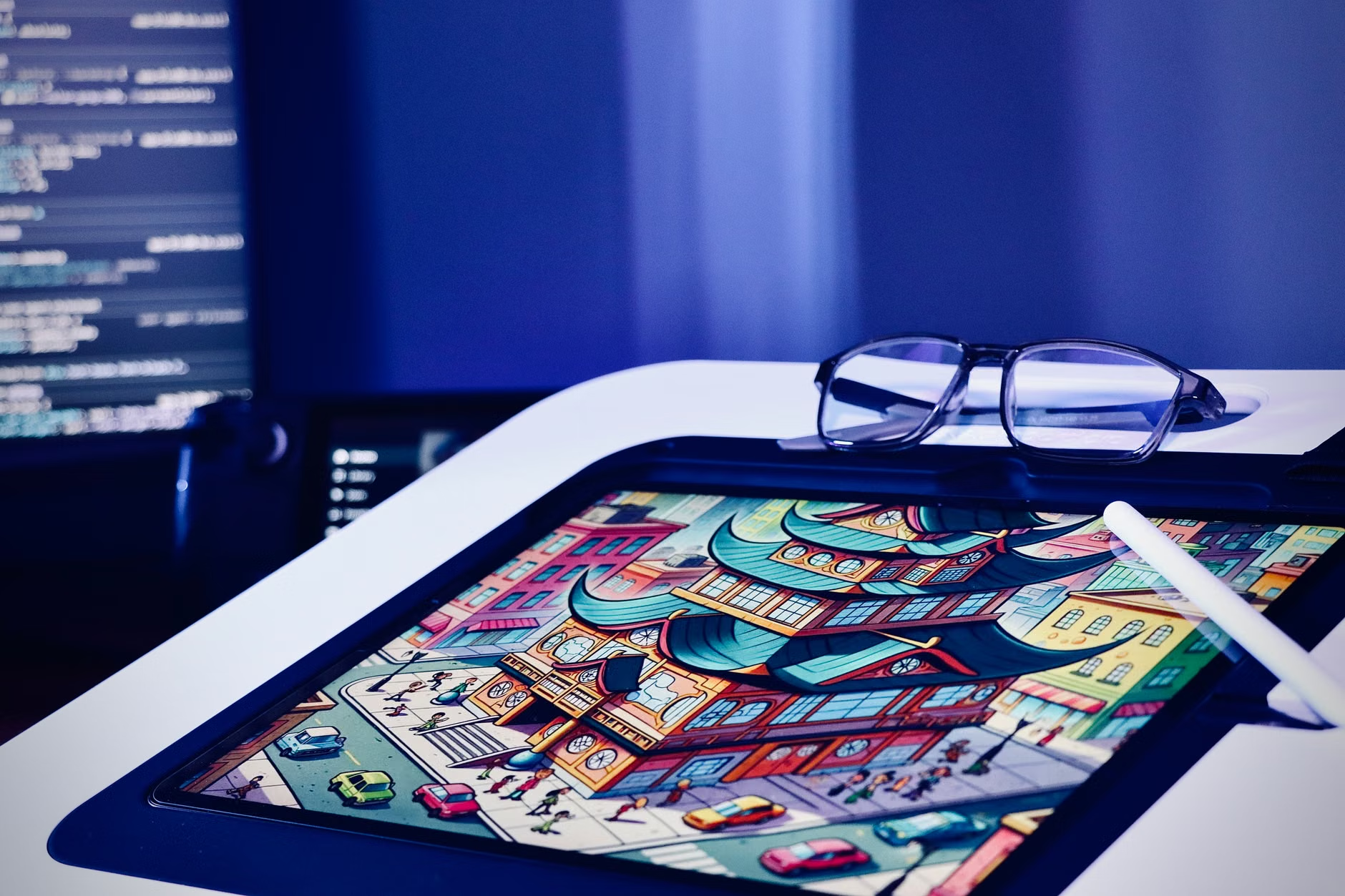
When you sit down to sketch a tree, a leaf, or a landscape, you are not just making marks on a screen. You are engaging in a complex series of cognitive tasks. You must observe the light, interpret the depth, and translate those visual signals into physical movements of your hand. This process, known as visual-spatial processing, is essential for maintaining cognitive function as we age.
1. Enhancing Fine Motor Skills and Coordination
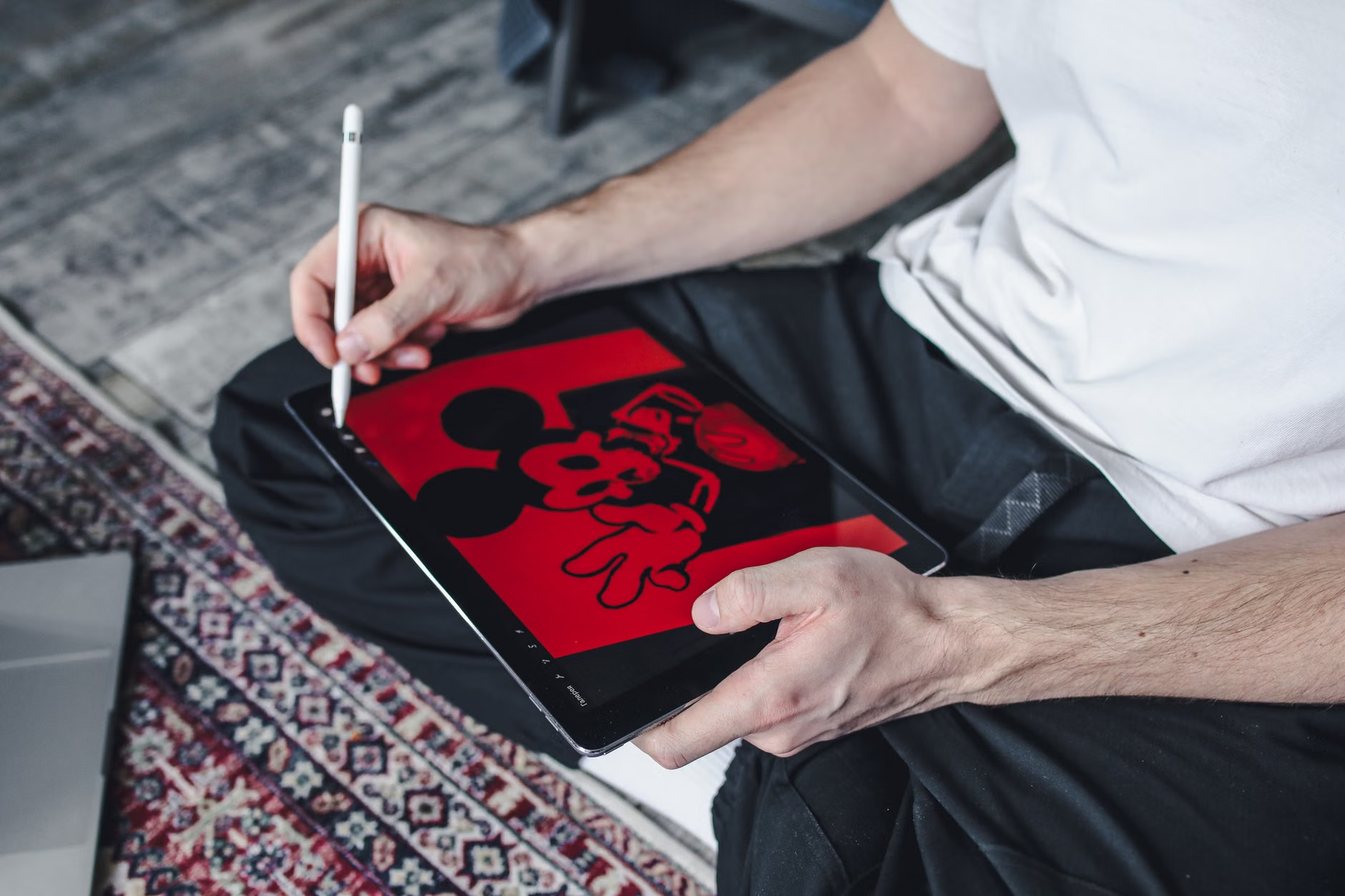
The use of a stylus requires a level of precision that helps maintain dexterity in the hands and fingers. Unlike a computer mouse, which can be cumbersome for fine detail, a stylus acts as a natural extension of your hand. Navigating the digital interface—pinching to zoom, selecting brushes, and layering colors—also keeps the brain active in coordinating eye-hand movements. For those who may experience minor stiffness in their joints, the ability to “undo” a stroke or adjust the brush size can reduce the physical pressure often associated with traditional sketching.
2. Promoting Mindfulness and Stress Reduction
Nature-sketching is an inherently meditative act. It forces the observer to slow down. When you are focused on capturing the texture of bark or the specific shade of green in a leaf, the external stressors of daily life tend to recede. This is often referred to as “flow state,” a psychological condition where an individual is fully immersed in an activity. Research suggests that regular engagement in flow-inducing creative activities is linked to lower cortisol levels and improved emotional regulation.
3. Strengthening Memory through Observation
To draw something, you must truly look at it. Digital sketching encourages a deeper level of observation. You begin to notice patterns in nature that you previously overlooked—the way shadows fall on a petal or how branches intersect. This active engagement helps encode visual information more deeply, which is a valuable practice for memory maintenance.
Choosing the Right Tools for Your Needs
One of the most common barriers to entry is the perception that digital art requires high-end, expensive equipment. This is a misconception. For a beginner, the priority should be accessibility and comfort, not professional-grade processing power.
Hardware: Tablet Selection Criteria
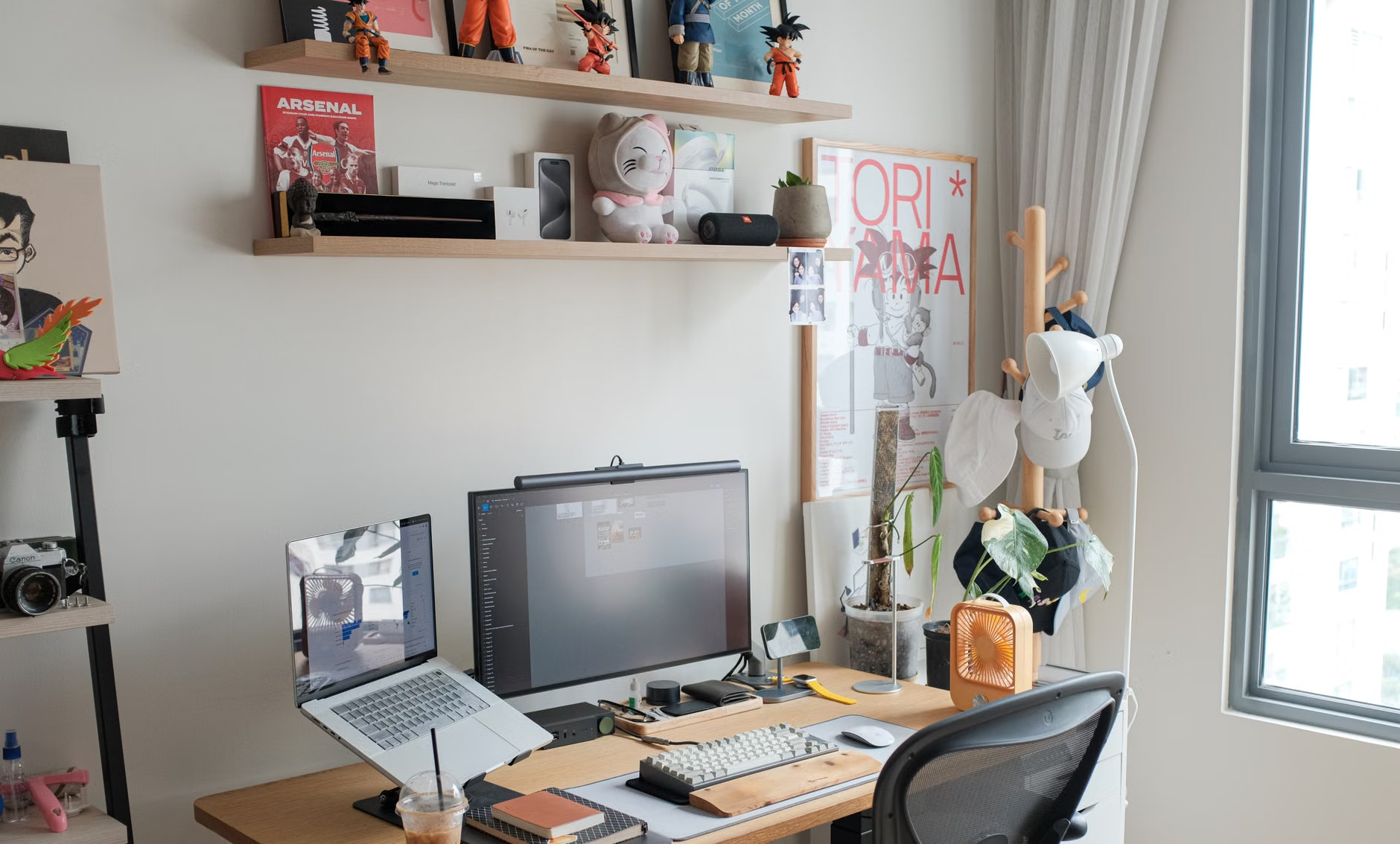
When choosing a tablet, consider three factors: screen size, weight, and stylus compatibility. A 10-inch to 12-inch screen is generally ideal. It is large enough to see detail clearly but light enough to hold or place on your lap. Ensure that the device supports a “pressure-sensitive” stylus, which allows you to draw thicker or thinner lines based on how hard you press, mimicking a real pencil or brush.
| Feature | Why it Matters for Seniors |
|---|---|
| Screen Size | Prevents eye strain and allows for easier navigation of menus. |
| Stylus Weight | A slightly thicker, weighted stylus is often easier to grip than a thin, plastic one. |
| Weight of Device | Lighter tablets are easier to use for longer periods without fatigue. |
| Anti-Glare Screen | Essential for sketching outdoors or near windows to prevent eye discomfort. |
Note: If you already own a tablet, check the manufacturer’s website to see if a compatible stylus is available. You do not necessarily need to purchase a new device to start.
Getting Started: A Step-by-Step Approach
Do not feel pressured to master all the software features at once. Digital art platforms are often overwhelming because they offer hundreds of tools. The goal is to keep it simple.
Step 1: Choose a “Low-Complexity” App
Start with apps designed for beginners, such as Tayasui Sketches or Paper by WeTransfer. These apps offer a “minimalist” interface, meaning the tools are hidden or simplified so they do not clutter your screen. Avoid professional software like Adobe Photoshop or Procreate in the first few weeks, as the learning curve for these programs can be counter-productive to the joy of sketching.
Step 2: The “Layering” Concept
One of the greatest advantages of digital art is “layers.” Think of layers as transparent sheets of plastic stacked on top of each other. You can draw your outline on one layer, color on another, and add shadows on a third. If you make a mistake on the color layer, you can erase it without ruining your outline. This removes the “fear of failure” that often prevents people from starting traditional art.
Step 3: Establish a Routine
Consistency is more important than duration. Aim for 15 to 20 minutes of sketching, three times a week. This is more effective for building skills and cognitive engagement than a three-hour session once a month. Find a comfortable chair, ensure your lighting is adequate, and treat this as a dedicated “brain training” appointment with yourself.
Common Pitfalls and How to Avoid Them
Even with the best intentions, beginners often encounter frustrations. Understanding these early can help you navigate them effectively.
- The “Zoom” Trap: Beginners often zoom in too far to fix tiny details. This leads to losing perspective of the whole image. Always zoom out regularly to ensure the overall composition remains balanced.
- Comparing to Others: Social media is filled with professional digital art. Remember that your goal is personal cognitive health and creative expression, not producing gallery-ready work. Compare your work only to your own previous sketches.
- Ignoring Ergonomics: If your neck or wrists begin to ache, you are likely hunching. Ensure your screen is at eye level or that you are resting your arms on a solid surface. Use a tablet stand if necessary to avoid holding the device for extended periods.
Integrating Nature-Sketching into Daily Life
To truly gain the benefits of this hobby, try to integrate it with your daily environment. If you enjoy walking, take your tablet to a local park. Sketching from life is significantly more beneficial for cognitive stimulation than sketching from a photograph, as it requires your brain to process three-dimensional depth and changing light conditions.
When you are at home, consider sketching your own houseplants or the view from your window. The key is intentionality. If you feel stuck, start by simply drawing the outline of a leaf. Do not worry about shading or color until you are comfortable with the basic shape. Over time, you will find that your ability to translate what you see onto the screen improves, which is a tangible indicator of your cognitive progress.
Safety and Accessibility Considerations
While digital sketching is a safe, low-impact activity, there are a few practical considerations for older adults:
- Vision Health: If you wear glasses, ensure they are appropriate for mid-distance work (the distance from your eyes to the tablet). If you experience eye fatigue, follow the 20-20-20 rule: every 20 minutes, look at something 20 feet away for 20 seconds.
- Tech Support: If you are unsure about setting up the device, ask a family member or caregiver to help you with the initial installation of the app. Once the app is installed, the interface is usually quite intuitive.
- Posture: Avoid sitting in the same position for more than 45 minutes. Get up, stretch, and walk around to keep your circulation moving.
Conclusion: The Lasting Reward of Creative Learning
Digital nature-sketching is more than just a pastime; it is a profound way to keep the mind agile, the eyes sharp, and the spirit engaged. By embracing the learning process—and accepting that early sketches are simply stepping stones—you open yourself to a world of creative possibilities. The technology is merely a tool; the true value lies in the act of observation and the quiet, focused time you dedicate to your own growth.
Whether you are capturing the intricate veins of a leaf or the complex architecture of a tree, you are actively building new neural pathways. Start small, stay consistent, and enjoy the unique clarity that comes from looking at the world through the lens of an artist.
Frequently Asked Questions (FAQ)
1. Do I need to be “good at art” to start digital sketching?
Not at all. The cognitive benefits come from the process of observing and drawing, not the quality of the final result. Many people find that their “artistic skill” improves naturally over time simply through consistent practice.
2. Is a tablet with a stylus expensive?
Prices vary widely, but for a beginner, you do not need the latest professional model. Many mid-range tablets from reputable brands (such as those from Samsung or Apple’s base-model iPads) are more than sufficient. Look for sales or refurbished units to lower the cost further.
3. Will digital sketching hurt my eyes?
Modern tablet screens are generally safe, but prolonged use can cause eye strain. Ensure your screen brightness is adjusted to match your environment, and take frequent breaks to rest your eyes, just as you would when reading a book for an extended period.
Official guidance on cognitive health and aging can be found through resources such as the National Institute on Aging, which provides evidence-based information on maintaining mental wellness in later life.
Deep Dive: The Science of Visual-Spatial Learning
The human brain is remarkably plastic, meaning it can reorganize itself throughout the lifespan. When we engage in novel tasks, such as learning to manipulate a digital stylus or understanding the layers of a digital canvas, we are stimulating the prefrontal cortex and the parietal lobes—areas of the brain responsible for complex decision-making and spatial reasoning. In the context of aging, this stimulation acts as a form of cognitive “reserve.”
Consider the difference between passive consumption (watching television) and active creation (sketching). When watching TV, the brain is largely receiving information. When sketching, the brain is actively synthesizing information. You are taking a visual input (the tree), processing it through your internal model of perspective, and outputting it via your fingers. This closed-loop process is highly demanding and highly rewarding for long-term brain health.
Comparative Analysis: Traditional vs. Digital Sketching
Many seniors ask if they should start with pencil and paper instead of a tablet. Both have merits, but they serve different purposes for the modern older adult.
| Feature | Traditional Sketching | Digital Sketching |
|---|---|---|
| Material Maintenance | Requires constant supply of pencils, paper, erasers, and sharpeners. | None; once the tablet is charged, you have infinite paper and tools. |
| Cleanup | Can be messy; pencil shavings and charcoal dust. | Zero cleanup; perfect for small living spaces. |
| Learning Curve | Low barrier; intuitive physical feedback. | Moderate; requires navigating a software interface. |
| Portability | Requires a sketchbook and multiple tools. | One device holds everything. |
For those with limited storage space or who travel frequently, digital sketching is objectively more convenient. However, if you prefer the tactile sensation of graphite on paper, traditional sketching is a perfectly valid alternative. The choice should be based on your personal comfort with technology and your desire for convenience versus tactile engagement.
Advanced Tips for Sustaining Interest
Once you are comfortable with the basics, how do you keep the hobby fresh? The secret is variety. Do not limit yourself to one type of nature. Explore different “seasons” of nature. In the winter, focus on the structure of bare branches. In the spring, focus on the texture of new buds. In the summer, focus on the complexity of flowers. By changing your subject matter, you keep your brain challenged and prevent the activity from becoming a repetitive, automatic habit.
Another way to stay engaged is to join a local or online community. Many community centers offer “Art and Technology” workshops for seniors. Sharing your work with peers can provide a sense of accomplishment and social connection, which are also vital components of healthy aging.
Remember that the “perfect” sketch is a myth. Even professional artists struggle with their work. The goal is to develop a practice that brings you joy and keeps your mind sharp. If you finish a sketch and feel that you learned something about how a leaf curves, you have succeeded. That is the true measure of a successful hobby.