- Digital pharmacy kiosks in 2026 are shifting toward “Universal Design,” incorporating voice commands, physical height adjustments, and high-contrast interfaces to ensure independence for users with varying levels of mobility and vision.
- The most effective use of these kiosks involves a hybrid approach: using the machine for routine tasks like prescription refills and status checks, while relying on the on-site pharmacist for medication reconciliation and clinical advice.
- Before using a kiosk, verify if your local pharmacy integrates your health records with the kiosk system to ensure that potential drug interactions are flagged automatically during the ordering process.
By 2026, the integration of digital pharmacy kiosks has moved beyond mere convenience, becoming a critical infrastructure for managing preventive health. For adults aged 60 to 80, these kiosks are designed to bridge the gap between digital efficiency and the personalized care required for complex medication regimens. Understanding how to navigate these systems is no longer just about saving time; it is about taking an active, informed role in your own health management.
The Evolution of Age-Inclusive Kiosks: What Has Changed by 2026?
In the past, digital kiosks were often criticized for being “technologically exclusionary.” They frequently relied on small touchscreens, complex navigation menus, and a lack of physical accessibility for those using canes or wheelchairs. As of 2026, global standards—driven by aging populations in North America, Europe, and parts of East Asia—have forced a transition toward Universal Design.
What does this look like in practice? Modern kiosks now feature:
- Physical Adaptability: Adjustable screen heights and integrated seating areas that accommodate individuals with limited standing stamina.
- Multi-Modal Interaction: Instead of relying solely on touch, many systems now offer voice-guided navigation, physical tactile buttons for critical actions, and proximity sensors that adjust font size based on the user’s distance from the screen.
- Connectivity: Real-time synchronization with national health databases, allowing the kiosk to pull your current medication list automatically without manual entry.

Why These Kiosks Matter for Daily Wellbeing
Managing multiple medications—a common reality for many older adults—carries the risk of “medication fragmentation.” This occurs when different prescriptions are filled at different times or locations, making it difficult to track overall dosage or potential adverse reactions. Digital kiosks act as a central hub.
The “Safety First” Advantage: Modern kiosks are programmed to perform an automated cross-check against your electronic health record (EHR). If you attempt to order a new medication that might interact negatively with your existing prescriptions, the kiosk will pause the transaction and alert the on-site pharmacist. This is a significant improvement over manual systems, where human error or simple oversight could lead to dangerous complications.
Comparing Traditional Pharmacy Visits vs. Kiosk-Assisted Visits
| Feature | Traditional Counter | 2026 Digital Kiosk |
|---|---|---|
| Wait Time | Variable/Often High | Low/Predictable |
| Privacy | Depends on store layout | High (Private UI/Audio) |
| Interaction | Face-to-face | Self-service + pharmacist call |
The choice between these two is not about replacing the human element, but about optimizing your effort. If you are feeling fatigued or have limited mobility, the kiosk allows you to complete administrative tasks (refills, payment, insurance verification) while standing or sitting in a dedicated, low-traffic zone, saving your energy for a focused, meaningful conversation with the pharmacist regarding clinical concerns.
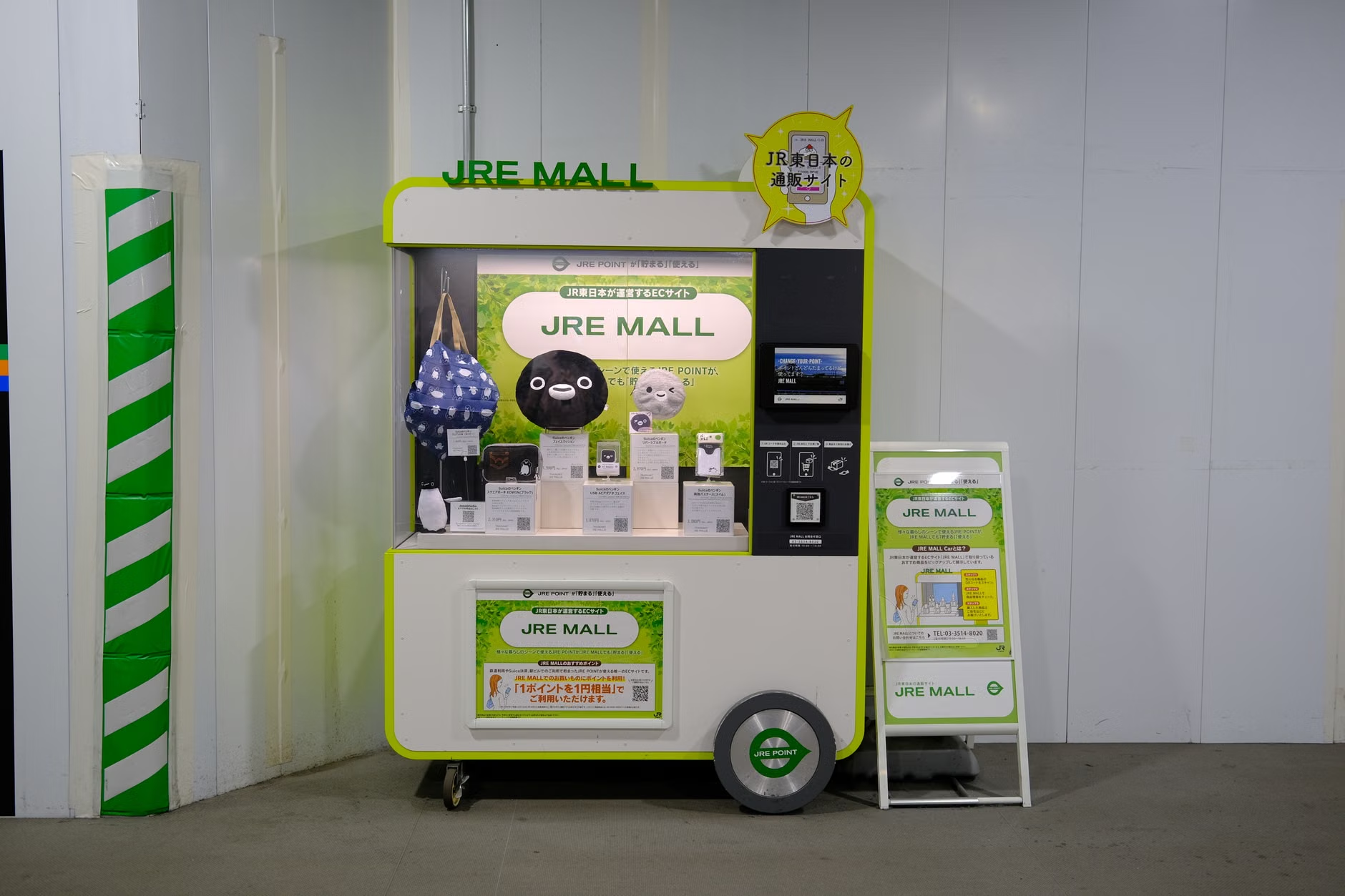
If you have never used a kiosk, the first experience can feel daunting. Here is a practical, step-by-step approach to ensure your visit is smooth and stress-free:
- Preparation at Home: Before leaving, write down your current medication list, including dosages and the name of the prescribing physician. While many kiosks are connected to digital records, having a physical backup is a critical safety practice.
- Initial Identification: Most kiosks require a secure login. This is usually done via a health card, a QR code from a mobile app, or a secure PIN. If you are unsure, always carry your government-issued health ID.
- The “Help” Protocol: Do not hesitate to use the “Call Pharmacist” button immediately if the interface feels confusing. In 2026, these kiosks are designed to be intuitive, but they are not intended to replace the professional judgment of a pharmacist.
- Reviewing Notifications: If the kiosk displays a message about a “medication review” or “new clinical guidance,” treat this as an instruction to speak with the pharmacist before finalizing the order.
Overcoming Common Misconceptions
There is a prevailing myth that digital kiosks are only for the “technologically savvy.” In reality, the 2026 generation of kiosks prioritizes cognitive ergonomics. This means they are designed to mirror familiar, non-digital workflows. For instance, the menu structures are often designed to mimic a paper prescription form, which is a format many older adults are already comfortable with.
Another misconception is that using a kiosk means you lose the ability to ask questions. In many jurisdictions, the law requires that a pharmacist be available for consultation regardless of how the medication is ordered. If a pharmacy offers a kiosk, they are still obligated to provide the same standard of care that you would receive at the main counter.

The Hidden Trade-offs: What to Watch For
While kiosks offer significant benefits, there are factors to consider regarding your specific situation:
- Connectivity Gaps: If you use multiple pharmacies, the kiosk at one location may not have access to the records of another. Always confirm that your “home” pharmacy is the primary repository for your health data.
- Privacy Settings: While kiosks are designed to be private, be aware of your surroundings. If the kiosk has an audio-guide feature, consider using your own personal headphones if the environment is noisy, or ask the pharmacist to direct you to a quieter section of the store.
- System Downtime: Like all technology, kiosks can experience errors. Always have a backup plan, such as knowing the pharmacy’s peak hours so you can visit when staff are available to assist if the machine is offline.
Practical Decision Rules for Older Adults
How do you decide when to use the kiosk versus the counter? Use this simple decision matrix:
- Use the Kiosk when: You are refilling a routine, long-term medication; you have a clear schedule and want to avoid standing in a queue; or you are looking for specific OTC (over-the-counter) product recommendations that the kiosk can filter based on your health profile.
- Go to the Counter when: You are starting a new medication for the first time; you are experiencing new or worsening side effects; you have questions about how to manage a complex regimen; or you feel the digital interface is not accurately reflecting your current health status.
Ensuring Safety and Security
Digital security is a common concern. In 2026, most pharmacy kiosks operate on closed, encrypted networks that are separate from the public internet. However, as a user, you should always:
- Verify the Screen: Ensure the screen shows your name and correct profile before entering any data.
- Log Out Completely: Always ensure you have navigated back to the “Welcome” or “Start” screen before walking away.
- Never Share PINs: Treat your kiosk access PIN with the same security as a bank card.
The Future of Integrated Care
As we move deeper into 2026, the trend is toward “Personalized Pharmacy.” Kiosks are increasingly being equipped with biometric sensors—such as non-invasive blood pressure cuffs or pulse oximeters—that can provide a snapshot of your vitals during a pharmacy visit. This data can be uploaded to your health profile, providing your physician with a more holistic view of your health between annual checkups.
This does not mean you should stop seeing your doctor. Rather, it means that your pharmacy visits become a more valuable part of your overall health strategy. By utilizing these tools, you are not just a passive recipient of care; you are an active participant in your own wellness journey.
Conclusion: Your Next Steps
The best way to get comfortable with this technology is to try it during a low-stress time. Visit your local pharmacy on a Tuesday or Wednesday morning when the store is quiet. Ask the staff, “I would like to learn how to use the kiosk for my refills; can someone walk me through the first time?” Most pharmacists will be happy to assist, as it saves them time in the long run. By taking the time to learn these systems now, you are securing your ability to manage your health independently, safely, and efficiently for years to come.
Frequently Asked Questions (FAQ)
1. Are these kiosks mandatory for all prescription refills in 2026?
No. Kiosks are an optional service provided to increase efficiency and accessibility. You retain the right to speak with a pharmacist at the counter for all your prescription needs regardless of the technology available.
2. What should I do if the kiosk gives me an error message or fails to recognize my prescription?
Do not attempt to force the transaction. Simply step away from the kiosk and approach the pharmacy counter. Inform the pharmacist that the kiosk was unable to process your request, and they will be able to access your records manually to resolve the issue.
3. How do I know if my health data is secure when using a public kiosk?
Pharmacy kiosks are regulated by the same health data privacy laws as the pharmacy’s physical records. They use encrypted, private networks. If you are concerned, you can always ask the pharmacist about the specific security protocols of the kiosk in your local branch.
Official guidance on digital health standards can be found through your national health authority’s digital transformation portal or the official website of your local pharmacy regulatory body.