- Neuroplasticity in Action: Engaging in digital sketching forces the brain to form new neural pathways, improving spatial awareness and hand-eye coordination.
- Low-Stakes Creativity: Unlike traditional media, digital tools allow for infinite “undo” actions, removing the fear of failure and encouraging consistent practice.
- Practical Accessibility: Modern tablets offer features like zoom, brush stabilization, and high-contrast interfaces, making art accessible even to those with minor tremors or vision changes.
Learning to sketch digitally is more than just a creative pursuit; it is a rigorous, rewarding exercise for the brain. For adults aged 60 to 80, the transition from traditional media to digital interfaces offers a unique opportunity to challenge cognitive functions while enjoying a flexible, portable, and forgiving hobby.
The Science of Digital Sketching and Brain Health
When you learn a new technical skill, such as navigating a digital art application, you are engaging in a process known as neuroplasticity. This is the brain’s ability to reorganize itself by forming new neural connections throughout life. Digital sketching requires a high level of coordination between visual processing, spatial reasoning, and fine motor movement.
Visual-Spatial Processing: When drawing, you must mentally map a 2D screen to a 3D object or scene. This requires the brain to continuously calculate proportions, depth, and perspective. Research indicates that consistent practice in visual arts can help maintain structural integrity in the brain’s white matter, which is responsible for communication between different processing centers.
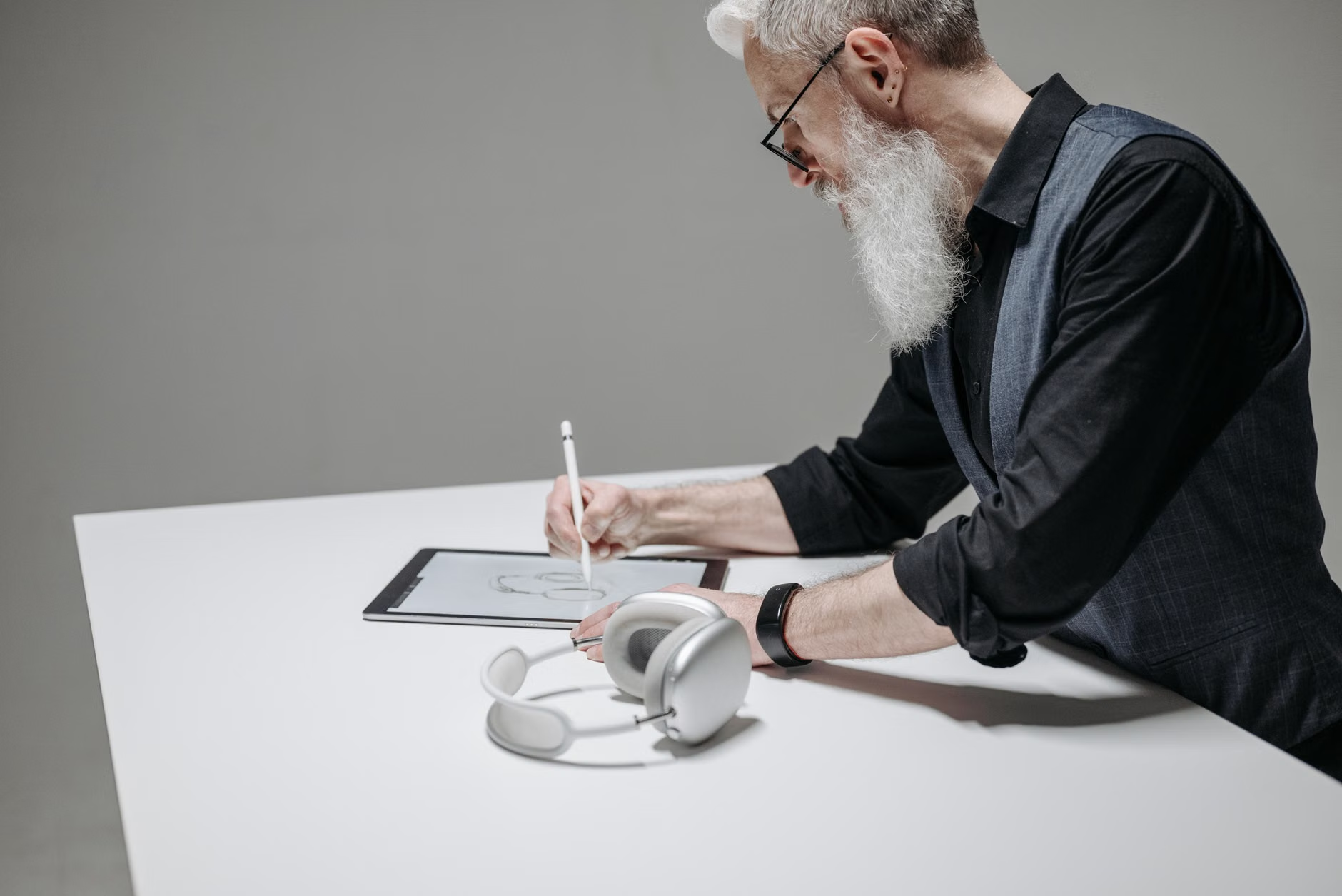
Fine Motor Control: Using a stylus requires a level of precision that strengthens the muscles and nerves in the hand and wrist. Unlike using a mouse, a stylus mimics the natural grip of a pen, allowing for nuanced control. This practice can be particularly beneficial in maintaining dexterity as we age, provided the user employs an ergonomic grip.
Why Digital Over Traditional? Practical Considerations
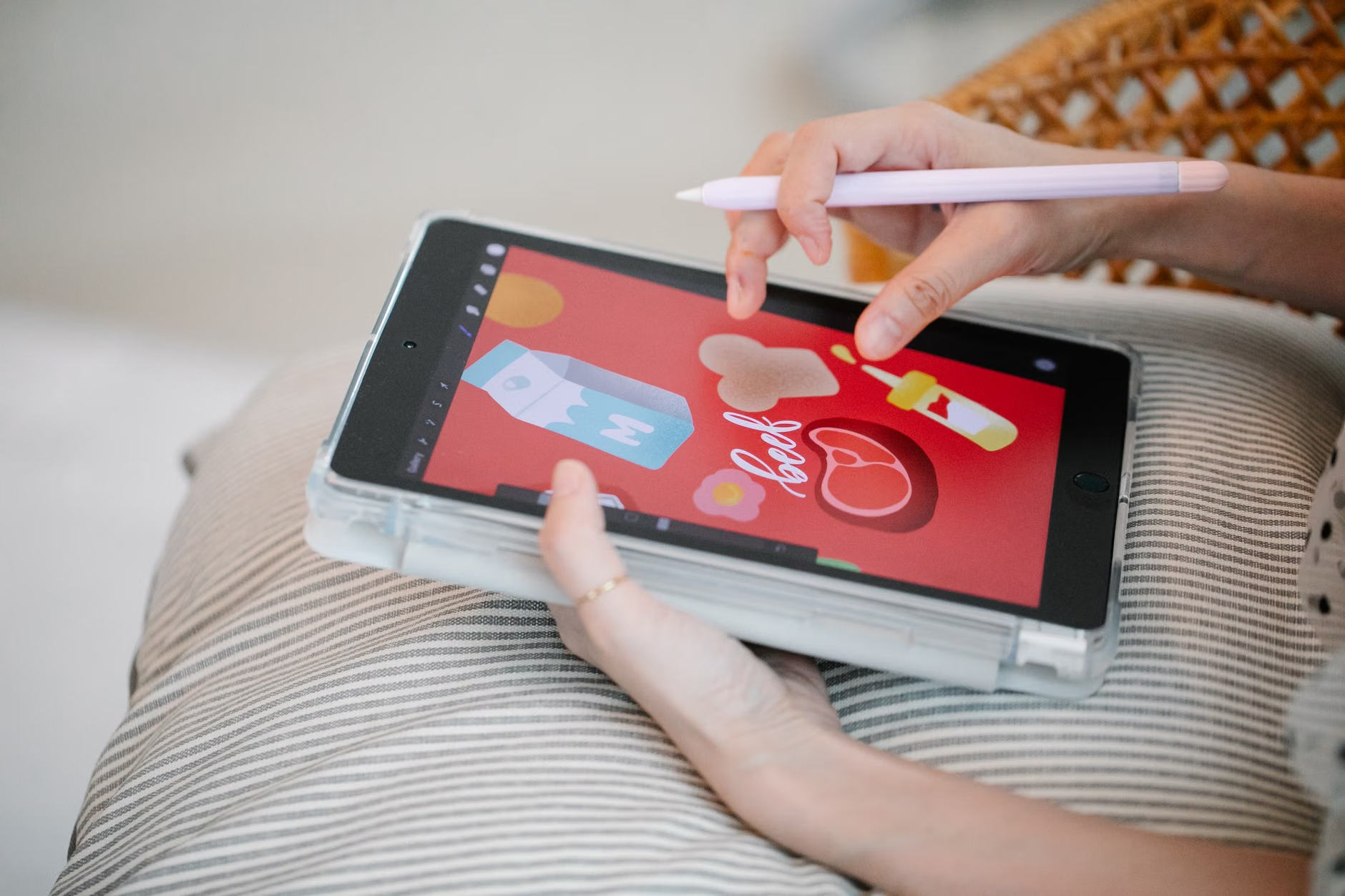
While traditional sketching with charcoal or graphite is a classic, digital sketching offers specific advantages that make it particularly suitable for the modern senior. The most significant benefit is the “Undo” function. In traditional art, a mistake is often a permanent mark. In digital art, a simple tap can erase a mistake, which drastically reduces the anxiety of “ruining” a page. This lower barrier to entry encourages more frequent, low-stress practice.
The Role of Assistive Technology
Modern tablets come with built-in accessibility features that make digital art more inclusive:
- Zoom Functionality: You can zoom in on specific areas of your canvas, reducing the strain on your eyes and allowing for high-detail work even if your vision is not what it once was.
- Brush Stabilization: Many apps include software that “smooths” out your lines. If your hand is slightly shaky, the software detects the tremor and adjusts your line to appear steady and confident.
- High-Contrast Interfaces: You can adjust the brightness and contrast of your workspace to suit your visual comfort, a feature not possible with paper.
Getting Started: A Step-by-Step Approach
Starting a new hobby can feel daunting, but the key is to approach it with a structured, incremental mindset. You do not need to be an expert to reap the cognitive rewards; the benefit comes from the process of learning, not the perfection of the final result.
Step 1: Selecting the Right Equipment
You do not need professional-grade equipment. A standard tablet with a compatible pressure-sensitive stylus is sufficient. When choosing a device, consider the weight and the screen size. A 10-inch to 12-inch screen is generally the “sweet spot” for balancing portability and canvas space.
Step 2: Choosing Intuitive Software
Avoid complex professional software like Photoshop initially. Start with apps designed for accessibility and ease of use. Look for apps that offer:
- Minimalist user interfaces with large, labeled icons.
- Tutorials built directly into the application.
- A simple “layer” system that allows you to experiment without destroying your base sketch.

Step 3: Establishing a Routine
Consistency is more important than duration. Aim for 15 to 20 minutes of sketching, three times a week. This “micro-learning” approach prevents fatigue and allows your brain time to consolidate new skills between sessions.
| Feature | Traditional Sketching | Digital Sketching |
|---|---|---|
| Setup/Cleanup | Requires cleaning brushes, sharpening pencils. | Instant; pick up and put down. |
| Error Handling | Erasers can damage paper. | Infinite “undo” history. |
| Learning Curve | Physical technique focused. | Tech + physical technique. |
| Storage | Physical space needed. | Cloud or local digital storage. |
The table above highlights why digital sketching is often more sustainable for those with limited space or those who prefer a “zero-mess” environment. If you struggle with physical clutter or the cleanup of traditional materials, digital art removes these barriers entirely.
Addressing Common Challenges
It is common to feel overwhelmed by the technology at first. A frequent mistake is trying to learn every tool in the software at once. Instead, focus on one tool—such as the pencil brush—and master it before moving on to colors or layers. If you find the stylus difficult to hold, consider adding a rubberized grip or a thicker silicone sleeve to the pen to make it more ergonomic.
Another challenge is “tech-fatigue.” If your eyes feel tired, follow the 20-20-20 rule: every 20 minutes, look at something 20 feet away for 20 seconds. This simple habit prevents eye strain and helps maintain focus during longer sessions.
Cognitive Benefits Beyond the Drawing
Beyond the direct benefits to the brain, digital sketching acts as a gateway to other digital skills. Once you become comfortable with a stylus and a tablet, you will find that navigating other digital services—such as government portals, online banking, or video calling—becomes significantly easier. You are essentially “training” your brain to understand the logic of modern interfaces, which is a vital skill for maintaining independence in the digital age.
Furthermore, the social aspect of sharing your progress with family members can provide an emotional boost. Using digital tools makes it incredibly easy to share your work via email or messaging apps, allowing for positive feedback loops that further motivate you to continue learning.
Safety and Ergonomics
While digital sketching is a sedentary activity, your posture matters. Ensure you are sitting in a chair that supports your lumbar region. If you are using the tablet on your lap, use a cushion or a specialized lap desk to bring the screen closer to eye level. This prevents “tech-neck”—the strain caused by looking down for extended periods. If you experience persistent pain in your wrists or hands, consult a physical therapist or occupational therapist to ensure your grip and posture are safe.
Conclusion
The journey into digital sketching is a profound way to invest in your cognitive longevity. By embracing the challenge of new technology and the creative process of art, you are actively participating in the maintenance of your mental faculties. Remember, the goal is not to become a master artist, but to enjoy the process of continuous growth. Start small, stay consistent, and take advantage of the forgiving nature of digital tools to explore your creativity.
Frequently Asked Questions
- Do I need to be “good” at art to start? No. The cognitive benefits come from the act of learning and the coordination required to draw, not the final aesthetic quality of the sketch.
- Is the screen light harmful to my eyes? Most modern tablets have “Night Shift” or “Blue Light Filter” modes that warm the screen color, reducing eye strain during evening use.
- How much does it cost to get started? Costs vary, but you can start with a mid-range tablet and a basic stylus. Many high-quality drawing apps offer free versions that are more than sufficient for beginners.
Official guidance on maintaining cognitive health through activity can be found via the World Health Organization’s resources on dementia risk reduction, which emphasize the importance of lifelong learning and engaging in mentally stimulating activities.