- Digital storytelling is a structured cognitive exercise that strengthens memory recall and narrative processing by combining visual, auditory, and linguistic tasks.
- It serves as an effective tool for legacy-building, allowing seniors to curate life experiences into accessible formats for family and future generations.
- Getting started requires only basic devices—a smartphone or tablet—and a focus on simple “story arcs” rather than complex software mastery.
Understanding Digital Storytelling as a Cognitive Tool
Digital storytelling is the practice of combining narrative techniques with digital media—such as photographs, short video clips, music, and voice narration—to create a cohesive story. For adults aged 60 to 80, this is far more than a technical hobby; it is a profound cognitive exercise. When you engage in digital storytelling, you are not merely “using technology.” You are engaging in a complex process of selection, reflection, and sequencing.
Cognitive neuroscientists often emphasize the importance of “novelty and complexity” to maintain brain plasticity as we age. Digital storytelling forces the brain to move beyond passive consumption of information. Instead, it requires active creation. You must recall specific memories (episodic memory), organize them into a logical flow (executive function), and learn how to manipulate digital tools to represent those memories (procedural learning).
Unlike passive activities, such as watching television, digital storytelling demands that you hold multiple pieces of information in your working memory. You are deciding which photo best illustrates a childhood trip, recording a voiceover that adds emotional context, and selecting a background track that matches the mood. This multi-modal engagement is a powerful workout for the brain.
The Cognitive Benefits: Why It Matters
The primary cognitive benefit of digital storytelling lies in the “reminiscence and integration” process. Research into reminiscence therapy has shown that reflecting on one’s past with intention can improve mood and cognitive clarity. By turning these reflections into a digital format, you are effectively “externalizing” your memory, which reduces the cognitive load of trying to keep every detail stored perfectly in your mind.
Executive Function and Sequencing
Creating a story requires a beginning, a middle, and an end. This is a classic exercise in sequencing. When you organize photos into a timeline, you are practicing executive function—the set of mental skills that include working memory, flexible thinking, and self-control. For example, if you have 50 photos of a 1970s vacation but only three minutes to tell the story, you must make rapid, logical decisions about which photos to include. This is an excellent way to keep your decision-making faculties sharp.
Language and Narrative Processing
Writing a script or recording a narration for your story requires careful word choice. You are translating abstract memories into concrete language. This helps maintain linguistic agility and keeps your vocabulary active. Many seniors find that the act of narrating their own life story helps them resolve old feelings or gain new perspectives on past challenges, contributing to emotional wellbeing as well as cognitive health.
Getting Started: A Practical Approach
Many adults are intimidated by the idea of “digital” projects, fearing that they require advanced computer science knowledge. In reality, digital storytelling today is more accessible than ever. You do not need expensive software or a high-end computer.
Step 1: Choose Your Platform
Start with what you already have. If you have a smartphone or a tablet, you already have the tools needed to create a high-quality digital story.
| Platform | Best For | Ease of Use |
|---|---|---|
| Smartphone/Tablet (Photos App) | Simple photo slideshows with music | High |
| Canva (Web/App) | Polished layouts and text-heavy stories | Medium |
| iMovie or similar mobile editors | Video-based stories with narration | Medium |
Step 2: The “Story Arc” Method
Don’t try to tell your entire life history in one go. That is a recipe for frustration. Instead, focus on a “micro-story.”
- The Hook: Start with a question or a surprising statement. (e.g., “I never expected my first job to change my entire career path.”)
- The Journey: Show 3–5 photos that represent the progression of the event.
- The Reflection: Conclude with why this memory matters to you today.

Common Challenges and How to Overcome Them
The most common barrier to digital storytelling is “technical perfectionism.” Many people stop their progress because they cannot figure out how to add a specific transition or how to get the audio volume perfectly balanced. It is important to remember that the content—the story itself—is far more important than the technical polish.
Managing Technical Frustration
If you find yourself spending more than 20 minutes on a single technical task, stop. Take a break. Just like physical exercise, mental exercise should be challenging but not exhausting. If a specific app feature is confusing, look for a “tutorial for beginners” on YouTube specifically for that app. Often, seeing someone else perform the action visually is much more effective than reading a manual.
Data Safety and Organization
One of the biggest concerns for seniors is losing their digital work. Before you begin, spend time learning how to back up your photos. Whether you use a cloud service like Google Photos or an external hard drive, ensure your work is saved in two places. This is a practical habit that protects your memories and reduces the anxiety of “doing something wrong” with your device.

Integrating Digital Storytelling into Daily Life
To reap the cognitive benefits, treat digital storytelling as a consistent practice rather than a one-time project. Dedicate 30 minutes once a week to “curating and narrating.” This creates a healthy routine that keeps your brain engaged with new tasks regularly.
Collaborative Storytelling
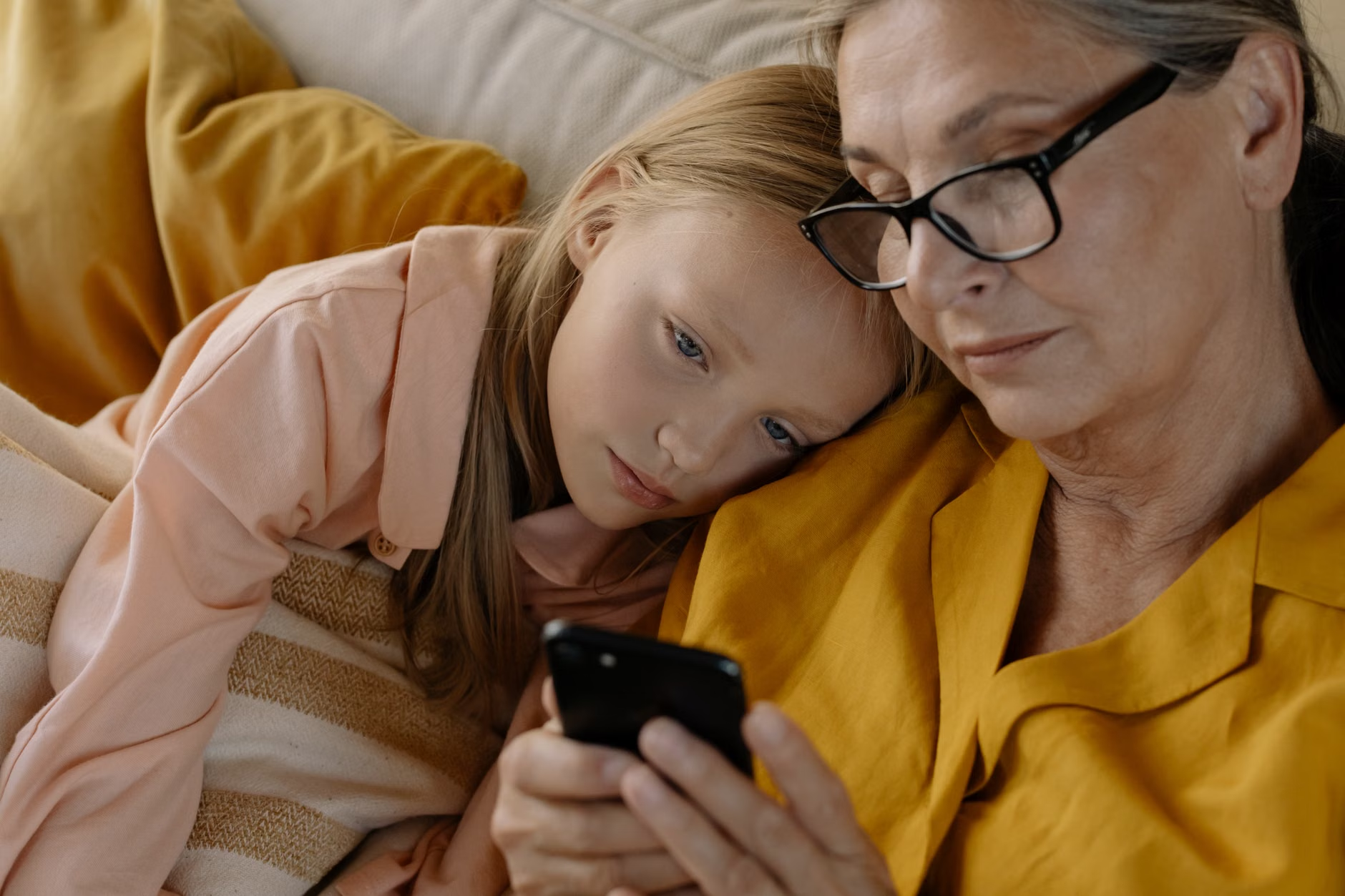
If you have grandchildren or younger relatives, invite them to help you with the technical side while you provide the narrative. This is an excellent way to bridge the generational gap. You provide the historical context and the wisdom, and they help you navigate the software. This social interaction itself is a major factor in maintaining cognitive health and preventing social isolation.
Refining Your Narrative
As you become more comfortable, try to challenge yourself. Instead of just showing photos, try to find a piece of music that matches the era of your story. Adding an auditory layer increases the complexity of the task, further stimulating the brain. However, always ensure you are using royalty-free music or music you have legal access to, especially if you plan to share your stories on public platforms.
Advanced Tips for Long-Term Engagement
Once you have mastered the basics, you may want to move toward more complex projects. Perhaps you want to create a digital “family archive” for your descendants. This adds a sense of purpose to your work, which has been shown to improve mental health outcomes in seniors.
A note on screen time: While digital storytelling is a fantastic hobby, remember to maintain a balance. Ensure your posture is comfortable, use a screen with a matte finish to reduce glare, and take regular eye-rest breaks every 20 minutes. Following the 20-20-20 rule—every 20 minutes, look at something 20 feet away for 20 seconds—is a simple, effective way to maintain eye health while engaged in digital projects.
Conclusion: The Lasting Value of Your Story
The journey of digital storytelling is not about becoming a tech expert; it is about keeping your mind active, your memories vibrant, and your connections to others strong. By taking the time to curate your life’s narrative, you are building a legacy that is both personal and profound. Start small, stay curious, and remember that every story you tell is a testament to a life well-lived.
Frequently Asked Questions (FAQ)
1. Do I need to buy expensive software to get started?
No. You can start with the free software already installed on your smartphone or tablet, such as the built-in Photos app (iOS or Android). These apps are designed to create slideshows and basic movies easily.
2. What if I am not good at technology?
Digital storytelling is a skill that develops over time. Start with very simple projects, such as a 30-second slideshow of a single event. Focus on the story first, and the technical skills will naturally follow as you repeat the process.
3. How does this help with memory?
The process of digital storytelling requires you to actively recall specific details, organize them into a logical sequence, and reflect on their significance. This active engagement is a form of “cognitive training” that helps strengthen neural pathways associated with memory and executive function.
Official guidance on digital literacy for seniors can be found through resources like the AARP Technology Resources or local government-sponsored adult education programs which often provide free or low-cost workshops on digital skills.