- Digital weaving aesthetics allow you to explore complex textile patterns using intuitive software, bypassing the physical limitations of traditional large-scale looms.
- Engaging in digital design stimulates neuroplasticity and fine motor coordination, offering a low-impact, high-reward cognitive workout.
- You can begin with free, accessible tools on standard tablets or computers, scaling your complexity as your technical confidence grows.
The Intersection of Heritage Craft and Modern Digital Tools
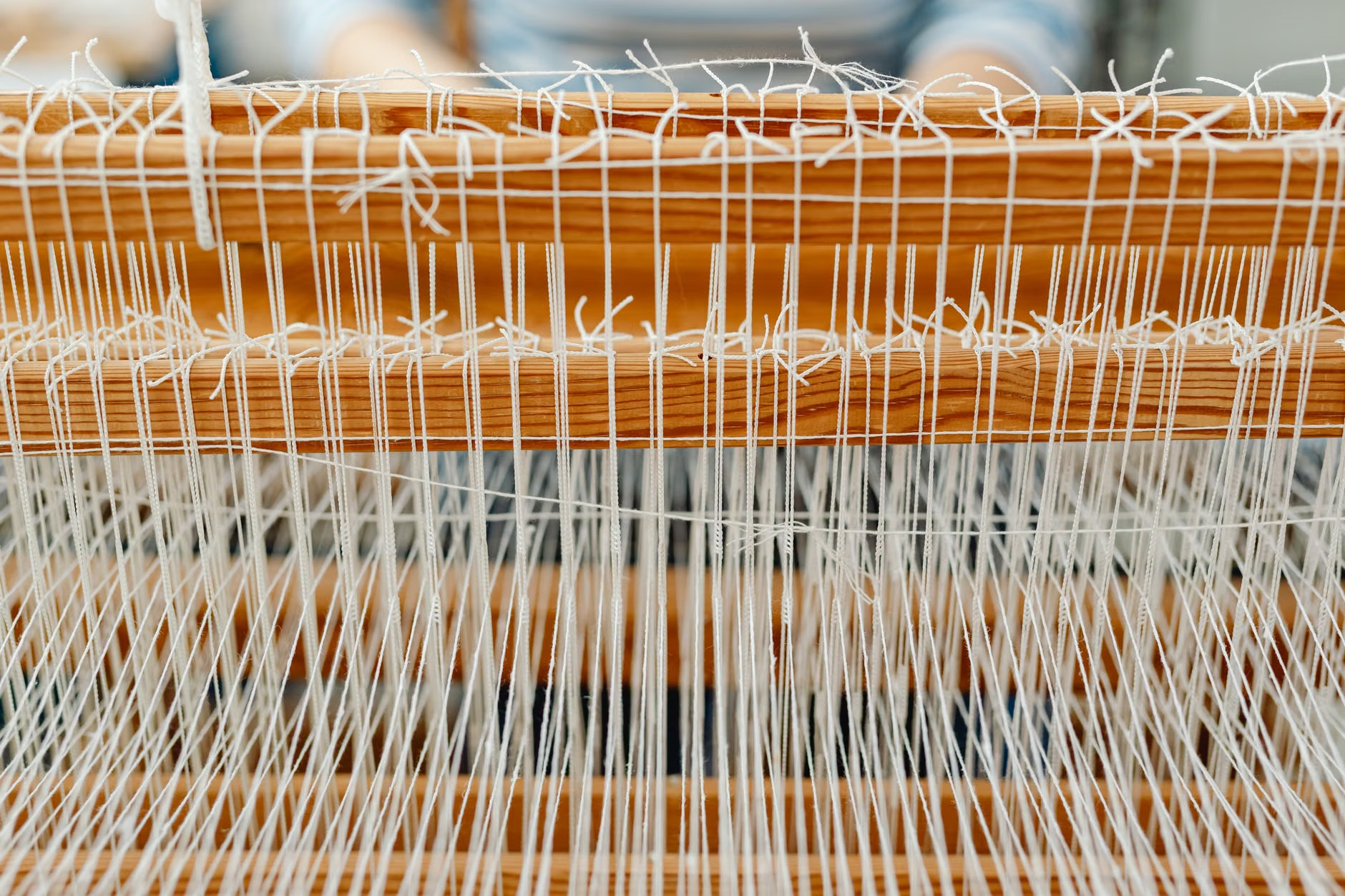
Weaving is one of the oldest human crafts, a testament to our innate desire to create structure, pattern, and beauty from raw materials. In recent years, the evolution of digital design has created a new frontier for this ancient practice: digital weaving aesthetics. This hobby does not require you to own a heavy floor loom or manage hundreds of threads. Instead, it invites you to explore the principles of warp and weft—the foundational elements of weaving—through the lens of digital geometry and color theory.
For adults aged 60 to 80, this hobby offers a unique blend of intellectual challenge and aesthetic reward. It requires the same structural thinking as traditional weaving, yet it eliminates the physical strain of repetitive manual labor, making it an ideal activity for those who value creativity but wish to prioritize joint health and stamina.
Why Digital Weaving Is a Unique Cognitive Exercise
Learning a new digital skill at any age is a powerful way to support brain health. Digital weaving specifically targets several cognitive domains, including spatial reasoning, pattern recognition, and sequential logic. Unlike passive screen-based activities, digital weaving is an active, generative process.
1. Enhancing Spatial Reasoning and Pattern Logic
When you design a weaving pattern, you are essentially creating a matrix. You must decide how horizontal threads (the weft) will interact with vertical threads (the warp). This requires you to visualize the final outcome before the first “stitch” is placed. This form of mental modeling is excellent for maintaining executive function and working memory.
2. Fine Motor Precision Without Physical Strain
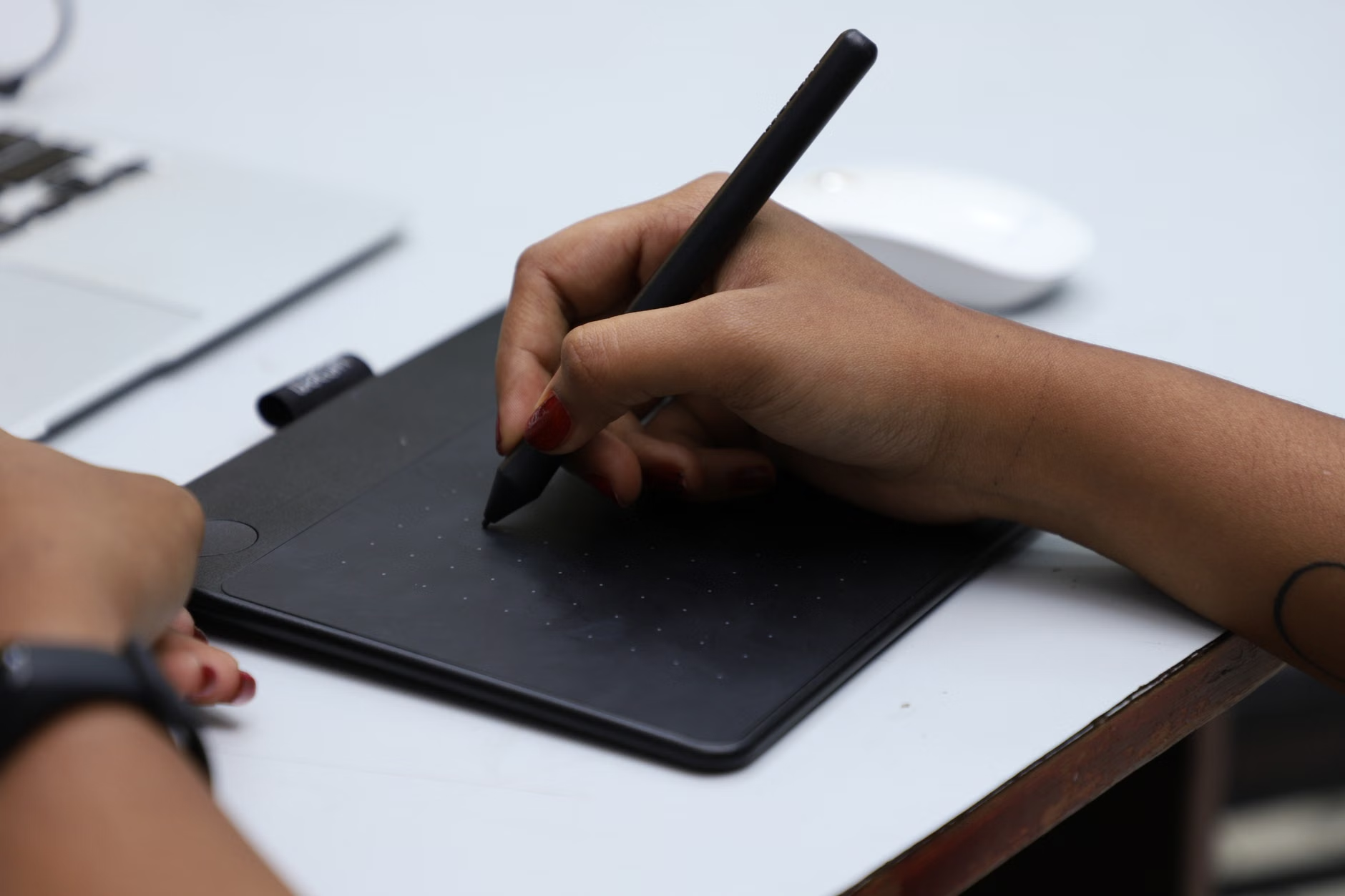
While traditional weaving can be taxing on the shoulders, wrists, and back, digital weaving uses a stylus or mouse. This allows you to exercise your fine motor skills—the small, precise movements of the fingers and hands—without the risk of repetitive strain injuries associated with heavy manual tools. It is a controlled, ergonomic way to stay dextrous.
3. The Joy of Low-Stakes Iteration
One of the greatest benefits of digital design is the “Undo” button. In traditional textiles, a mistake in a complex pattern often requires hours of “unweaving.” In digital weaving, you can experiment with color palettes and structural variations instantly. This removes the fear of failure, encouraging a more playful and experimental mindset that is vital for long-term mental wellbeing.
Comparing Traditional Weaving and Digital Aesthetics
To understand the transition into digital weaving, it is helpful to contrast the physical demands and the creative possibilities of both methods.
| Feature | Traditional Weaving | Digital Weaving Aesthetics |
|---|---|---|
| Physical Demand | High (posture, lifting, repetitive motion) | Low (seated, ergonomic stylus use) |
| Space Requirement | Dedicated studio/room for loom | Small desk or lap-tray space |
| Cost of Entry | High (looms, shuttles, yarn storage) | Low (tablet/computer + basic software) |
| Correction Ability | Difficult and time-consuming | Instant (Undo/Redo functions) |
For individuals with limited mobility or those who travel frequently, the digital approach offers a level of portability that traditional methods cannot match. If you have limited space in your home, digital weaving allows you to pursue the same artistic goals without the need for large equipment storage.
How to Start Your Digital Weaving Journey
Getting started does not require expensive, high-end software. The barrier to entry is intentionally low to encourage experimentation. Follow these steps to begin your journey:
Step 1: Choose Your Tool
You do not need a specialized computer. A standard tablet (like an iPad or Android equivalent) with a stylus is the most intuitive starting point because the stylus mimics the movement of a needle or shuttle. If you prefer a desktop computer, a standard mouse or a budget-friendly drawing tablet will suffice.
Step 2: Select Beginner-Friendly Software
Start with software that allows you to work on a grid. Many people begin with simple vector illustration apps or dedicated pixel-art programs. These tools are perfect for weaving because they use a grid-based interface, which is the exact mathematical foundation of a loom.
- Pixel Art Programs: These are ideal for beginners because they are inherently grid-based. You can define a “warp” and “weft” color and simply fill in the squares.
- Graphic Design Software: Once you become comfortable with grids, you can move to more advanced software that allows for complex layering and gradient effects.
Step 3: Understand the “Draft”
In weaving, a “draft” is the master plan for a pattern. As you learn, focus on simple patterns first: plain weaves, twills, and satins. These are the building blocks. Do not worry about complexity; focus on the rhythm of the design process. The goal is to build a habit of creating, not to produce a masterpiece immediately.

Practical Considerations for Long-Term Engagement
As you deepen your practice, consider how to integrate this hobby sustainably into your daily routine. Like any physical or mental exercise, consistency is more important than intensity.
Managing Screen Time and Eye Health
While digital weaving is a cognitive hobby, it does involve screen time. To protect your vision, follow the 20-20-20 rule: every 20 minutes, look at something 20 feet away for 20 seconds. Ensure your workspace has adequate, non-glare lighting. If you find your eyes tiring, consider using a matte screen protector on your tablet to reduce reflections.
The Value of Physical Output
Do not let your designs live only on the screen. The tactile nature of weaving is part of its charm. Use a home printer to print your digital designs on high-quality paper. This creates a physical archive of your progress and provides a sense of accomplishment that is different from seeing a file on a screen. You might even consider framing your favorite patterns as art for your home.
Connecting with Communities
Many online forums and local community centers host “digital craft” groups. While traditional weaving guilds are common, there is a growing interest in digital textile design. Joining these groups can provide the social aspect of learning, allowing you to share your patterns and get constructive feedback from peers.
Addressing Common Misconceptions
A common mistake is believing that digital weaving is “less than” traditional weaving. In reality, modern textile designers use these exact digital tools to prototype complex patterns before setting up their physical looms. By learning digital weaving, you are utilizing the same workflow as professional textile artists. Another misconception is that you must be “tech-savvy” to begin. The software used for these purposes is designed for creativity, not technical programming. If you can navigate a basic photo gallery or email app, you have the necessary skills to start.
Conclusion: The Cognitive Joy of Creation
Digital weaving aesthetics offer a profound way to marry the discipline of traditional craft with the flexibility of modern technology. By engaging in this hobby, you are not just making patterns; you are training your brain in spatial logic, maintaining your fine motor skills, and opening a window to a creative world that is entirely under your control. Start simple, stay consistent, and enjoy the process of watching your digital threads transform into beautiful, intricate designs.
Frequently Asked Questions (FAQ)
1. Do I need to know how to use a real loom to start digital weaving?
Not at all. Digital weaving is a standalone creative practice. While understanding traditional terminology can be helpful, the software is designed to be accessible to beginners without any prior textile experience.
2. Is this hobby expensive to maintain?
Once you have a tablet or computer, the cost is minimal. Most beginner-friendly software is either free or available for a one-time low cost. You do not need to buy expensive yarns or materials, making it a very budget-friendly creative outlet.
3. How much time should I dedicate to this hobby to see benefits?
Even 15 to 20 minutes a day is sufficient to stimulate cognitive function and maintain creative momentum. The key is regular, short sessions rather than one long, exhausting session once a week.
For further reading on the intersection of technology and traditional crafts, you may refer to resources provided by the Crafts Council, which explores the evolving landscape of modern making.