Key Takeaways:
- Biometrics are the new standard: By 2026, banks are shifting away from easily stolen passwords toward “passkeys” and biometric authentication (fingerprints and facial recognition).
- Layered security is your best defense: Relying on a single password is no longer sufficient; multi-factor authentication (MFA) is now an essential, non-negotiable layer of your digital financial safety.
- Control your data: Modern banking apps now offer “granular control,” allowing you to set temporary spending limits or freeze cards instantly from your phone without needing to call the bank.
The Evolution of Digital Banking Security in 2026
As we move through 2026, the landscape of digital banking has fundamentally changed to prioritize user-centric security. The primary shift is the move away from traditional “knowledge-based” security—such as remembering complex passwords or answering security questions—toward “possession-based” and “biometric-based” security. This evolution is particularly beneficial for adults aged 60 to 80, as it reduces the cognitive burden of managing dozens of passwords while significantly increasing protection against sophisticated digital fraud.
For many, the transition to digital banking has been a journey of trial and error. In 2026, the focus is on “age-inclusive” design. This means financial institutions are increasingly implementing interfaces that prioritize clarity, larger touch targets, and simplified navigation, all backed by robust security protocols that work in the background. The goal is to ensure that your money remains secure without requiring you to be an expert in cybersecurity.
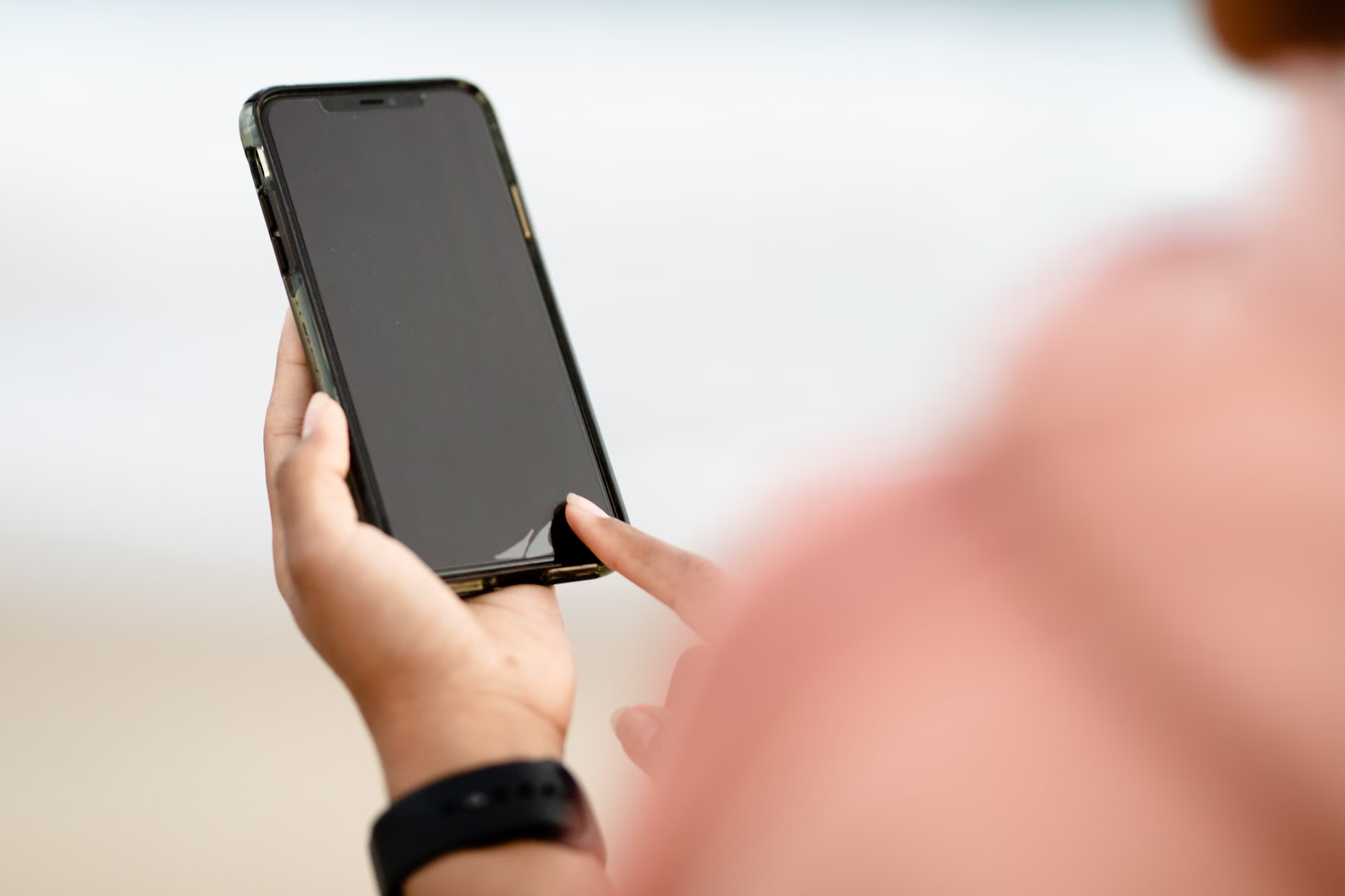
Moving Beyond Passwords: The Rise of Passkeys
The most significant change in 2026 is the widespread adoption of “passkeys.” Historically, we have relied on passwords—a series of letters, numbers, and symbols that are easy to forget and even easier for cybercriminals to steal. A passkey, by contrast, is a cryptographic pair of keys created by your device (such as your smartphone or tablet) and the banking service.
What it is: A passkey is a digital credential that lives on your device. When you log in, your device uses a local security mechanism—like your fingerprint, face scan, or your device’s PIN—to “unlock” the passkey and verify your identity to the bank.
Why it matters: Because the passkey is physically tied to your device, it cannot be “phished.” Even if you were tricked into clicking a fake link, the attacker would still need physical access to your device and your biometric data to gain entry to your account.
What you can do: Check your bank’s security settings menu. Look for an option to “Enable Passkeys” or “Use Device Authentication.” Once enabled, you can stop relying on traditional, complex passwords for your primary banking access.
Understanding Multi-Factor Authentication (MFA)
Multi-Factor Authentication (MFA) is no longer a “feature” but a requirement for almost all modern financial services. It acts as a safety net: even if someone discovers your main login credentials, they cannot access your money because they lack the “second factor.”
The Three Pillars of Authentication
- Something you know: A password or a PIN.
- Something you have: Your smartphone (which receives an SMS code or an app notification) or a physical security key.
- Something you are: Your fingerprint or facial recognition.
In 2026, the most secure form of MFA is the “Authenticator App” or “Push Notification” method. Avoid relying on SMS (text message) codes whenever possible, as these can be intercepted by sophisticated scammers through a process called “SIM swapping.”

Proactive Security Tools: Taking Control of Your Assets
Modern banking apps in 2026 provide you with unprecedented control over your accounts. If you suspect an issue, you no longer need to wait on hold for hours to speak with a representative. You can perform “self-service security” actions directly from your smartphone or home computer.
Essential Security Controls to Master
| Control Feature | What It Does | When to Use It |
|---|---|---|
| Instant Card Freeze | Temporarily disables your debit/credit card. | When you misplace your wallet or suspect a fraudulent transaction. |
| Transaction Limits | Caps the amount that can be spent or transferred in 24 hours. | As a permanent safety measure to prevent large, unauthorized withdrawals. |
| Real-time Notifications | Sends an alert for every transaction over a specific amount. | To stay informed about your account activity in real-time. |
| Geofencing | Restricts card usage to your current geographic area. | When you are not traveling, to prevent remote fraudulent use. |
Insight: Many users overlook the “Transaction Limits” feature. By setting your daily transfer limit to a reasonable amount—one that covers your standard monthly expenses but prevents large, sudden outflows—you create a “firewall” around your savings. If your account were ever compromised, the thief would be limited by the cap you set.
Recognizing and Avoiding Modern Financial Scams
As security technology improves, so do the tactics of bad actors. In 2026, the most common threat is no longer a “technical hack” but “social engineering”—manipulating you into giving away your own credentials. Be particularly wary of “Urgency Tactics.”
The “Urgency” Warning Sign: Any communication—whether via email, SMS, or phone call—that demands immediate action to “prevent account closure” or “stop a fraudulent transaction” is almost certainly a scam. Legitimate banks will never call you and demand that you move money to a “safe account” or ask for your password over the phone.
What to do if you receive a suspicious call:
- Hang up immediately. Do not engage with the caller, even if they sound professional or use your name.
- Verify independently. Find the official customer service number on the back of your physical bank card or your most recent paper statement.
- Call the bank directly. Use your own phone to dial the number. If you are worried the scammer has “held the line,” call from a different phone or wait at least 15 minutes before dialing.

Preparing for Digital Banking Resilience
Security is not just about technology; it is about preparation. If you become ill or are traveling, having a plan for your finances is crucial. “Digital Estate Planning” is a growing trend for adults in 2026.
Practical Steps for Financial Resilience
- Designated Access: Discuss with your bank the possibility of a “Power of Attorney” or “Authorized User” status for a trusted family member. This ensures someone can help you manage bills if you are unable to do so temporarily.
- Digital Vaults: Keep a physical, offline list of your primary banking institutions and account types. Store this in a fireproof box or a secure, private location known only to your trusted caregivers.
- Regular Audits: Set a recurring date—perhaps the first of the month—to review your bank statements. Identifying a small error today is far easier than resolving a large discrepancy six months later.
Remember, the goal of these security measures is to grant you freedom, not to create anxiety. By embracing biometric authentication, setting transaction limits, and remaining skeptical of unsolicited urgent calls, you can navigate the digital world with confidence. Your bank is your partner in this; if you find a specific app interface difficult to use, do not hesitate to contact their accessibility department. Many banks now have dedicated teams to assist seniors with digital onboarding and troubleshooting.
Conclusion: The Path Forward
Digital banking in 2026 is designed to be safer than ever before, provided you take advantage of the tools available. By prioritizing biometrics over passwords and utilizing the built-in control features of your banking app, you are significantly reducing your risk profile. Security is an ongoing process of small, deliberate habits rather than a one-time setup. Stay informed, use the built-in controls provided by your financial institutions, and always maintain your right to verify any communication that demands your attention.
Frequently Asked Questions (FAQ)
1. Is it safe to use my fingerprint or face to unlock my banking app?
Yes, biometric authentication is generally considered one of the most secure methods available in 2026. Unlike a password, which can be shared or stolen, your biometric data is unique to you and is stored securely on your device’s hardware, not on the bank’s servers.
2. What should I do if I lose my phone?
First, contact your mobile service provider to suspend your SIM card to prevent unauthorized access to your messages. Second, log in to your banking website from a trusted computer or tablet and use the “De-register device” or “Remove access” feature. Most modern banks allow you to wipe your banking app’s access remotely.
3. Are there any specific documents I should keep in case of a digital security emergency?
Yes, keep a physical record of your bank account numbers (not passwords), the official customer service phone numbers for your banks, and the contact information for your financial advisor or power of attorney. Having this information in a physical, offline location ensures you can act quickly if your digital access is ever compromised.
For further reading on digital safety, visit your local government’s official cybersecurity resource page, such as the Cybersecurity & Infrastructure Security Agency (CISA) in the United States or equivalent national cyber-security authorities in your region.