- Shift to Passwordless Authentication: By 2026, rely on “passkeys” (biometrics like fingerprints or facial recognition) rather than traditional passwords to reduce the risk of data breaches.
- Proactive Identity Monitoring: Move beyond simple antivirus software; utilize dedicated identity protection services that monitor the dark web for your personal data.
- Verification is Mandatory: Always confirm the source of any digital request for information, as AI-generated impersonation (deepfakes) will become a primary threat to personal identity by 2026.
As we approach 2026, the landscape of digital identity is undergoing a fundamental transformation. For adults aged 60 to 80, the shift is moving away from complex, easily forgotten passwords toward biometric-based authentication and decentralized identity management. This evolution is designed to make your digital life easier and more secure, but it requires a shift in how you perceive and handle your personal data.
The Evolution of Digital Identity: What to Expect in 2026
The primary driver of change in 2026 is the widespread adoption of the “Passwordless” standard. Companies like Google, Apple, and Microsoft have been laying the groundwork for years, but by 2026, you will see this become the default for banking, healthcare portals, and government services. Instead of typing a password, you will use a “passkey”—a digital credential tied to your specific device, unlocked by your fingerprint, face scan, or device PIN.
Why does this matter? Traditional passwords are the weakest link in digital security. If a website you use is hacked, your password—even if it is complex—can be stolen. Passkeys, by contrast, are never stored on a server; they exist only on your device, making them virtually immune to remote hacking attempts.

Understanding the Mechanics of Biometric Security
Biometrics, such as facial recognition or fingerprint scanning, are becoming the “keys” to our digital front doors. It is a common misconception that these systems store an actual image of your face or a physical copy of your fingerprint. In reality, modern devices convert your biometric data into a complex mathematical representation—a hash—that cannot be reversed to recreate your physical features.
How to Manage Biometric Authentication Safely
- Device Choice: Ensure your primary smartphone or tablet is updated to the latest operating system. Older devices may lack the secure hardware required to store biometric data safely.
- The Fallback Method: Always set a strong device PIN as a secondary authentication method. If your device fails to recognize your face due to lighting or physical changes, you must have a secure, non-biometric backup.
- Privacy Settings: Review the privacy settings on your devices to ensure that biometric data is not shared with third-party applications without your explicit, repeated consent.
The Rise of AI-Driven Identity Theft: Recognizing the Threats
By 2026, the threat of “social engineering”—the art of manipulating people into giving up information—will reach new levels of sophistication due to artificial intelligence. We are already seeing the emergence of “deepfakes,” where AI mimics the voice or video likeness of a trusted family member or an official authority figure.
Scenario: Imagine receiving a video call from someone who looks and sounds exactly like your child or grandchild, claiming they are in an emergency and need money transferred immediately. In 2026, this technology will be nearly indistinguishable from reality.
Practical Defensive Strategies
| Threat Type | Warning Sign | Action to Take |
|---|---|---|
| Voice/Video Impersonation | Unusual urgency; request for immediate payment. | Hang up and call the person back on a known, trusted number. |
| Phishing Emails/SMS | Generic greetings; mismatched sender address. | Do not click links; go directly to the official website via your browser. |
| Account Takeover | Unsolicited login alerts or password reset requests. | Log in immediately through the official app and change your security settings. |
The comparison table above highlights that the most effective defense is not a piece of software, but a change in behavior: Verification is your most powerful tool. If a request feels unusual, treat it as suspicious until proven otherwise.
Securing Your Digital Footprint: Step-by-Step Actions
Beyond passwords and biometrics, your “digital footprint”—the trail of data you leave behind—needs active management. By 2026, the concept of “Digital Hygiene” will be as essential as any other daily health routine.
Step 1: Audit Your Online Accounts
Most of us have dozens of accounts created years ago that we no longer use. These “zombie accounts” are prime targets for hackers. Use a password manager to list all your accounts, and delete those that are no longer necessary. Every account deleted is one fewer entry point for a potential intruder.
Step 2: Enable Multi-Factor Authentication (MFA)
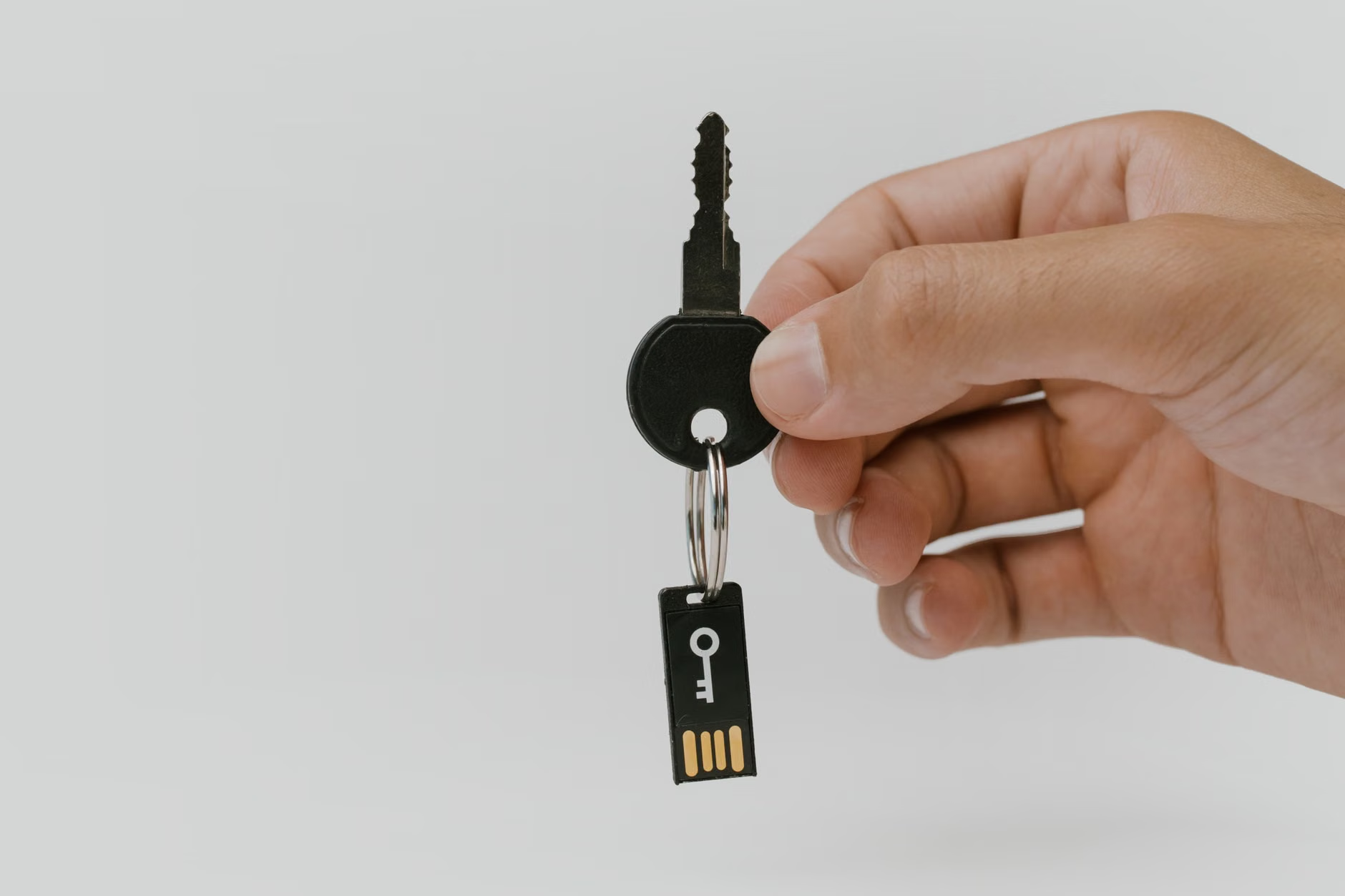
MFA requires two forms of identification: something you know (like a PIN) and something you have (like a code sent to your phone or a hardware security key). By 2026, move away from SMS-based codes, which can be intercepted, and move toward “Authenticator Apps” or physical hardware keys (like YubiKey) for your most sensitive accounts, such as banking and primary email.
Step 3: Monitor Your Financial Identity
Identity theft does not always happen through your computer. It often happens through the theft of your personal details (like your Social Security number or national ID). Utilize credit monitoring services that notify you the moment a new account is opened in your name. In many countries, you can also “freeze” your credit reports, which prevents anyone—including yourself, until you unfreeze it—from opening new lines of credit.
As governments and healthcare providers move toward digital-first services, your ability to manage your identity online will directly impact your access to care and benefits. Many countries are now implementing “Digital ID” systems. These are government-verified digital versions of your passport or driver’s license.
When using these portals:
- Use Official Gateways: Always access government services through the official website (ending in .gov or the equivalent for your country). Never use search engine results to find the login page, as these can sometimes lead to fraudulent “look-alike” sites.
- Secure Your Documents: Never store photos of your passport, ID, or birth certificate in your phone’s photo gallery, which can be accessed by malicious apps. Use a dedicated, encrypted “digital vault” app if you must store digital copies.
- Check Your Permissions: Periodically review which apps have access to your personal information. If a medical app asks for access to your contacts or location, ask yourself: Does this app truly need this to function? If not, deny the permission.

The Importance of “Digital Estate Planning”
A often overlooked aspect of digital identity is what happens to your data after you are gone. By 2026, digital estate planning will be a standard component of overall estate management. You must ensure that your family or executors have a clear, secure way to access your essential digital assets.
Practical Decision Rule: Never write your passwords on a sticky note kept near your computer. Instead, use a “Digital Executor” feature available in many modern password managers. This feature allows a trusted person to request access to your vault after a specified period of inactivity, ensuring they can manage your accounts without you needing to share your master password while you are alive.
Addressing Common Misconceptions
There is a persistent belief that “I have nothing to hide, so I don’t need to worry about security.” This is a dangerous mindset. In 2026, hackers are not necessarily looking for your personal secrets; they are looking for your identity to commit financial fraud, take out loans, or gain access to your social networks to scam your friends and family. Securing your identity is not about hiding; it is about protecting your reputation and your assets.
Another myth is that “technology is too difficult to learn.” While the tools change, the principles remain consistent. If you can manage a bank account or a physical filing cabinet, you have the skills to manage digital security. It is simply a matter of learning the new interface, much like learning to use a new household appliance.
Conclusion: Your Proactive Path Forward
The year 2026 will be characterized by a more seamless, yet more demanding, digital environment. The shift toward biometric authentication and centralized digital identity services is designed to protect you, but the responsibility for maintaining those defenses remains with you. By adopting a “verify first” mindset, utilizing modern tools like password managers and hardware keys, and keeping your devices updated, you can navigate the digital world with confidence and autonomy.
Your action plan for the coming months is simple: Review your current security setup, delete unused accounts, and familiarize yourself with the biometric features on your primary devices. Digital security is not a one-time task; it is a continuous practice of awareness and adaptation. Stay informed, stay cautious, and do not hesitate to seek assistance from reliable technical support if you find a specific process unclear. Your digital identity is your most valuable asset in the modern age—treat it with the same care you would your physical home.
Frequently Asked Questions (FAQ)
1. Are biometric features like face recognition actually safe for seniors?
Yes, they are generally safer than traditional passwords because they are unique to you and cannot be easily guessed or stolen by remote hackers. However, ensure you have a strong, non-biometric backup (like a PIN) enabled in case your device struggles to recognize your features due to lighting or other factors.
2. What should I do if I suspect my digital identity has been compromised?
First, change the password to your primary email account immediately, as this is the “master key” to your other accounts. Second, contact your financial institutions to place a fraud alert on your accounts. Finally, check your credit report for any unauthorized activity. Do not panic; acting quickly is the best way to minimize damage.
3. Where can I find reliable information about digital safety in my country?
Most national governments have dedicated cyber-security agencies that provide guidance for citizens. For example, in the United States, visit CISA.gov; in the UK, consult the National Cyber Security Centre; and in Australia, check Cyber.gov.au. These official sources provide the most accurate and up-to-date advice for your specific jurisdiction.
Disclaimer: This article is intended for educational purposes regarding digital security practices. It does not constitute legal or financial advice. Always consult with official government resources or qualified professionals when dealing with sensitive personal or financial matters.