- Universal Design Integration: By 2026, library digital platforms are shifting from “specialized” tools to “universal” interfaces, meaning accessibility settings are now standard rather than optional.
- Beyond Books: Public libraries now function as primary hubs for government service navigation, digital identity verification, and telehealth access, not just for reading.
- Proactive Literacy: Success in the 2026 digital landscape requires moving from passive consumption to active management of digital credentials and personal privacy settings.
The Evolution of the Digital Library in 2026
As we enter 2026, the role of the public library has undergone a profound transformation. No longer just a physical repository for printed books, the library has become the essential “digital front door” for older adults to access public services, health resources, and lifelong learning platforms. For many individuals aged 60 to 80, the library is now the most reliable venue for navigating the increasingly complex digital infrastructure of modern society.
This shift is driven by the global adoption of “Universal Digital Design” standards. These standards mandate that all public-funded digital services must be navigable by individuals with varying degrees of visual, motor, and cognitive abilities. In practice, this means that your local library’s digital portal is likely the most user-friendly interface you will encounter, often serving as a training ground for other essential services like banking or government portals.
Why Digital Accessibility Matters for Your Daily Wellbeing
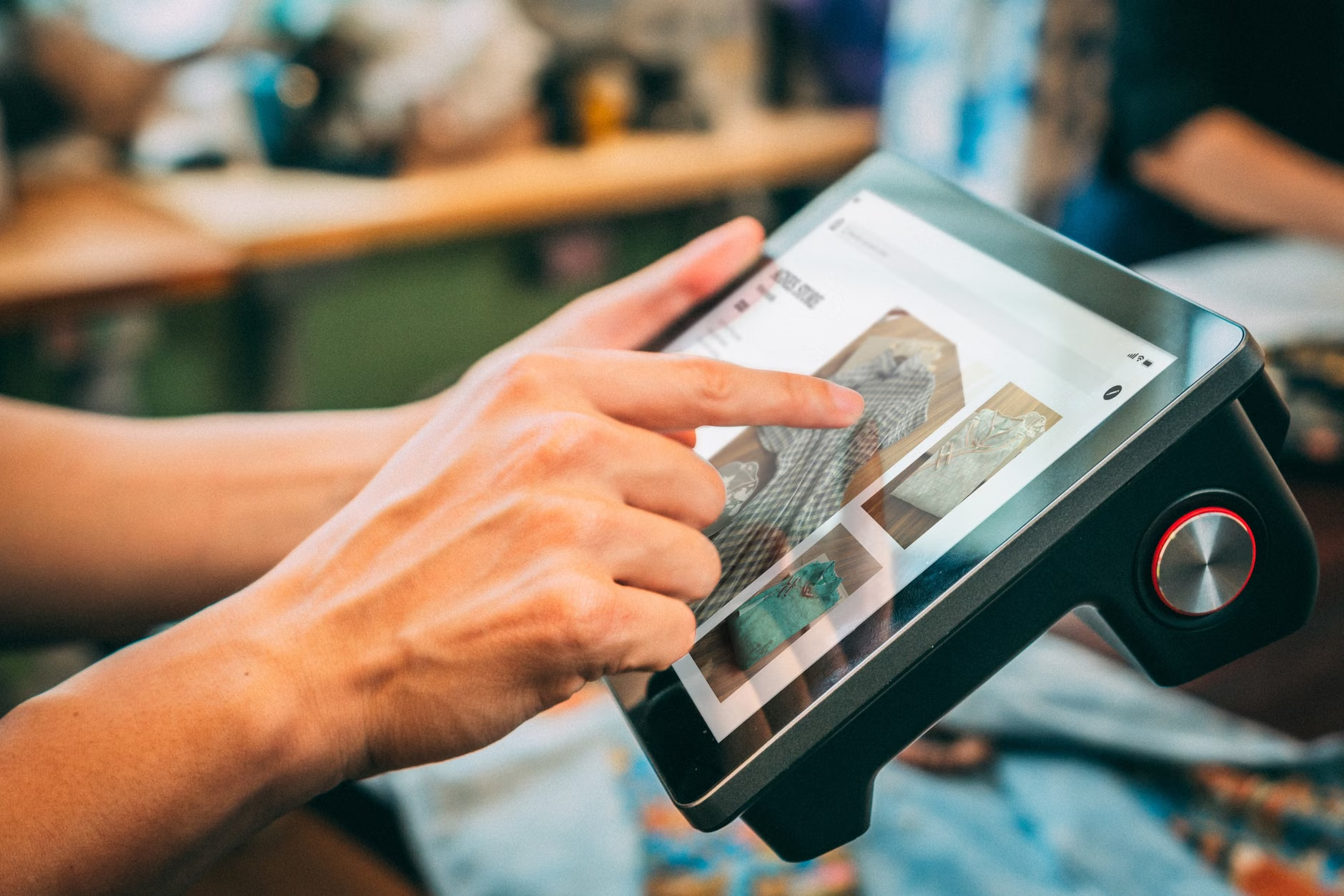
Digital accessibility is often misunderstood as being only about vision impairment. In the context of 2026, it encompasses a wide range of features designed to reduce cognitive load and physical strain. When a website is “accessible,” it means the interface is predictable, the text is adjustable without breaking the layout, and the navigation does not rely on rapid, repetitive movements that can be frustrating for those with arthritis or tremors.
The Four Pillars of 2026 Library Accessibility
- High-Contrast and Scalable Interfaces: Interfaces that allow for immediate changes to color schemes (to reduce glare) and font sizes (to assist vision).
- Voice-Activated Navigation: The ability to browse archives and request services using natural speech, reducing the need for precise mouse or touch interactions.
- Simplified Authentication: Moving away from complex, multi-step password requirements toward biometric or hardware-key authentication that is easier to manage.
- Human-in-the-Loop Support: The integration of real-time video support with library staff who can guide you through a digital process, bridging the gap between automated systems and personal help.
In many jurisdictions, such as in parts of the European Union, Canada, and Australia, public libraries are becoming the designated physical locations for “Digital Assistance Services.” If you need to renew a passport, apply for a pension, or update your health records, these tasks often require a “Trusted Digital Identity.”
Libraries in 2026 are equipped with secure, private kiosks where staff can assist you in setting up these identities. This is a significant development because it removes the fear of making a costly mistake on a government website. You are not alone; you are working with a professional in a secure environment.
Practical Steps to Take When Using Library Digital Services
- Check for “Accessibility Mode”: Before starting a session, look for the accessibility icon (usually a stylized person in a circle). Activating this often enables screen readers and simplifies the layout.
- Request a “Tech-Buddy” Session: Most libraries now offer one-on-one appointments. Do not ask for general help; be specific. For example, “I need to learn how to upload a PDF document for my tax return,” rather than “I need help with my computer.”
- Verify Privacy Protocols: Always ask the librarian how your data is handled during these sessions. In 2026, libraries are required to have strict “data-wiping” policies for public terminals.
Comparing Digital Access Methods
Choosing the right way to access library resources depends on your comfort level and physical needs. The following table compares common methods of engagement.
| Method | Best For | Pros | Cons |
|---|---|---|---|
| In-Library Kiosk | High-stakes tasks (Gov services) | Staff support, secure connection | Requires travel, scheduled time |
| Library Tablet Loan | Home exploration/Learning | Pre-configured for safety | Requires learning a new device |
| Remote App Access | Casual reading/Research | Use your own device | No staff support if issues arise |
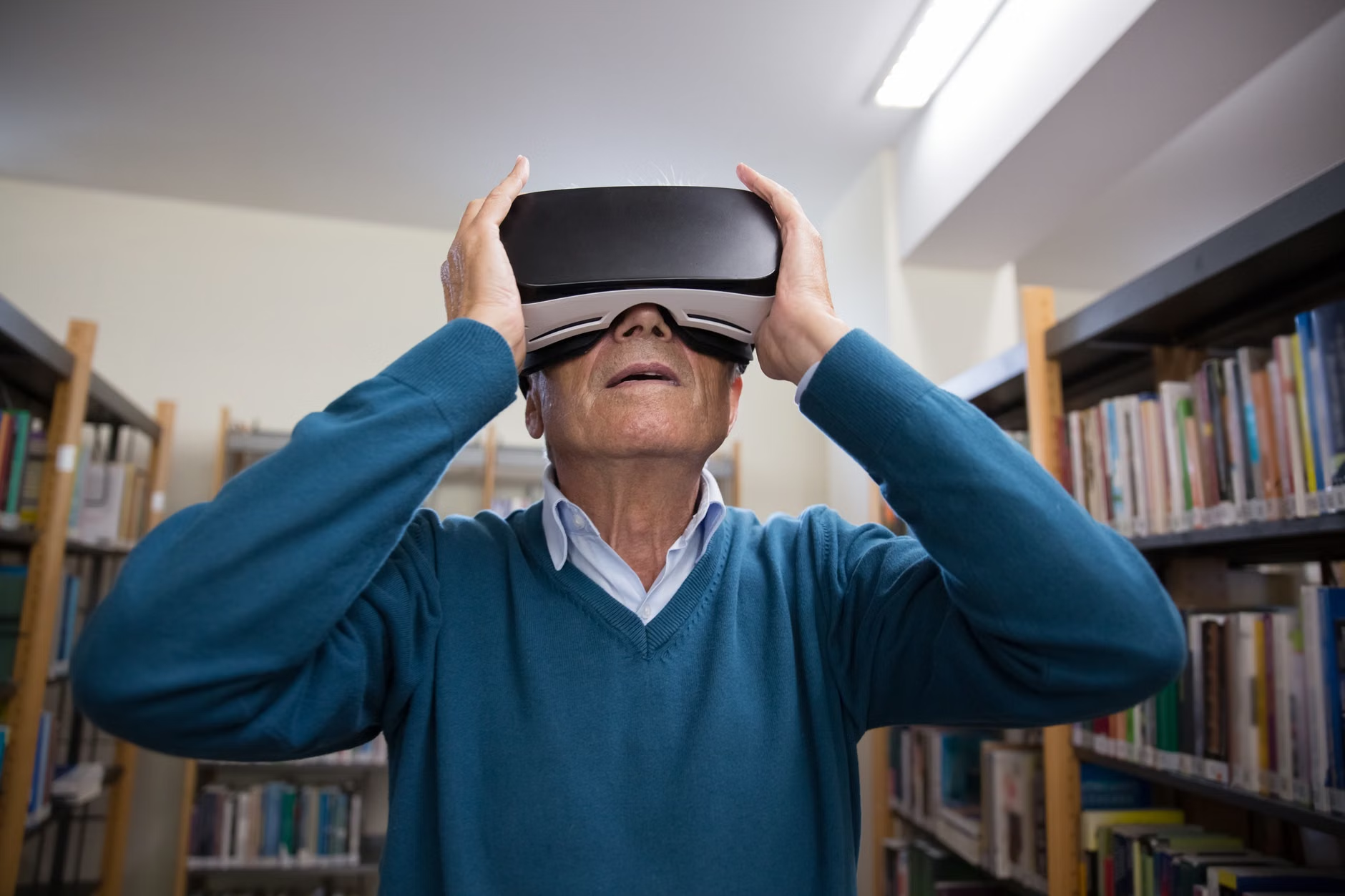
If you have limited mobility, the “Library Tablet Loan” is often the best choice. These devices are usually configured by the library to be “locked down,” meaning you cannot accidentally delete software or download malicious files. It is a risk-free way to experiment with digital tools.
Hidden Benefits: Beyond the Screen
One of the most overlooked aspects of the 2026 library trend is the “Social Digital” movement. Libraries are increasingly hosting hybrid events where you can join a book club or a health seminar via a high-quality video link, either from home or from a dedicated library viewing room. This mitigates the isolation that can sometimes accompany digital-only participation.
Furthermore, many libraries have introduced “Digital Legacy” workshops. These are not about tech support, but about helping you organize your digital photos, documents, and accounts so that they are accessible to your family in the future. This is a practical, vital step that many older adults find provides significant peace of mind.
The Reality of Privacy and Security
A common mistake is assuming that because a resource is provided by a public library, it is inherently private. While libraries have high standards, you must still practice basic digital hygiene. Never save your passwords on a public library computer. Even if the library has a “wipe” policy, there is no reason to risk a data breach. Always use a portable USB drive or a trusted cloud service to save your work, and always log out completely.
If you are unsure about the security of a specific terminal, ask the librarian: “Does this machine clear its cache and temporary files after I log out?” If they cannot answer, use a different machine or bring your own device.

Preparing for Your Next Library Visit
To make the most of your visit, come prepared. If you are going for digital services, bring a list of the accounts you need to access, your identification, and a notebook. Do not rely on your memory for usernames and passwords. If you are going for a learning session, bring a specific question. The more focused you are, the more the librarian can help you.
Decision Rule for 2026 Library Use: If you are spending more than 20 minutes trying to figure out a digital process on your own, you have reached the “threshold of diminishing returns.” Stop, save your progress, and schedule a 15-minute appointment with a librarian. Your time is valuable, and that is exactly what the library staff is there for.
Conclusion: Empowerment Through Knowledge
The digital landscape of 2026 is designed to be more inclusive, but it requires you to be an active participant. By leveraging the updated resources at your local library, you are not just keeping up with technology; you are ensuring your independence and your ability to participate in the civic and social life of your community. Start by visiting your library’s website today, look for the “Digital Services” or “Accessibility” tab, and see what is available in your jurisdiction.
Frequently Asked Questions
- 1. Are these digital services free to use?
- Yes, in most public library systems, access to digital portals, training sessions, and equipment loans is provided free of charge as part of your public service entitlement.
- 2. What should I do if I am not confident with technology?
- Start with a “Digital Literacy” class. Libraries in 2026 are moving away from teaching “how to use a mouse” and are focusing on “how to use specific services.” Look for classes that match your personal goals, such as “Managing your health portal” or “Video calling with family.”
- 3. Can I access these services from home?
- Many resources, such as e-books, audiobooks, and some research databases, can be accessed from home using your library card number. However, sensitive government services usually require you to be physically present at the library for security verification.
For further information on digital accessibility standards, you can consult resources such as the Web Accessibility Initiative (WAI), which provides the global framework that most libraries now follow.