- Accessibility First: Most 2026 international hubs now mandate height-adjustable kiosks and high-contrast interfaces, ensuring independent use for those with varying mobility or vision.
- Preparation is Key: Registering your biometric data via mobile apps before arriving at the airport can reduce kiosk interaction time by up to 70%.
- Human Support Remains: Digital kiosks are designed to supplement, not replace, human assistance; never hesitate to signal for staff if a technical error occurs or if you require physical support.
As we enter 2026, international travel has undergone a significant transformation. The rollout of age-inclusive digital passport kiosks is intended to streamline border crossings, reduce wait times, and provide a more dignified experience for older travelers. However, the transition to automated systems often raises questions about accessibility, technical reliability, and the loss of the “human touch.” This guide explores how these systems work, what you can expect in 2026, and how to navigate them with confidence.
Understanding the 2026 Digital Passport Ecosystem
In 2026, the term “digital passport kiosk” refers to automated border control (ABC) gates and self-service kiosks that use facial recognition and biometric verification to process arrivals. Unlike the rigid, high-counter kiosks of the early 2020s, the current generation of kiosks has been redesigned with inclusive design principles.
What it is: A self-service terminal where you scan your passport, capture a live photo, and verify your identity against a government database.
Why it matters: For older adults, these systems eliminate the need to stand in long, winding queues, which can be physically exhausting. When designed correctly, they offer a controlled, quiet environment for processing.
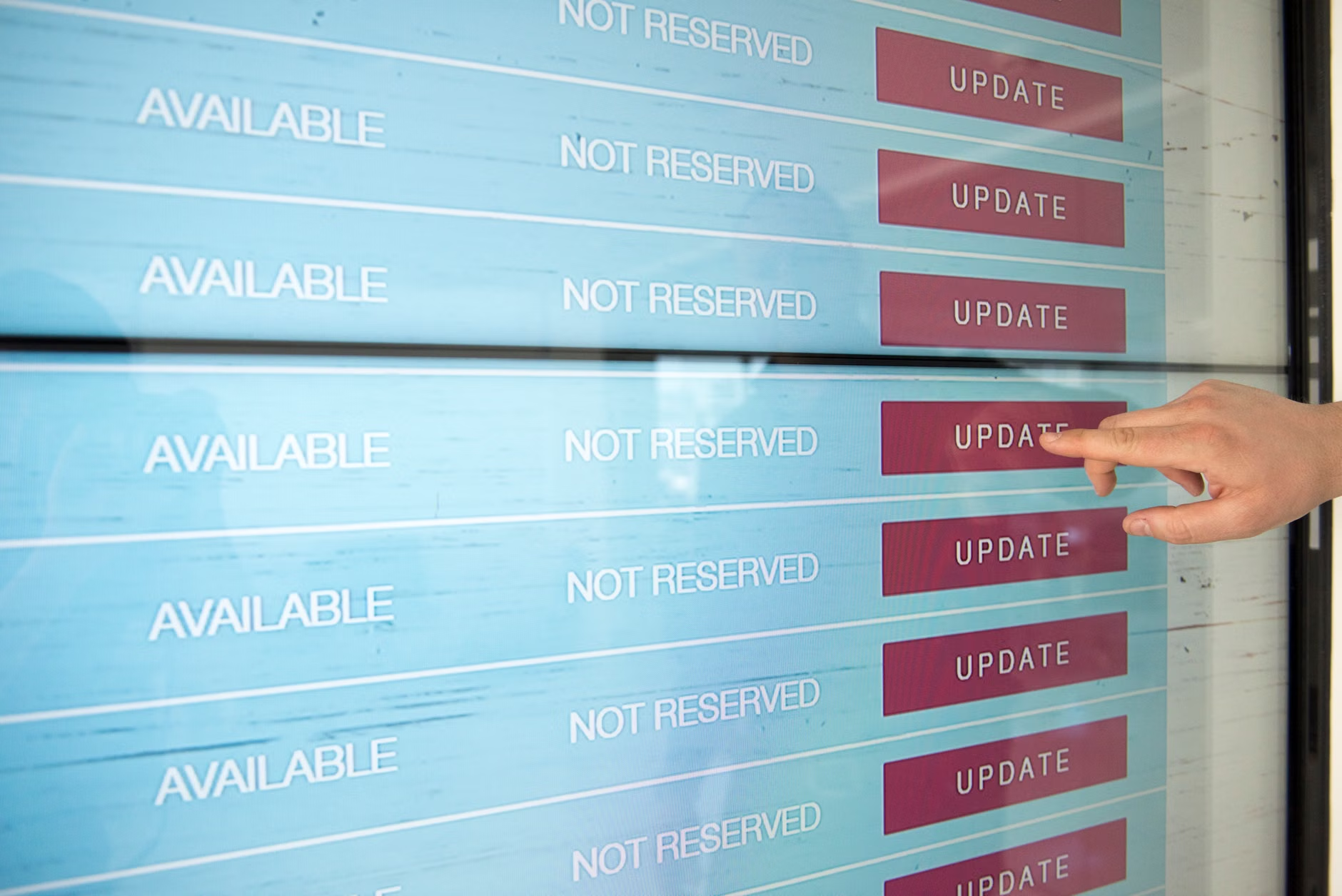
Design Standards for Older Users
The International Air Transport Association (IATA) and various national aviation authorities have updated their standards for 2026. These include:
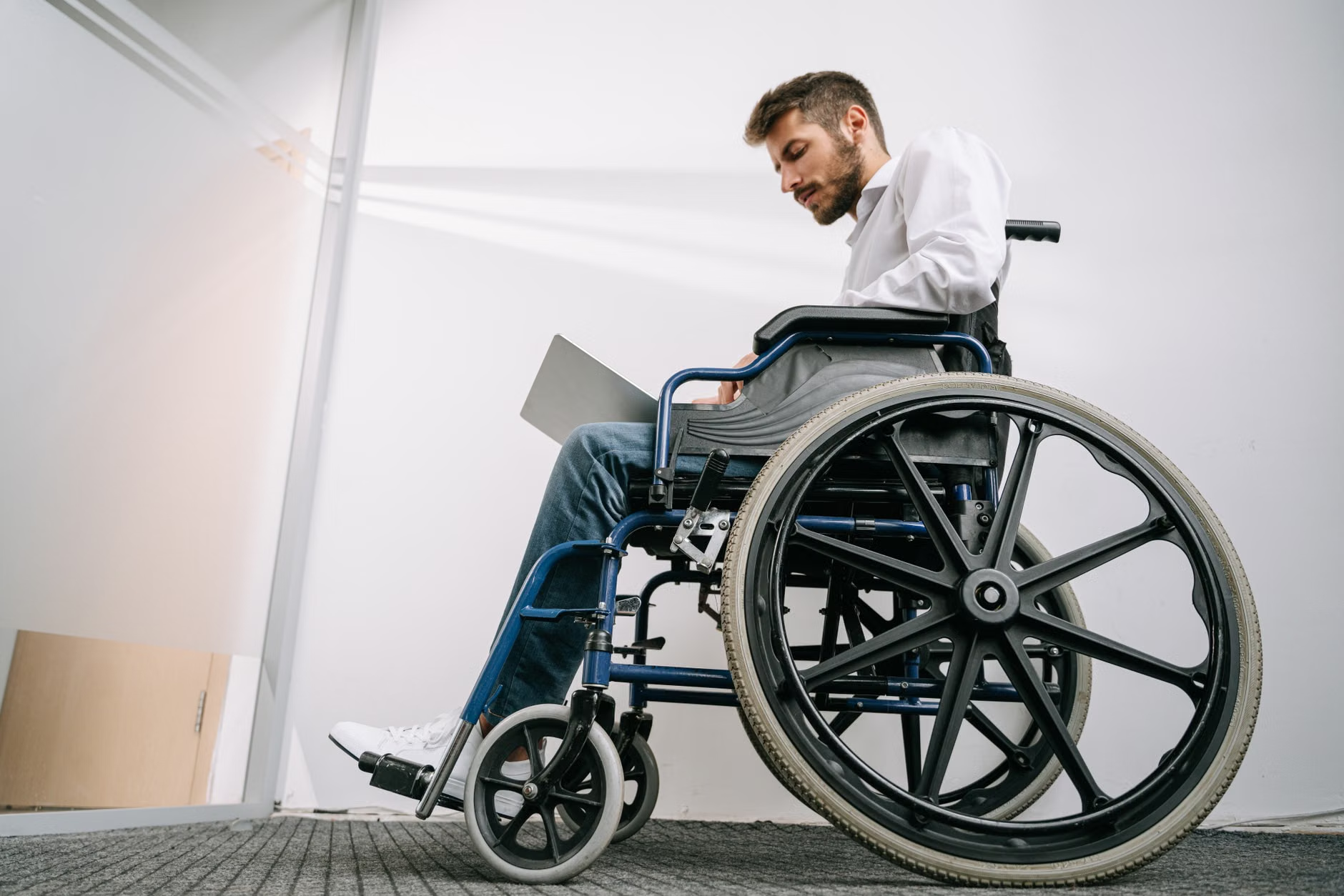
- Ergonomic Adjustability: Kiosks are now required to feature adjustable heights to accommodate travelers in wheelchairs or those who prefer to remain seated.
- High-Contrast Visuals: Screens utilize color palettes and font sizes specifically tested for users with presbyopia (age-related farsightedness) or mild visual impairments.
- Audio Assistance: Many units now include integrated headphone jacks or induction loops for hearing aid users to receive clear, step-by-step instructions.
Strategic Preparation: Before You Reach the Kiosk
The secret to a stress-free experience lies in what you do before you leave home. By “pre-loading” your data, you minimize the number of steps required at the physical kiosk.
Step-by-Step Pre-Travel Checklist
| Action | Why it helps |
|---|---|
| Update your passport photo | Ensures your biometric profile is current, reducing the chance of a “mismatch” error by the facial recognition software. |
| Use the official airline app | Many countries now allow you to input your passport details and travel itinerary days in advance. |
| Check your destination’s entry requirements | Some countries (like those in the EU or the US) require specific pre-authorization (e.g., ETIAS or ESTA) which must be linked to your passport before arrival. |
Even with the best technology, errors occur. Understanding these common “edge cases” can prevent unnecessary anxiety.
Common Mistake: Attempting to scan a passport that has been damaged or has a reflective cover. Always remove protective plastic or leather covers before approaching the scanner. If the machine fails to read your passport twice, do not keep trying. The system may lock you out for security reasons. Instead, calmly look for the “Assistance” button or signal a staff member.
The “Facial Recognition Mismatch”: Sometimes, the camera struggles with glasses, hats, or lighting. If the kiosk indicates a mismatch, remove your glasses or adjust your posture. If it still fails, the kiosk will typically route you to a manual inspection lane. This is not a sign of wrongdoing; it is simply a standard procedure for when technology cannot confirm identity.
Comparing Processing Options
Depending on your destination, you may have multiple ways to pass through border control. Understanding your options allows you to choose the path that best fits your stamina and comfort level.
| Option | Best For | Trade-off |
|---|---|---|
| Self-Service Kiosk | Those comfortable with technology; those wanting the shortest wait. | Requires standing/sitting at a machine; minor technical troubleshooting. |
| Assisted Lane | Travelers with limited mobility or those who prefer human interaction. | May have a longer wait time than the automated lanes. |
| Priority/Fast-Track | Travelers with physical limitations or those who have paid for premium services. | Often an additional cost; availability varies by airport. |
Choosing the Right Path for You
If you have limited stamina, prioritize the Assisted Lane. While it may seem counter-intuitive to avoid the “faster” kiosk, the assisted lane often provides more physical space, chairs, and the presence of staff who can assist with luggage or navigating through the terminal. If you are tech-confident, the Self-Service Kiosk is excellent, but always ensure you have a copy of your travel documents in paper form as a backup.
Hidden Inconveniences and Unexpected Trade-offs
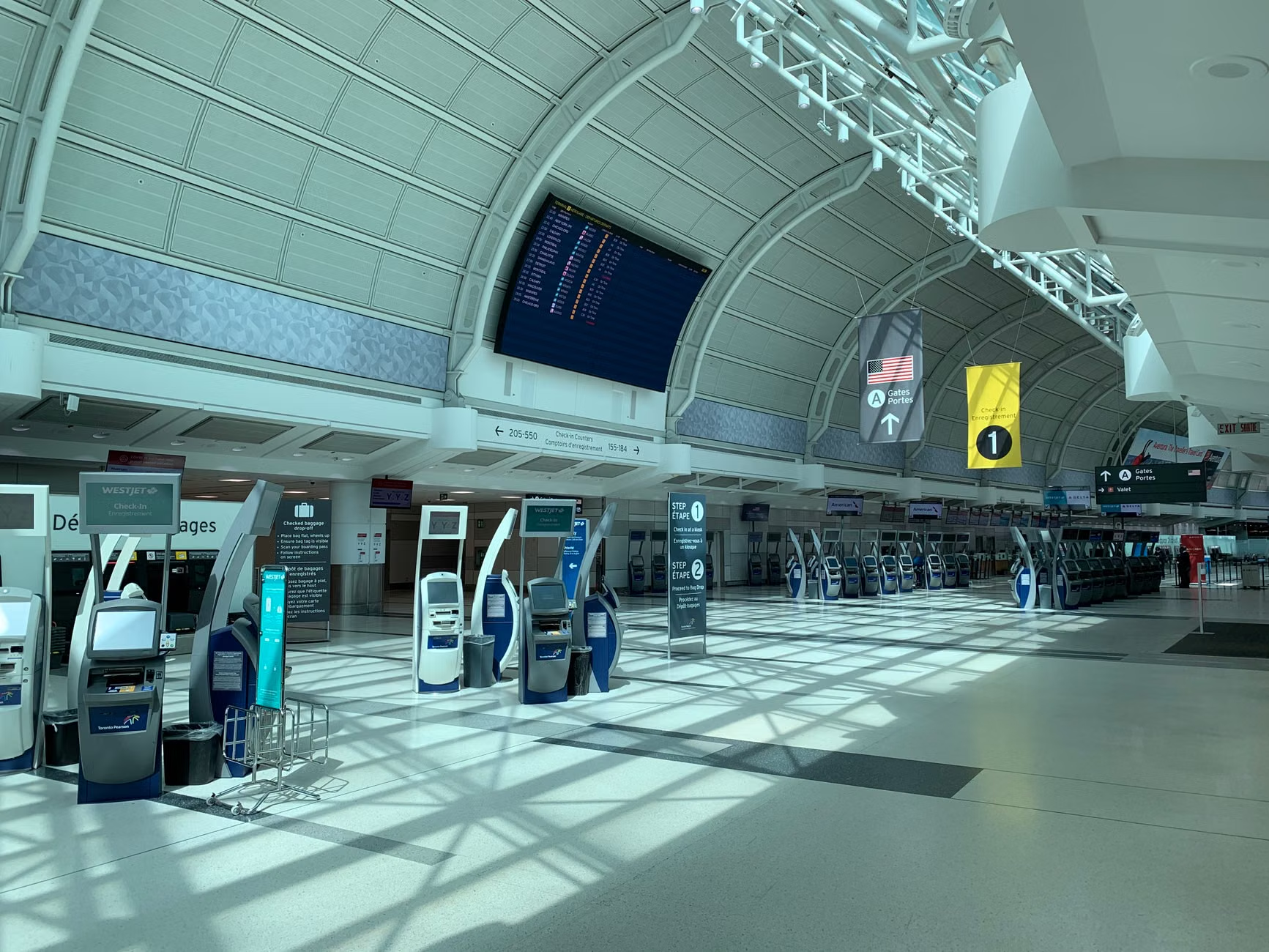
A frequently overlooked variable in 2026 is the “digital divide” within airports. While kiosks are efficient, they are often clustered in high-traffic areas with significant background noise. For travelers with sensory sensitivities or hearing impairments, this can be overwhelming. Furthermore, kiosks are often placed on hard floors that may be difficult for those using walkers or canes. Look for “Accessible Lane” signage, which is often located on the periphery of the main kiosk bank and provides more room for mobility aids.
Another trade-off is the loss of the “customs declaration” conversation. In the past, border officers might have provided information or local advice. Digital kiosks provide no such interaction. If you need information about local transit or health services upon arrival, look for the “Tourist Information” or “Airport Help Desk,” which are usually situated immediately after the baggage claim area, outside the secure border zone.
Health and Mobility Considerations
Travel is physically demanding, and the stress of navigating new technology can increase blood pressure or fatigue. If you have chronic health conditions, consider the following:
- Hydration and Medication: Keep your medications in your carry-on bag, not in checked luggage. Ensure you have access to water, as airport air is notoriously dry.
- Pacing: If you feel overwhelmed, step out of the line. The kiosk will still be there in ten minutes. Taking a break is better than pushing through exhaustion and potentially causing a fall or a medical incident.
- Requesting Assistance: Airlines are required to provide wheelchair assistance from the aircraft to the terminal exit. If you know you will struggle with the walking distance or the kiosks, book this service at least 48 hours before your flight.
Conclusion: Your Role in the Digital Travel Era
The 2026 landscape of digital passport kiosks is designed to facilitate, not complicate, your journey. By understanding the technology, preparing your documentation, and knowing when to ask for human assistance, you can maintain your independence while enjoying the benefits of modern travel. Remember that the technology is there to serve the traveler, not the other way around. If a system feels inaccessible or confusing, you are well within your rights to seek personal assistance. Your travel experience should be defined by your destination, not the hurdles you overcome to get there.
Frequently Asked Questions
1. What if my passport is not recognized by the kiosk?
Do not panic. If the machine fails to scan your passport after two attempts, it will automatically alert a border control officer. You will then be directed to a manual lane. Ensure your passport is clean, flat, and free of any covers or stickers that might obscure the machine-readable zone.
2. Can I use the digital kiosk if I have a physical disability?
Yes. In 2026, most international airports have implemented “Accessible Kiosks.” These units are lower to the ground, have wider clearance for wheelchairs, and offer features like audio-visual guidance for those with sensory impairments. If you are unsure, ask airport staff to direct you to the nearest accessible kiosk.
3. Should I still carry physical copies of my documents?
Absolutely. While digital systems are highly reliable, they can experience power outages, software glitches, or database connectivity issues. Always carry a physical passport, printed boarding pass, and any necessary health or visa documentation in a secure, easily accessible folder in your carry-on luggage.
For further information on air travel standards, you can visit the International Air Transport Association (IATA) website, which provides global guidelines for passenger accessibility and travel technology.