- Universal Design: By 2026, global library standards are shifting from “special accommodations” to “inclusive-by-default” digital interfaces, making navigation easier for those with visual or motor impairments.
- AI-Powered Assistance: New AI tools in libraries now provide real-time, voice-activated help for searching archives and managing digital library accounts, reducing the need for complex menu navigation.
- Remote Accessibility: Libraries are expanding beyond physical walls; high-quality digital lending and remote programming mean you can access library resources from home with the same support as in-person visits.
Public libraries are evolving rapidly as we enter 2026. They are no longer just repositories for physical books; they are your primary gateway to essential digital services, lifelong learning, and community connection. Understanding these shifts is crucial because libraries are increasingly becoming the designated hubs for accessing government benefits, digital health records, and social connectivity tools for adults aged 60 to 80.
The Shift Toward “Inclusive-by-Default” Digital Design
In previous years, digital accessibility was often an afterthought—a “bolt-on” feature for websites and apps. As of 2026, international standards are mandating that public digital services be built with universal design principles from the ground up. For older adults, this means that the digital portals you use to reserve books, attend virtual lectures, or download audiobooks are becoming significantly more intuitive.
What this looks like in practice: You will notice increased use of high-contrast color schemes, larger touch targets that accommodate varying levels of manual dexterity, and simplified, non-scrolling layouts that prevent disorientation. These changes are not designed for “seniors” specifically; they are designed for human beings across all age groups, meaning the interfaces are inherently more user-friendly for everyone.
Why it matters: When a digital service is difficult to navigate, it creates a “digital divide” that can discourage you from using resources you are entitled to. By standardizing these design elements, libraries are reducing the cognitive load required to perform simple tasks, allowing you to focus on the content rather than the technology.
Checklist: Assessing Your Library’s Digital Portal
If you are exploring your local library’s website, look for these three indicators of a modern, accessible service:
| Feature | What to Look For | Why It Helps |
|---|---|---|
| Text Scalability | Ability to increase font size without breaking the layout. | Prevents eye strain and allows for comfortable reading. |
| Voice Search | A microphone icon that allows you to speak your search query. | Eliminates the need for precise typing on small screens. |
| Logical Hierarchy | Clear, consistent menus that don’t change location on different pages. | Reduces the likelihood of getting “lost” in the website. |
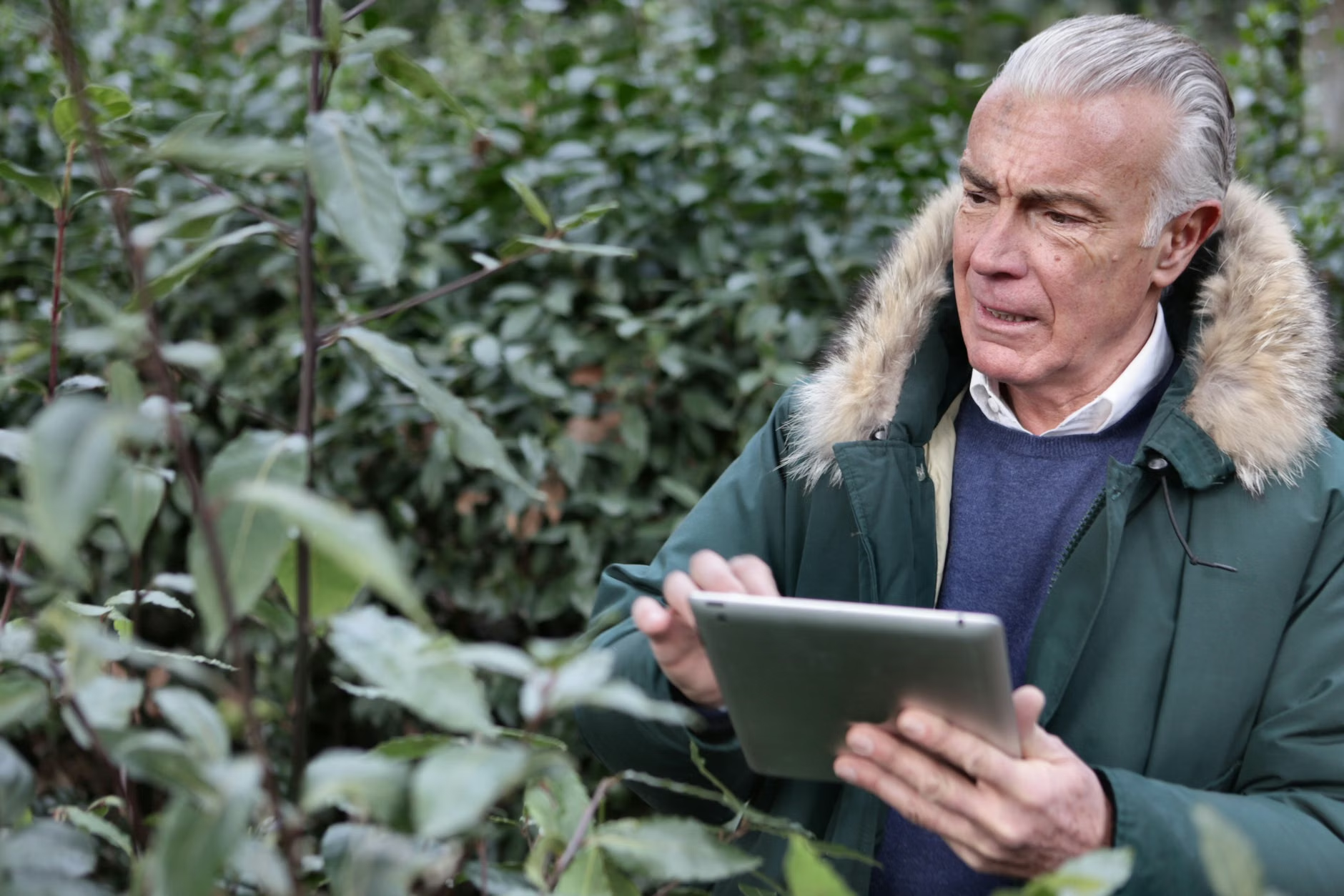
Artificial Intelligence (AI) has become a standard, helpful tool in the library environment as of 2026. You might worry that AI is “too complicated,” but the current implementation is focused on simplicity. Think of AI in the library as a tireless, patient research assistant who never gets tired of answering questions.
The Real-World Scenario: Imagine you are trying to find information on a specific local pension benefit or a historical document about your town. Instead of scrolling through dozens of pages of search results, you can now use a “Library Copilot.” You simply ask, “Where can I find the latest guidance on local transit subsidies?” and the system provides a direct, verified link to the official information, along with a summary of the most important points.
A Note on Safety: It is important to remember that while these AI assistants are helpful, they should be used to navigate to official government or library sources. Always verify that the information you are reading comes from a “.gov” or “.org” site associated with your local municipality or library system. Never share sensitive personal information like social security numbers or banking details with any chat interface, even if it is hosted on a library site.
Expanding Access: The Hybrid Library Model
The “Hybrid Library” is the defining trend of 2026. This model recognizes that while physical libraries are vital, many older adults value the ability to access services from the comfort and safety of their own homes. This is particularly relevant for those with mobility limitations or those living in areas where transportation to the library is difficult.
What is changing? Digital lending platforms (such as Libby or Hoopla, though these vary by country) have been upgraded to offer more than just e-books. You can now access:
- Virtual Community Classes: Live-streamed sessions on everything from digital photography to local history, with real-time chat functions to interact with the instructor.
- Remote Librarian Assistance: Through video calls, you can “meet” with a librarian who can share their screen to walk you through a specific task, such as setting up an e-reader or accessing a genealogy database.
- Accessible Digital Archives: Local history collections that were once locked away in physical basements are now digitized and searchable, allowing you to explore your community’s past without needing to visit in person.
How to Take Advantage of These Services
To benefit from these changes, you don’t need to be a “tech expert.” You just need a strategy for engagement. Here is a practical approach to getting the most out of your library in 2026:
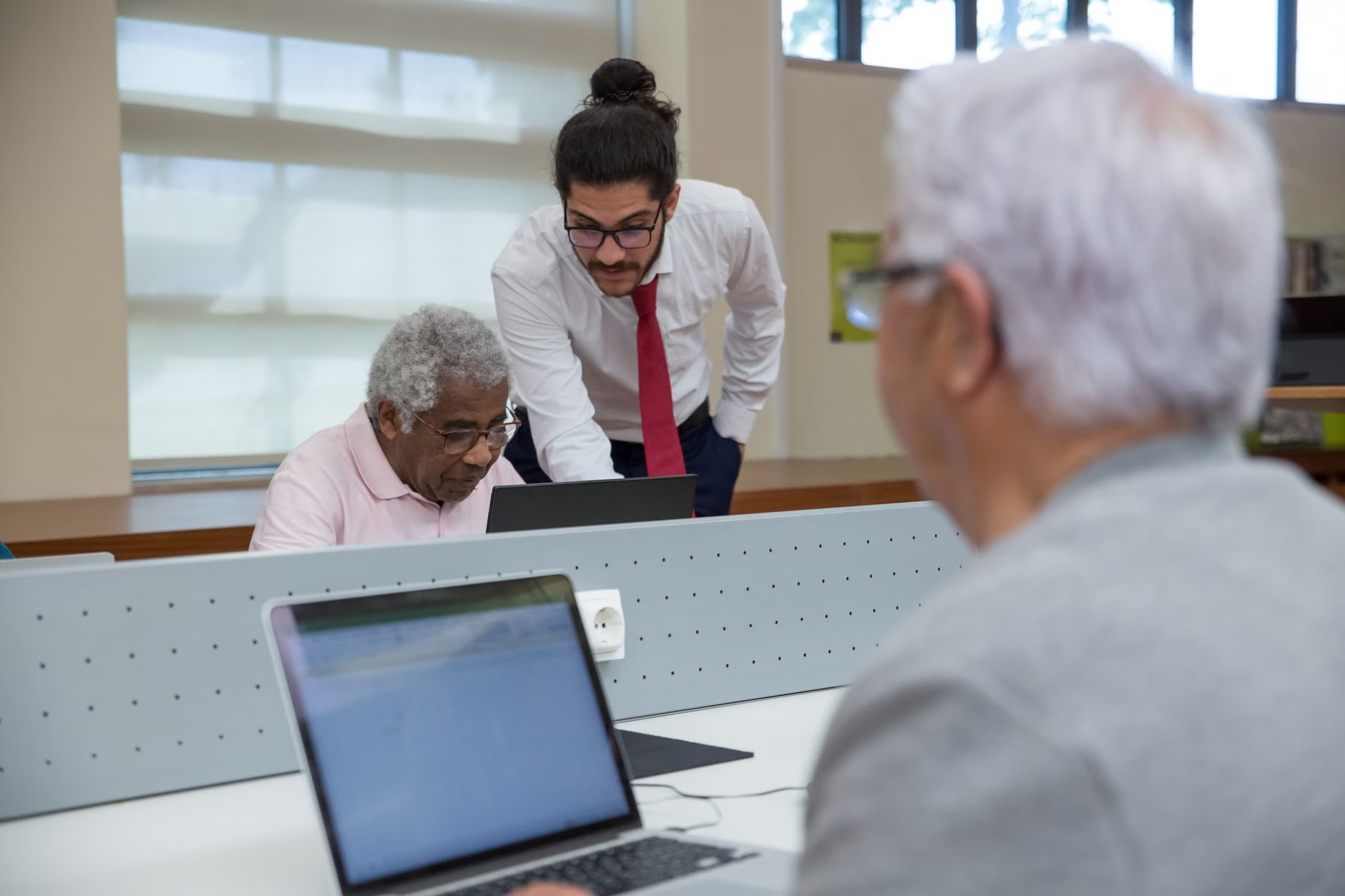
- Schedule a “Tech Orientation”: Almost all modern public libraries now offer one-on-one sessions where a staff member can help you sync your personal device (phone, tablet, or laptop) with the library’s digital network. This is the single most effective step you can take.
- Focus on One Platform at a Time: Don’t try to learn everything at once. Start by mastering one digital lending app for books or audiobooks. Once you are comfortable, move on to the research databases or the virtual event calendar.
- Keep a “Digital Passport”: Create a simple, physical notebook where you keep your library card number, PIN, and any login details for your library accounts. Keep this in a secure place at home.
The Hidden Inconvenience: One issue that often arises is “platform fragmentation.” Some libraries use multiple different apps for different services (e.g., one for books, another for magazines, and a third for video). If you find this confusing, ask a librarian to help you consolidate your usage to the one or two platforms that cover the most ground for your interests.
As libraries move more services online, your digital footprint within these systems grows. While public libraries are generally highly secure and prioritize user privacy, it is always wise to practice “digital hygiene.”
What you can do:
- Use Strong, Unique Passwords: Do not use the same password for your library account as you do for your email or banking.
- Clear Your Browser History: If you use a public computer at the library, always log out of your accounts and clear the browser history before you leave the terminal.
- Be Skeptical of Third-Party Links: Even if a link appears on a library’s recommended list, check the URL. If it looks suspicious or asks for personal information you wouldn’t typically provide to a library, step back and ask a staff member to verify it.

Global Variations in Library Services
It is important to note that these trends are not applied uniformly across the globe. In countries with robust public funding for digital infrastructure, such as those in Scandinavia or parts of North America, these features are often fully integrated. In other regions, the digital transition may be happening more slowly.
If you live in a country where these digital services are not yet advanced, you can still advocate for them. Speak to your local library director about the importance of accessible digital interfaces. Libraries are public institutions, and they are responsive to the needs of their patrons. By voicing your interest in digital accessibility, you contribute to the momentum that drives these improvements.
Conclusion: The Library as a Lifelong Companion
The role of the public library in 2026 is to ensure that no one is left behind in an increasingly digital world. By embracing these new tools—from AI assistants to remote access portals—you can maintain your independence, stay connected to your community, and continue your lifelong journey of learning. The technology is there to serve you, not the other way around. Don’t be afraid to ask for help; the modern librarian is as much a digital guide as they are a keeper of books.
Your next step is simple: Visit your local library’s website or drop by in person this week. Ask them specifically about their “digital accessibility features” or their “remote learning programs.” You might be surprised at just how much is available to you, often for free, right at your fingertips.
Frequently Asked Questions
1. Do I need to buy new equipment to use these library services?
In most cases, no. Most modern library digital services are designed to work on standard smartphones, tablets, and computers that you likely already own. If you are having trouble, the library can often help you troubleshoot your existing device or provide access to their own, which are frequently equipped with accessibility software.
2. Are these library services free of charge?
Yes, the vast majority of public library digital services, including e-books, audiobooks, and access to online courses and databases, are free with a library card. If you encounter a paywall, it is possible you are not logged in through the library’s specific portal, or the resource is not part of their current collection.
3. What if I am not comfortable with technology?
You are not alone. Libraries are increasingly focusing on “digital literacy” programs specifically for older adults. These are not fast-paced, jargon-heavy classes; they are slow, patient, hands-on workshops designed to build your confidence one small step at a time. Ask your local library for their current schedule of tech-help sessions.
For further reading on global library standards, you may wish to consult the International Federation of Library Associations and Institutions (IFLA), which provides ongoing updates on library accessibility and digital inclusion policies.