- Digital mosaic design serves as a “cognitive gym,” stimulating pattern recognition, spatial reasoning, and fine motor skills in a low-stress environment.
- Success in digital art for beginners relies on choosing intuitive, grid-based software rather than complex professional design suites.
- The practice fosters “flow state,” a psychological condition that reduces anxiety and improves focus by balancing task difficulty with personal skill levels.
Understanding the Cognitive Appeal of Digital Mosaics
Learning a new skill in your 60s, 70s, or beyond is one of the most effective ways to maintain neuroplasticity—the brain’s ability to reorganize itself by forming new neural connections. Digital mosaic design offers a unique intersection of artistic expression and structured logical problem-solving. Unlike freehand drawing, which can feel daunting to those who believe they lack “artistic talent,” mosaic design relies on a grid system. This structure provides a comforting scaffold for the mind, allowing you to focus on color theory, symmetry, and composition without the pressure of a blank canvas.
Cognitively, working with mosaics—whether physical or digital—requires constant decision-making. You must evaluate the size, shape, and color of each “tessera” (the individual tile) and determine how it fits into the broader visual narrative. This involves high-level visual-spatial processing. When you move this process to a digital format, you add a layer of technological literacy. You are not just making art; you are navigating software, managing files, and mastering touch-screen or mouse interactions, all of which reinforce cognitive resilience.
Choosing the Right Tools for Your Comfort Level
The barrier to entry for digital art has dropped significantly. However, the sheer number of applications available can be overwhelming. For the beginner, the goal is to find software that prioritizes a “low-friction” experience. You want tools that allow you to start creating within minutes, not after hours of reading manuals.
Recommended Categories of Software
| Software Type | Best For | Learning Curve |
|---|---|---|
| Grid-Based Mosaic Apps | Beginners who enjoy structured, puzzle-like design. | Very Low |
| Vector Design Tools | Those interested in clean lines and professional-grade scaling. | Moderate |
| Pixel Art Apps | Artists who want to experiment with retro-style, blocky aesthetics. | Low |
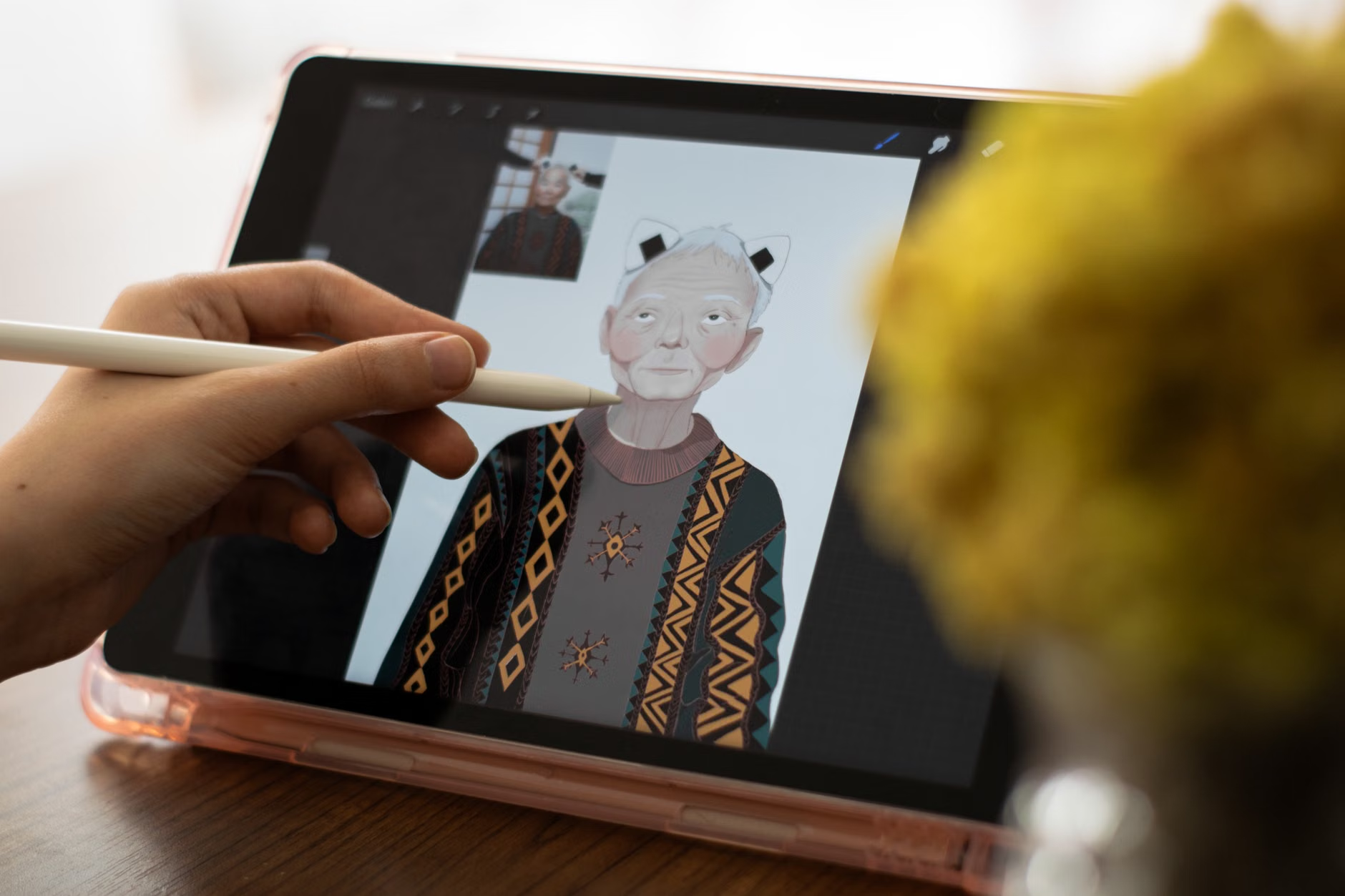
Decision Criteria: If you have limited experience with computers, start with Grid-Based Mosaic Apps. These often feature “snap-to-grid” functions that automatically align your tiles, preventing the frustration of misaligned elements. If you are comfortable with tablets and enjoy precision, Pixel Art Apps offer a fantastic way to practice detail-oriented work without needing to learn complex layers or masking tools.
Step-by-Step: Your First Digital Mosaic Project
To begin your journey, follow this structured approach. This methodology is designed to minimize overwhelm and maximize the sense of accomplishment.
- Define Your Scope: Start with a small canvas size. A 20×20 grid is more than enough for a first project. Small projects ensure you finish within a single session, providing an immediate sense of reward.
- Select a Palette: Limit yourself to three primary colors plus one neutral color (like white, grey, or black). Limiting your palette prevents “choice paralysis,” a common hurdle when software offers thousands of color variations.
- Establish a Focal Point: Decide on a simple shape—a circle, a heart, or a geometric star. Place this in the center of your grid first.
- Fill the Background: Once the focal point is set, work outward. This “inside-out” method helps you manage the space effectively.
- Review and Refine: Digital design allows for an “Undo” command. Use it! Unlike physical art, you can experiment with color placement without the risk of ruining your work.
The Science of “Flow” and Mental Wellbeing
Psychologist Mihaly Csikszentmihalyi coined the term “flow” to describe a state of deep absorption where one loses track of time. In the context of digital mosaic design, flow is achieved when the challenge of the design matches your current skill level. When you are focused on placing tiles, your brain enters a meditative state. This state is known to lower cortisol levels, the hormone associated with stress.
For older adults, this is particularly beneficial. It provides a healthy distraction from the stressors of daily life, such as health management or household responsibilities. Furthermore, the act of creating something tangible—even if it exists only in digital form—fosters a sense of agency. You are the architect of the image; you control the outcome. This is a powerful antidote to the feelings of loss of control that can sometimes accompany aging.
Common Pitfalls and How to Avoid Them
Even with simple software, beginners often encounter specific frustrations. Recognizing these ahead of time can save you significant effort.
- Magnification Issues: Beginners often try to design on a tiny screen without zooming in. Always use the “pinch-to-zoom” feature. Working on a zoomed-in section allows you to be precise without straining your eyes.
- Over-Complication: The most common mistake is trying to create a realistic portrait or a complex landscape as a first project. Start with abstract patterns. Abstract art is inherently forgiving; there is no “wrong” place for a tile.
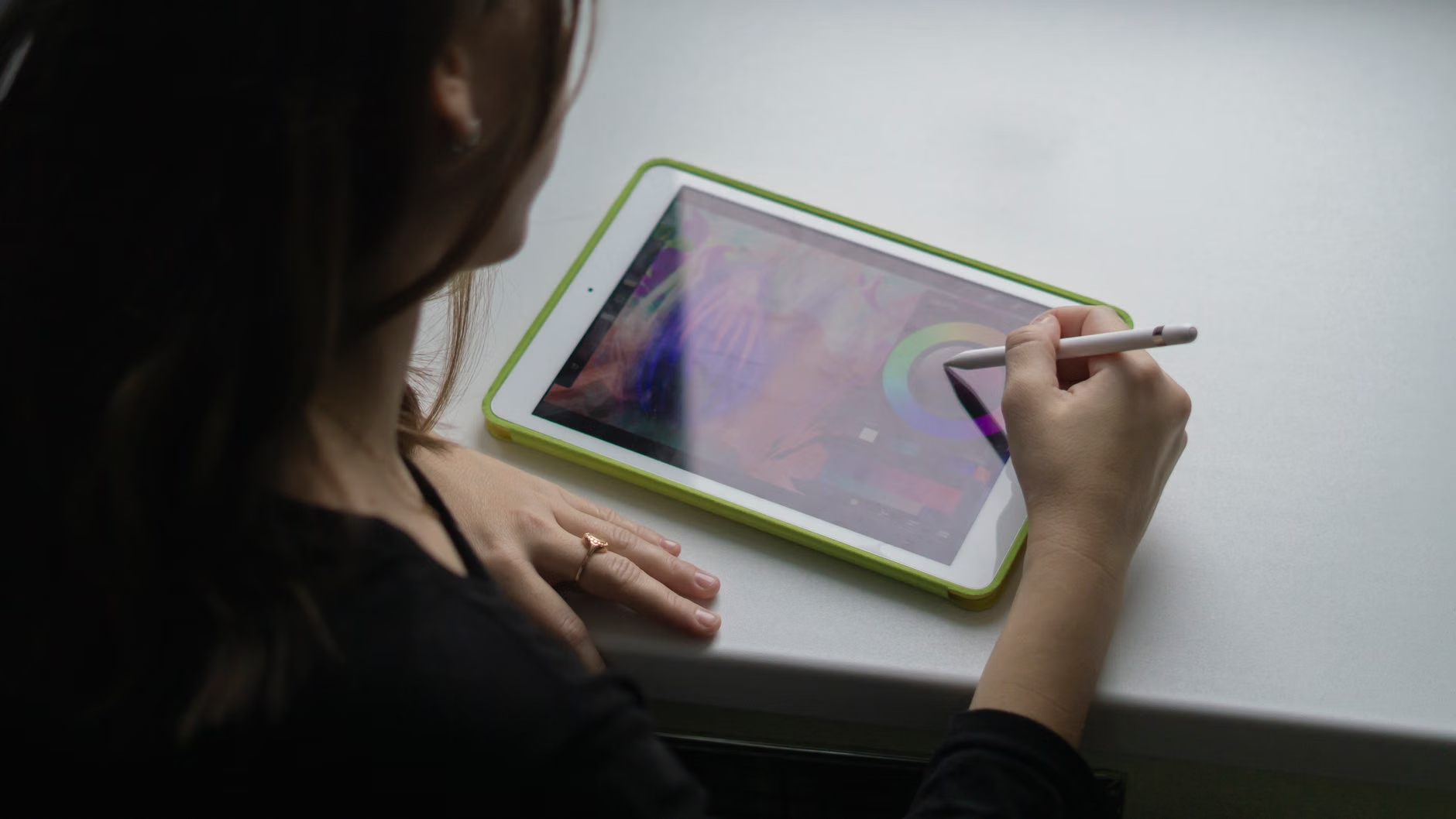
- Ignoring Ergonomics: Whether you use a mouse or a stylus, ensure your wrist is supported. If using a tablet, prop it up on a stand so you are not looking down at a sharp angle for long periods. This prevents neck strain and ensures you can enjoy your hobby for longer sessions.
Integrating Technology into Your Daily Routine
To turn this into a sustainable hobby, incorporate it into your existing daily structure. Instead of viewing it as a “task” to be completed, treat it as a “brain break.” Perhaps spend 20 minutes after lunch or before your evening reading session working on your design. Consistency is more important than duration. Even 15 minutes of daily practice will result in significant progress over a month.
If you have family members who are interested, consider a “collaborative design” session. Many digital platforms allow you to share your work-in-progress. Sharing your design with a grandchild or a friend can turn a solitary hobby into a social bridge, fostering connections across generations through shared creative interests.

Advanced Techniques: Moving Beyond the Basics
Once you have mastered the grid, you might want to experiment with more advanced concepts. These are not necessary for enjoyment but can keep the hobby fresh as your skills grow.
Understanding Negative Space
In mosaic art, the “grout” or the space between tiles is just as important as the tiles themselves. Experiment with changing the color of your background. If your tiles are bright, a dark background will make them “pop.” If your tiles are earthy, a white background might provide a cleaner, more modern look. Playing with this “negative space” changes the entire mood of the piece.
Layering and Transparency
Most digital design software supports “layers.” Think of layers like sheets of clear plastic stacked on top of each other. You can place a base pattern on the bottom layer and add details or highlights on a top layer. This allows you to experiment with complex designs without the fear of deleting your underlying work. If you make a mistake on the top layer, you can simply delete that layer without affecting the rest of the mosaic.
Reflecting on the Cognitive Benefits
The primary value of digital mosaic design is not the final product, but the process of creation itself. By engaging in this hobby, you are training your brain to sustain attention, navigate digital interfaces, and solve spatial problems. These are vital skills for maintaining cognitive health. Furthermore, the sense of accomplishment you feel when you complete a piece—no matter how simple—is a powerful positive reinforcement that encourages continued engagement with technology.
Remember that you do not need to be a “tech expert” to enjoy digital art. The tools are designed to facilitate your creativity, not to test your technical aptitude. Start simple, be patient with yourself, and focus on the pleasure of the process. Whether you are creating a vibrant geometric pattern or a soothing monochromatic design, you are actively participating in the preservation and expansion of your own cognitive capabilities.
Frequently Asked Questions
1. Do I need an expensive tablet or computer to start designing digital mosaics?
No. Most basic mosaic design apps run perfectly on entry-level tablets or even smartphones. You do not need professional-grade hardware. Start with the device you already own to see if you enjoy the process before considering any upgrades.
2. I am worried about eye strain. How can I mitigate this while designing?
Follow the 20-20-20 rule: every 20 minutes, look at something 20 feet away for at least 20 seconds. Additionally, ensure your environment is well-lit, and adjust the brightness of your screen to match the ambient light of your room. Avoid using the device in a completely dark room, as the high contrast between the screen and the surroundings can cause fatigue.
3. Where can I find inspiration for my first mosaic designs?
Look at traditional architectural tiles, historical quilt patterns, or even the patterns in your garden. Nature is full of geometric repetition—leaves, petals, and stone formations are excellent starting points for abstract mosaic designs. You can also search online image galleries for “geometric patterns” or “tessellation art” to spark ideas.
For further reading on maintaining cognitive health through creative activities, you may visit the National Institute on Aging (NIA) website, which offers evidence-based guidance on healthy aging and lifestyle habits.