Key Takeaways for 2026 Banking Kiosks
- Enhanced Accessibility: By 2026, global banking standards now mandate height-adjustable, voice-guided, and high-contrast interfaces, making independent banking easier for those with visual or mobility impairments.
- Prioritizing Physical Security: New kiosks integrate multi-factor biometric authentication, such as palm vein scanning or secure proximity tokens, replacing vulnerable PIN-only systems.
- Hybrid Support Models: If you encounter a problem, modern kiosks offer “Remote Human Assist” buttons, connecting you instantly to a live, trained agent via secure video rather than forcing you to abandon the transaction.
As we move into 2026, the global landscape of banking is undergoing a significant shift toward digital self-service. For many adults aged 60 to 80, this transition has often felt daunting. However, the latest generation of banking kiosks is designed specifically with age-inclusivity in mind. The focus is no longer just on “going digital,” but on ensuring that every individual, regardless of their comfort level with technology, can manage their finances securely and independently.
The Evolution of Kiosk Design: Why 2026 is Different
In previous years, banking kiosks were often criticized for being “one-size-fits-all.” They were frequently placed too high, featured glare-prone screens, or used complex jargon that made simple transactions difficult. The 2026 standard, driven by international accessibility guidelines like the Web Content Accessibility Guidelines (WCAG) 3.0 and regional mandates (such as the European Accessibility Act), has forced a change in hardware and software design.
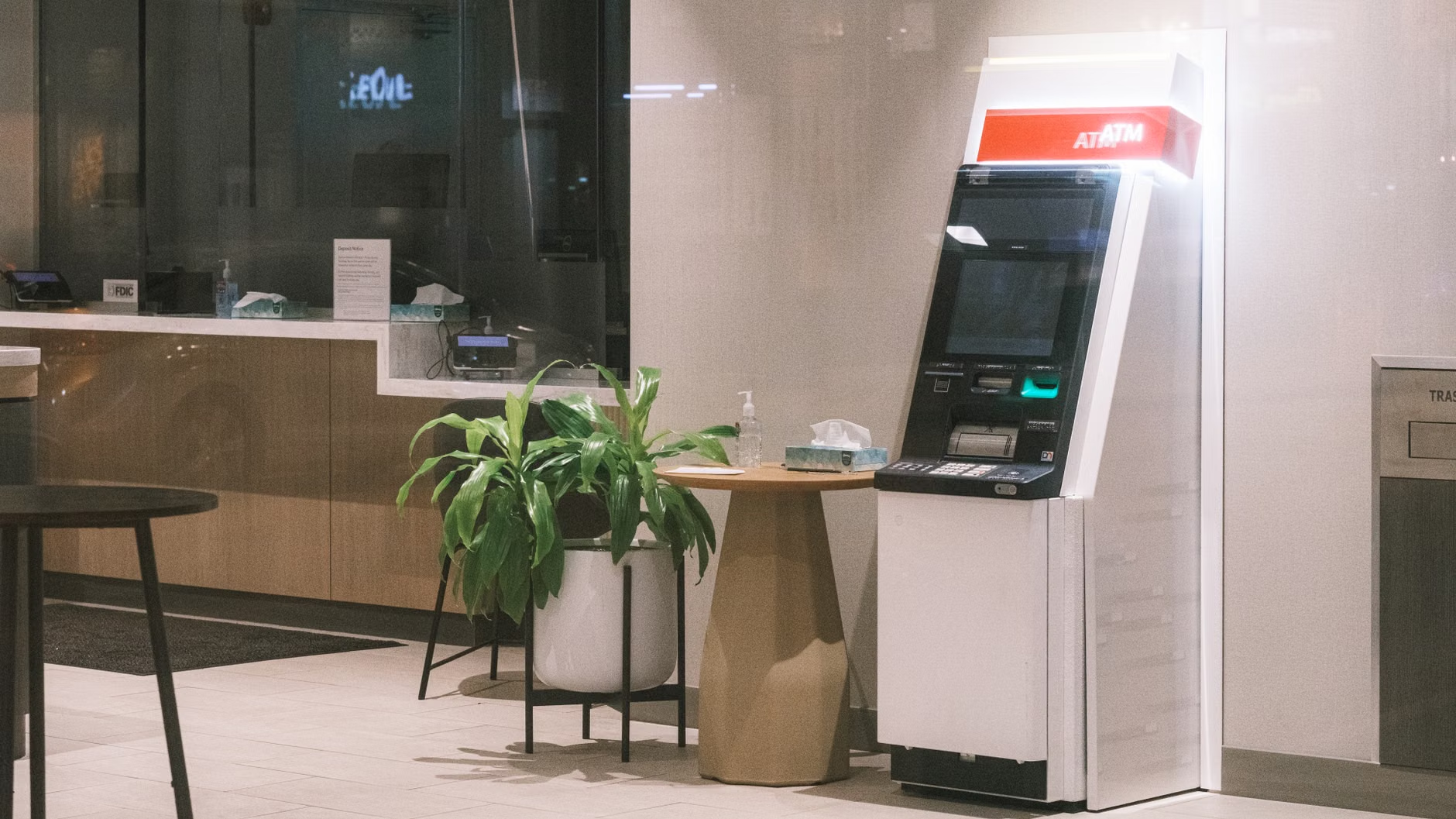
What it looks like today: You will notice that modern kiosks are now modular. They can be adjusted for height, allowing you to interact with the screen whether you are sitting in a wheelchair or standing. The screens are now matte-finished to reduce light reflection, and the touch sensors are calibrated to respond to lighter, more deliberate contact, reducing the frustration of “missed taps.”
Key Hardware Improvements
| Feature | Benefit for Seniors |
|---|---|
| Matte, Non-Glare Screens | Reduces eye strain and improves visibility in bright bank branches. |
| Adjustable Height Consoles | Ensures ergonomic comfort for those with back issues or limited mobility. |
| Tactile Keypads | Provides physical feedback, essential for those with reduced tactile sensitivity. |
| Privacy Shrouds | Protects your financial information from onlookers during transactions. |
These improvements are not merely aesthetic; they are functional requirements designed to keep you in control of your financial life. When you visit a bank, you should look for these features. If a kiosk does not offer an adjustable screen or lacks tactile feedback, it may be an older model, and you are well within your rights to request assistance from a staff member.

Security Measures: Protecting Your Assets in a Digital World
A primary concern for older adults regarding digital banking is security. It is natural to be cautious about moving money through a machine. The 2026 standard for banking kiosks prioritizes “multi-layered security” that is easier for the user but harder for criminals to bypass.
Understanding Biometric Authentication: Many kiosks now use palm vein scanning or facial recognition as a secondary check. These methods are significantly more secure than a simple four-digit PIN, which can be observed or guessed. Palm vein scanning, in particular, is highly reliable because it measures the unique pattern of your blood vessels inside your hand, which remains constant even as skin texture changes with age.
Practical Steps for Secure Kiosk Usage:
- Verify the Environment: Ensure the kiosk is located inside a well-lit, official branch or a verified, secure vestibule. Avoid kiosks in high-traffic, unsupervised public areas if you are conducting high-value transactions.
- Use Privacy Filters: If the kiosk has a privacy screen, ensure it is positioned correctly. If you feel exposed, stand closer to the machine to block the view of others.
- Check for Tampering: Before inserting a card, briefly inspect the card slot. If it looks loose or appears to have been glued or altered, do not use it. Report it to the branch staff immediately.
- The “Human-in-the-Loop” Check: If you feel uncertain, the safest option is to locate a kiosk with a “Live Help” button. This connects you to a secure video call with a bank representative who can guide you through the process in real-time.
A note on hidden risks: Many users mistakenly believe that “faster is better.” In digital banking, speed can lead to errors. Always take your time. If a machine asks you to confirm a transaction, read the amount and the recipient details twice. There is no penalty for taking an extra minute to verify your input.
The biggest hurdle in digital adoption is often the “interface logic”—how the machine expects you to navigate. In 2026, the industry is moving toward “Natural Language Processing” (NLP) in kiosks. Instead of clicking through five different menus to find “Transfer Funds,” you can simply tap a microphone icon and say, “I need to transfer money to my savings account.”
Why this matters: This reduces the cognitive load required to navigate complex menus. You no longer need to memorize the location of buttons. However, always ensure you are in a quiet zone when using voice-activated features to maintain privacy.
Common Misconceptions about Digital Banking:
- “The machine will keep my money if I make a mistake.” Actually, most modern banking software is designed to prevent “irreversible” errors. If you enter an invalid account number, the system will highlight the error in red and prevent the transaction from proceeding.
- “I have to use the kiosk for everything.” Digital kiosks are tools, not mandates. If you prefer to speak to a teller, you can still do so. Many banks now use a “Concierge Model” where a staff member meets you at the kiosk to help you start, then steps away once you are comfortable.
Preparing for Your Visit: A Checklist for Success
To make your banking experience efficient and stress-free, preparation is key. Regardless of your technical confidence, having your materials ready helps you stay focused.
- Documentation: Bring your physical debit card, a valid photo ID, and, if applicable, your account number written on a piece of paper (keep this stored securely).
- Symptom/Query Log: If you are visiting the bank to discuss a specific issue (e.g., a suspicious charge or a change in your pension deposit), write down your questions beforehand. It is easy to forget details when you are in a new environment.
- Stamina and Pacing: If you have mobility issues, check the bank’s website for “Accessibility Features.” Many banks now provide information on whether their branches have seating near the kiosks or if they offer priority service for seniors.
When to seek human assistance: Do not feel pressured to “figure it out” if you are struggling. The following are clear signs that you should stop the digital transaction and ask for a human representative:
- The screen freezes for more than 30 seconds.
- The machine requests information you do not recognize (e.g., “Enter your social security number” for a standard withdrawal).
- You feel overwhelmed or physically uncomfortable standing for the duration of the task.
The Future of Financial Independence
The goal of these 2026 advancements is not to replace human interaction but to provide you with the autonomy to handle routine tasks on your own schedule. Whether it is paying a utility bill or checking your balance, these kiosks are becoming an extension of your own capability.
As you encounter these machines, remember that you are the customer. The interface should adapt to you, not the other way around. If you find a particular kiosk difficult to use, provide feedback to the bank. Financial institutions are increasingly sensitive to the needs of their older demographic because, globally, this segment represents a significant portion of their customer base. Your feedback directly influences the design of future updates.
For further information on digital accessibility standards, you may refer to the Web Accessibility Initiative (WAI) guidelines, which provide the framework that banks are currently using to improve these services globally. Staying informed about these standards can help you understand what you should expect from your local service providers.
Frequently Asked Questions
1. Are these kiosks safer than using a standard ATM?
Yes, in most cases. Modern kiosks are usually located inside bank branches, which provides a higher level of physical security and surveillance than outdoor, standalone ATMs. They also feature more advanced encryption and biometric authentication methods.
2. What should I do if the kiosk malfunctions while my card is inside?
Stay at the machine and press the “Emergency Assistance” or “Call Staff” button. Do not leave the machine. If the bank is closed, use the phone number provided on the kiosk’s frame to call the bank’s 24-hour customer support line immediately.
3. Can I use these kiosks if I have arthritis or limited grip strength?
Yes. The 2026 design standards prioritize “low-force” interaction. Many machines now allow for voice commands, and some offer large-button touch interfaces that require minimal pressure to activate. If you find one that is difficult to use, do not hesitate to ask a staff member for assistance; they are trained to support customers with specific accessibility needs.