Key Takeaways for Voice-Activated Home Safety
- Voice control is now a primary safety tool: By 2026, voice-activated systems have evolved from simple timers to integrated emergency response hubs that can detect falls and contact help automatically.
- Prioritize local processing for privacy: Choose devices that prioritize “edge computing”—processing voice commands on the device itself rather than in the cloud—to enhance both security and response speed.
- Layer your safety systems: Never rely on a single device; combine voice-activated hubs with physical fall-detection sensors and traditional alarm systems for a truly resilient home environment.
As we move through 2026, voice-activated technology has shifted from a novelty to a cornerstone of independent living. For adults aged 60 to 80, the ability to control lights, locks, and emergency alerts through simple vocal commands offers a significant boost to daily autonomy and safety. This guide explores the current state of these technologies and how you can implement them to create a more responsive, secure home environment.
The Evolution of Voice-Activated Safety Systems
Voice-activated home safety in 2026 is defined by “context-aware” intelligence. Unlike the systems of a few years ago, which required rigid, specific phrasing, modern AI-driven hubs understand natural language and, more importantly, context. If you say, “I’ve had a fall,” the system no longer needs a confirmation loop; it recognizes the urgency and initiates a pre-set safety protocol.
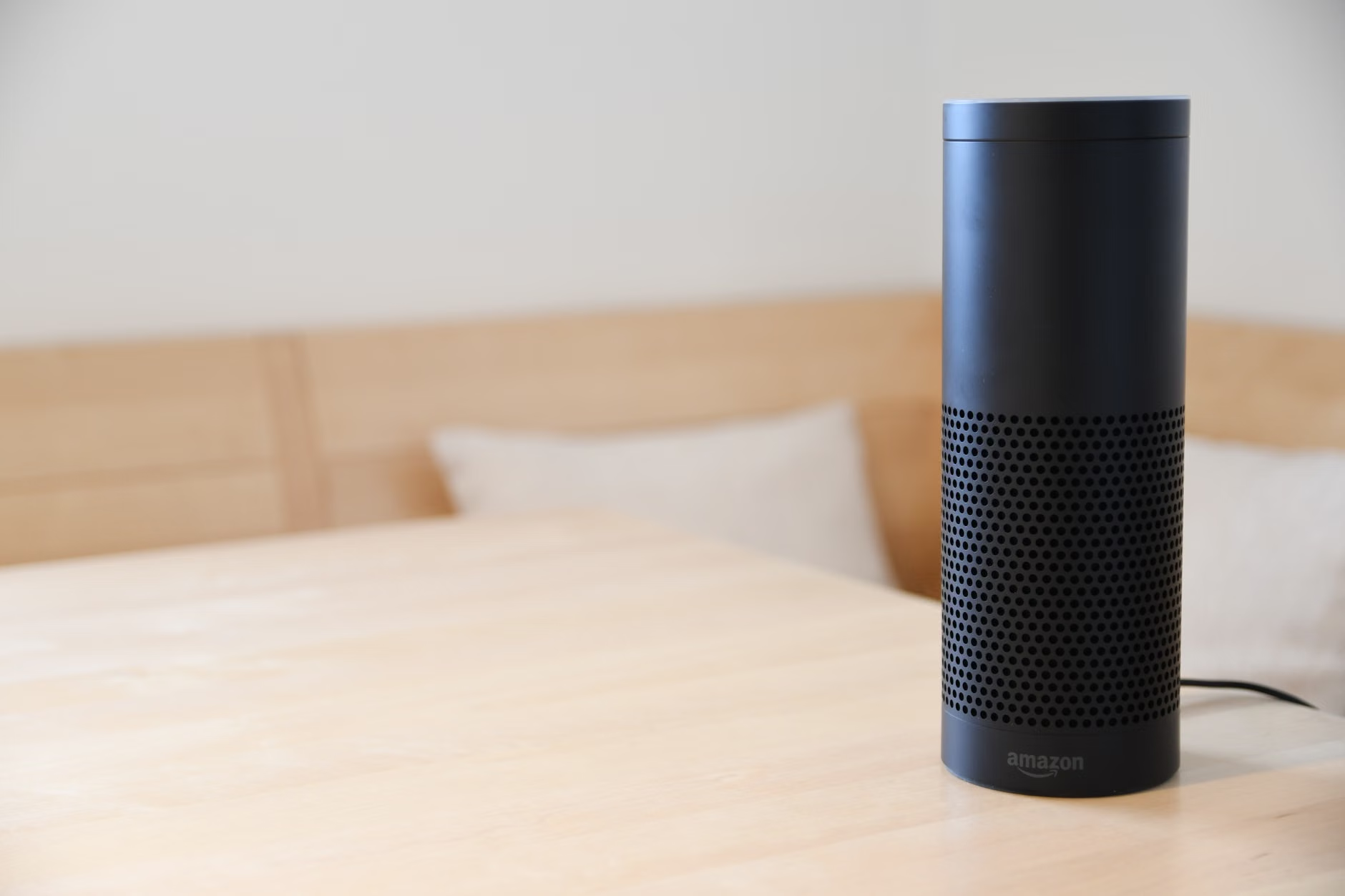
Why does this matter? For many older adults, the biggest hurdle in an emergency is reaching a phone or pressing a wearable button. If a fall occurs while one is not wearing their alert pendant, voice-activated systems act as a fail-safe. By placing these hubs in key areas—the bedroom, the bathroom, and the kitchen—you create a “safety net” that is always listening, but never intrusive.
Understanding “Edge Computing” in Home Safety
In 2026, the industry standard for privacy is Local Voice Processing. This means your voice commands are processed within the device in your home rather than being sent to a remote server. This is critical for two reasons:
- Latency: Commands happen instantly, which is vital in panic situations.
- Privacy: Your personal habits and conversations remain within your four walls, reducing the risk of data breaches.
Practical Implementation: Where to Start
Integrating voice technology doesn’t require a complete home renovation. It is best approached as a series of small, manageable upgrades. Start by identifying the areas where you spend the most time and where the risk of accidents is highest.
1. Lighting and Mobility
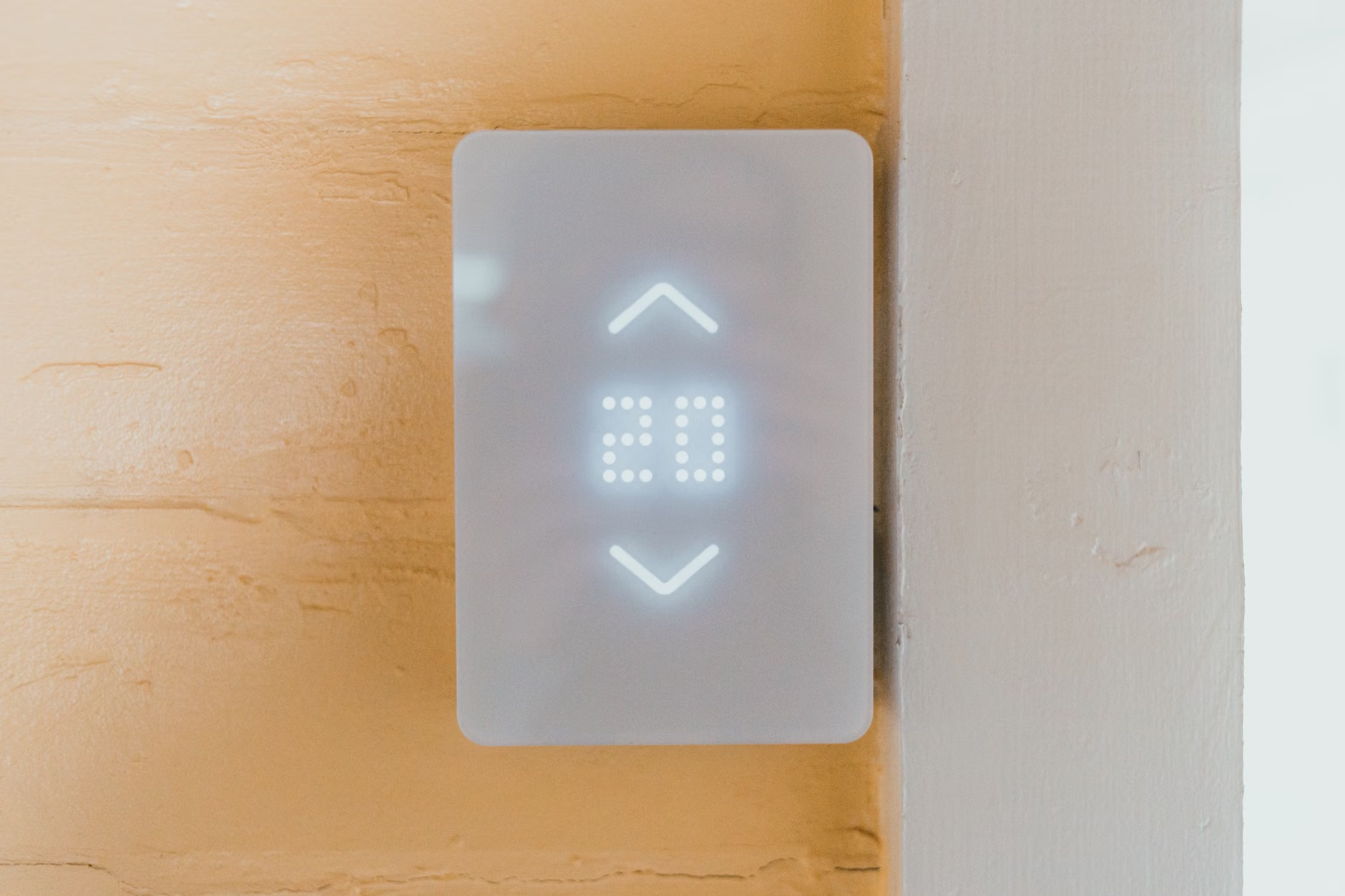
The most common cause of indoor accidents is tripping in the dark. By 2026, voice-controlled lighting systems have become highly reliable. You can set up “scenes” that respond to simple commands. For example, saying “Goodnight” can automatically turn off all lights, lock the front door, and lower the thermostat.
Common Mistake: Relying on Wi-Fi-only bulbs that become unresponsive if the internet goes down. Always choose devices that support “Zigbee” or “Matter” protocols, which allow your devices to communicate directly with each other even if your home internet connection experiences a temporary outage.

2. Security and Access Control
Managing home access is another area where voice activation shines. Smart locks can be integrated with voice hubs to allow you to check if the door is locked from your bed. However, for security, never use voice commands to unlock your front door. Always require a secondary verification, such as a PIN code entered on a physical keypad or a biometric scan, to prevent accidental unlocking or unauthorized access via voice impersonation.
Comparing Safety Hubs: A Decision Framework
When selecting a voice-activated hub, consider the following table to determine which system fits your technical confidence and safety requirements.
| Type of System | Best For | Technical Complexity | Primary Advantage |
|---|---|---|---|
| Standalone Voice Hub | Beginners | Low | Ease of setup and low cost |
| Integrated Ecosystem | Advanced Users | Moderate | Seamless connection between medical and home devices |
| Local-Only Privacy Hub | Privacy-Conscious | High | No cloud data storage |
If you have low technical confidence, start with a standalone hub from a major, reputable manufacturer that offers a dedicated “Senior Mode” or simplified accessibility settings. These settings often increase the volume of the device’s feedback and simplify the command structure.
The Role of Caregivers and Family Members
For family members or caregivers, these systems offer peace of mind without the need for constant surveillance. Many 2026 systems allow for “Caregiver Dashboards” where, with the user’s explicit permission, family members can receive automated alerts if a voice-activated emergency protocol is triggered.
Insight: The best approach is “Shared Control.” The older adult should always have the ability to toggle the “Caregiver Access” feature on or off. This respects autonomy while providing a safety net. Discuss this feature clearly before implementation to ensure the user feels empowered, not monitored.
Preventive Health and Technology: A Holistic View
It is important to emphasize that voice-activated technology is a supplement to, not a replacement for, professional medical care or physical home modifications. While a voice-activated system can call for help after a fall, it cannot prevent the fall itself. Continue to work with occupational therapists to remove rugs, install grab bars, and ensure your home is physically safe.
Preparing for a Medical Emergency
If you rely on voice-activated systems for safety, ensure that your emergency contacts are updated at least every six months. Conduct a “test run” every quarter. Ask yourself: “If I say the command right now, does the system understand me, and does it contact the right person?”
Keep a physical list near your primary voice hub containing:
- Emergency contact names and phone numbers.
- Your current medication list (crucial for first responders).
- Specific voice commands needed to trigger the emergency protocol.
Technical Reliability and Troubleshooting
Even the most advanced systems can experience glitches. A common issue in 2026 is “voice recognition drift,” where the device becomes less accurate over time as background noise environments change. If you find the device struggling to hear you, consider re-training the voice model—a simple process found in most device settings that involves reading a few sentences aloud to the device.
Furthermore, ensure your home Wi-Fi signal is strong in all areas where you use voice commands. If a room has poor connectivity, the voice-activated hub may fail to execute commands. Consider installing a “Mesh Wi-Fi” system, which uses multiple nodes to provide consistent coverage throughout the entire home, ensuring that you are never left without a connection.
Addressing Privacy and Security Concerns
Many adults are hesitant to bring “always-listening” devices into their homes. This is a valid concern. To mitigate this, look for devices with physical mute switches. When you are not using the device, you can physically disconnect the microphone. This provides a tangible, mechanical assurance that the device cannot hear anything until you choose to re-engage it.
Additionally, review the privacy settings of your devices monthly. Look for options to “Delete Voice History.” This ensures that the recordings of your commands are purged from the manufacturer’s servers, maintaining your privacy while still allowing the system to function effectively.
The Future of Voice-Activated Accessibility
As of 2026, we are seeing a shift toward “Ambient Intelligence.” This is the idea that the technology becomes so integrated into the home that you eventually stop thinking about it as “technology” at all. It simply becomes part of the home’s infrastructure. For example, instead of a speaker on a table, the microphones are embedded into the ceiling or the walls, making the system even more unobtrusive.
However, this transition requires a shift in how we think about home maintenance. Just as you service your heating or cooling system, you must now consider “Tech Maintenance.” This includes updating firmware, clearing cache, and checking for new security patches. If you are uncomfortable doing this, ask a family member or a professional technician to perform a “Digital Health Check” once a year.
Conclusion: Taking the Next Step
Voice-activated technology in 2026 is a powerful tool for maintaining independence and ensuring safety in your own home. By starting with simple, reliable systems, prioritizing privacy, and maintaining your devices, you can create a living environment that supports your needs today and tomorrow.
Your next step is to perform a “Safety Audit” of your home. Identify the areas where you feel most vulnerable—perhaps the bathroom or the entry hallway—and research which voice-activated devices could provide the most immediate benefit. Do not try to automate everything at once; start with one room, master the technology, and expand as you feel comfortable.
Frequently Asked Questions
- What happens if the internet goes down? Many modern 2026 devices are “local-first,” meaning they can still control lights and locks even without an internet connection. However, emergency calling features usually require an active Wi-Fi or cellular backup. Check your device specifications to see if it supports a cellular backup module.
- Can the system distinguish between my voice and the TV? Yes, modern voice hubs use “far-field” microphone arrays and AI-based noise cancellation to filter out background noise like televisions or fans. If you find it is still triggered by the TV, you can usually adjust the “sensitivity” or “wake word” in the device settings.
- Is it expensive to set up a smart home? You can start for as little as $50-$100 for a basic voice hub and a few smart bulbs. As you become more comfortable, you can add more complex sensors and security features. It is a modular system that grows according to your budget and needs.
Official guidance on digital accessibility and safety for older adults can be found through resources like the AARP Technology resources and local government digital inclusion programs. Always verify the compatibility of devices with your specific regional emergency service protocols.