- The 2026 international accessibility standards mandate height adjustability and high-contrast interfaces for all public library kiosks to ensure independence for users aged 60-80.
- Physical placement of kiosks must now account for turning circles of mobility aids like walkers and wheelchairs, ensuring a minimum clearance of 150cm.
- Software interfaces must follow the “Three-Click Rule” and provide physical feedback (haptic or audio) to confirm actions, reducing cognitive load and physical strain.
The Evolution of Public Library Kiosks
As we approach 2026, the global landscape of public digital services is undergoing a significant shift. For older adults, public libraries have long served as vital hubs for information, social connection, and lifelong learning. However, the rapid digitization of library services—through self-checkout kiosks, information terminals, and digital catalog stations—has often created barriers rather than bridges.
The new 2026 global standards for age-inclusive kiosks are not merely suggestions; they represent a coordinated effort by international library associations and accessibility consortiums to standardize how digital public interfaces are built. The primary goal is to ensure that a person aged 60 to 80 can navigate these systems with the same ease and confidence as any other user, without needing to ask for assistance.
Understanding the 2026 Accessibility Mandates
The 2026 standards are built on the principles of Universal Design. Rather than creating “special” machines for seniors, the standards require that all machines are inherently usable by people with varying degrees of physical and sensory capability. This means that if a kiosk is designed to be usable by someone with reduced dexterity or vision, it becomes inherently more comfortable for everyone.
Physical Ergonomics and Spatial Requirements
One of the most critical aspects of the new standards is the physical environment. A kiosk is only as accessible as the space surrounding it. The 2026 guidelines dictate that floor space around any public kiosk must allow for a 150cm (approximately 5 feet) turning radius. This is not arbitrary; it is the standard measurement required for a person using a walker, a wheelchair, or a cane to approach, turn, and depart from a kiosk without maneuvering difficulty.
| Feature | 2026 Standard Requirement | Why It Matters for You |
|---|---|---|
| Height Adjustability | Motorized range: 70cm to 110cm | Allows comfortable use whether you are standing or seated in a chair. |
| Approach Clearance | Minimum 150cm diameter | Provides enough space to maneuver a walker or wheelchair safely. |
| Screen Positioning | Max tilt angle of 15 degrees | Reduces glare from overhead lighting, which is a common cause of eye strain. |
If you find that a library kiosk is positioned in a corner with limited room for your mobility aid, you are well within your rights to point out that it does not meet the current accessibility standards. Most libraries are currently undergoing retrofitting processes to meet these 2026 requirements.
Interface Design: Reducing Cognitive and Visual Load
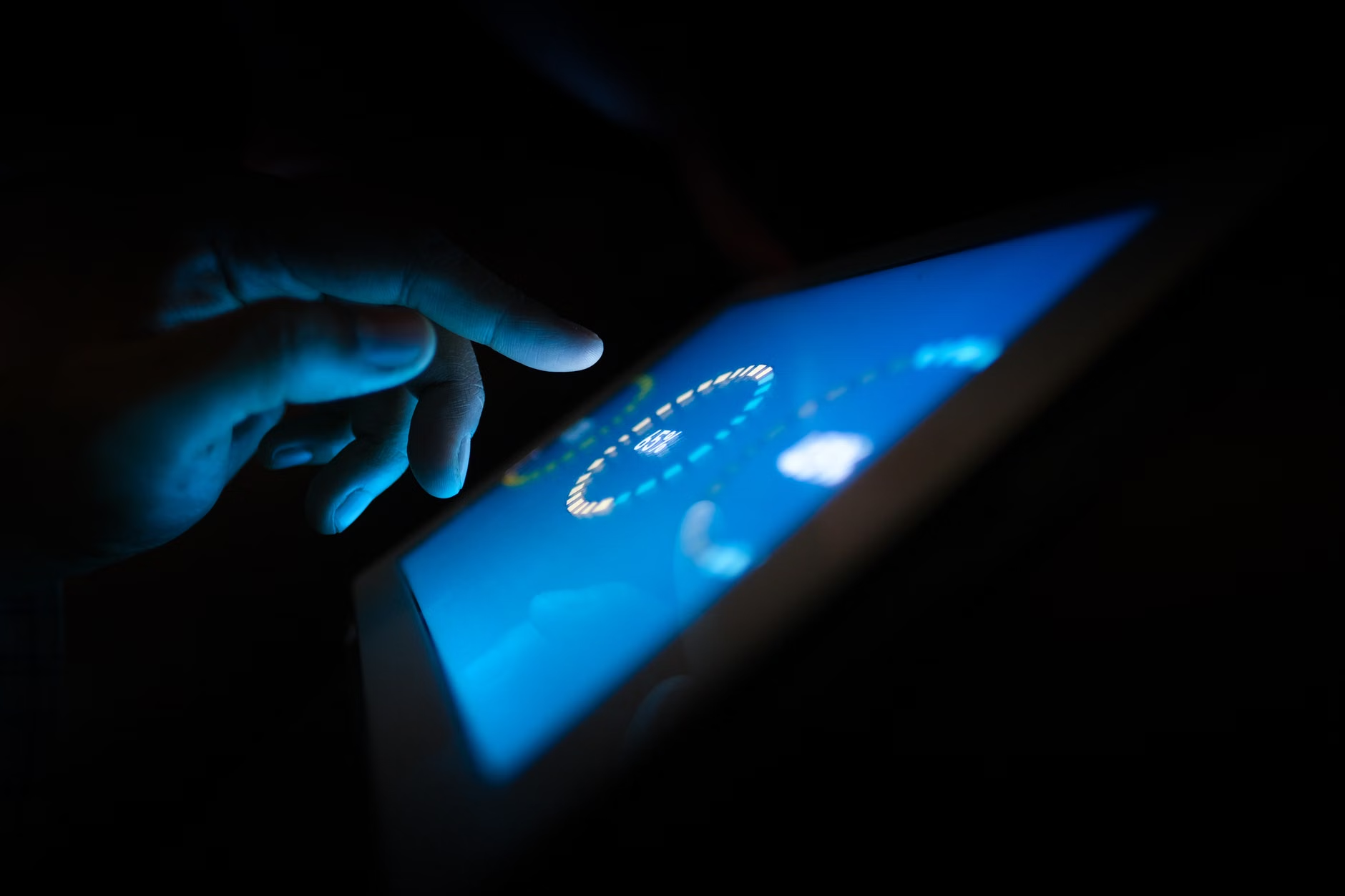
Physical access is only half the battle. The digital interface—what you see on the screen—is where most frustration occurs. The 2026 standards mandate a “Simplified Interaction Protocol.” This means that complex menus and nested sub-menus are being phased out in favor of linear, task-oriented pathways.
The Three-Click Rule
The core of the new software design is the “Three-Click Rule.” No essential task—such as checking out a book, searching the catalog, or printing a document—should require more than three interactions from the home screen. If a task requires more, the interface is considered non-compliant under the new guidelines.
High-Contrast and Haptic Feedback
Visual decline is a natural part of aging, and screens that rely on low-contrast color schemes (such as light grey text on a white background) are being replaced. The 2026 standard requires a minimum contrast ratio of 7:1. Furthermore, since touch screens often lack the “click” of a physical button, the new standards require haptic feedback (a subtle vibration) or an audible “beep” to confirm that your selection has been registered. This eliminates the uncertainty of “Did I press that hard enough?” which is a frequent source of anxiety for many users.
As these standards roll out globally, you may encounter a mix of old and new equipment. Here is how to navigate this transition period effectively:
- Check the Labeling: Look for the “Universal Design” icon or the “Accessibility Certified” badge on the side of the kiosk. These indicate that the terminal has been updated to meet the 2026 standards.
- Request Assistance for Calibration: If you are using a motorized kiosk, do not hesitate to ask a staff member to show you how to activate the height adjustment. It is a feature, not a burden, and staff are trained to assist with this.
- Verify Your Session: Because the new standards prioritize clear feedback, always wait for the audible or visual confirmation (a green border around your selection or a clear sound) before moving to the next step.
Common Misconceptions About Digital Kiosks
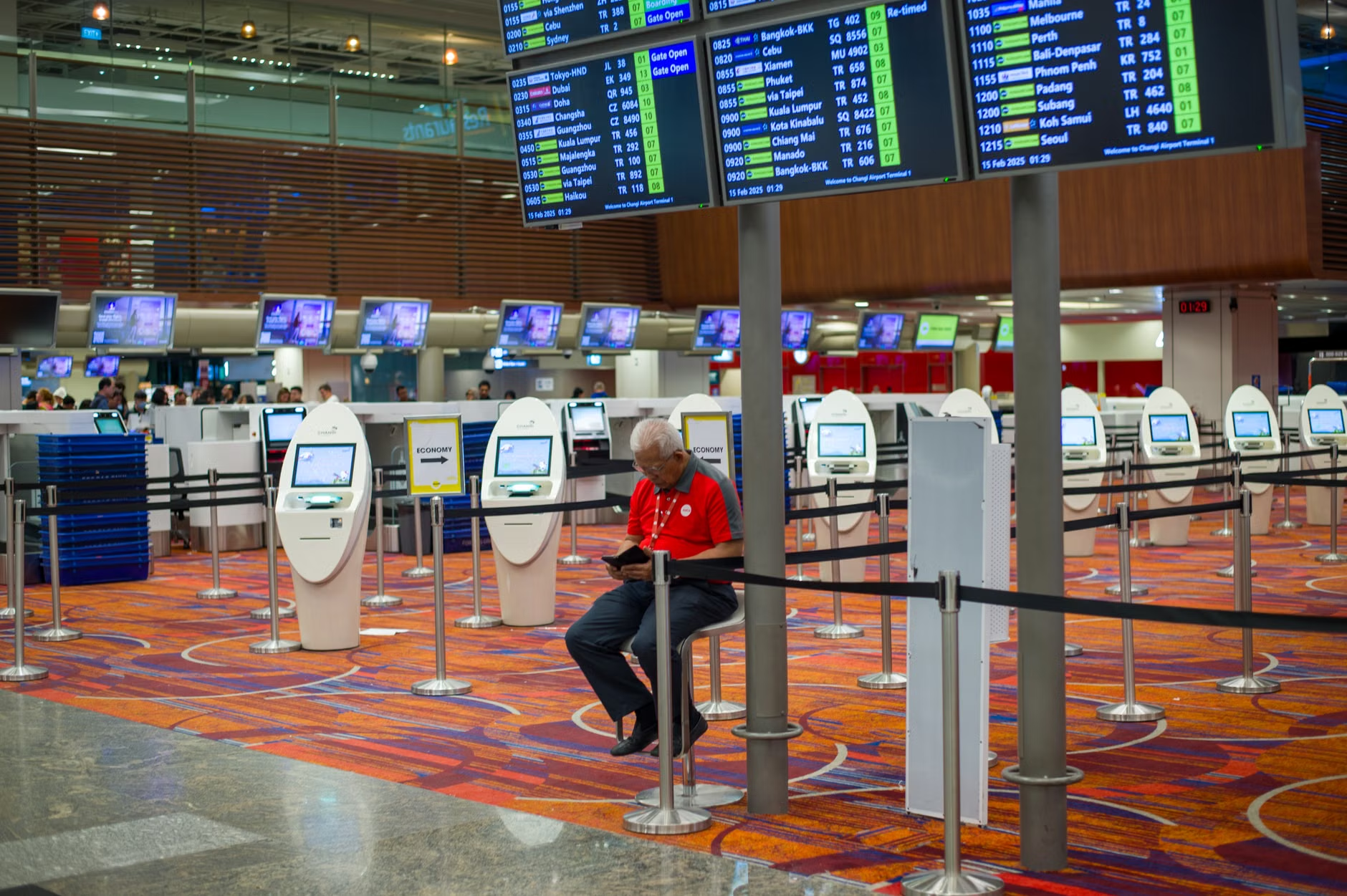
A common misconception is that digital kiosks are meant to replace librarians. In reality, the 2026 standards emphasize that kiosks are meant to handle routine, repetitive tasks—like account status checks or simple book renewals—to free up librarians to provide more personalized assistance. If you find yourself struggling with a kiosk, it is not a sign of your inability to use technology; it is a sign that the kiosk may not be configured correctly, or that the interface is poorly designed. Please inform the library staff, as they need this feedback to maintain compliance with the new standards.
Deep Dive: The Importance of Physical Safety
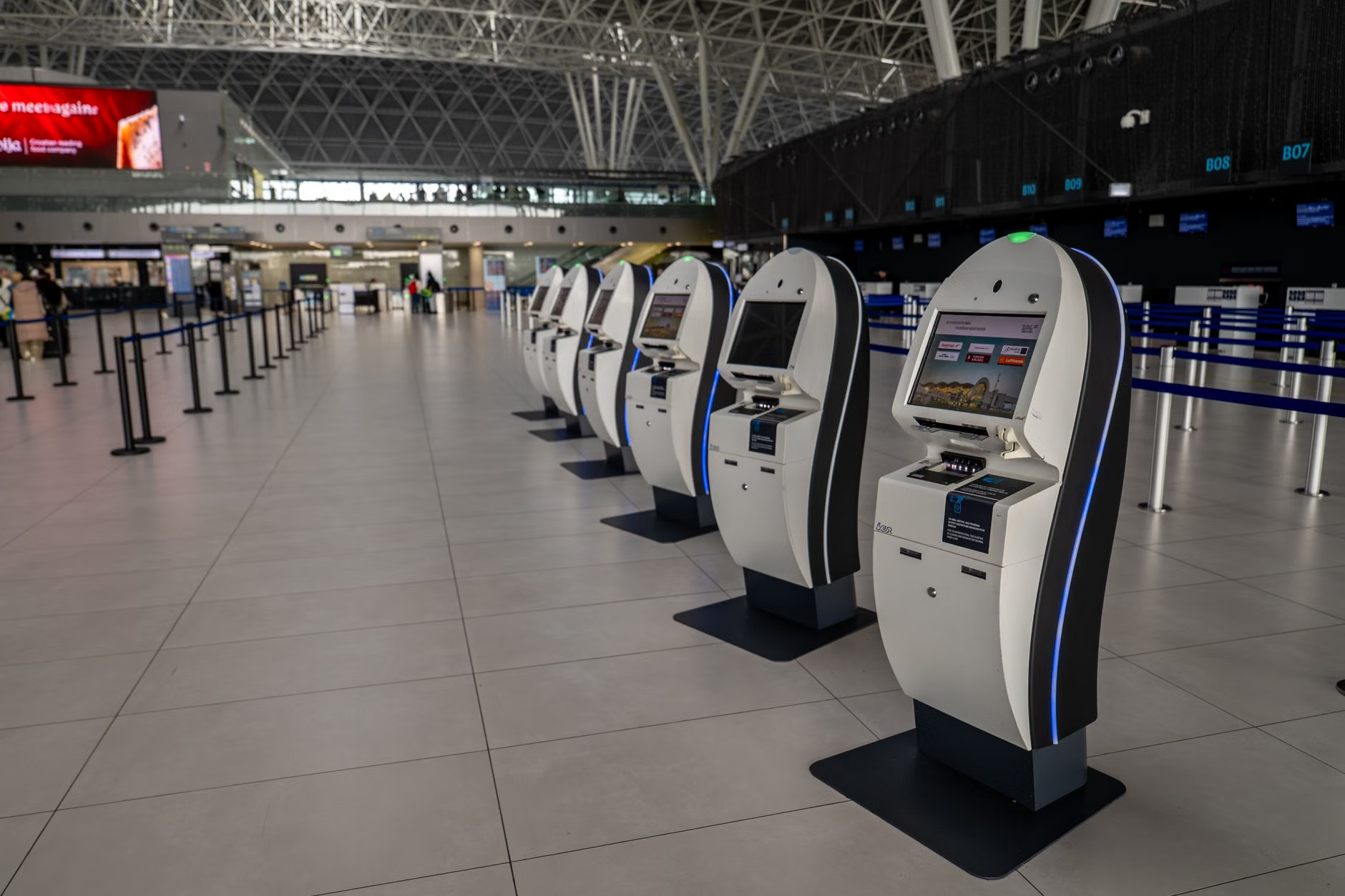
When interacting with a kiosk, stability is paramount. The 2026 standards require that all kiosks be bolted to the floor or weighted with a heavy, low-profile base. This prevents the unit from tipping if a user leans on it for support. If you notice a kiosk that wobbles or appears unstable, avoid using it and report it to the front desk immediately. Your safety is more important than the convenience of the digital service.
Furthermore, the lighting around these stations is now mandated to be non-glare and shadow-free. If you are using a kiosk and find that shadows are obscuring the screen, consider checking if there is a secondary kiosk located in a better-lit area of the library. Libraries are required to provide accessible options throughout the building, not just in one location.
Technological Confidence and Practice
Building confidence with new technology is a gradual process. Many libraries now offer “Digital Literacy Workshops” that specifically use these new kiosks as training tools. If you feel hesitant, ask if your local library offers a 15-minute introductory session. These are often conducted in a low-pressure environment where you can practice without the fear of holding up a line of other patrons.
Conclusion: Empowerment Through Design
The 2026 global standards are a significant victory for inclusivity. By prioritizing physical space, visual clarity, and simplified software, the library system is moving toward a future where your age does not determine your ability to access information. As these changes take effect, remember that the technology is designed to serve you. If the system is not working for you, it is the system that needs adjustment, not you.
Stay informed, take your time, and do not hesitate to advocate for the accessible features you are entitled to use. By engaging with these systems and providing feedback, you help ensure that libraries remain the democratic, accessible spaces they were intended to be.
Frequently Asked Questions
- What should I do if the kiosk screen is too high for me to reach comfortably?
Check for a “Height Adjust” button or icon on the side of the kiosk screen. If it is not present or non-functional, ask a library staff member to assist you. Under the 2026 standards, they are responsible for ensuring you have access to a functional, adjustable unit. - Are these 2026 standards mandatory for all libraries worldwide?
These standards are being adopted by major international library federations and are increasingly being written into national and local government procurement policies. While implementation speeds vary by region, they represent the new global benchmark for public service design. - What if I have difficulty hearing the audio feedback on the kiosks?
The new standards require that all kiosks include a standard 3.5mm headphone jack or Bluetooth connectivity for audio output. You can use your own headphones to hear the instructions more clearly without interference from background library noise.
Source: For further reading on the technical specifications of these standards, please refer to the International Federation of Library Associations and Institutions (IFLA) guidelines on library services for people with special needs and the Web Accessibility Initiative (WAI) for digital interface standards.