Key Takeaways
- Biometric Security: By 2026, multi-modal biometrics (combining facial recognition and voice patterns) are replacing traditional passwords to reduce the risk of identity theft.
- Regulatory Empowerment: New global privacy frameworks, such as updated GDPR standards in Europe and the CCPA in California, now grant you more granular control over how your financial data is shared with third parties.
- Privacy-Enhancing Technologies (PETs): Modern banking apps now use “Zero-Knowledge Proofs,” allowing you to verify your identity or creditworthiness without disclosing your full personal history or sensitive documents.
The landscape of digital banking is undergoing a fundamental shift as we enter 2026. For adults aged 60 to 80, this evolution represents more than just a change in interface; it marks a transition toward a more secure, privacy-first financial environment. As cyber threats become more sophisticated, banks are moving away from vulnerable static passwords toward dynamic, identity-centric security measures.
The Evolution of Digital Identity: Beyond the Password
The most significant change in 2026 is the decline of the “knowledge-based” security model. For decades, we relied on passwords, PINs, and security questions. However, these are easily compromised. The 2026 standard is “possession and biometrics,” which ties your account access to something you are and something you have.
What Multi-Modal Biometrics Looks Like
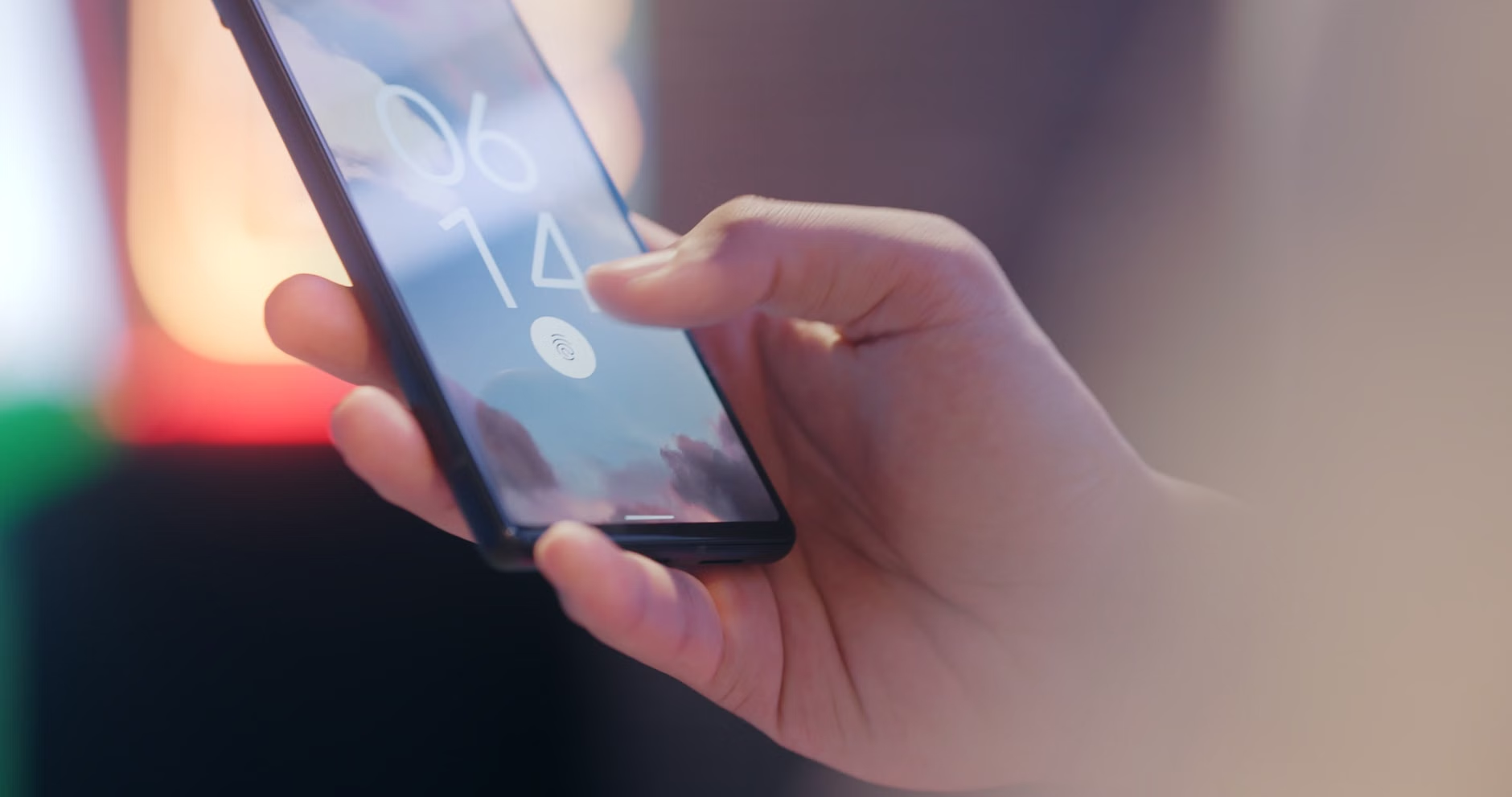
You may have already encountered facial recognition on your smartphone. By 2026, banking institutions have upgraded this to “multi-modal” verification. This means that for a high-value transaction—such as a large wire transfer—the bank may require both a facial scan and a brief voice verification. This ensures that even if a photograph or a deepfake video is used, the system can detect the liveness of the user.
Why it matters: This significantly lowers the risk of unauthorized access. If your phone is stolen, the perpetrator cannot access your banking app because they lack your unique biological markers. It removes the stress of remembering complex alphanumeric passwords that change every 90 days.
What you can do: Check your bank’s security settings menu. Look for options labeled “Biometric Authentication” or “Multi-Factor Authentication (MFA).” Enable these, and ensure your device’s operating system is updated to the latest version, as these security features rely on the underlying hardware of your phone or tablet.
Privacy-Enhancing Technologies: Your Data, Your Control
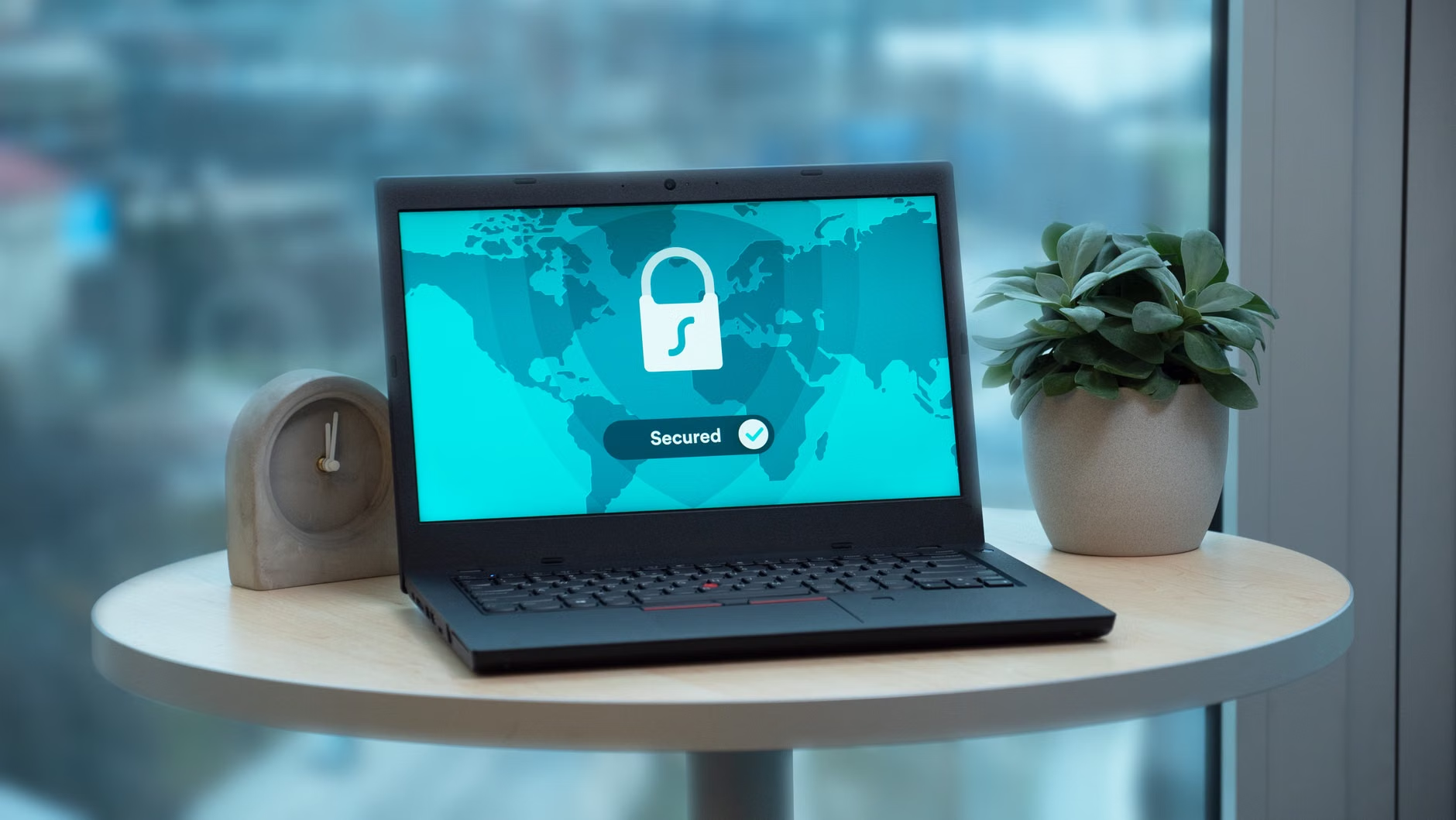
A major concern for many is the sharing of financial data with third-party applications, such as budgeting tools or investment platforms. Previously, this often meant granting these apps full access to your transaction history. In 2026, the industry has adopted “Privacy-Enhancing Technologies” (PETs).
The Concept of Zero-Knowledge Proofs
At the heart of this shift is the “Zero-Knowledge Proof.” Imagine you need to prove to a lender that you have enough savings to qualify for a loan. In the past, you had to provide full bank statements showing every purchase you made. Today, the system can simply provide a “Yes/No” verification to the lender that you meet the criteria, without revealing your actual balance or your spending habits.
| Feature | Old Model (Pre-2024) | 2026 Standard |
|---|---|---|
| Data Sharing | Full access to transaction history | Granular, purpose-specific consent |
| Verification | Document uploads (PDFs) | Automated cryptographic proofs |
| Control | “All or nothing” access | Revoke access at any time via dashboard |
The comparison shows a clear trend toward minimalism in data sharing. You are no longer required to share “everything” to achieve a specific financial goal. Always look for the “Data Privacy Dashboard” within your banking app, which allows you to see which third-party apps have access to your information and provides a simple “Revoke Access” button.
Privacy laws vary significantly by jurisdiction. Understanding your rights based on where you live is essential for maintaining control over your financial footprint. While the general principle is “privacy by design,” the enforcement mechanisms differ.
Regional Differences in 2026
- European Union (GDPR Updates): The General Data Protection Regulation remains the global benchmark. By 2026, EU citizens have the “Right to Portability,” meaning you can demand your bank transfer your data to another institution in a secure, machine-readable format, and the “Right to be Forgotten,” which forces banks to delete your inactive data after a set period.
- North America (CCPA and Federal Initiatives): In the United States, states like California continue to lead with the California Consumer Privacy Act (CCPA). While there is no single federal privacy law, 2026 has seen a surge in “Open Banking” standards that mandate banks provide clear, plain-English disclosures about data usage.
- Asia-Pacific (APEC Privacy Framework): Many countries in the Asia-Pacific region have adopted the APEC Cross-Border Privacy Rules. This focuses on ensuring that when your data moves across borders, the same level of protection follows it.
If you are managing finances across borders—for example, holding an account in the UK while living in Canada—always prioritize the bank that adheres to the stricter of the two regulations. If a bank does not provide a clear “Privacy Policy” or “Data Rights” document, this should be considered a red flag.

Practical Steps for Securing Your Digital Financial Life
Maintaining security does not require a degree in computer science. It requires a systematic approach to your digital habits. Below is a checklist for optimizing your privacy in 2026.
The 2026 Security Checklist
- Enable Push Notifications for All Transactions: Set your app to send an instant alert for every transaction over $1.00. This is the fastest way to identify unauthorized activity.
- Use Virtual Credit Cards: Many banks now offer “virtual” card numbers for online shopping. If a merchant is compromised, you can delete the virtual card without needing to cancel your primary bank account or physical card.
- Audit Your Third-Party Permissions: Every six months, open your banking app’s security settings and view “Linked Accounts.” If you no longer use an app (like an old budgeting tool), remove its access immediately.
- Secure Your Recovery Email: Your email account is the “master key” to your bank. Ensure it is protected by a hardware security key (a small USB device) or a dedicated authenticator app, rather than just an SMS text message code, which can be intercepted.
A note on “Phishing” in 2026: Phishing attempts have become much more convincing due to AI-generated text and voice. A critical rule for 2026: Your bank will never call you and ask for your password, your two-factor authentication code, or ask you to move money to a “safe account.” If you receive such a call, hang up immediately and call the number on the back of your physical debit card to verify.
The Role of Family and Caregivers
For those who may need assistance with their finances, the industry has introduced “Trusted Contact” and “Delegated Access” features. These are designed to allow you to share access with a family member or caregiver without giving them full control over your entire financial life.
Setting Up Delegated Access
Instead of sharing your primary password with a family member—which is a major security risk—use the bank’s built-in “Delegated Access” feature. This allows you to grant a family member “View Only” or “Limited Transaction” rights. They use their own login credentials, and the bank maintains a clear audit trail of who performed which action.
What it looks like in real life: You might grant your daughter access to view your accounts and pay utility bills, but not the ability to transfer money to external accounts. If you decide to change this, you can revoke her access instantly through your app without changing your own credentials.
The Future: AI-Driven Fraud Prevention
By 2026, the most powerful tool in your corner is the bank’s own AI. These systems analyze your spending patterns in real-time. If you usually spend money in your local grocery store, and suddenly your card is used for a large electronics purchase in another country, the AI will block the transaction before it is completed.
However, these systems are not infallible. They rely on the data you provide. If you are planning a trip abroad, always use the “Travel Notification” feature in your app. This informs the bank’s AI that your spending patterns will change, preventing your card from being locked while you are away.
Conclusion: Empowerment Through Awareness
The digital banking environment of 2026 is designed to be safer than ever, provided you take advantage of the tools available. Privacy is no longer a passive state; it is an active practice of using biometrics, reviewing permissions, and utilizing built-in security features. By moving away from static passwords and embracing the granular control offered by modern banking apps, you can maintain your financial independence with confidence. Remember: technology is a tool to serve your needs, not a barrier to your autonomy. Stay informed, use the built-in safeguards, and always verify unexpected requests for information.
Frequently Asked Questions (FAQ)
1. Is biometric data stored on the bank’s servers or my phone?
In most modern banking implementations, your biometric data (like your fingerprint or facial map) is stored locally on your device in a highly secure, encrypted area known as the “Secure Enclave.” The bank only receives a cryptographic “Yes” or “No” confirmation that the identity check was successful. They do not receive your actual biometric data.
2. What should I do if I suspect my digital banking privacy has been compromised?
First, use your banking app to “Freeze” or “Lock” your cards immediately. Then, change your banking password from a different, secure device (like a tablet or a library computer). Finally, call your bank’s official fraud department using the number printed on the back of your physical bank card. Do not use any phone numbers found in emails or text messages, as these are often part of the phishing scam.
3. How do I know if a “Delegated Access” feature is available for my account?
Log in to your online banking portal or mobile app and look for a section titled “Security,” “Manage Access,” or “Trusted Contacts.” If you do not see these options, contact your bank’s customer support through their official website and ask specifically about “Third-party delegation” or “Secondary user access.” Be wary of any bank that suggests you simply share your primary password with others, as this is a poor security practice.
Disclaimer: This article provides general information regarding digital banking trends and privacy practices. It does not constitute financial, legal, or professional advice. Always review the specific terms of service and privacy policies provided by your financial institution.
Official Resources for Further Reading: