- Voice-First Integration: By 2026, the most effective emergency systems move beyond wearable buttons, using ambient voice recognition to detect distress without requiring physical interaction.
- Data Sovereignty and Privacy: Modern systems now offer “Local Processing” options, meaning your voice data stays within your home rather than being sent to the cloud, significantly increasing security.
- Proactive, Not Just Reactive: Systems now use AI to learn your daily patterns, allowing them to alert family members or services if your routine shifts unexpectedly, even if you don’t explicitly call for help.
The Evolution of Home Emergency Response
As we approach 2026, the concept of “Personal Emergency Response Systems” (PERS) has fundamentally changed. Traditionally, these systems relied on a heavy pendant or a wrist-worn button that the user had to manually press during a crisis. If a person was unconscious, disoriented, or unable to reach their device, the system failed. The 2026 standard shifts the focus to ambient intelligence—technology that understands the environment and the user’s needs through natural voice commands and passive monitoring.
For adults aged 60 to 80, this shift is not just about convenience; it is about maintaining autonomy. The goal of modern home safety technology is to remain invisible until it is needed, removing the stigma of “medical alert” devices while providing a robust safety net that functions autonomously.
Understanding Ambient Voice Technology
In 2026, “voice-activated” no longer just means asking a device for the weather. It means the system is “always listening” for specific acoustic markers of distress. These markers include keywords like “Help,” “Emergency,” or “I’ve fallen,” but also non-verbal cues such as sudden, sharp sounds or prolonged periods of silence in areas where activity is expected.
What it looks like in real life: Imagine you are in your kitchen and experience a sudden dizzy spell. You don’t need to fumble for a phone or a necklace. You simply say, “Call for help,” and the system—using a high-fidelity microphone array distributed throughout your home—identifies your voice, confirms the request, and contacts your pre-set emergency response center or family member.
Choosing the Right System: A Decision Framework
Choosing a system in 2026 requires balancing technical capability, ease of use, and privacy. Before purchasing, it is essential to categorize your needs based on your current physical health and living situation.
| System Type | Primary Benefit | Best For |
|---|---|---|
| Voice-Hub Centralized | Cost-effective, easy setup. | Those with high mobility who want voice-assisted safety. |
| Distributed Sensor Network | Covers multiple rooms/floors. | Those wanting passive fall detection and 24/7 monitoring. |
| Local-Processing Privacy Hubs | Maximum data security. | Those concerned about cloud data and privacy. |
The “Distributed Sensor Network” is currently the gold standard for independent living. Unlike a single hub, these systems place discreet sensors in bathrooms, hallways, and kitchens. These sensors work in tandem with voice hubs to verify if a fall has occurred. If you say “Help” in the bathroom, the system knows exactly which room you are in, which is vital for first responders.
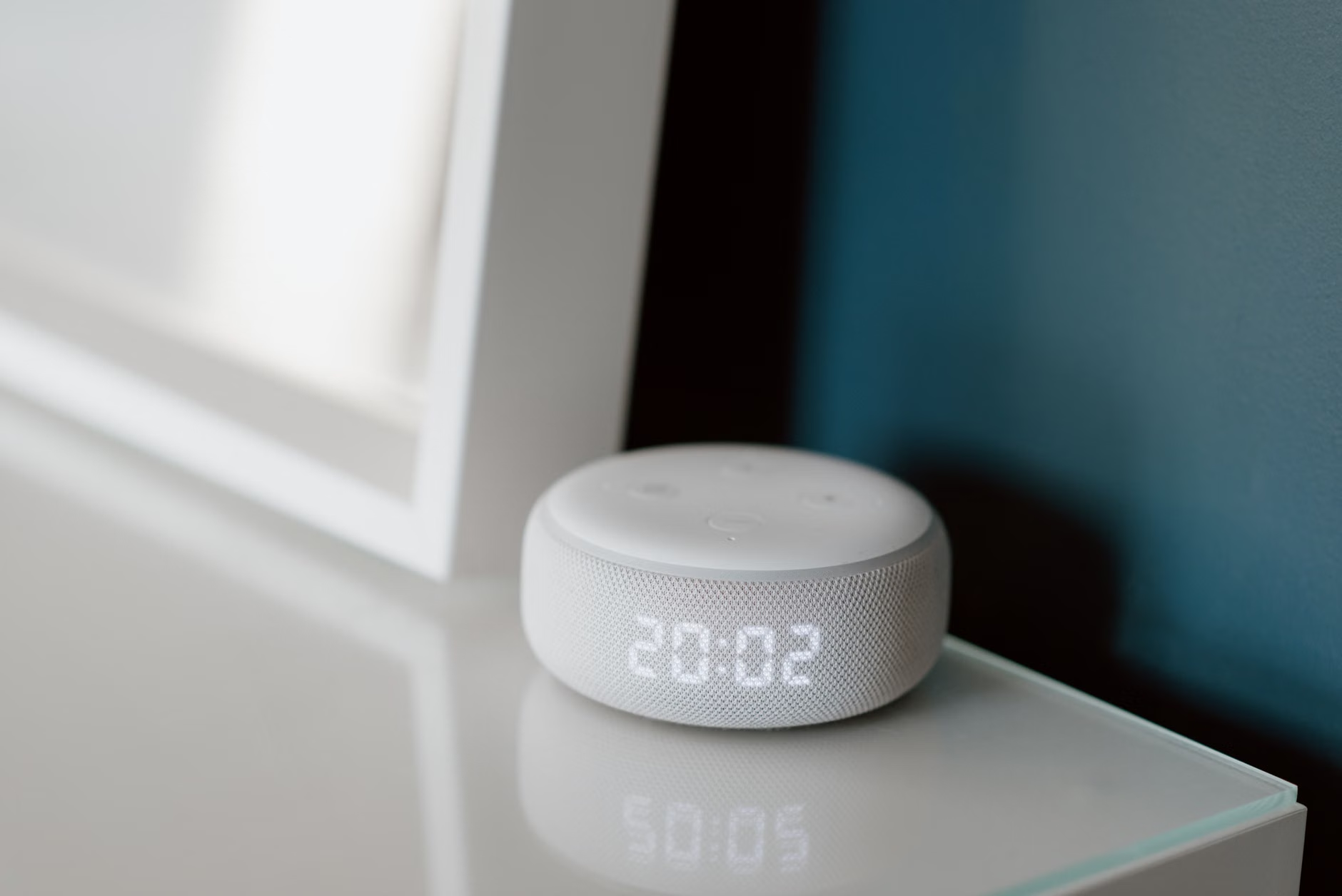
The Privacy Paradox: Local vs. Cloud Processing
A common concern for many older adults is privacy. Does the device record everything? In 2026, the best systems offer Edge AI. This means the audio is processed locally on the device in your home. The device is programmed to “forget” everything except the specific “wake word” or “emergency command.”
If you are choosing a system, look for the “Local Processing” label. If a company requires all voice data to be sent to their cloud servers, consider if that trade-off is acceptable to you. For most, the extra layer of security provided by local processing is worth the slightly higher initial hardware cost.
Integration with Daily Health Habits
Emergency systems are no longer just for emergencies. In 2026, they are being marketed as “Wellbeing Assistants.” Because they are voice-activated, they can help you manage your daily routine, which is a major factor in preventing the very accidents that lead to emergencies.
Medication Management
One of the most frequent causes of hospital admission for older adults is medication error. A voice-activated system can act as a sophisticated reminder. Instead of a simple alarm, you can say, “Did I take my blood pressure medication?” and the system can provide a status update based on your previous confirmation.
Routine Monitoring
AI-driven systems now establish a “baseline” of your daily behavior. If you usually make coffee at 8:00 AM and go for a walk at 9:00 AM, the system learns this. If at 10:00 AM, the system detects no movement and no sound, it can trigger a “wellbeing check” by calling your phone or a caregiver’s app. This is not about surveillance; it is about proactive awareness.

Installation and Technical Confidence
You do not need to be a technology expert to use these systems, but the initial setup is crucial. Many families find that a collaborative setup works best. If you are setting this up for yourself, follow this step-by-step approach:
- Acoustic Mapping: Place your hubs in the center of the rooms you frequent most. Avoid placing them near loud appliances like dishwashers or televisions, which can interfere with voice recognition.
- The “Dry Run” Test: Once installed, conduct a simulated emergency. Practice saying your command clearly. If the system fails to pick up your voice, adjust the sensitivity settings or move the device.
- Emergency Contact Hierarchy: Most systems allow you to set a list of contacts. Ensure the first contact is someone who lives nearby and has a key to your home.
- Power Redundancy: Always ensure your system has a battery backup. If the power goes out, your emergency system must stay online.
Common Mistake: Many users rely solely on the system’s “out of the box” settings. Always go into the settings menu and adjust the “Wake Word” and the “Emergency Trigger” phrasing. Choose a phrase that is natural for you to say, not just the default company suggestion.
The market for 2026 includes both subscription-based services and one-time purchase hardware. Subscription services typically connect you to a 24/7 call center staffed by trained professionals. This is often the preferred choice for those living alone who want the assurance that a human will always answer, regardless of the time.
Hardware-only systems, which alert family members directly, are often cheaper in the long run but require a reliable, tech-savvy family member to be “on call.” If you choose the family-alert model, ensure your family members have the app installed, updated, and that they have tested the notification system on their own phones.
Hidden Costs to Consider
- Monthly Monitoring Fees: Often range from $30 to $60 per month.
- Cellular Connection Fees: If your system uses a cellular network rather than your home Wi-Fi, there may be a separate monthly data fee.
- Maintenance Upgrades: Technology moves fast. Budget for a potential system refresh every 3 to 4 years to ensure you have the latest software updates and battery life.

Safety and Ethics in AI Monitoring
As we integrate more AI into our homes, it is important to understand the limits of this technology. No system is 100% foolproof. A voice-activated system might not hear you if you are in a room without a device, or if you are unable to speak due to a medical event. Therefore, these systems should be viewed as a supplement to, not a replacement for, other safety measures like home modifications (grab bars, non-slip mats) and regular health check-ups.
Furthermore, be wary of companies that promise “AI that prevents all falls.” No device can prevent a fall; they can only alert you or others that one has occurred. If a marketing claim sounds like it is promising a medical cure or total safety, it is likely an exaggeration. Focus on systems that emphasize reliable connectivity and clear communication channels.
Practical Preparation for Caregivers
If you are a family member assisting an older adult in setting up these systems, your role is to act as the “Technical Bridge.” Before the system arrives, discuss the following with your loved one:
- Consent: Ensure the user is fully comfortable with the level of monitoring.
- Transparency: Explain exactly what data is being collected and who has access to it.
- Training: Spend time practicing together. Don’t just set it and leave. Use the device for non-emergency tasks (like setting a timer for tea) to build familiarity and confidence.
Conclusion: The Future of Independent Living
The advancements in 2026 voice-activated emergency systems offer a powerful tool for those committed to aging in place. By choosing systems that prioritize local data processing, integrate into your daily routines, and offer clear, reliable communication pathways, you can significantly enhance your home safety without sacrificing your independence. Start by evaluating your living space, identifying your specific needs, and testing the technology in a real-world environment. Remember, the best system is the one you feel comfortable using every single day.
Frequently Asked Questions
1. What should I do if my voice-activated system fails to understand me during a test?
First, check the ambient noise levels in the room. If the system is near a fan, TV, or air conditioner, it may struggle. Try moving the device to a more central, quiet location. If that doesn’t work, review the “Voice Training” or “Voice Profile” settings in the device’s app, which allow the system to learn your specific speech patterns and tone.
2. Can these systems work if I lose my home internet connection?
Many modern systems in 2026 come with built-in cellular (LTE/5G) backups. If your Wi-Fi goes down, the device will automatically switch to the cellular network to ensure your connection to emergency services remains active. Always verify this feature before purchasing, as it is critical for reliability.
3. How do I know if a company is reputable for emergency services?
Look for companies that are certified by national telecommunications or safety monitoring associations in your country. Check if they provide a “Test Mode” that allows you to simulate a call to a real operator without triggering a local emergency response. A reputable company will always be transparent about their response times and the training their operators receive.
Official guidance on aging in place and safety technology can often be found through national health departments or organizations like the AARP (USA) or local equivalent consumer protection agencies. Always verify the specific features of a device against the manufacturer’s official technical specifications before finalizing your purchase.