- Voice-activated systems in 2026 now feature proactive “intent recognition” that can distinguish between a casual request and a distress signal without requiring a specific wake word.
- Integration is key: The most effective setups link voice assistants with localized sensors (fall detection, smoke detectors, and water shut-off valves) to create a comprehensive safety net.
- Privacy and reliability: Modern systems offer “local processing,” meaning your voice commands and data stay within your home network, reducing reliance on internet stability and enhancing data security.
The Evolution of Voice-Activated Safety in 2026
As we move through 2026, the landscape of home safety has shifted from reactive tools—like traditional medical alert pendants—to proactive, voice-integrated ecosystems. For older adults, this represents a transition from needing to “reach out for help” to a home that “understands when you need help.”
The primary advancement this year is the improvement in contextual awareness. Previous generations of voice-activated devices required precise, robotic commands. Today’s systems utilize Large Language Models (LLMs) that understand natural speech patterns. If you say, “I think I’m feeling dizzy and need to sit down,” the system recognizes the physiological concern rather than just waiting for a command to turn on a lamp.
What It Is: The Modern Smart Home Ecosystem
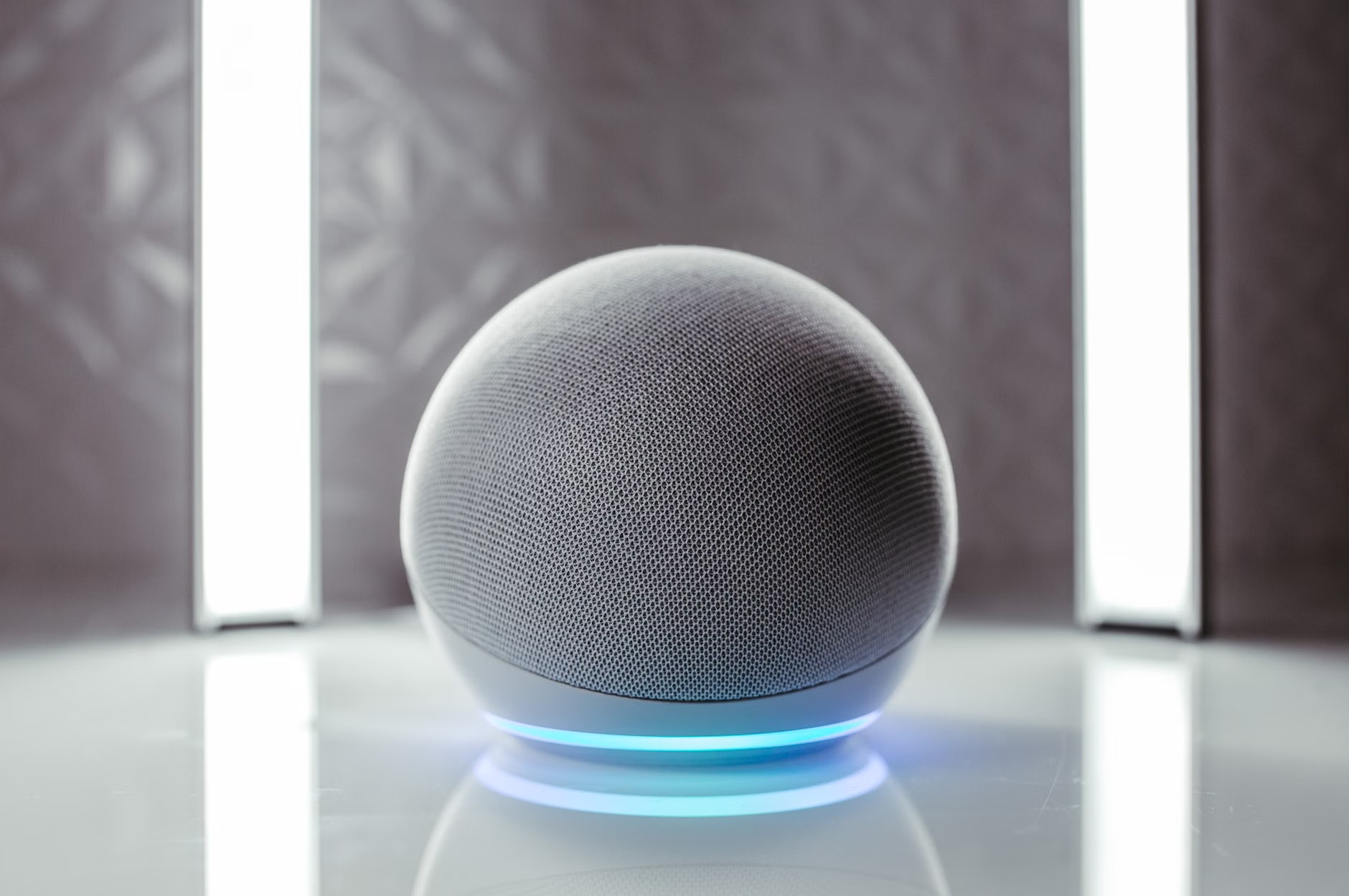
Modern voice-activated safety is not just a single speaker on a counter. It is a network of interconnected devices. This includes:
- Voice Hubs: Centralized processors that interpret commands.
- Acoustic Sensors: Devices that monitor for specific sounds, such as breaking glass, smoke alarms, or the sound of a fall.
- Automated Environmental Controls: Systems that can shut off the stove, turn on lights, or unlock doors for emergency services based on voice triggers.
Why It Matters for Independent Living
The goal of these technologies is not to replace human care but to extend the duration that an individual can live independently. By reducing the “friction” of technology—the complexity of buttons, touchscreens, and passwords—voice control makes safety features accessible to those who may have arthritis, visual impairments, or simply a preference for intuitive interaction.
Evaluating Your Home Safety Needs
Before investing in new technology, it is essential to conduct a “safety audit” of your living space. Not every home requires the same level of automation. The decision should be based on mobility, technical comfort, and specific health risks.
Assessing Mobility and Risk Factors
Consider the following table to determine which level of voice integration serves your current needs:
| Risk Category | Primary Need | Recommended Technology |
|---|---|---|
| Low (Active) | Convenience & Security | Smart lights, smart locks, and basic voice assistants. |
| Moderate (Balance concerns) | Fall prevention & Monitoring | Voice-linked fall detectors and automatic floor lighting. |
| High (Chronic conditions) | Emergency response & Alerts | Full integration with professional monitoring services and voice-activated medical alerts. |
If you fall into the “Moderate” or “High” category, the priority should be redundancy. This means ensuring that if your internet connection drops, the system still has a cellular backup (often called a “SIM-enabled hub”) to contact emergency services.
Implementing Voice-Activated Systems: A Step-by-Step Guide
Setting up a smart home can feel overwhelming. The key is to implement changes incrementally, ensuring you are comfortable with one device before adding another.
Step 1: Establishing the Foundation
Start with a reliable voice assistant. Look for models that specifically mention “local processing” or “edge computing.” This ensures that even if your Wi-Fi is spotty, the device can still process basic safety commands.
Step 2: Connecting Safety Sensors
Link your voice assistant to smart smoke and carbon monoxide detectors. In 2026, these devices don’t just beep; they send a notification to your smartphone and your designated emergency contacts, and they can be silenced via voice command if you are certain it is a false alarm (e.g., burnt toast).
Step 3: Creating “Safety Routines”
Routines are pre-programmed sequences. A common one is the “Goodnight Routine.” When you say, “Goodnight,” the house can:
- Lock the front and back doors.
- Turn off all non-essential lights.
- Adjust the thermostat to a comfortable temperature.
- Activate the motion sensors in the hallway for nighttime bathroom trips.

Overcoming Common Misconceptions
Many people worry that voice-activated systems are “always listening” or that they will accidentally call the police. It is important to distinguish between “wake-word listening” and “cloud recording.”
Most modern devices are designed to listen only for a specific, localized wake word. They do not stream your private conversations to a company server. You can verify this by checking the device’s “Privacy Dashboard” in the manufacturer’s app. Furthermore, most systems require a “confirmation prompt” for emergency actions. For example, if you say, “Call for help,” the device will typically ask, “Are you sure you want to contact emergency services?” to prevent accidental triggers.
The Role of Family and Caregivers
For family members assisting an older adult, technology can provide peace of mind without constant intrusion. By setting up “Caregiver Access” on a smart hub, family members can receive alerts if a motion sensor detects no activity by a certain time in the morning, or if a smoke alarm is triggered.
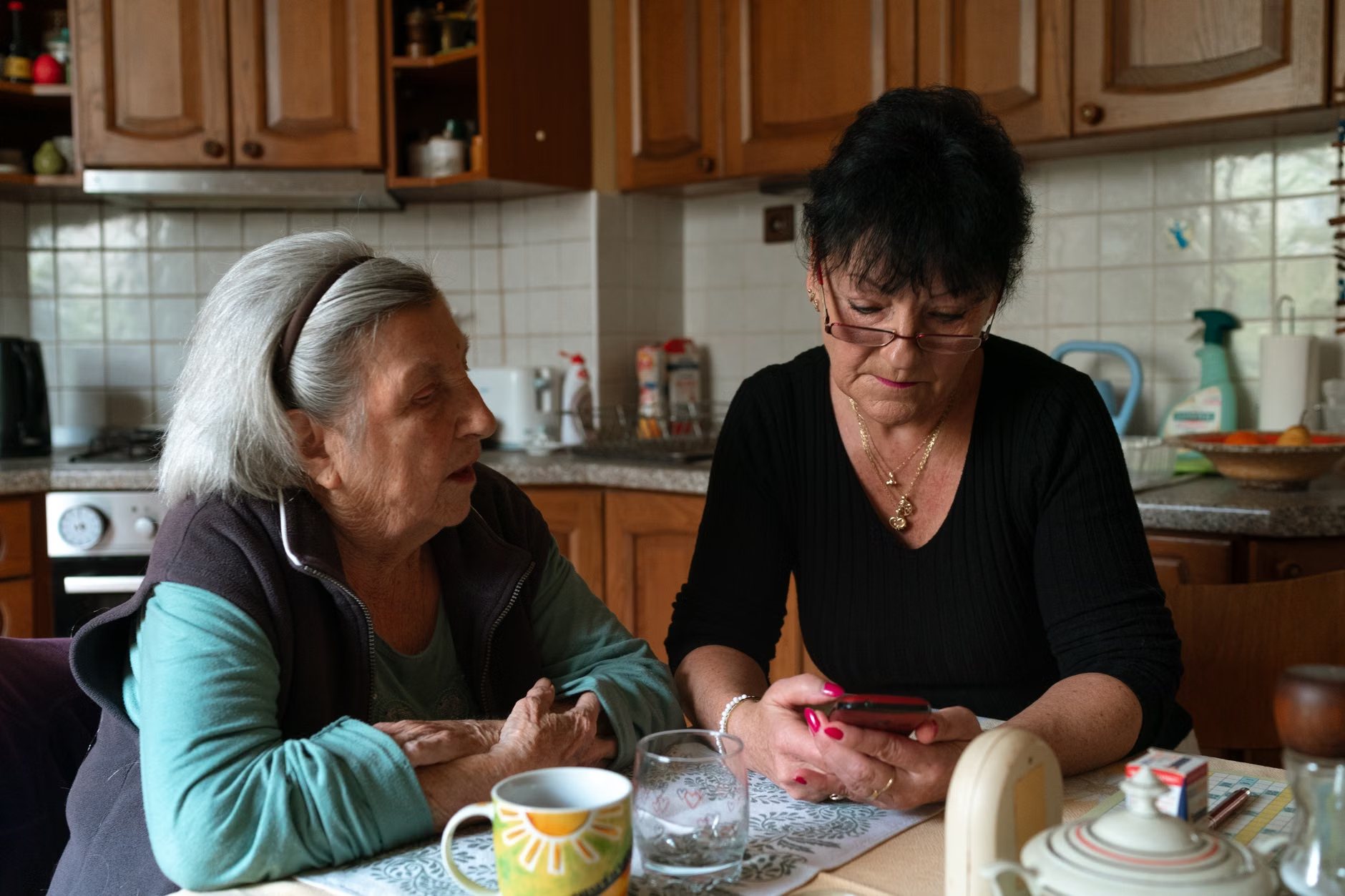
Crucial Insight: The most significant barrier to adoption is not technical capability, but social friction. Family members should avoid installing cameras inside private spaces like bedrooms or bathrooms. Instead, focus on “passive sensors” that track movement or environmental changes. This respects the dignity of the individual while maintaining a high standard of safety.
Financial and Regulatory Considerations
In many regions, including the European Union and parts of North America, governments are beginning to recognize smart home technology as a form of “Assistive Technology.”
- Tax Credits and Grants: Check with your local social services department to see if your country offers tax credits for “aging-in-place” home modifications. In some jurisdictions, smart safety devices are tax-deductible if prescribed by a healthcare provider.
- Insurance Discounts: Many home insurance providers now offer lower premiums for homes equipped with smart security and water leak detection systems.
Practical Decision-Making Criteria
When selecting your hardware, prioritize these three criteria:
- Interoperability: Does the device work with your existing phone (iOS or Android)? Use systems that support the “Matter” standard—a universal language that allows different smart brands to talk to each other.
- Offline Capability: Can the device perform basic tasks (like turning on lights) without an internet connection?
- Subscription Costs: Be wary of devices that require a monthly fee for basic safety features. Look for hardware that offers local storage for recordings, which eliminates the need for expensive cloud subscriptions.
Ensuring Longevity and Maintenance
Technology requires maintenance just like any other household appliance. Every six months, perform a “System Health Check.” This includes updating the software (which often happens automatically but should be verified), checking the batteries in wireless sensors, and testing the emergency voice trigger. If you are not comfortable doing this yourself, enlist a family member or a professional home technician to assist.
Remember that technology is a supplement to, not a replacement for, social connection. A smart home can alert your family if you have a fall, but it cannot replace the comfort of a regular check-in call or visit. Use the time saved by these technologies to focus on the activities that bring you joy.
Conclusion
The advancements in 2026 voice-activated home safety offer a powerful tool for maintaining independence. By focusing on systems that are intuitive, respect your privacy, and provide reliable emergency response, you can create a living environment that supports you rather than restricts you. Start small, prioritize devices that work locally, and maintain your system regularly to ensure it is ready when you need it most.
Frequently Asked Questions
1. Can I use voice-activated safety devices if I have a weak internet connection?
Yes, but you must choose devices that support “local control” or “offline processing.” These devices can execute commands directly on your home network without needing to send data to the cloud. Always verify the “offline” feature on the product packaging or manufacturer’s website.
2. What happens if I accidentally trigger an emergency call via voice command?
Most modern smart home systems are programmed with a “verification phase.” If you accidentally trigger an alarm, the device will typically ask for verbal confirmation or provide a countdown on a connected screen, allowing you to cancel the request before the system contacts emergency services.
3. Are these devices expensive to maintain?
The primary cost is usually the initial hardware purchase. While some advanced features or video storage options require a monthly subscription, many basic safety functions—such as voice-activated lighting, smoke alarm integration, and routine automation—do not require ongoing fees. Always check for “subscription-free” labels when purchasing sensors.
For further reading on digital safety and smart home standards, please refer to the Connectivity Standards Alliance (Matter) website, which provides information on universal smart home compatibility.
To further understand the depth of this technology, it is helpful to look at the “Acoustic Fingerprinting” technology becoming standard in 2026. This allows a device to distinguish between a dropped plate and a human fall. The device uses a microphone array to triangulate the sound source. If the sound matches the acoustic profile of a fall, the system initiates a “Wellness Check” protocol. It might dim the lights to reduce glare, announce “I hear a sound that might be a fall, are you okay?” and wait for a response. If no response is detected within 60 seconds, it alerts your primary contact. This level of nuance is what makes 2026 technology significantly safer than the simple motion sensors of 2020.
Additionally, consider the “Human-in-the-Loop” configuration. This is where you designate a family member or professional caregiver to be the primary recipient of alerts. This configuration is superior to direct 911/emergency service integration in many cases, as it prevents “false alarm” fines that some municipalities charge for automated calls that turn out to be non-emergencies. By routing the alert to a trusted human first, you ensure that the response is appropriate to the situation. If you live alone, however, direct integration with a professional monitoring service remains the gold standard for safety.
Finally, keep in mind the physical installation of these devices. Many seniors find that the most difficult part of smart home adoption is the physical mounting of sensors. If you have limited reach or balance issues, do not attempt to climb ladders to install smoke detectors or ceiling-mounted cameras. Many local fire departments and community support organizations offer free or low-cost installation services for home safety equipment. It is worth calling your local non-emergency line to ask if such programs exist in your area.
By integrating these systems thoughtfully, you are not just buying gadgets; you are investing in a layer of infrastructure that allows your home to act as a silent guardian, providing you with the confidence to live your life on your own terms. Whether it is adjusting the thermostat at 3:00 AM without getting out of bed, or having the peace of mind that a fall will be detected, the benefits of modern voice-activated safety are profound and increasingly accessible to everyone.