- Starting in 2026, international transit hubs will begin adopting updated ISO-aligned standards for tactile ground surface indicators (TGSIs) to ensure safer movement for all travelers.
- These standards prioritize high-contrast colors and specific geometric patterns to help older adults and visually impaired travelers navigate station edges and stairs with greater confidence.
- Travelers should look for standardized “warning” (raised dots) and “directional” (raised bars) patterns, which will become more consistent across global transport networks.
For many travelers, the joy of visiting a new city is often accompanied by the quiet stress of navigating complex transit hubs. As we age, our reliance on clear, consistent environmental cues becomes paramount. By 2026, a new wave of global standards for tactile paving—formally known as Tactile Ground Surface Indicators (TGSIs)—will begin appearing in major international airports, train stations, and bus terminals. These updates are designed to provide a uniform language of safety, helping you identify platform edges, staircases, and transitions with ease.
Understanding the Evolution of Tactile Standards
Tactile paving is not merely a piece of textured plastic or concrete on the floor; it is a vital safety communication tool. For years, different countries have used varying designs, colors, and installation methods. In some nations, you might see bright yellow rubber strips; in others, you might encounter brushed metal studs embedded in stone. This inconsistency can be disorienting, especially when you are tired or navigating a busy, unfamiliar station.
The upcoming 2026 standards, largely influenced by updates to the International Organization for Standardization (ISO) guidelines, aim to harmonize these systems. The core objective is to ensure that a traveler in Tokyo, London, or New York encounters the same physical “language” of safety. This shift is particularly important for older adults who may experience reduced visual acuity or balance issues, as it reduces the cognitive load required to navigate large, echoing public spaces.
Why Standardized Texture Matters for Your Stability
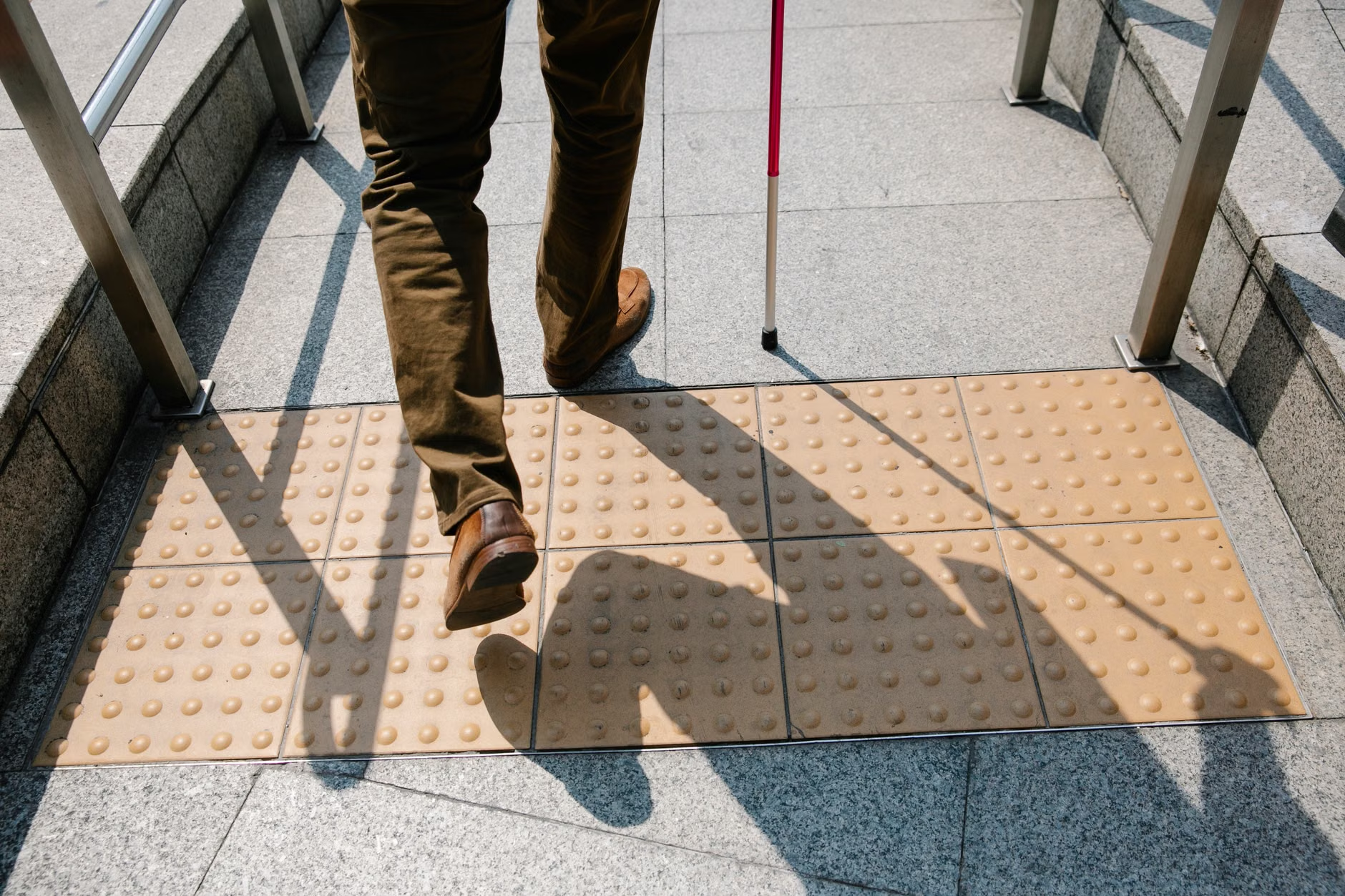
When you walk through a busy terminal, your feet and your eyes work together to map your surroundings. Tactile paving acts as a secondary sensory input. If you are using a cane or simply relying on your vision, these surfaces provide an immediate “warning” or “direction” without requiring you to stop and read signs.
The 2026 standards emphasize two primary patterns that you should familiarize yourself with:
| Pattern Type | Physical Description | Meaning/Action |
|---|---|---|
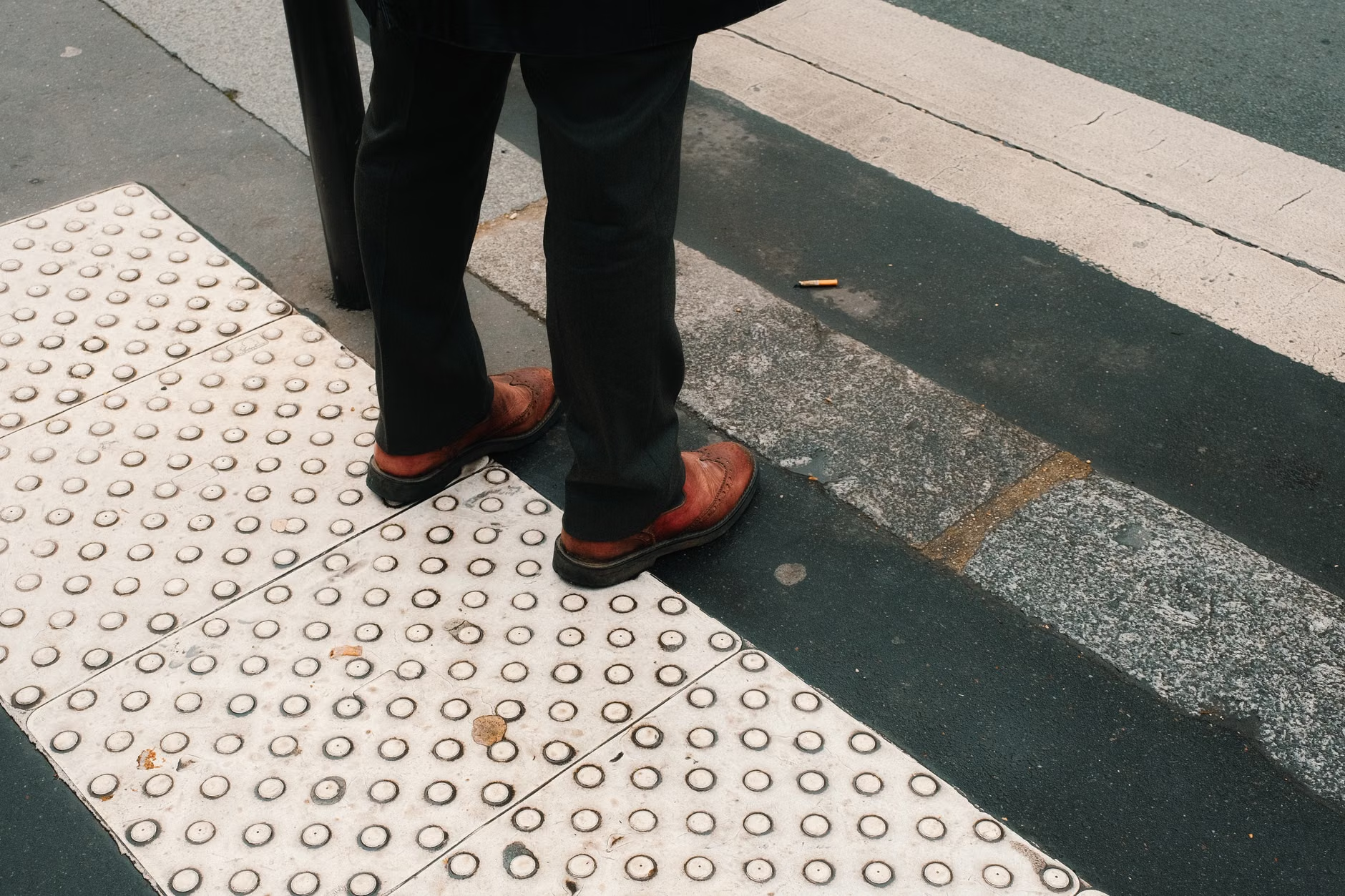
| Warning (Truncated Domes) | A grid of raised, flat-topped domes. | Stop. You are at a hazard, such as a platform edge or a road crossing. |
| Directional (Raised Bars) | Parallel, raised, flat-topped bars. | Go. This path is clear and leads to a specific destination or route. |
While infrastructure improvements are underway, your personal preparation remains the most effective way to ensure a smooth journey. Even with perfect universal standards, transit hubs are dynamic environments. Crowds, luggage, and noise can obscure visual cues.
Step 1: Locate the “Safety Zone”
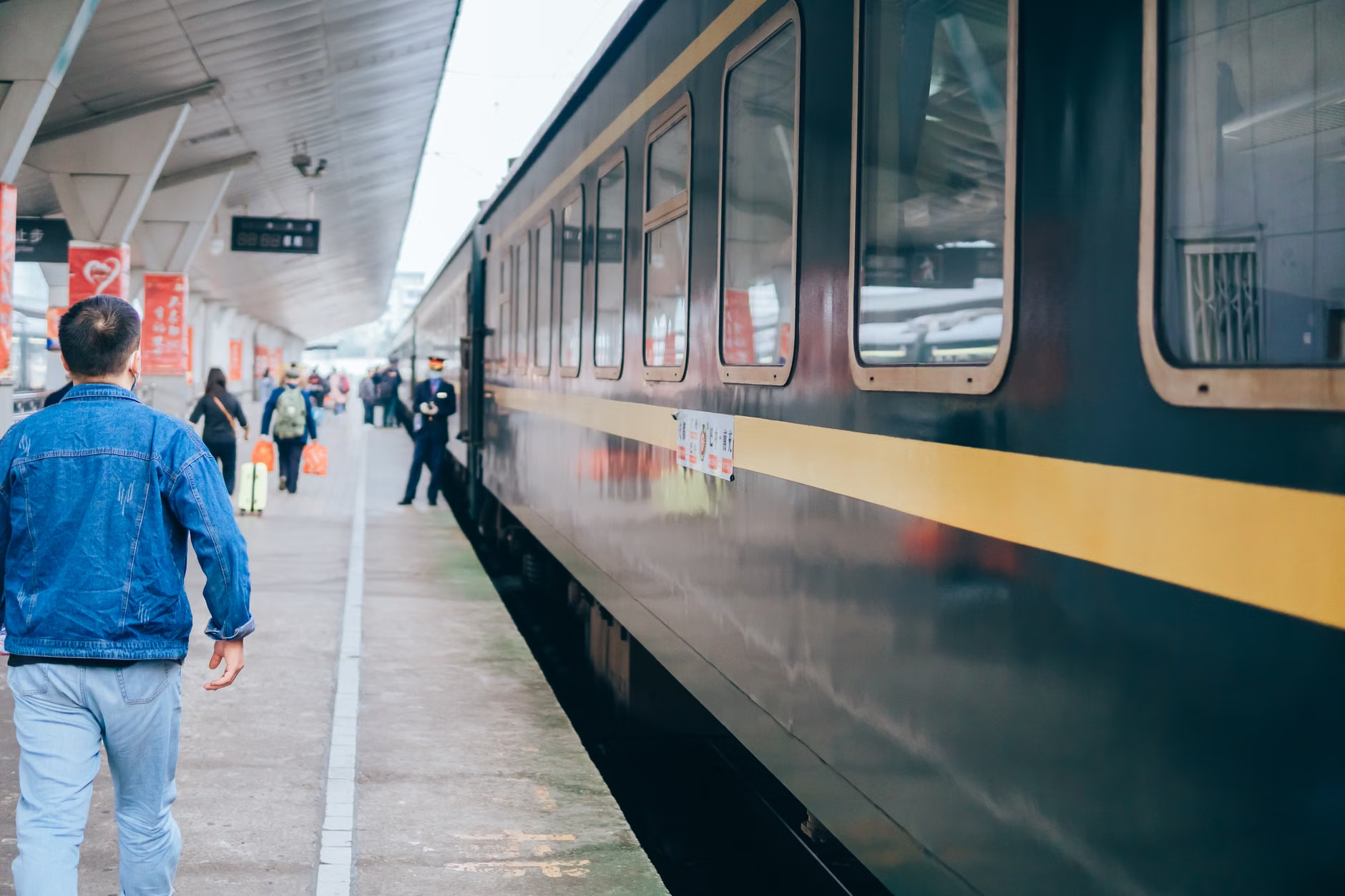
Upon entering a platform, scan the floor for the “Warning” pattern. These are almost always placed at the edge of the platform to prevent accidental falls. If you feel these underfoot or see the high-contrast color (usually bright yellow or safety orange), stay behind this line until your vehicle has come to a complete stop.
Step 2: Utilize Directional Cues
If you are in a large, open concourse, look for the “Directional” bars. These are often installed in the center of main corridors. They are designed to guide you toward exits, elevators, or ticket offices. Following these can save you from the anxiety of navigating a confusing crowd.
Step 3: Monitor for Maintenance Issues
Tactile paving is durable, but in high-traffic areas, it can become damaged. If you notice a loose tile or a tripping hazard, do not hesitate to report it to station staff. Many modern transit authorities have digital apps where you can report accessibility issues in real time.
The Role of High-Contrast Visuals
It is a common misconception that tactile paving is only for those who are blind. In reality, it is a “universal design” feature. As we age, our contrast sensitivity—the ability to distinguish between an object and its background—naturally decreases. A beige floor with beige tactile paving can look like a flat, uniform surface, which increases the risk of tripping.
The 2026 standards mandate a high Luminance Contrast Ratio. This means the tactile paving must be significantly lighter or darker than the surrounding floor. When choosing your travel route or transit hub, look for stations that prioritize this visual contrast. If you are planning a trip, check the website of the transit authority for their “Accessibility Statement.” Most modern authorities provide photos of their facilities, which can help you gauge how easy it will be to navigate.
Hidden Challenges and How to Overcome Them
Even with advanced standards, there are nuances that travelers should be aware of. One often-overlooked factor is the material of the tactile surface itself. In rainy climates, some rubber-based tactile materials can become slippery. If you are traveling in a city known for wet weather, pay close attention to your footwear. Wearing shoes with high-traction, rubberized soles can significantly reduce the risk of slipping on wet tactile markers.
Another challenge is the “noise” of the station. In a loud, echoing terminal, you might rely more on your vision than your hearing. If you find the environment overwhelming, consider using noise-canceling headphones to reduce stress, but ensure you keep the volume low enough to hear announcements. Alternatively, many stations now offer “quiet hours” or assistance services if you request them in advance.
Checklist: Pre-Travel Accessibility Assessment
- Research the Station: Search “[City Name] + [Station Name] + Accessibility” to find official maps.
- Request Assistance: Most major rail and air carriers offer “Meet and Assist” services. Booking these 48 hours in advance can provide you with a dedicated guide through the terminal.
- Pack Smart: Use a lightweight suitcase with four-wheel spinners to ensure you can move it easily without needing to lift it over curbs or gaps.
- Check the Weather: Anticipate how wet conditions might affect the surface texture of the station floor.
The Future of Smart Transit
Looking beyond 2026, we are seeing the integration of “smart” tactile paving. Some experimental transit hubs are testing tactile surfaces embedded with RFID (Radio Frequency Identification) tags. These tags interact with smartphone apps to provide audio feedback, telling the user exactly where they are—for example, “You are now at the edge of Platform 4.”
While this technology is still in its infancy, it represents a major shift toward a more inclusive future. For now, the physical standards remain the most reliable tool at our disposal. By understanding the language of textures and patterns, you can maintain your independence and continue to explore the world with confidence.
If you are concerned about your mobility during your next trip, remember that you are your own best advocate. Don’t hesitate to ask for help, take your time, and prioritize your comfort. The goal of these global standards is to make public transit a space that serves everyone, regardless of age or ability.
Frequently Asked Questions
1. Will these 2026 standards apply to every country?
The 2026 standards are based on ISO guidelines, which serve as a global benchmark. While individual countries may have their own local building codes, most major international transit hubs are adopting these standards to remain competitive and safe for global travelers. You can expect to see increased consistency in major hubs, though smaller or regional stations may take longer to upgrade.
2. What should I do if I encounter a station that is difficult to navigate?
If you find a station difficult or unsafe, the most effective step is to provide feedback to the transit authority. Most have a “Customer Feedback” or “Accessibility Liaison” email address on their official website. Providing specific details—such as the station name, location, and the nature of the difficulty—helps them prioritize repairs. If you have an urgent need for assistance, look for the “Information” or “Help” desk, which is usually located near the main entrance or ticket gates.
3. How does tactile paving help if I have limited balance?
Tactile paving is designed to be felt through the soles of your shoes. When you step onto a “Warning” surface, the change in texture acts as an immediate physical cue that you are approaching a hazard. This allows you to stop and stabilize yourself before reaching the edge of a platform, preventing the need for sudden movements or jerky stops that can compromise your balance. It creates a predictable environment where you can move at your own pace.
For further information on global accessibility standards, you can visit the International Organization for Standardization (ISO) website, which outlines the technical specifications for accessibility in the built environment.