- Verified Identity: By 2026, many governments are transitioning to “Digital Identity Wallets” that allow you to store verified credentials (like pension cards or health records) securely on your phone.
- Security First: Avoid “phishing” by remembering that no government agency will ever call or text you asking for your digital wallet password or full private key.
- Support Systems: If you find digital verification difficult, most jurisdictions now offer “authorized proxy” features, allowing a trusted family member or caregiver to manage specific services on your behalf legally.
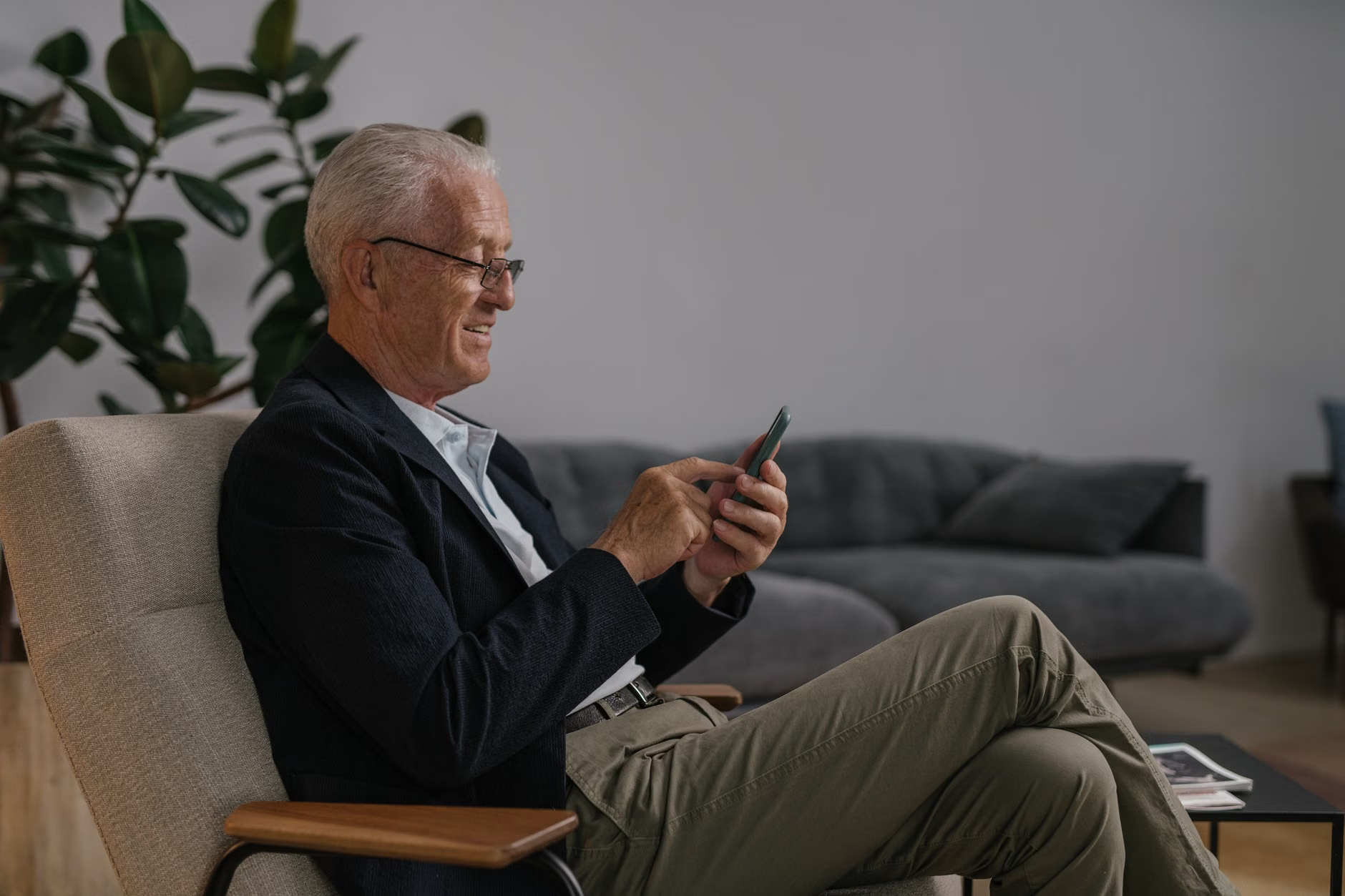
The landscape of digital identity is undergoing a significant shift as we enter 2026. For adults aged 60 to 80, this means that accessing government pensions, health records, and public transportation passes is moving away from physical cards and toward secure, smartphone-based “Digital Identity Wallets.” Understanding how these tools work is essential for maintaining independence and ensuring your personal information remains protected.
What is a Digital Identity Wallet and Why Does it Matter?
In the past, you might have carried a physical Medicare card, a driver’s license, and a pension document in your wallet. A digital identity wallet is simply a secure application on your smartphone that holds digital versions of these documents. These are not mere photographs of your cards; they are encrypted, verifiable digital tokens that communicate directly with government databases to prove who you are without requiring you to share your entire medical or financial history.
Why this matters for your daily life:
- Reduced Paperwork: Renewing a travel concession or proving your eligibility for a senior discount can often be done with a single biometric scan (like your fingerprint or facial recognition) rather than filling out multiple forms.
- Enhanced Security: If you lose your physical wallet, your identity is at risk of theft. If you lose your phone, your digital wallet is protected by multiple layers of encryption and biometric locks, making it far more difficult for a stranger to access your sensitive data.
- Real-time Updates: Your digital status (e.g., pension eligibility) is updated automatically. You no longer need to wait for a physical card to arrive in the post after a status change.
The Shift Toward Biometric Authentication
By 2026, the use of passwords—which are often forgotten or stolen—is being replaced by biometrics. This includes facial recognition or fingerprint scanning on your own device. While this may feel intimidating at first, it is designed to be the simplest way to prove your identity.
How Biometric Verification Works in Practice
When you need to access a government portal, the system may ask for a “liveness check.” This involves holding your phone up to your face for a brief moment. The system confirms you are a living person—not a photograph—and grants you access. This is a significant improvement over traditional security questions (like “What was the name of your first pet?”) which are easily discoverable by bad actors.
Common Mistake: Many users believe that their biometric data is stored by the government. In reality, on most modern devices, your fingerprint or facial map is stored only on your personal device’s secure chip. The government system only receives a “yes” or “no” confirmation that the person using the device is indeed you.

Digital identity systems are not uniform globally. Depending on your country of residence, the implementation varies significantly:
| Region/Country | Primary Focus | Key Consideration |
|---|---|---|
| European Union | eIDAS 2.0 Regulation | Focus on cross-border recognition; your digital ID should eventually work across all EU member states. |
| North America (US/Canada) | State/Provincial Level | Implementation varies by state; check your local DMV or health authority for official mobile ID apps. |
| Asia-Pacific (e.g., Singapore/Australia) | Centralized National Systems | Highly integrated; your digital ID is likely linked to your tax, health, and transport accounts in one app. |
If you are traveling internationally, be aware that your home country’s digital ID may not be recognized as a legal travel document (passport) in another country. Always carry your physical passport when crossing borders, regardless of how advanced your digital wallet is.
Protecting Yourself: Identifying Scams
As digital services become more common, scammers are adjusting their tactics. They often impersonate government officials to “verify” your digital ID. A critical rule for 2026: Government agencies will never contact you via a text message containing a link to “update your identity” or “prevent account suspension.”
Three Signs of a Digital Identity Scam
- Urgency: The message claims your benefits will be terminated within 24 hours if you do not click a link.
- Request for Codes: A caller claims to be from a government office and asks you to read back a “one-time passcode” sent to your phone. Never share this code with anyone.
- Unsolicited Downloads: You are asked to download a “security app” that is not from the official government website or your device’s official app store (Apple App Store or Google Play Store).
How to Set Up Your Digital Identity Safely
If you are ready to transition to digital identity services, follow these steps to ensure you do it correctly and safely:
- Start at the Source: Only download applications mentioned on official government websites (ending in .gov or your country’s official domain). Never search for these apps in a general web search engine.
- Use Two-Factor Authentication (2FA): Enable 2FA on every account. This means that even if someone guesses your password, they cannot enter your account without a second code sent to your physical phone.
- Designate a Proxy: If you are uncomfortable managing these tools, most jurisdictions have a “Power of Attorney” or “Authorized Representative” protocol. You can legally designate a trusted family member to handle your digital portals. Ensure this is done through official legal channels, not by sharing your personal passwords.
The Role of Caregivers and Family Members
For family members assisting seniors, the best approach is to encourage autonomy rather than taking over completely. If your relative is hesitant, sit with them during the setup process. Explain that the digital wallet is a tool for their protection, not a surveillance mechanism. Many seniors find that once they successfully use their digital ID to check their pension status or schedule a medical appointment without waiting on hold, they feel significantly more confident in their digital capabilities.
Addressing Potential Challenges
No system is perfect. In 2026, some seniors may face “digital exclusion” if they do not own a modern smartphone. If you fall into this category, please note that governments are legally required to maintain “analog” or “in-person” alternatives. You cannot be forced to use a smartphone for essential public services. If you encounter a service that refuses to serve you without a digital ID, contact your local representative’s office to report the issue.
Conclusion
Digital identity in 2026 is designed to be a bridge, not a barrier. By understanding the basics—using official apps, avoiding unsolicited links, and knowing your right to non-digital alternatives—you can harness these technologies to make your daily life more efficient. Focus on setting up one account at a time, and do not hesitate to use official help lines if you feel stuck. Your digital security is a journey, and taking small, informed steps is the most effective way to stay safe and connected.
Frequently Asked Questions
1. Will I lose my government benefits if I don’t set up a digital identity?
No. In almost all jurisdictions, digital identity is an optional convenience. You retain the right to access services through physical offices or phone support. Digital identity is intended to save you time, not to restrict your access to benefits.
2. What should I do if I lose my phone?
Treat your phone like your wallet. If it is lost or stolen, contact your government’s digital identity support line immediately. They can remotely “de-authorize” your digital wallet so that no one else can access your documents, even if they unlock the phone.
3. How do I know if an app is legitimate?
Check the developer name in the app store. It should match the official government department name. If the app is free and does not require you to sign in through a secure government-provided portal, be extremely cautious. When in doubt, call the official number listed on your most recent government correspondence (such as a tax or pension letter) and ask for the name of their official mobile application.
Disclaimer: This article provides general information regarding digital identity trends and is for educational purposes only. It does not constitute legal or financial advice. Always refer to your national or local government’s official website for instructions specific to your jurisdiction.
Official Resources for Further Reading: