- Enhanced Remote Access: Major global museums have standardized high-fidelity virtual tours that allow for self-paced exploration without physical travel fatigue.
- AI-Driven Personalization: New museum apps now offer adaptive interfaces that adjust font sizes, contrast, and audio descriptions based on individual accessibility needs.
- Hybrid Planning: Digital tools now provide real-time crowd density data and precise accessibility mapping, allowing you to plan your physical visits during quiet, low-stress hours.
As we enter 2026, the intersection of technology and cultural heritage has reached a pivotal milestone. For older adults, this evolution is not merely about novelty; it is about the democratization of access to art, history, and science. The “digital museum” of 2026 is no longer just a static website; it is an interactive, immersive, and highly personalized gateway to the world’s most prestigious institutions.
The Evolution of Virtual Access: Beyond the Static Gallery
In the past, virtual museum tours were often plagued by low-resolution images and clunky navigation. By 2026, the standard has shifted toward “Immersive Preservation.” This technology utilizes high-fidelity 3D scanning and LIDAR (Light Detection and Ranging) mapping to provide users with a sense of depth and scale that was previously impossible.
For the traveler who finds long-distance transit or standing in crowded galleries physically taxing, this represents a significant shift. You can now experience the Louvre in Paris or the Metropolitan Museum of Art in New York from your living room with a level of detail that surpasses what a typical visitor sees on a busy day. These platforms now feature “Guided Curatorial Paths,” which provide audio narration tailored for different levels of expertise—from casual observers to deep-dive history enthusiasts.
Practical Application: Choosing Your Viewing Method
Depending on your technical comfort and mobility, you can choose different ways to engage with these platforms:
| Method | Ideal For | Equipment Needed |
|---|---|---|
| Web-Based Virtual Tours | Casual browsing and planning physical trips. | Laptop or Desktop computer. |
| AR-Assisted Mobile Apps | On-site visits (provides context and navigation). | Smartphone or Tablet. |
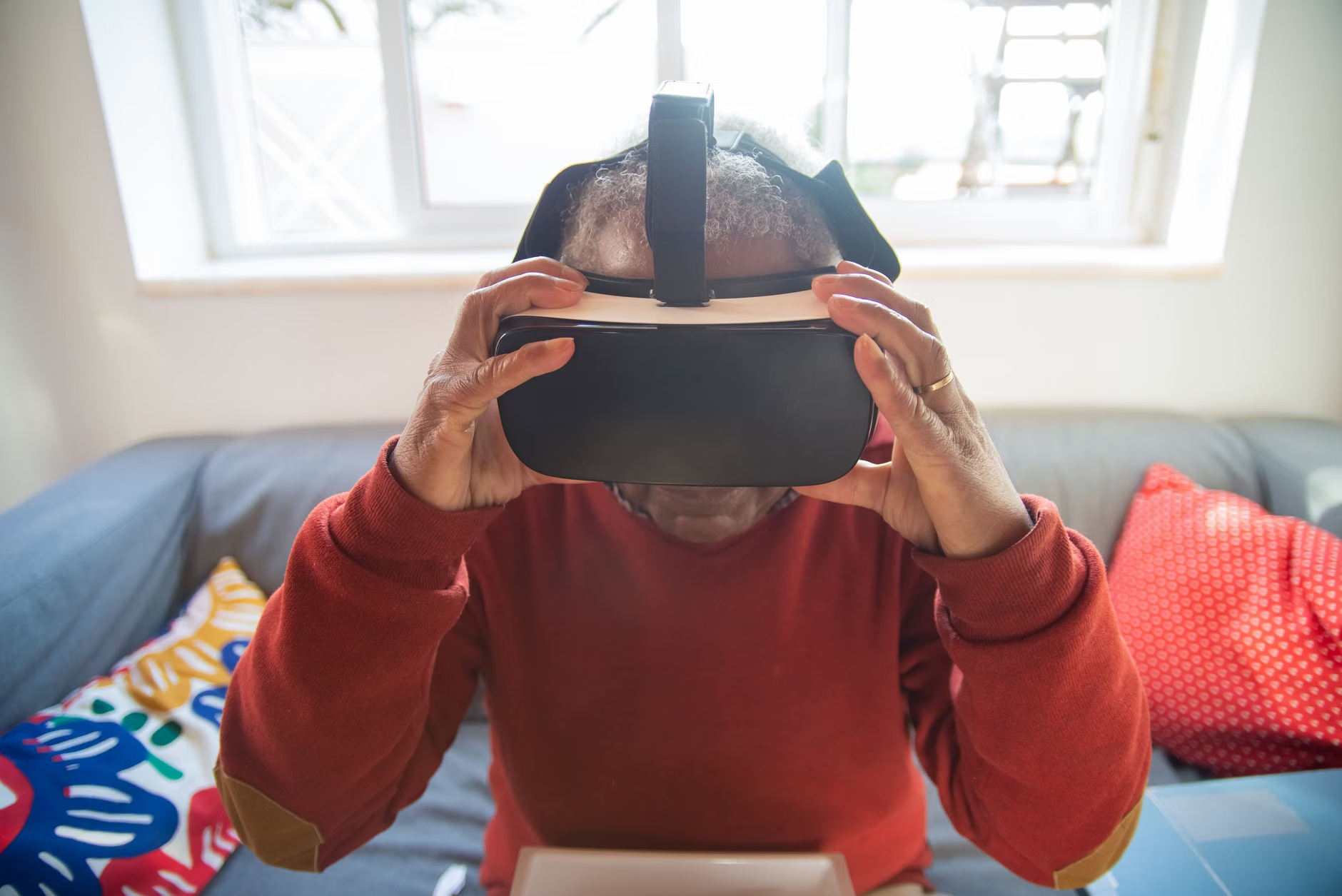
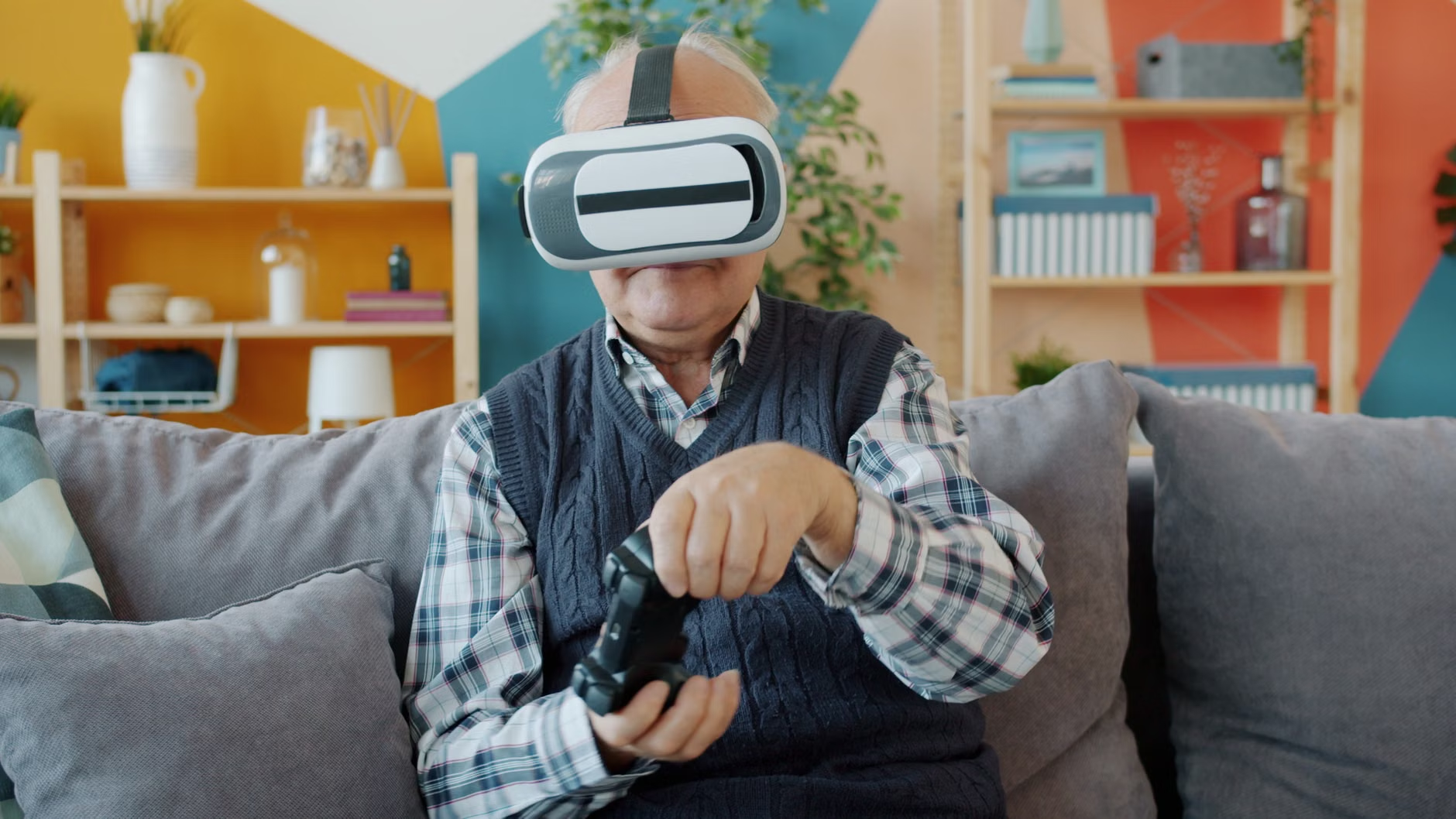
| VR Headset Experiences | Full immersion and deep-focus exploration. | Lightweight VR goggles. |
Choosing the right tool: If you are planning a future trip, start with the web-based virtual tours. These allow you to identify which wings or exhibits you find most interesting, helping you avoid unnecessary walking in the museum itself. For the actual visit, mobile apps with AR (Augmented Reality) capabilities can display historical context on your screen as you look at an object, saving you from reading small placards in dimly lit environments.
AI-Driven Accessibility: The 2026 Standard
Accessibility is the cornerstone of the 2026 digital museum mandate. Many international cultural organizations have adopted the “Inclusive Digital Design” framework. This means that if you have specific visual or auditory requirements, the digital interface can adapt to you automatically.
What it looks like in real life: Imagine you are using a museum’s digital portal. The system detects your preference for high-contrast text and larger button sizes. As you navigate the gallery, the AI-curator suggests exhibits that are located on the ground floor or near elevators if you have noted a mobility preference in your profile. This is not about surveillance, but about optimizing your energy and comfort.
Common Pitfall: Ignoring the “Energy Budget”
A common mistake many travelers make is attempting to see an entire museum in one day. Digital access allows you to break your visit into “energy-managed segments.” Before you leave your hotel, use the museum’s digital floor plan to plot a route that includes rest stations, seating areas, and accessible restrooms. Many 2026-era museum apps now offer “Smart Routing,” which calculates the shortest path between your chosen exhibits, minimizing the distance you need to walk.

Preparing for Your Visit: A Digital Checklist
Before any major cultural outing in 2026, preparation is the key to ensuring you enjoy the experience rather than enduring it. Follow this checklist to ensure your digital tools are fully optimized:
- Download in Advance: Museum Wi-Fi can be unreliable. Download the museum’s official app and all relevant exhibit guides while you are at your hotel or home.
- Check Battery Health: Constant use of location services and high-resolution images drains batteries. Carry a lightweight, high-capacity power bank.
- Verify Accessibility Features: Check the museum’s website specifically for “Accessibility Services.” In 2026, many institutions offer priority entry for those with mobility aids or early-access hours for those who prefer quieter environments.
- Consult the “Crowd Index”: Many major museums now publish live crowd density data. Plan your visit for times when the index is low to avoid the stress of navigating through large groups.
The Rise of Hybrid Cultural Engagement
The most profound change in 2026 is the “Hybrid Engagement” model. This approach recognizes that you may wish to see the “star” exhibits in person, but prefer to explore the historical background and minor galleries from home. This allows you to allocate your physical energy for the items that truly matter to you, while still achieving a comprehensive educational experience.
For example, if you are visiting the British Museum, you might choose to view the massive, crowded Egyptian sculpture hall via the 3D virtual portal at home, where you can zoom in on the hieroglyphics without fighting for space. Then, you can dedicate your physical strength and time to a quieter, more focused visit to the Enlightenment Gallery, where you can interact with the objects at your own pace.
Insight: The “Hidden” Variable of Lighting. Many older adults find that the low-light conditions of traditional museums cause eye strain. Digital platforms allow you to adjust the brightness of the “exhibit” on your screen, providing a much higher level of visual clarity than the physical space can offer. If you find yourself struggling with lighting in a museum, do not hesitate to use your smartphone’s camera as a magnifier. Many modern apps now have a “Live Magnification” mode designed specifically for this purpose.
While many museum virtual tours are free, some institutions have moved to a “Digital Membership” model. These memberships often cost a fraction of a physical ticket and provide unlimited access to high-resolution archives, expert-led webinars, and behind-the-scenes content.
Decision Criteria for Memberships:
- Frequency of Interest: If you visit a specific museum or type of museum more than twice a year, a digital membership is almost always more cost-effective than individual tickets.
- Content Depth: Look for memberships that include “Live Q&A” sessions with curators. These are excellent for staying mentally active and engaging in social learning.
- Physical Perks: Some digital memberships include discounts on physical museum store purchases or priority access for physical tickets. Always check the “Membership Benefits” page before subscribing.
Be wary of third-party platforms that charge for access to content that the museums provide for free on their own official sites. Always navigate to the museum’s official domain (usually ending in .org or .edu) before entering payment information.
Long-Term Benefits: Mental Stimulation and Social Connection
The value of digital museum access extends well beyond convenience. Engaging with complex historical narratives and artistic concepts has been shown to support cognitive health. The ability to pause, rewind, and research specific topics as you explore a virtual exhibit allows for a “deep learning” experience that is often lost in the whirlwind of a rushed physical tour.
Furthermore, many digital platforms now host “Virtual Social Clubs.” These are moderated online forums where you can discuss exhibits with other enthusiasts from around the world. This provides a safe, intellectual, and social space that is entirely independent of your physical location or mobility status.
Conclusion: Taking Control of Your Cultural Experience
The technological landscape of 2026 has provided you with more agency than ever before. You are no longer required to adhere to the traditional, often exhausting, model of cultural tourism. By leveraging virtual tours for deep learning, using apps for on-site navigation, and strategically planning your physical visits based on real-time data, you can maintain a rich, active, and fulfilling cultural life.
The most important step you can take today is to identify one museum or cultural institution you have always wanted to explore and visit their official website. Look for the “Virtual Tour” or “Digital Collection” section. Spend twenty minutes navigating the interface, adjusting the settings to your comfort, and see how the experience differs from what you remember of traditional museum visits. By integrating these tools into your daily habits, you ensure that your access to the world’s knowledge remains constant, regardless of the circumstances.
Frequently Asked Questions
- 1. Are these digital museum tools difficult to learn for someone who isn’t “tech-savvy”?
- Most 2026-era museum platforms are designed with “Universal Design” principles, meaning they prioritize simple, intuitive navigation. If you can use basic email or browse a news website, you have the necessary skills to navigate these tools. Start with the “Help” or “Accessibility” menu on any museum homepage for a guided tour of the platform’s features.
- 2. How do I know if a museum’s digital content is legitimate and safe?
- Always verify the URL. Official museums will have professional domains (.org, .edu, or government-affiliated sites). Avoid platforms that ask for excessive personal data or credit card information for “basic access.” If you are unsure, search for the museum’s name on a trusted search engine and click the link directly from the official result.
- 3. Can I use these digital tools to help a family member with mobility issues plan a trip?
- Absolutely. Using the digital floor plans and virtual tours is an excellent way to co-plan an outing. You can identify which areas require stairs, which have seating, and which are the most “must-see” exhibits, allowing you to create a personalized itinerary that respects your family member’s comfort and stamina.
For further information on global accessibility standards in public institutions, you may refer to the Web Accessibility Initiative (WAI) guidelines, which set the global benchmark for how digital information should be presented to ensure inclusivity for all ages.