- Always maintain a hybrid backup: Never rely exclusively on a single digital device; carry a printed PDF or a secondary offline screenshot of your tickets.
- Optimize device accessibility: Adjust your phone’s font size, screen brightness, and wallet app settings before leaving home to ensure seamless scanning at gates.
- Prioritize connectivity and power: Digital verification requires battery life; carry a portable power bank and download tickets to your device’s local storage to avoid dependence on roaming data.
The transition toward fully digital travel documentation—from airline boarding passes to high-speed rail tickets—has fundamentally changed the way we navigate global transit hubs. While these systems aim to streamline the passenger experience, they can present unique hurdles for travelers who prefer clarity, reliability, and tangible proof of purchase. This guide explores how to navigate digital ticket verification with confidence, focusing on practical preparation, redundancy strategies, and accessibility adjustments that ensure your journey remains smooth, regardless of your technical comfort level.
Understanding the Digital Verification Ecosystem
Digital tickets, often referred to as e-tickets or mobile passes, function as unique digital keys to your travel itinerary. Most modern transit systems utilize QR codes or Near Field Communication (NFC) technology to verify your identity and authorization to board. Understanding how these work is the first step in removing the “mystery” from the process.
What is a QR Code?
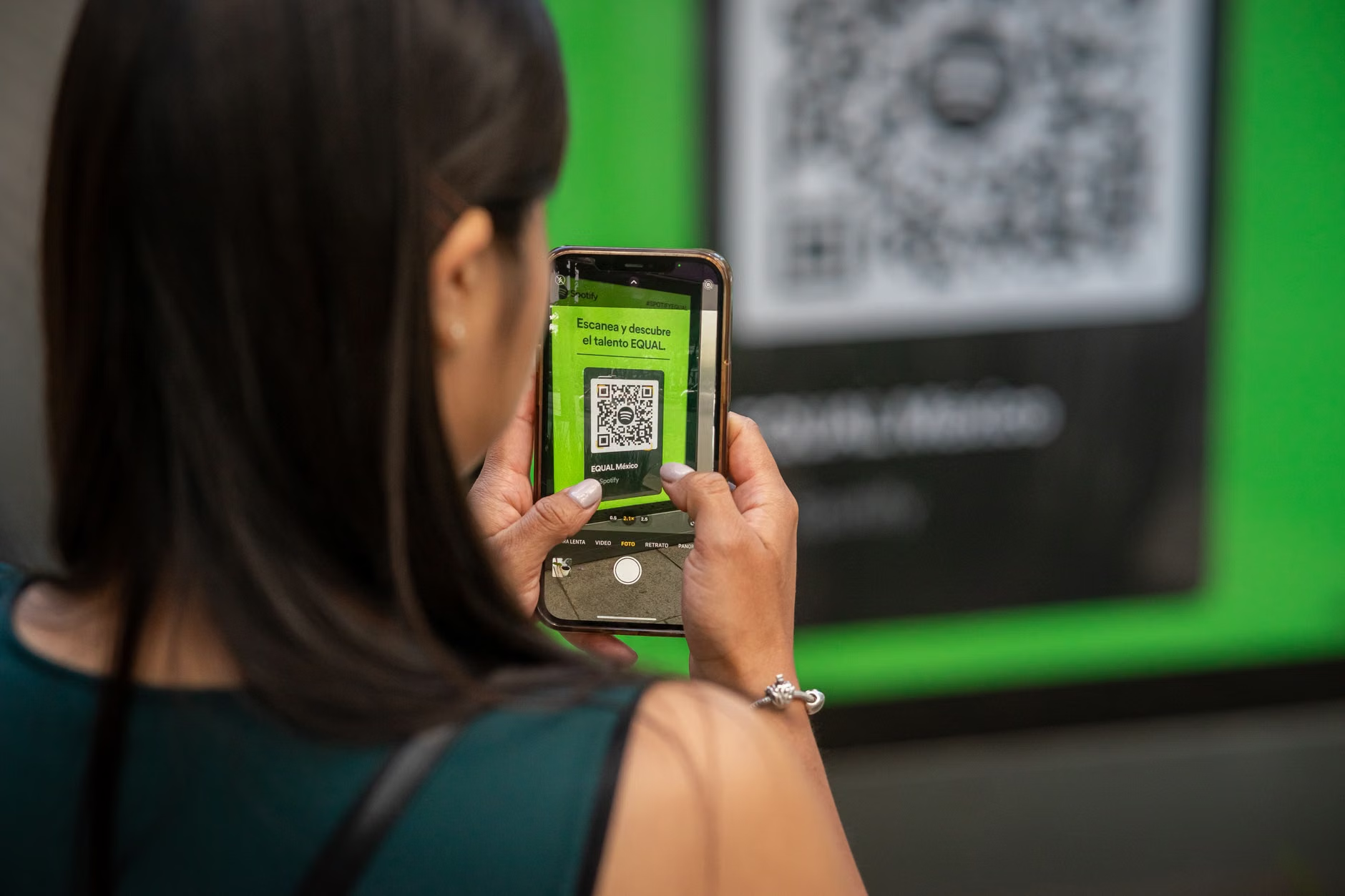
A QR (Quick Response) code is a two-dimensional barcode that contains data—your name, seat number, and departure time. When you hold your screen up to a scanner at a gate, an infrared or optical sensor reads the pattern of black and white squares. If the scanner is held at an awkward angle or the screen is too dim, the light may reflect off the glass, causing a read error. To ensure a successful scan, keep your screen brightness at maximum and hold the device approximately 10 to 15 centimeters (4 to 6 inches) away from the sensor.
The Role of Digital Wallets
Mobile wallets, such as Apple Wallet or Google Wallet, are the most reliable way to store tickets. Unlike a standard email attachment, these apps are designed to “live” on your phone, meaning they do not require an active internet connection to be displayed. Furthermore, they often trigger a notification on your lock screen as you approach your departure time, saving you the trouble of digging through your email inbox while carrying luggage.
Strategic Preparation: The Hybrid Backup Method
The most common mistake travelers make is assuming that a digital ticket is the only ticket. Technology is subject to battery failure, system glitches, and poor network connectivity. A robust travel strategy acknowledges these risks by creating a redundancy layer.
The Triple-Layer Backup Strategy
To avoid being caught off guard, we recommend a three-tiered approach to document management:
| Layer | Method | Purpose |
|---|---|---|
| Primary | Digital Wallet Pass | Quick access, offline functionality, lock-screen notifications. |
| Secondary | Offline Screenshot | A fallback if the app crashes or the ticket fails to load. |
| Tertiary | Physical Printout | The absolute fail-safe for power outages or device loss. |
Why this matters: By keeping a physical printout in your carry-on, you eliminate the anxiety of “what if my phone dies?” This allows you to focus on the experience of travel rather than the mechanics of the boarding process. If you are traveling through multiple countries, keep these documents in a dedicated, easy-access travel wallet or folder.
Optimizing Your Device for Travel
Before you depart, your smartphone should be configured to assist you, not hinder you. Many standard settings are designed for daily use but may be counter-productive in a fast-paced transit environment.
Accessibility Adjustments
- Font Scaling: If you find small text difficult to read, go to your phone’s Accessibility settings and increase the “Dynamic Type” or “Font Size.” This ensures that when you need to confirm your gate number or seat row at a glance, the information is legible.
- Screen Auto-Lock: Extend the time before your screen goes to sleep. Nothing is more frustrating than having your screen turn black just as you reach the front of the boarding line. Set your “Auto-Lock” to at least 2 or 3 minutes during transit days.
- Brightness Control: Learn how to access your brightness slider from the lock screen. In brightly lit airports or train stations, standard brightness settings are often insufficient for scanners to read a QR code accurately.
Managing Battery and Connectivity
Travel is notoriously hard on batteries. Between GPS usage, searching for Wi-Fi, and constant refreshing of travel apps, your battery can drain faster than usual. Always carry a portable power bank (external battery pack) with a capacity of at least 10,000 mAh. This provides enough power to charge a modern smartphone two to three times, ensuring you are never left with a dead device in a foreign city.
Regarding connectivity: Do not rely on finding public Wi-Fi to load your ticket. Many transit apps require a handshake with a server the first time you open them. Open your tickets while you are still at your hotel or accommodation where you have a stable connection. Once they are loaded, keep the app open in the background; do not force-close it.
Large airports and train stations are designed to be efficient for the masses, which often means long walks and rapid movement. Understanding how to navigate these spaces helps you maintain your stamina and reduces unnecessary stress.
The “Pre-Gate” Assessment
When you arrive at the terminal, locate the information board immediately. While your ticket may show a gate number, these can change. Do not rush to the gate; instead, find a place to sit, verify your flight or train status on the official display boards, and confirm your boarding time. If you have a long wait, look for the “Assistance” or “Information” desk. These staff members are trained to help travelers with questions about digital verification and can often print a physical boarding pass for you if you feel more comfortable with one.
Handling Verification Personnel
If you encounter a ticket agent who insists on a digital scan and your device is acting up, remain calm. Explain clearly: “I am having difficulty loading the digital version; do you have a way to verify my booking using my passport or confirmation number?” Most agents have access to a secondary system that allows them to look up your booking manually. Being polite and prepared with your booking reference number (a 6-digit alphanumeric code) is the most effective way to solve these minor technical hiccups.
Addressing Common Misconceptions
There is a prevalent belief that digital ticketing is “all or nothing.” Many travelers feel that if they cannot master the app, they are somehow failing at modern travel. This is incorrect. The travel industry is currently in a transition period; almost every major airline and rail operator still provides options for physical documentation.
Misconception: “I must use the app for everything.”
While apps offer convenience, you are rarely required to use them for every step. If you prefer to book via a website on your home computer, you can often print your ticket directly from your browser. You do not need to download a specific airline or train app if you do not want to. A PDF sent to your email is a perfectly valid travel document.
Misconception: “Digital tickets are safer.”
Digital tickets are convenient, but they are not inherently “safer” than paper. In fact, they carry the risk of digital loss. Always prioritize the “Hybrid Backup Method” mentioned earlier. The goal is not to prove your technical prowess; the goal is to get from Point A to Point B with the least amount of friction.
Health and Stamina Considerations
Travel is physically demanding. Struggling with technology adds a layer of mental fatigue that can exacerbate physical exhaustion. When planning your trip, consider these factors to preserve your energy:
- Pacing: Allow at least 30 to 60 minutes more than the recommended arrival time. This “buffer” removes the pressure to rush, which is when most people make errors with their digital devices.
- Hydration and Movement: If you are waiting in a long line for verification, ensure you are standing with good posture. If you feel dizzy or overwhelmed, do not hesitate to step out of the line to find a chair. The flight or train will not depart without you just because you took a five-minute break.
- Asking for Help: Modern transit hubs are required to provide assistance for passengers with mobility or cognitive accessibility needs. If you find the digital process confusing, look for the “Special Assistance” desk. They are accustomed to helping travelers who need a little extra time or a simplified explanation of the process.

The Future of Travel Verification
As we look forward, the trend is moving toward biometric verification—where your face or a fingerprint becomes your boarding pass. While this may sound futuristic, it is already being piloted in several international airports. For now, however, the QR code remains the standard. By mastering the basics of digital storage, backups, and device settings, you are effectively “future-proofing” your travel habits. You are not just learning how to use a phone; you are learning how to maintain your independence in a digital world.
Remember that the technology is designed to serve you, not the other way around. If a system is too complex, look for the alternative. There is almost always a human-staffed counter, a self-service kiosk that prints paper tickets, or a customer service representative who can provide the help you need. Travel should be an enriching experience, and with the right preparation, your digital documents will simply be a seamless part of that adventure.
Further Resources for Travelers
For more information on accessible travel and rights for senior passengers, consult the official resources for your region. In the European Union, the Your Europe – Passenger Rights portal provides comprehensive information on what you can expect from airlines and rail operators. For North American travelers, the U.S. Department of Transportation offers specific guidance on accommodations for air travel. Always check the official website of your specific airline or rail carrier for their “Accessibility” or “Special Assistance” sections before you book.
Frequently Asked Questions (FAQ)
1. What should I do if my phone battery dies while I am at the boarding gate?
Do not panic. Approach the gate agent or the customer service desk immediately. Provide them with your booking reference number and your passport. They can verify your identity and booking in their system and print a paper boarding pass for you. This is a common occurrence, and staff are trained to handle it.
2. Is it better to store my ticket in my email or in a digital wallet app?
A digital wallet (like Apple Wallet or Google Wallet) is superior to email. Wallet passes are stored locally on your device, meaning they do not require an active internet connection to load. They also tend to be formatted with higher contrast and larger text, which makes them easier for scanners to read.
3. Can I use a screenshot of my ticket instead of the official app?
Yes, in most cases, a high-quality screenshot of the QR code is perfectly acceptable. Ensure the entire code is visible, the screen brightness is high, and there are no cracks on your screen covering the code. However, always keep the original email or PDF as a backup in case the screenshot is blurry or the scanner fails to recognize it.
Disclaimer: This article is for informational purposes and does not constitute professional travel advice. Always check with your specific airline or transport provider for their individual policies regarding digital tickets and boarding requirements.